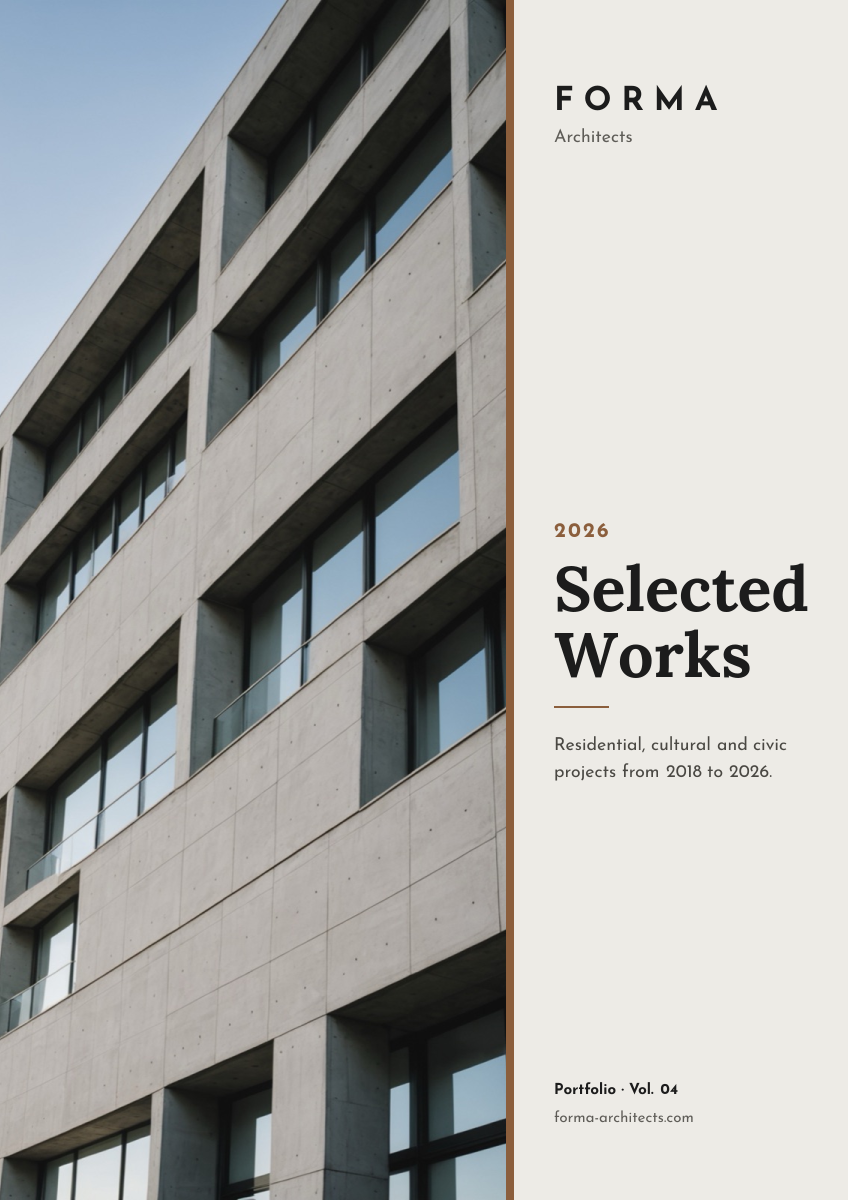
Preview of the Architecture Portfolio Cover template: full-height building photo beside a minimal serif title column
Business & branding

Architecture Portfolio Cover Template

A restrained A4 cover for architecture, interior design and creative studio portfolios. A full-height facade photo takes the left side, and a narrow stone-coloured column on the right holds the studio name, the year, a serif title, a one-line description and the volume number. Use it for printed portfolios, PDFs and project books.

Opens your own copy in the Liena editor — the original stays untouched. Free with a Liena account; downloads on the free plan include a small watermark.

Format
A4 document cover
Size
1240 × 1754 px (0.71:1)
Fonts
Josefin Sans, Lora
Colours
Editable layers
10
Export
PNG, full resolution

Design details

Generous empty space in the right column makes the cover feel quietly confident. A thin bronze strip separates photo from text and matches the year and rule. Lora gives the title a classic feel, while Josefin Sans' geometric capitals suit the studio name.

Best for

  • Architecture and interior design portfolios
  • Project books and competition submissions
  • Studio capabilities and credentials documents
  • Photography and creative agency portfolios

How to customise it

  • Replace the building with your own best project photo; vertical shots fit the column best.
  • Change the studio name, year and title.
  • Update the description and volume line for each edition.
  • Recolour the bronze strip and rule to match your identity.

Everything in this template is editable

This isn’t a flat image. The design opens as 10 separate layers you can select and change individually.

7 text layers

Double-click to rewrite. Change font (Josefin Sans, Lora by default), size, weight, line height, letter spacing, alignment, case, colour and shadow.

1 image

Replace with your own upload, then crop, zoom, pan, flip, round the corners and adjust brightness, contrast, saturation or blur.

2 shapes

Recolour fills with any hex or brand colour, change opacity and corner radius, or resize and rotate decorative elements.

Layers & layout

Drag to move, resize from any handle, rotate, nudge with arrow keys, reorder or hide layers, duplicate and delete — with undo and redo.

Background & brand

Change the background colour or add a background image, and apply colours and logos from your Liena brand kit.

How to use this template

  1. Click “Use this template”. If you’re new to Liena, create a free account first — you’ll come straight back to this design.
  2. Edit the text, replace images and adjust colours. Changes save automatically every 30 seconds, or press Save at any time.
  3. Export a PNG at 1240 × 1754 px. Your design stays in your dashboard to edit again later.
Preview of the Annual Report Cover template: dark a4 report cover with a giant year and concentric circle graphic
Business & branding

Annual Report Cover

Dark A4 report cover with a giant year and concentric circle graphic.
A4 document cover · 1240 × 1754
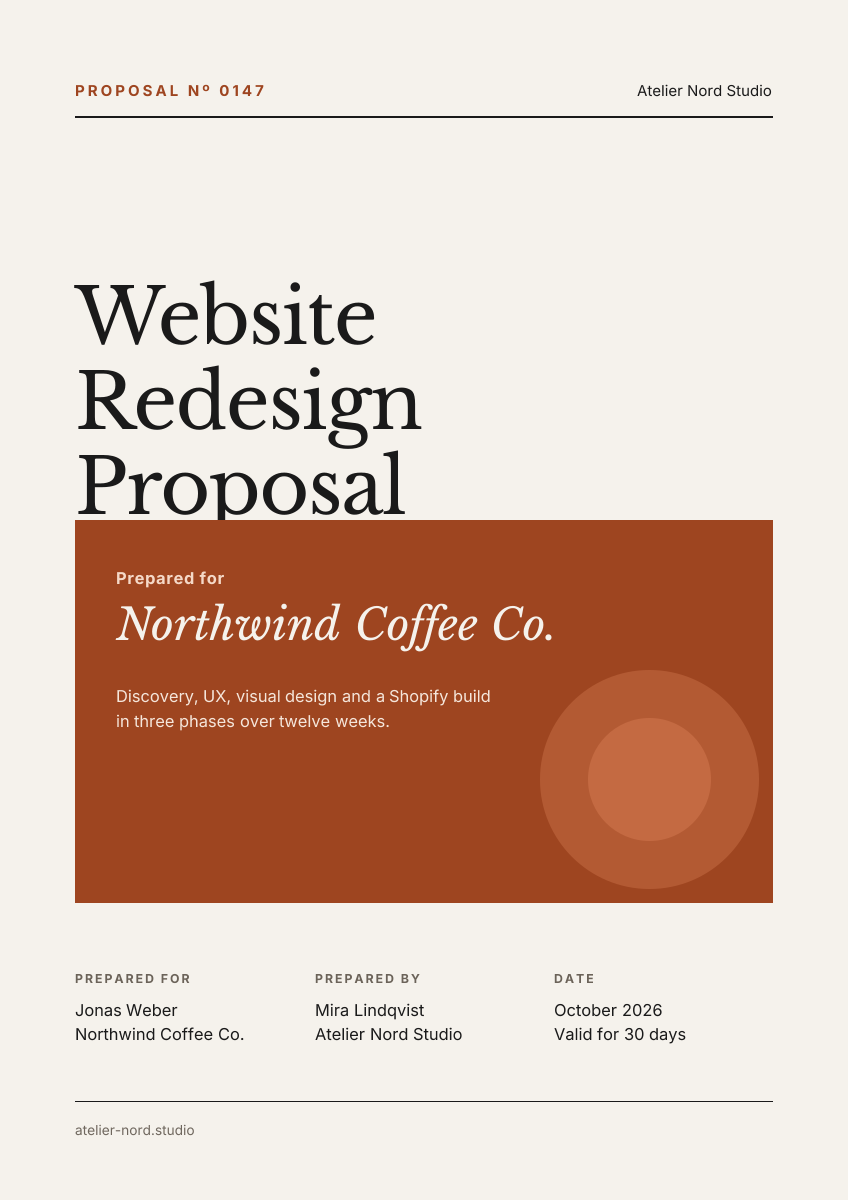
Preview of the Business Proposal Cover template: editorial a4 cover page with client, scope and a details table
Business & branding

Business Proposal Cover

Editorial A4 cover page with client, scope and a details table.
A4 document cover · 1240 × 1754
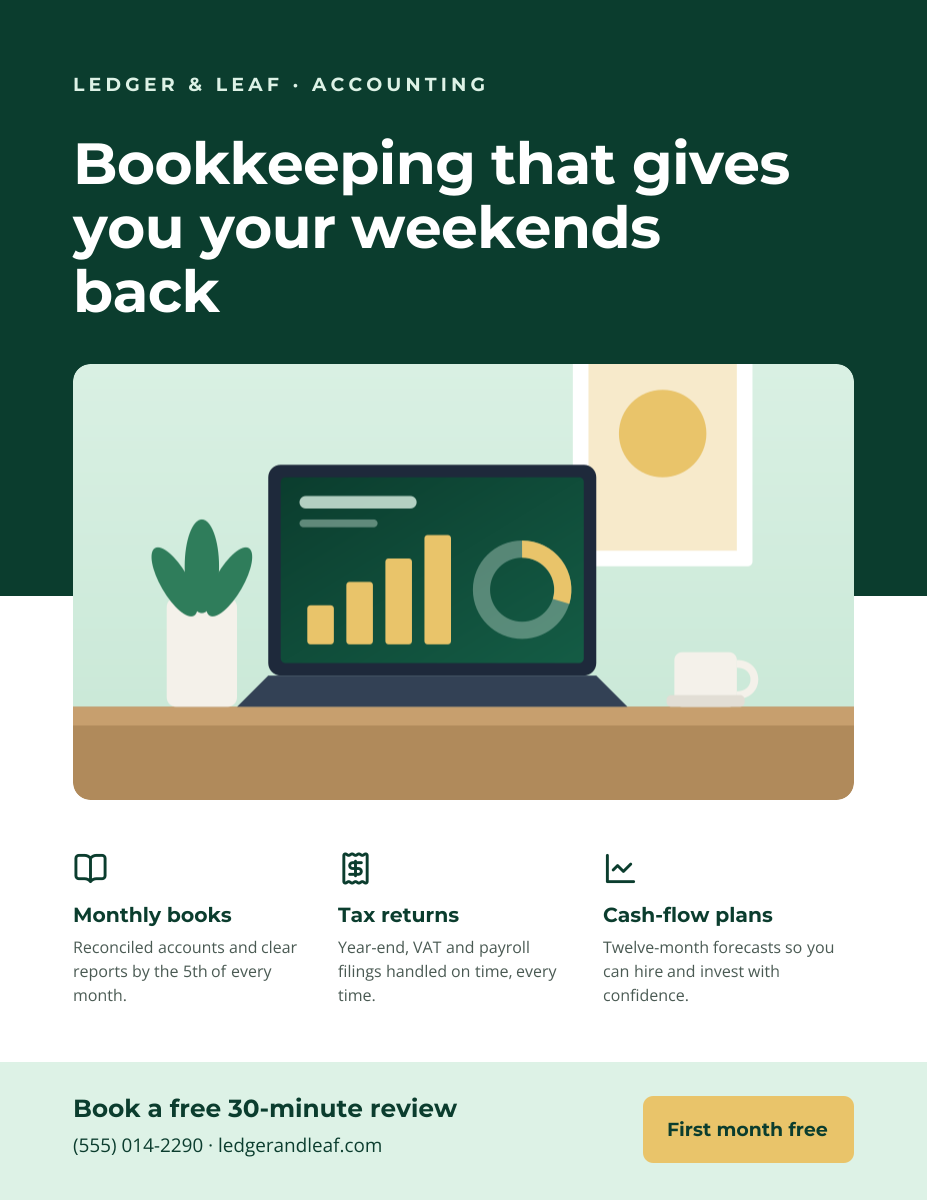
Preview of the Business Flyer template: service-business flyer with three services, icons and a contact bar
Business & branding

Business Flyer

Service-business flyer with three services, icons and a contact bar.

US Letter flyer · 1275 × 1650
Preview of the Corporate Presentation Cover template: dark 16:9 title slide with an architectural image panel
Business & branding

Corporate Presentation Cover

Dark 16:9 title slide with an architectural image panel.

Presentation slide (16:9) · 1920 × 1080

Start with the architecture portfolio cover template

Your copy opens in the editor in seconds.

Use this template