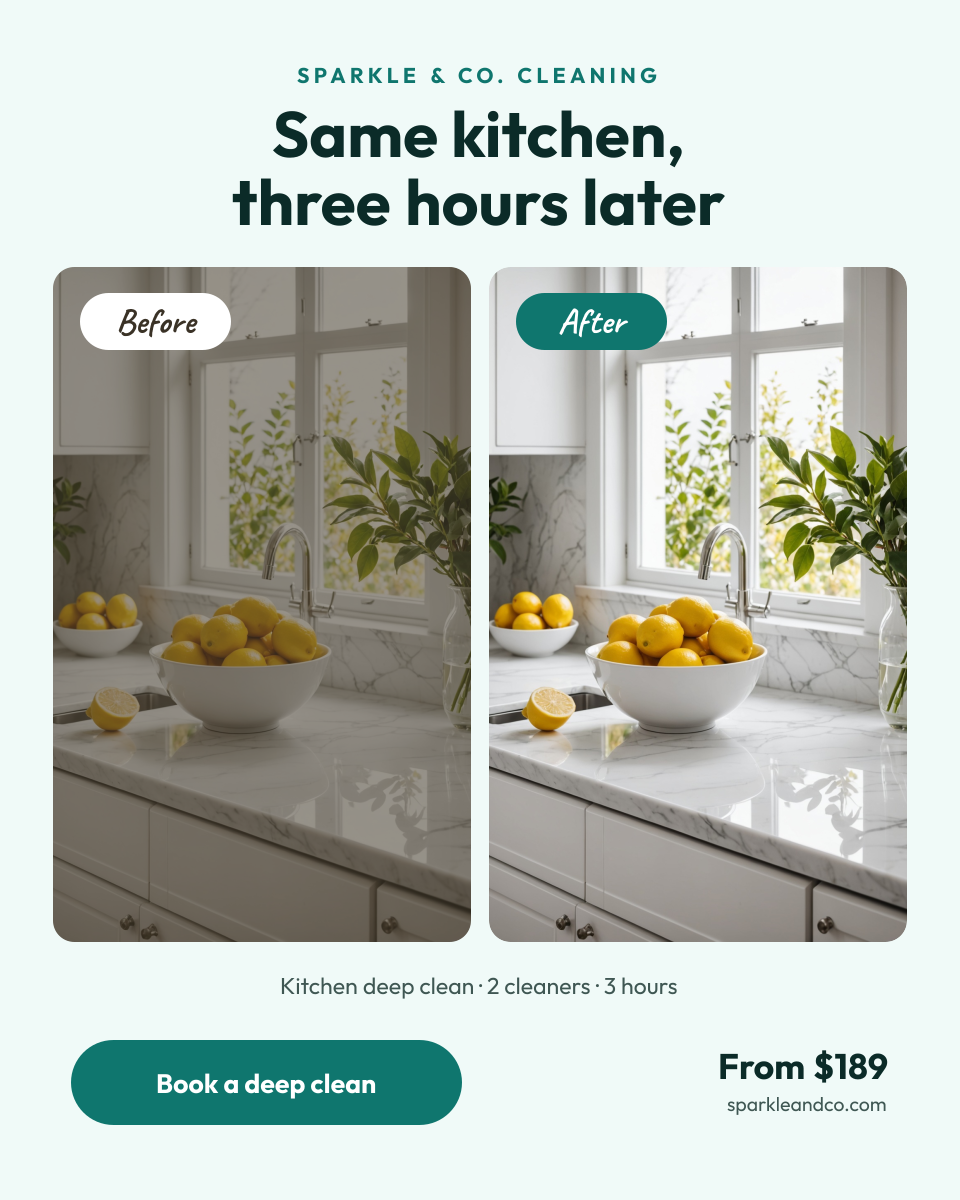
Preview of the Before and After Post template: side-by-side before and after photos with labels, a headline, price and booking button
Social media

Before and After Post Template

A before and after post for cleaning services, salons, personal trainers, car detailers and renovation pros. Two tall photos sit side by side with clear Before and After labels and a short headline above, and the job details, starting price and a booking button sit underneath.

Opens your own copy in the Liena editor — the original stays untouched. Free with a Liena account; downloads on the free plan include a small watermark.

Format
Portrait post (4:5)
Size
1080 × 1350 px (4:5)
Fonts
Outfit, Caveat
Colours
Editable layers
14
Export
PNG, full resolution

Design details

Outfit is a clean geometric sans, and Caveat adds a handwritten touch to the labels. Teal and mint feel fresh and clean, and a dark tint over the before photo makes the after photo look brighter.

Best for

  • Cleaning service before and after photos
  • Hair, nail and makeup transformations
  • Fitness progress posts
  • Renovation and car detailing results

How to customise it

  • Drop your before photo into the left frame.
  • Add your after photo on the right.
  • Delete the dark tint if your before photo is already dull.
  • Edit the job details, price and button.

Everything in this template is editable

This isn’t a flat image. The design opens as 14 separate layers you can select and change individually.

8 text layers

Double-click to rewrite. Change font (Outfit, Caveat by default), size, weight, line height, letter spacing, alignment, case, colour and shadow.

2 images

Replace with your own upload, then crop, zoom, pan, flip, round the corners and adjust brightness, contrast, saturation or blur.

4 shapes

Recolour fills with any hex or brand colour, change opacity and corner radius, or resize and rotate decorative elements.

Layers & layout

Drag to move, resize from any handle, rotate, nudge with arrow keys, reorder or hide layers, duplicate and delete — with undo and redo.

Background & brand

Change the background colour or add a background image, and recolour any shape or text to match your style.

How to use this template

  1. Click “Use this template”. If you’re new to Liena, create a free account first — you’ll come straight back to this design.
  2. Edit the text, replace images and adjust colours. Changes save automatically every 30 seconds, or press Save at any time.
  3. Export a PNG at 1080 × 1350 px. Your design stays in your dashboard to edit again later.
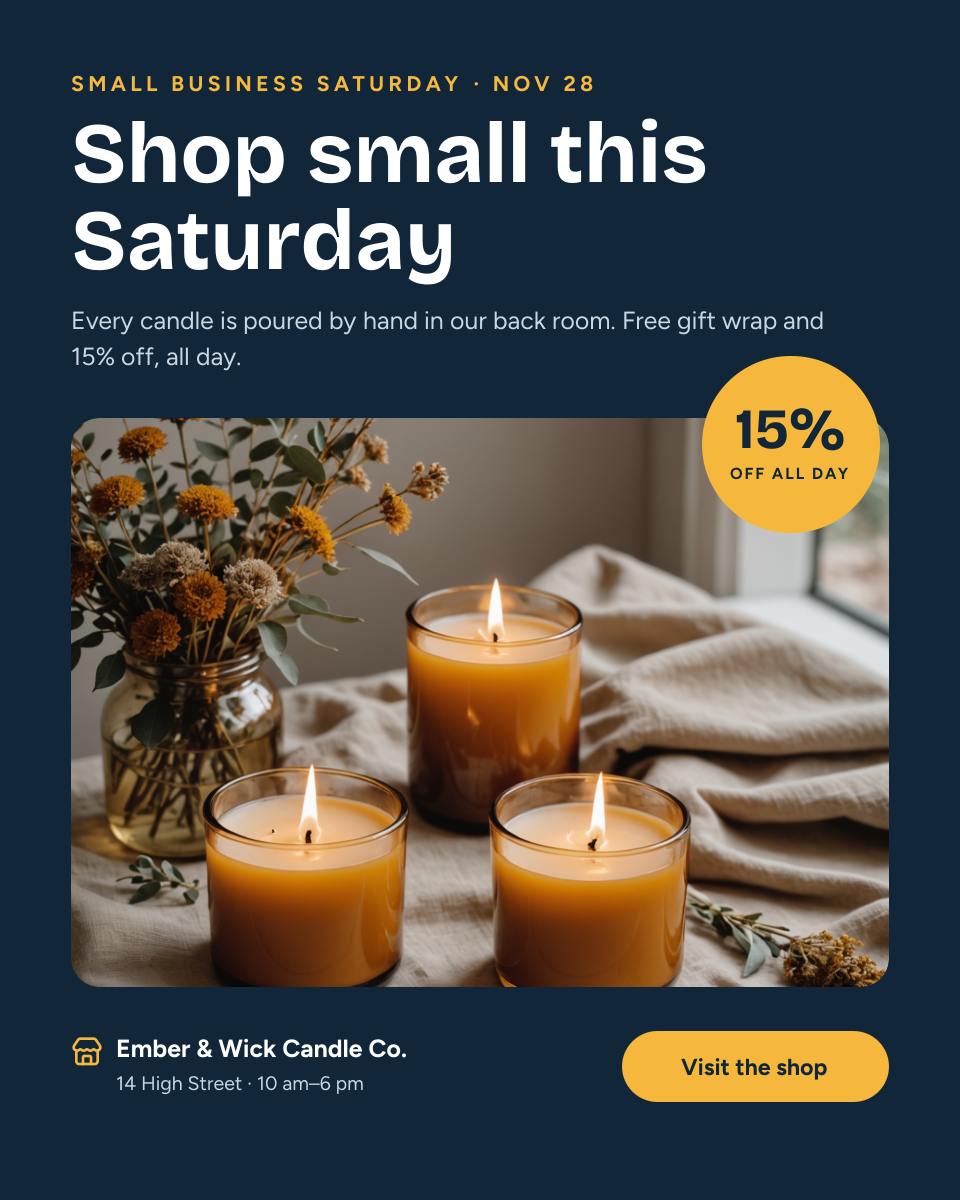
Preview of the Small Business Saturday Post template: shop-small headline above a product photo with a discount badge, address and visit button
Social media

Small Business Saturday Post

Shop-small headline above a product photo with a discount badge, address and visit button.
Portrait post (4:5) · 1080 × 1350
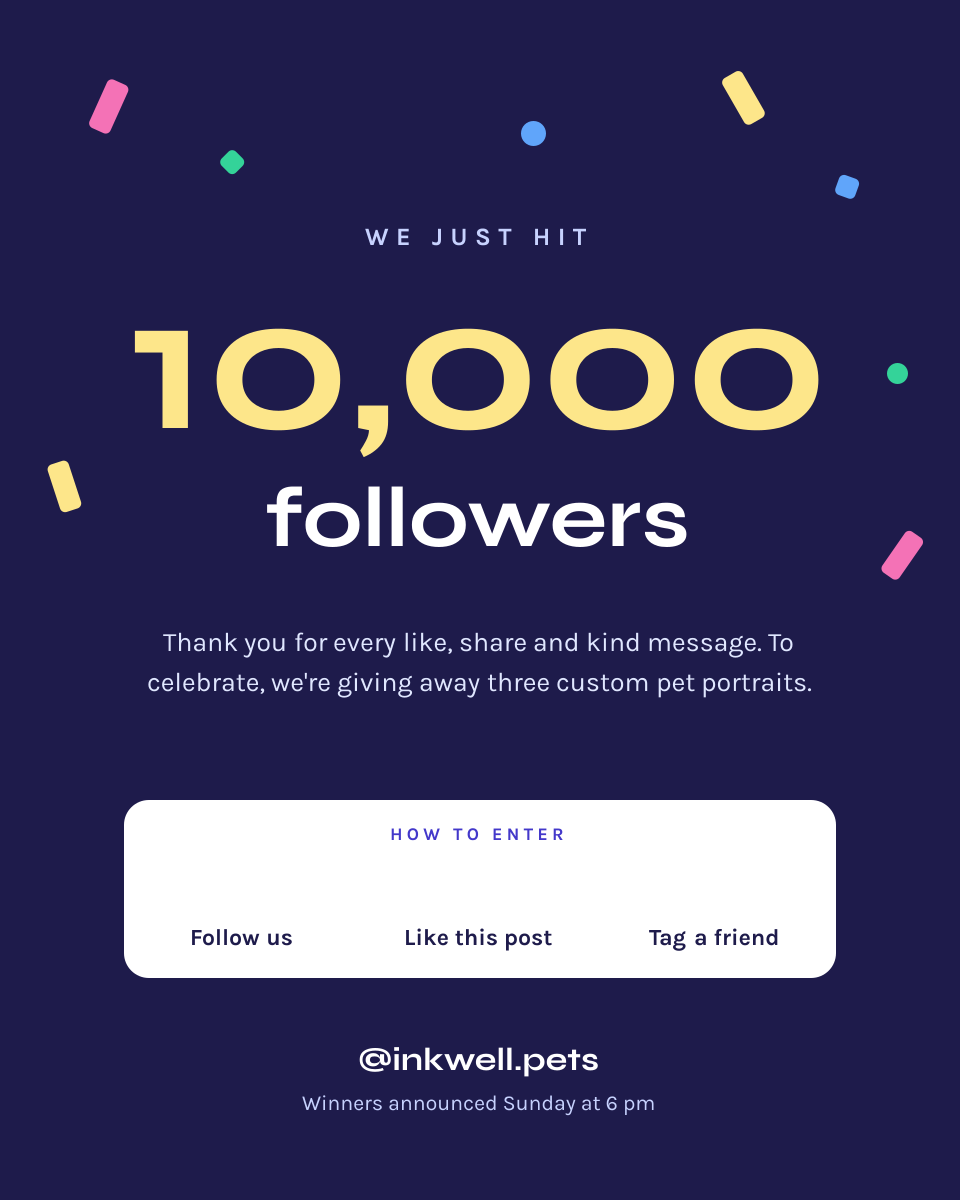
Preview of the Follower Milestone Post template: indigo post with confetti, a giant 10,000, a thank-you message and three giveaway steps
Social media

Follower Milestone Post

Indigo post with confetti, a giant 10,000, a thank-you message and three giveaway steps.
Portrait post (4:5) · 1080 × 1350
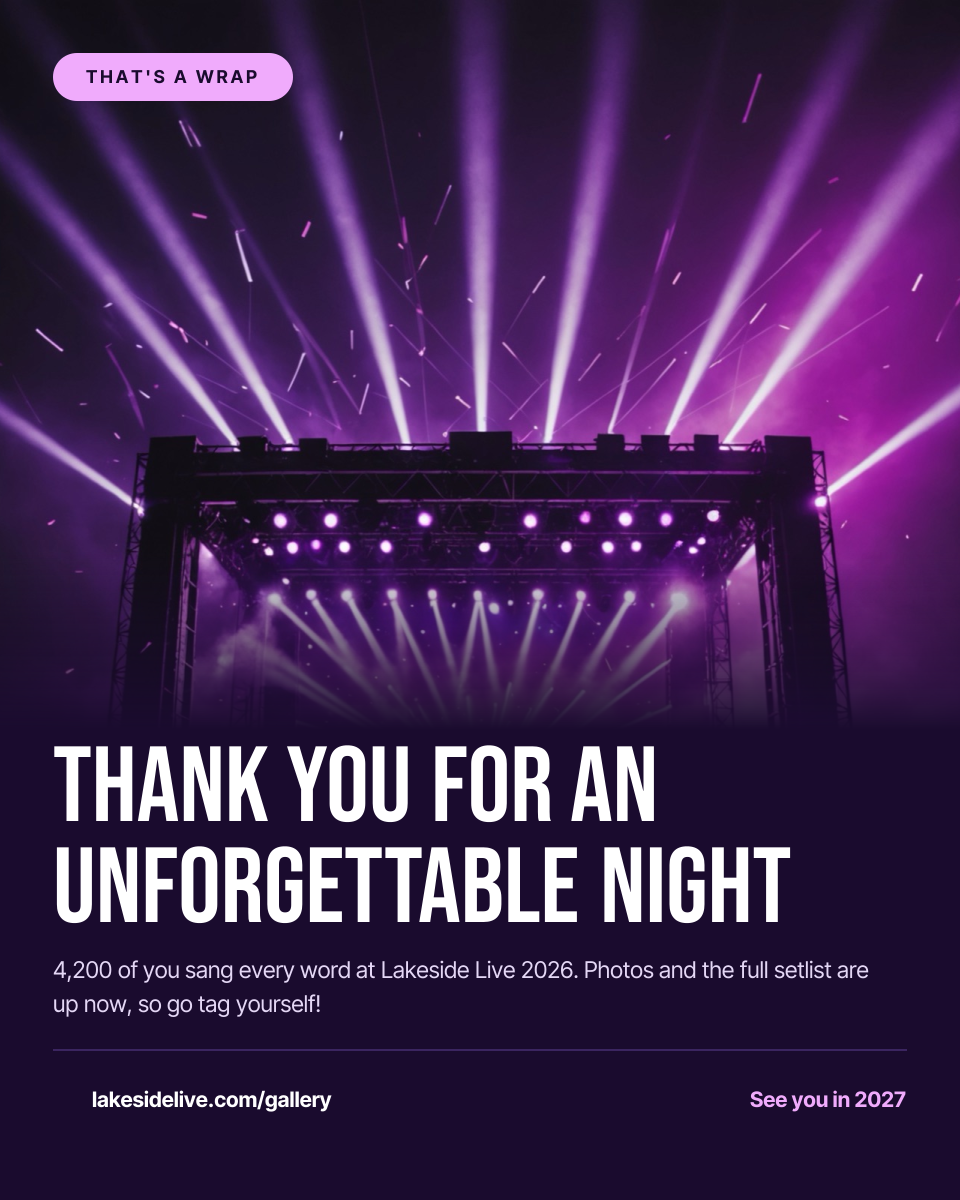
Preview of the Event Thank You Post template: purple-lit stage photo fading into a dark panel with a big thank-you headline and gallery link
Social media

Event Thank You Post

Purple-lit stage photo fading into a dark panel with a big thank-you headline and gallery link.
Portrait post (4:5) · 1080 × 1350
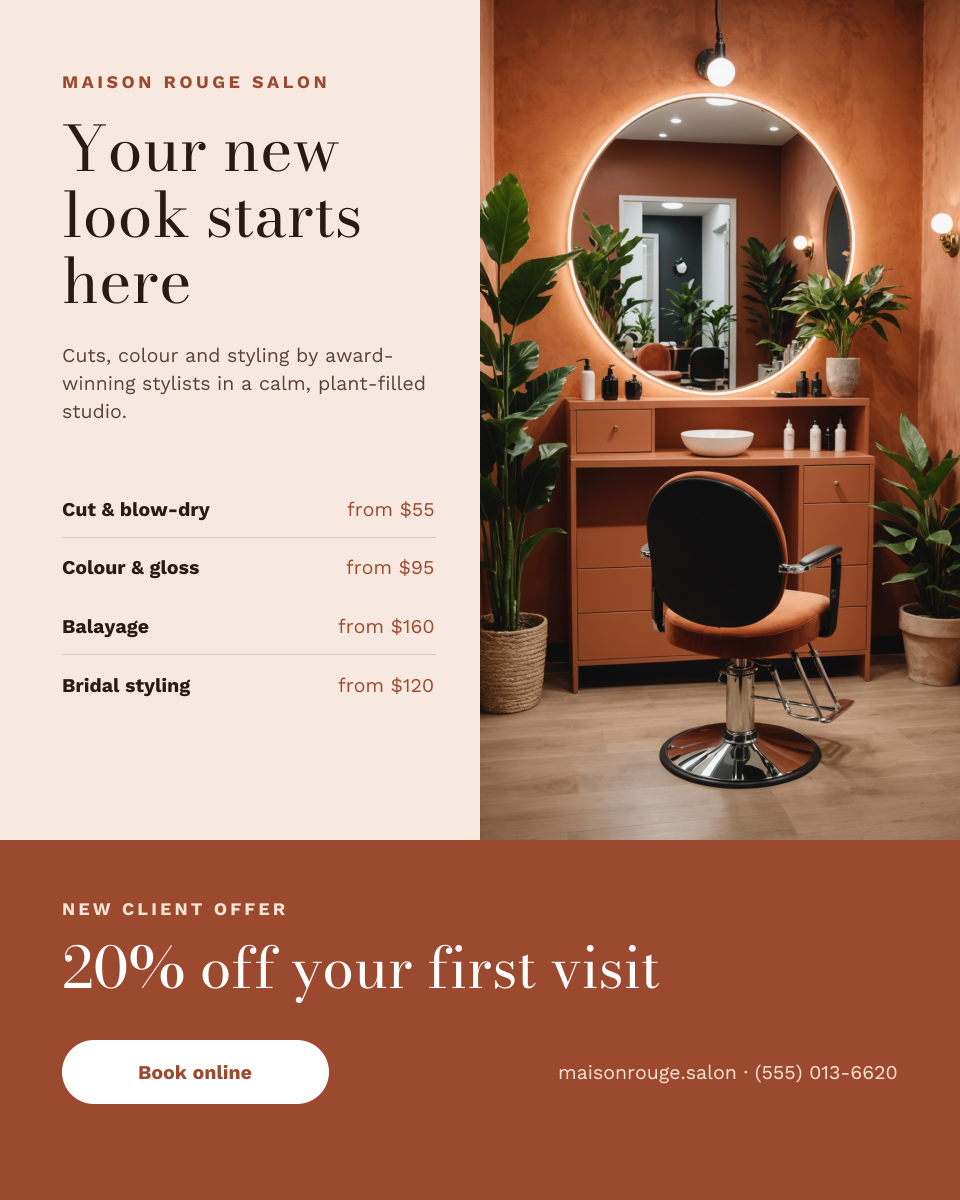
Preview of the Hair Salon Instagram Post template: salon chair photo beside a serif headline and price list, above a terracotta new client offer band
Social media

Hair Salon Instagram Post

Salon chair photo beside a serif headline and price list, above a terracotta new client offer band.

Portrait post (4:5) · 1080 × 1350

Start with the before and after post template

Your copy opens in the editor in seconds.

Use this template