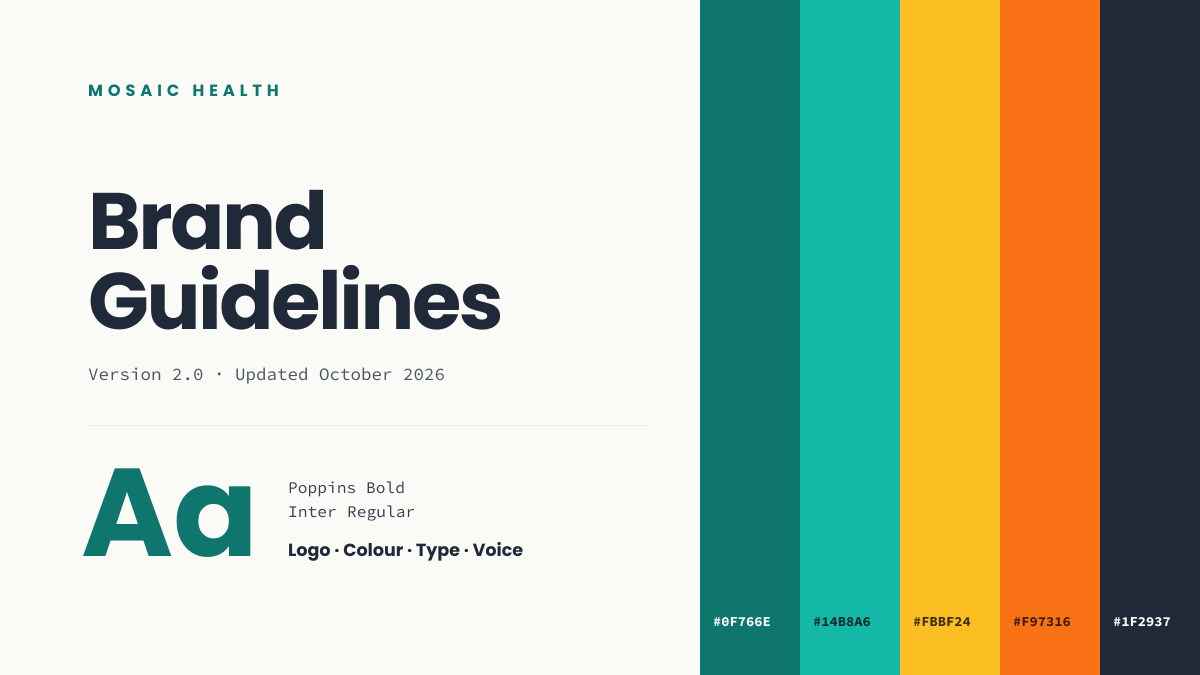
Preview of the Brand Guidelines Cover template: brand book opener with colour swatches, hex codes and a type specimen
Business & branding

Brand Guidelines Cover Template

The opening page of a brand book should already demonstrate the brand. This 16:9 cover shows your palette as full-height colour swatches with their hex codes, presents your typefaces with a large “Aa” specimen, and lists the chapters that follow. It works as the first slide of a brand presentation or the cover of a PDF style guide.

Opens your own copy in the Liena editor — the original stays untouched. Free with a Liena account; downloads on the free plan include a small watermark.

Format
Presentation slide (16:9)
Size
1920 × 1080 px (16:9)
Fonts
Source Code Pro, Poppins
Colours
Editable layers
17
Export
PNG, full resolution

Design details

Five swatches — two teals, amber, orange and slate — form the right side, each labelled in Source Code Pro so the hex values look like specification rather than decoration. Poppins Bold gives the title confidence, and the type specimen echoes the same teal used in the first swatch to tie both halves together.

Best for

  • Brand guideline documents and brand books
  • Rebrand presentations to stakeholders
  • Designer hand-off decks
  • Agency brand identity deliverables

How to customise it

  • Change each swatch’s fill to your brand colours, then update the hex label beneath it.
  • Edit the type specimen to name your actual heading and body fonts.
  • Update the version number and date whenever the guidelines change.
  • Add or remove a swatch by duplicating a rectangle and its label.

Everything in this template is editable

This isn’t a flat image. The design opens as 17 separate layers you can select and change individually.

11 text layers

Double-click to rewrite. Change font (Source Code Pro, Poppins by default), size, weight, line height, letter spacing, alignment, case, colour and shadow.

6 shapes

Recolour fills with any hex or brand colour, change opacity and corner radius, or resize and rotate decorative elements.

Layers & layout

Drag to move, resize from any handle, rotate, nudge with arrow keys, reorder or hide layers, duplicate and delete — with undo and redo.

Background & brand

Change the background colour or add a background image, and apply colours and logos from your Liena brand kit.

How to use this template

  1. Click “Use this template”. If you’re new to Liena, create a free account first — you’ll come straight back to this design.
  2. Edit the text, replace images and adjust colours. Changes save automatically every 30 seconds, or press Save at any time.
  3. Export a PNG at 1920 × 1080 px. Your design stays in your dashboard to edit again later.
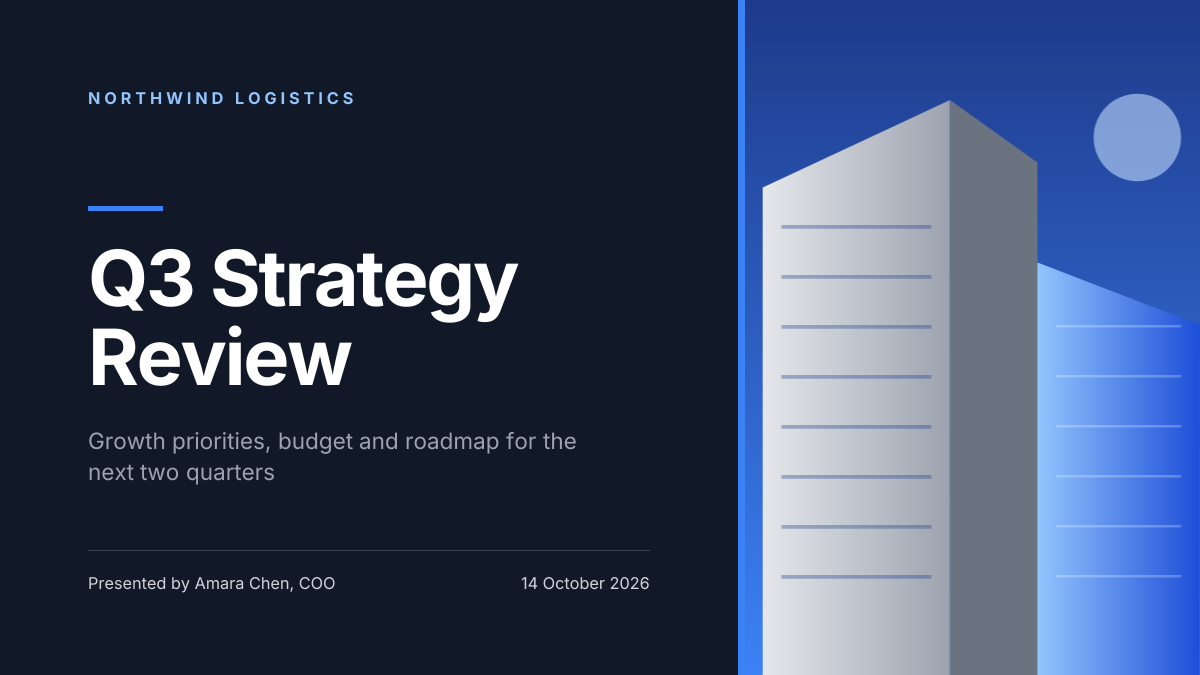
Preview of the Corporate Presentation Cover template: dark 16:9 title slide with an architectural image panel
Business & branding

Corporate Presentation Cover

Dark 16:9 title slide with an architectural image panel.
Presentation slide (16:9) · 1920 × 1080
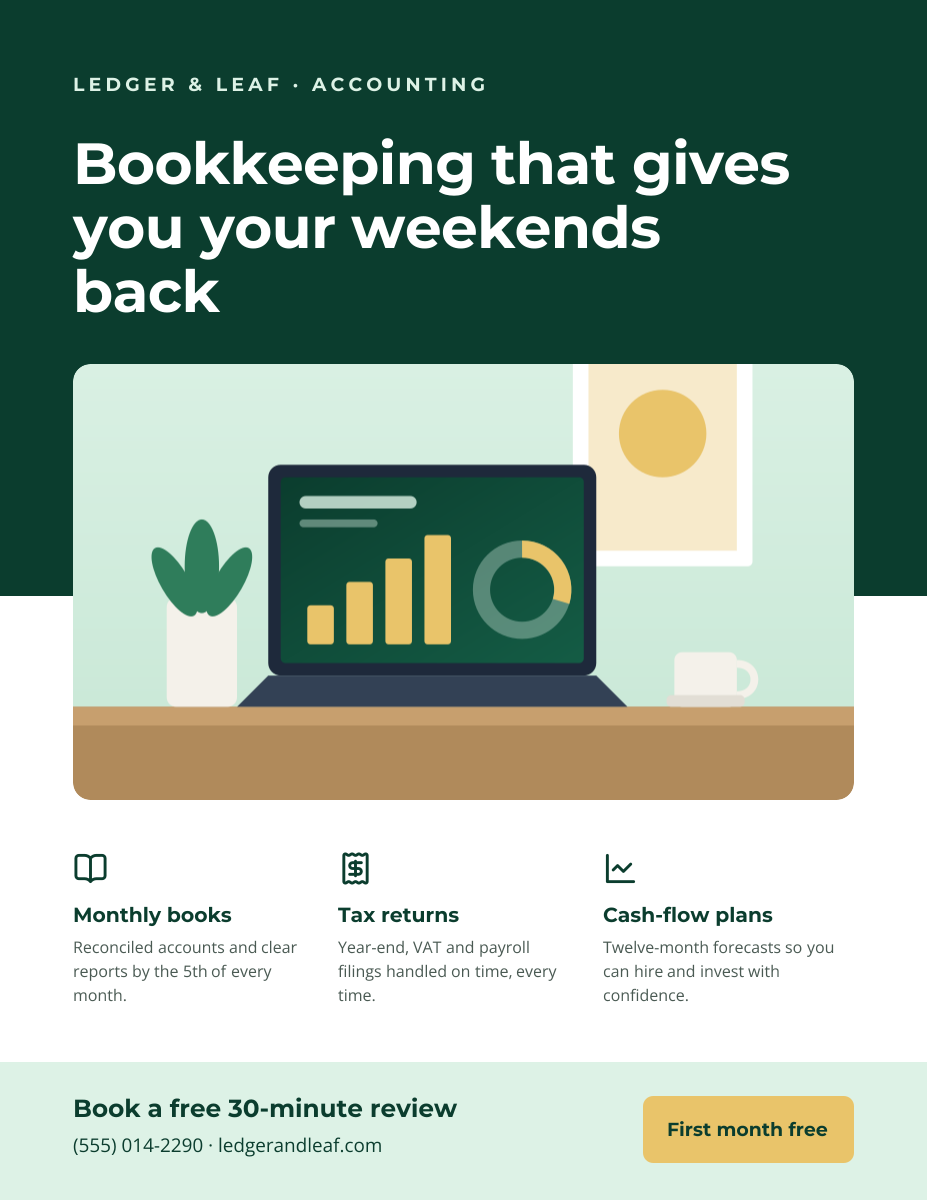
Preview of the Business Flyer template: service-business flyer with three services, icons and a contact bar
Business & branding

Business Flyer

Service-business flyer with three services, icons and a contact bar.
US Letter flyer · 1275 × 1650
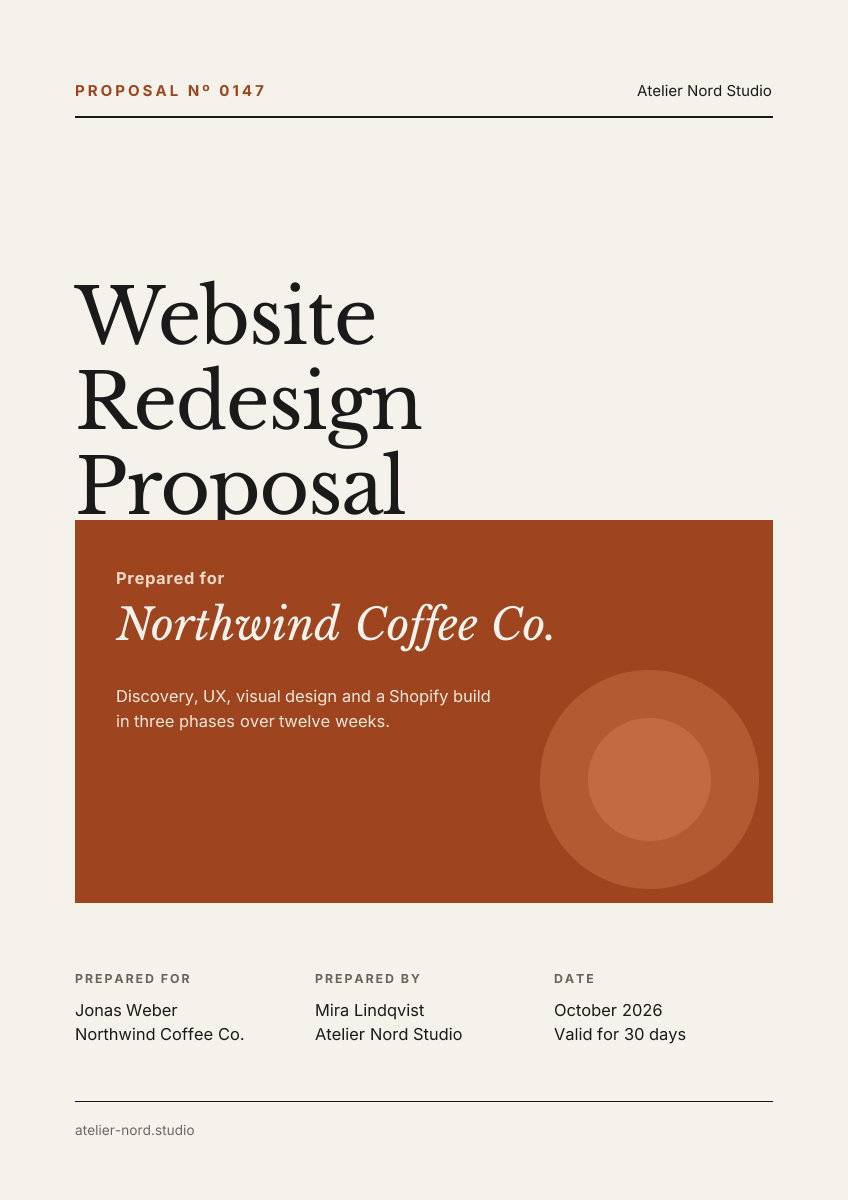
Preview of the Business Proposal Cover template: editorial a4 cover page with client, scope and a details table
Business & branding

Business Proposal Cover

Editorial A4 cover page with client, scope and a details table.
A4 document cover · 1240 × 1754
Preview of the Business Card template: navy and copper card with a logo mark and icon-led contact details
Business & branding

Business Card

Navy and copper card with a logo mark and icon-led contact details.

Business card (3.5 × 2 in) · 1050 × 600

Start with the brand guidelines cover template

Your copy opens in the editor in seconds.

Use this template