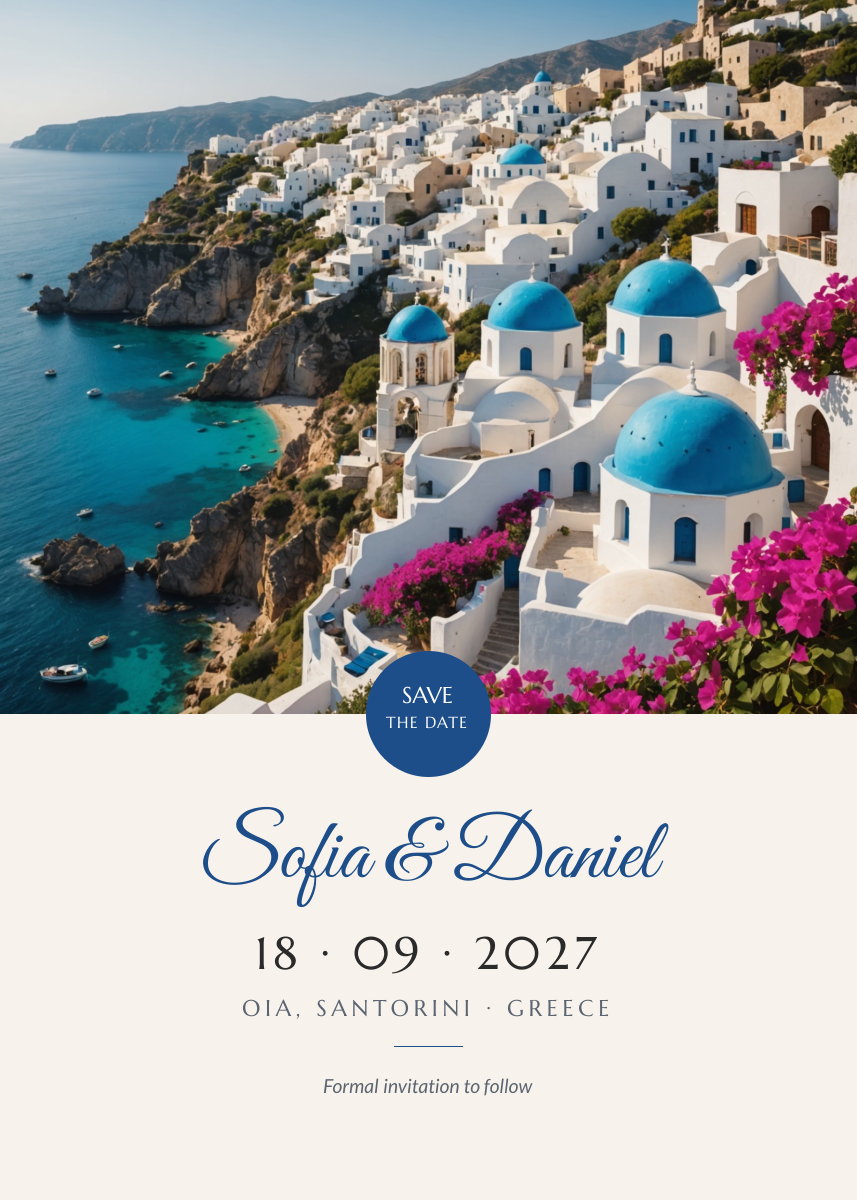
Preview of the Destination Save the Date template: santorini photo with a blue seal, script couple names, wedding date and location
Creators & events

Destination Save the Date Template

A 5×7 inch save the date for destination and seaside weddings. A white village above a turquoise sea fills the top, a deep blue seal says Save the date, and the cream space below holds the couple's names in script, the date, the location and a note that the invitation will follow.

Opens your own copy in the Liena editor — the original stays untouched. Free with a Liena account; downloads on the free plan include a small watermark.

Format
Invitation card (5 × 7 in)
Size
1500 × 2100 px (5:7)
Fonts
Marcellus, Great Vibes, Lato
Colours
Editable layers
9
Export
PNG, full resolution

Design details

Great Vibes gives the names a romantic, handwritten feel, and Marcellus's carved capitals suit a Greek island setting. The deep blue matches the church domes in the photo.

Best for

  • Destination wedding save the dates
  • Beach and seaside weddings
  • Engagement announcements
  • Digital save the date images

How to customise it

  • Change the names and the date.
  • Edit the town and country.
  • Swap the photo for your venue.
  • Change the note to Details at our website.

Everything in this template is editable

This isn’t a flat image. The design opens as 9 separate layers you can select and change individually.

6 text layers

Double-click to rewrite. Change font (Marcellus, Great Vibes, Lato by default), size, weight, line height, letter spacing, alignment, case, colour and shadow.

1 image

Replace with your own upload, then crop, zoom, pan, flip, round the corners and adjust brightness, contrast, saturation or blur.

2 shapes

Recolour fills with any hex or brand colour, change opacity and corner radius, or resize and rotate decorative elements.

Layers & layout

Drag to move, resize from any handle, rotate, nudge with arrow keys, reorder or hide layers, duplicate and delete — with undo and redo.

Background & brand

Change the background colour or add a background image, and recolour any shape or text to match your style.

How to use this template

  1. Click “Use this template”. If you’re new to Liena, create a free account first — you’ll come straight back to this design.
  2. Edit the text, replace images and adjust colours. Changes save automatically every 30 seconds, or press Save at any time.
  3. Export a PNG at 1500 × 2100 px. Your design stays in your dashboard to edit again later.
Preview of the Kids Birthday Invitation template: sunny yellow card with a bouncy headline, presents, party details and an rsvp pill
Creators & events

Kids Birthday Invitation

Sunny yellow card with a bouncy headline, presents, party details and an RSVP pill.
Invitation card (5 × 7 in) · 1500 × 2100
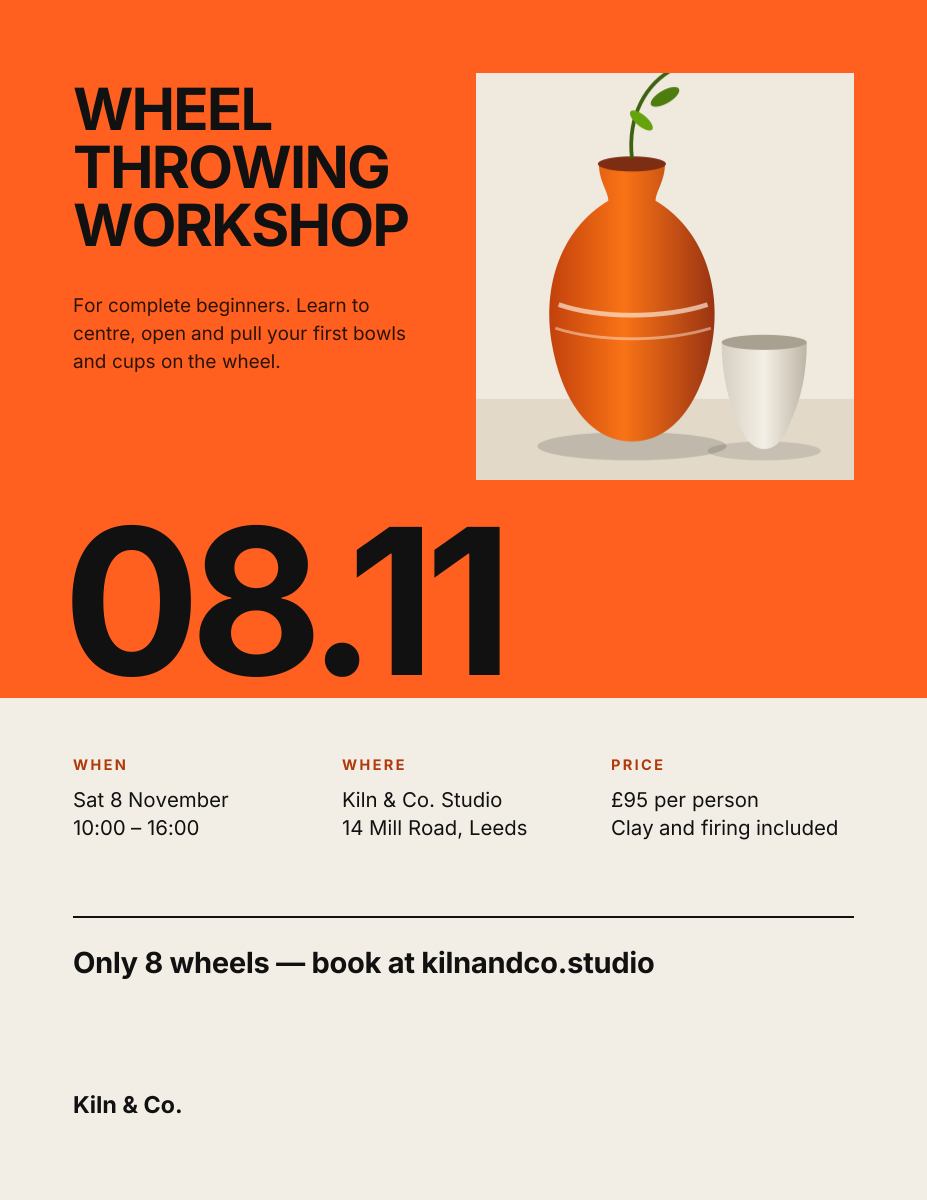
Preview of the Workshop Poster template: swiss-style print poster with a huge date and a details grid
Creators & events

Workshop Poster

Swiss-style print poster with a huge date and a details grid.

US Letter flyer · 1275 × 1650
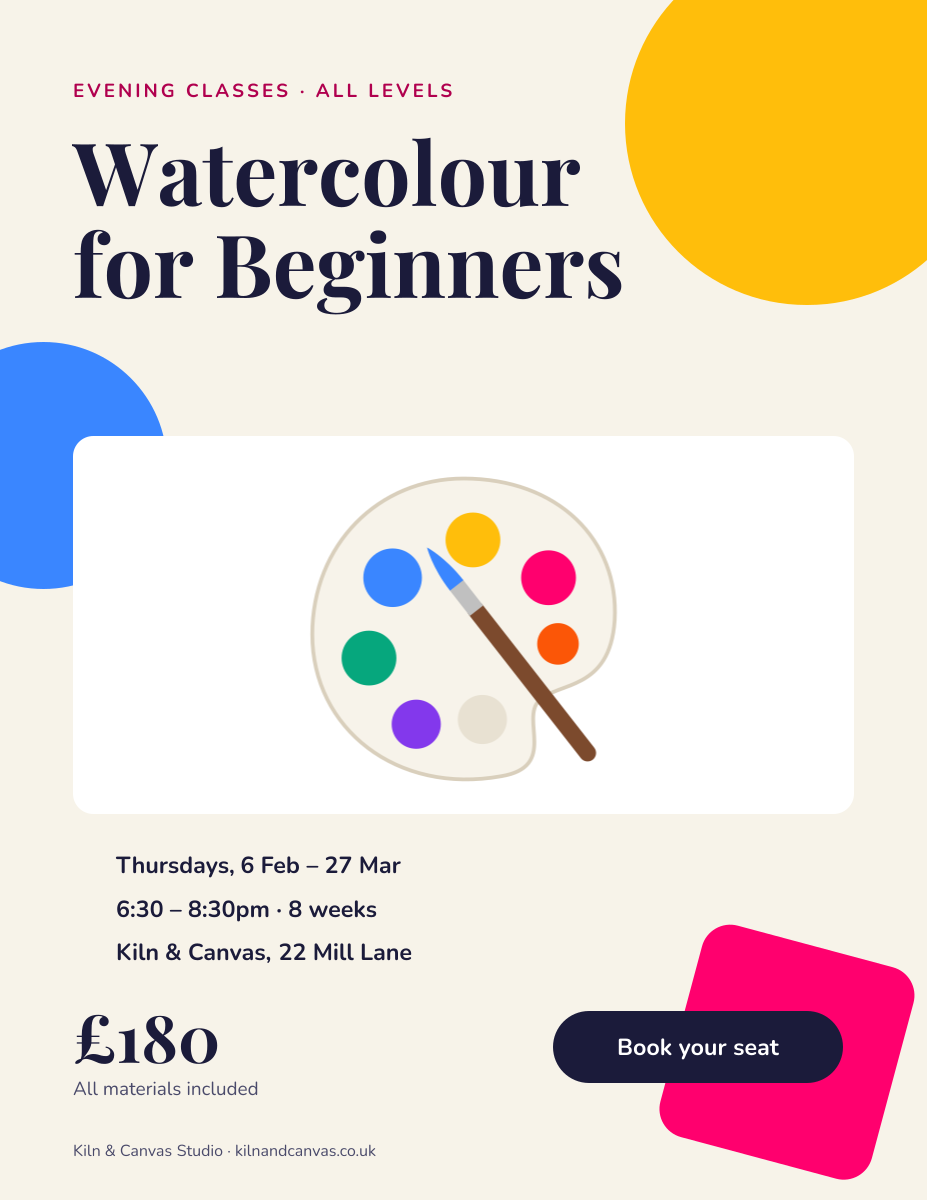
Preview of the Art Class Poster template: playful class poster with bold shapes, schedule details and a price
Creators & events

Art Class Poster

Playful class poster with bold shapes, schedule details and a price.
US Letter flyer · 1275 × 1650
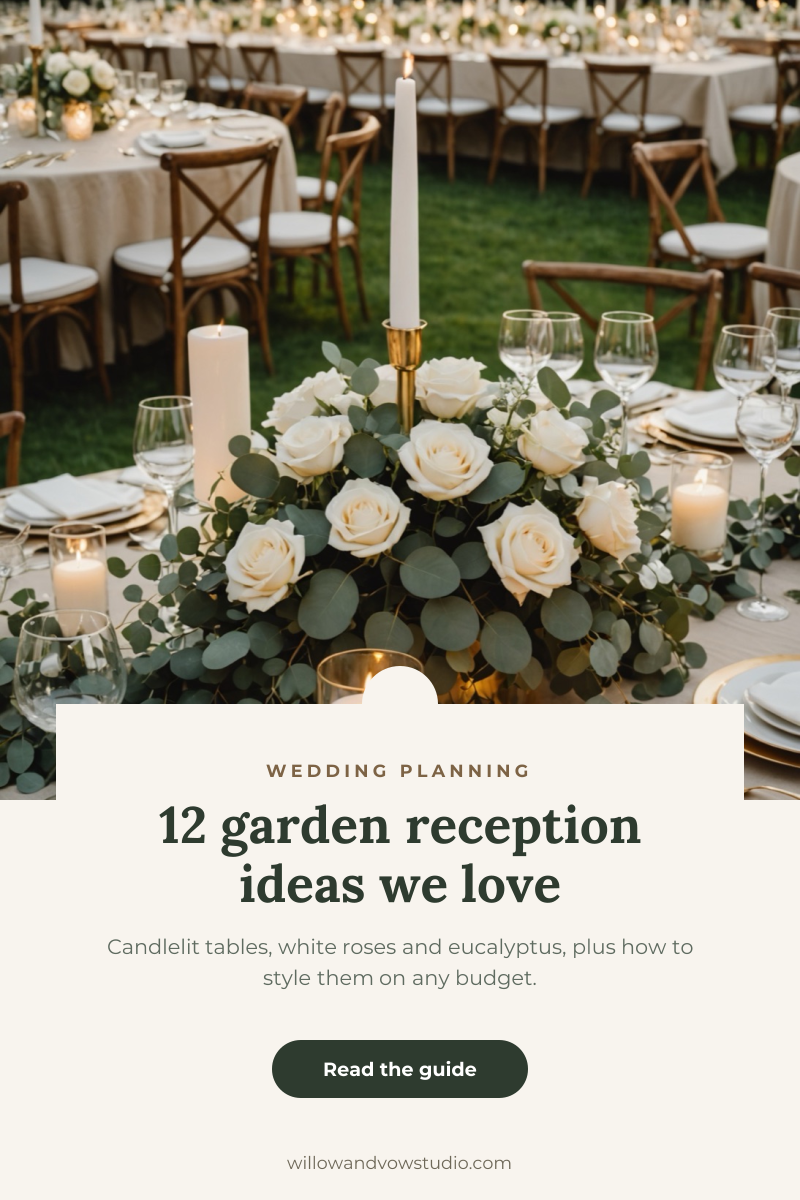
Preview of the Wedding Ideas Pin template: romantic reception photo with a cream card, serif headline and guide button
Creators & events

Wedding Ideas Pin

Romantic reception photo with a cream card, serif headline and guide button.

Pinterest pin · 1000 × 1500

Start with the destination save the date template

Your copy opens in the editor in seconds.

Use this template