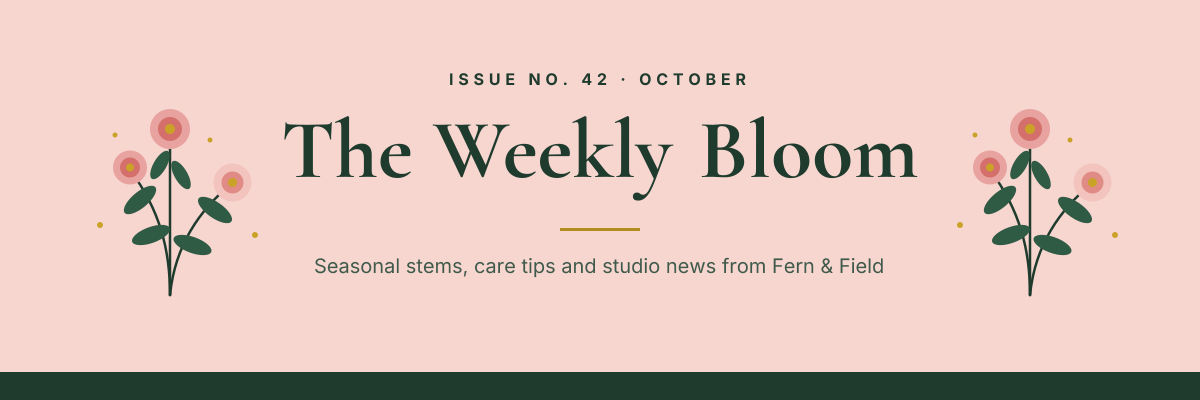
Preview of the Email Newsletter Header template: botanical masthead for a recurring newsletter, with issue number
Marketing & advertising

Email Newsletter Header Template

A newsletter masthead that makes every issue instantly recognisable. It frames a serif title with mirrored botanical illustrations, labels the issue and month, and adds a one-line promise of what readers will find inside. At 1200×400 it displays sharply at the common 600-pixel email width.

Opens your own copy in the Liena editor — the original stays untouched. Free with a Liena account; downloads on the free plan include a small watermark.

Format
Email header
Size
1200 × 400 px (3:1)
Fonts
Inter, Cormorant Garamond
Colours
Editable layers
7
Export
PNG, full resolution

Design details

Blush pink, forest green and a touch of gold give the header a soft, botanical feel suited to florists, wellness brands and lifestyle writers. Cormorant Garamond provides an elegant masthead; Inter keeps the issue label and tagline legible at email sizes. A thin green band at the bottom separates the header from your email body.

Best for

  • Weekly or monthly email newsletters
  • Substack, Beehiiv or Mailchimp headers
  • Blog and community digest banners
  • Seasonal editions of a recurring email

How to customise it

  • Change the newsletter name and update the issue number for each send.
  • Replace the botanical images with your logo or product illustrations.
  • Shorten the tagline if your email platform displays headers smaller than 600px wide.
  • Match the bottom band to your email’s body text colour.

Everything in this template is editable

This isn’t a flat image. The design opens as 7 separate layers you can select and change individually.

3 text layers

Double-click to rewrite. Change font (Inter, Cormorant Garamond by default), size, weight, line height, letter spacing, alignment, case, colour and shadow.

2 images

Replace with your own upload, then crop, zoom, pan, flip, round the corners and adjust brightness, contrast, saturation or blur.

2 shapes

Recolour fills with any hex or brand colour, change opacity and corner radius, or resize and rotate decorative elements.

Layers & layout

Drag to move, resize from any handle, rotate, nudge with arrow keys, reorder or hide layers, duplicate and delete — with undo and redo.

Background & brand

Change the background colour or add a background image, and recolour any shape or text to match your style.

How to use this template

  1. Click “Use this template”. If you’re new to Liena, create a free account first — you’ll come straight back to this design.
  2. Edit the text, replace images and adjust colours. Changes save automatically every 30 seconds, or press Save at any time.
  3. Export a PNG at 1200 × 400 px. Your design stays in your dashboard to edit again later.
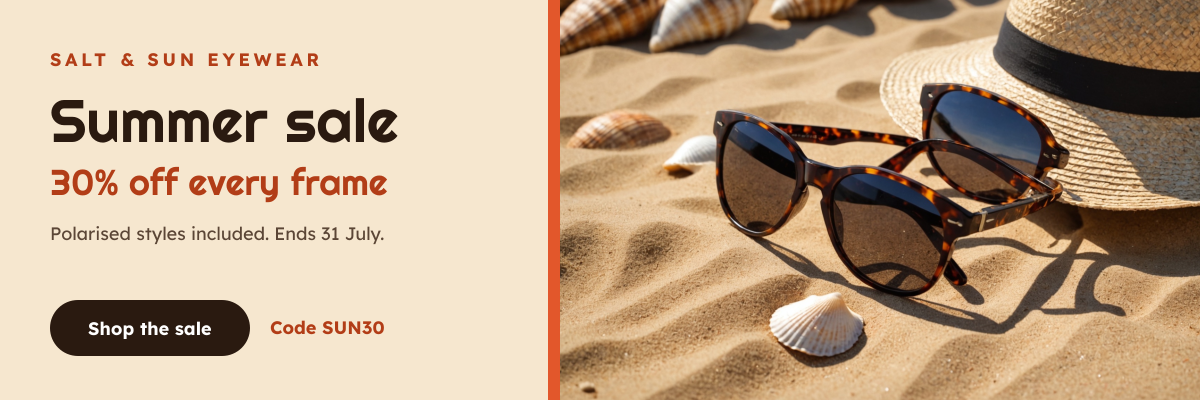
Preview of the Summer Sale Email Header template: sunglasses-on-sand photo with a retro sale headline, end date, button and promo code
Marketing & advertising

Summer Sale Email Header

Sunglasses-on-sand photo with a retro sale headline, end date, button and promo code.
Email header · 1200 × 400
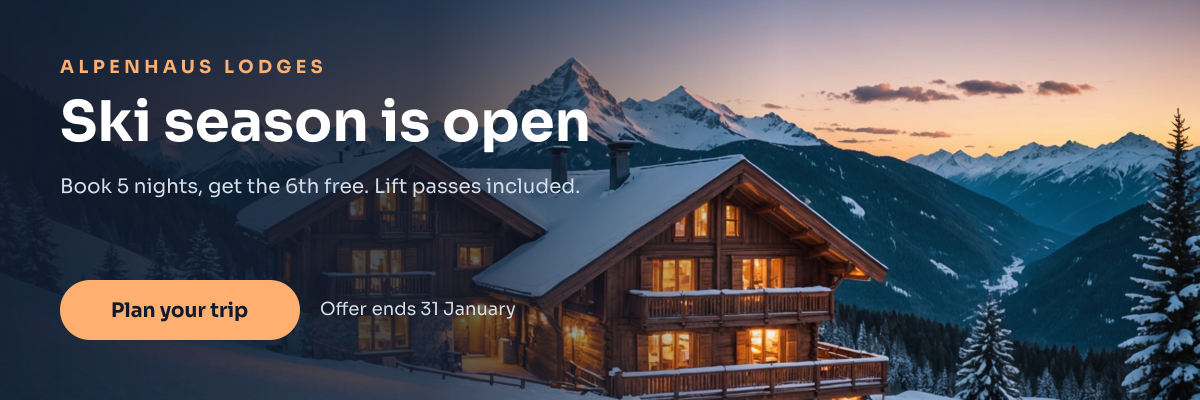
Preview of the Ski Season Email Header template: snowy chalet photo with a navy fade, ski season headline, offer and button
Marketing & advertising

Ski Season Email Header

Snowy chalet photo with a navy fade, ski season headline, offer and button.
Email header · 1200 × 400
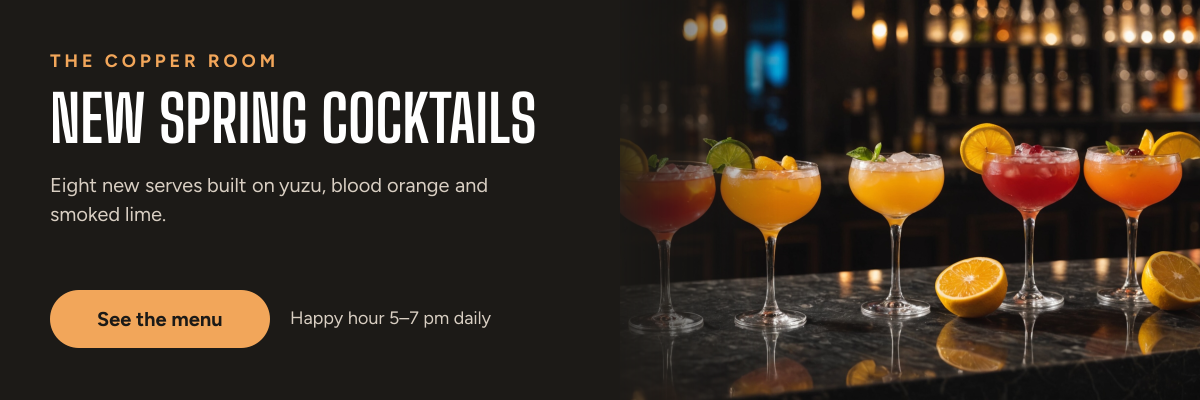
Preview of the Cocktail Menu Email Header template: citrus cocktails photo with a tall condensed headline, menu line and an orange button
Marketing & advertising

Cocktail Menu Email Header

Citrus cocktails photo with a tall condensed headline, menu line and an orange button.
Email header · 1200 × 400
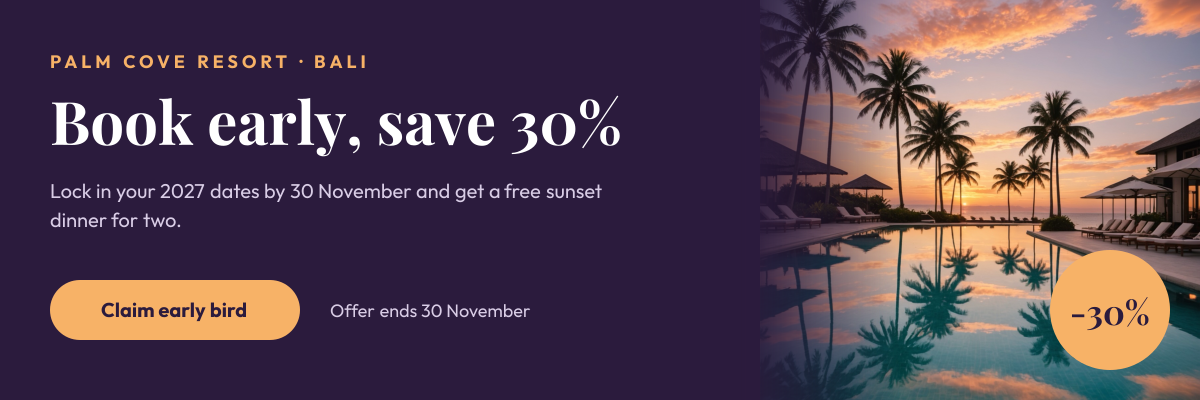
Preview of the Resort Early Bird Email Header template: resort pool photo beside a serif early bird headline, gold button and discount badge
Marketing & advertising

Resort Early Bird Email Header

Resort pool photo beside a serif early bird headline, gold button and discount badge.

Email header · 1200 × 400

Start with the email newsletter header template

Your copy opens in the editor in seconds.

Use this template