Preview of the Grand Opening Flyer template: printable opening-day flyer with a hero image, date, offer and address
Business & branding

Grand Opening Flyer Template

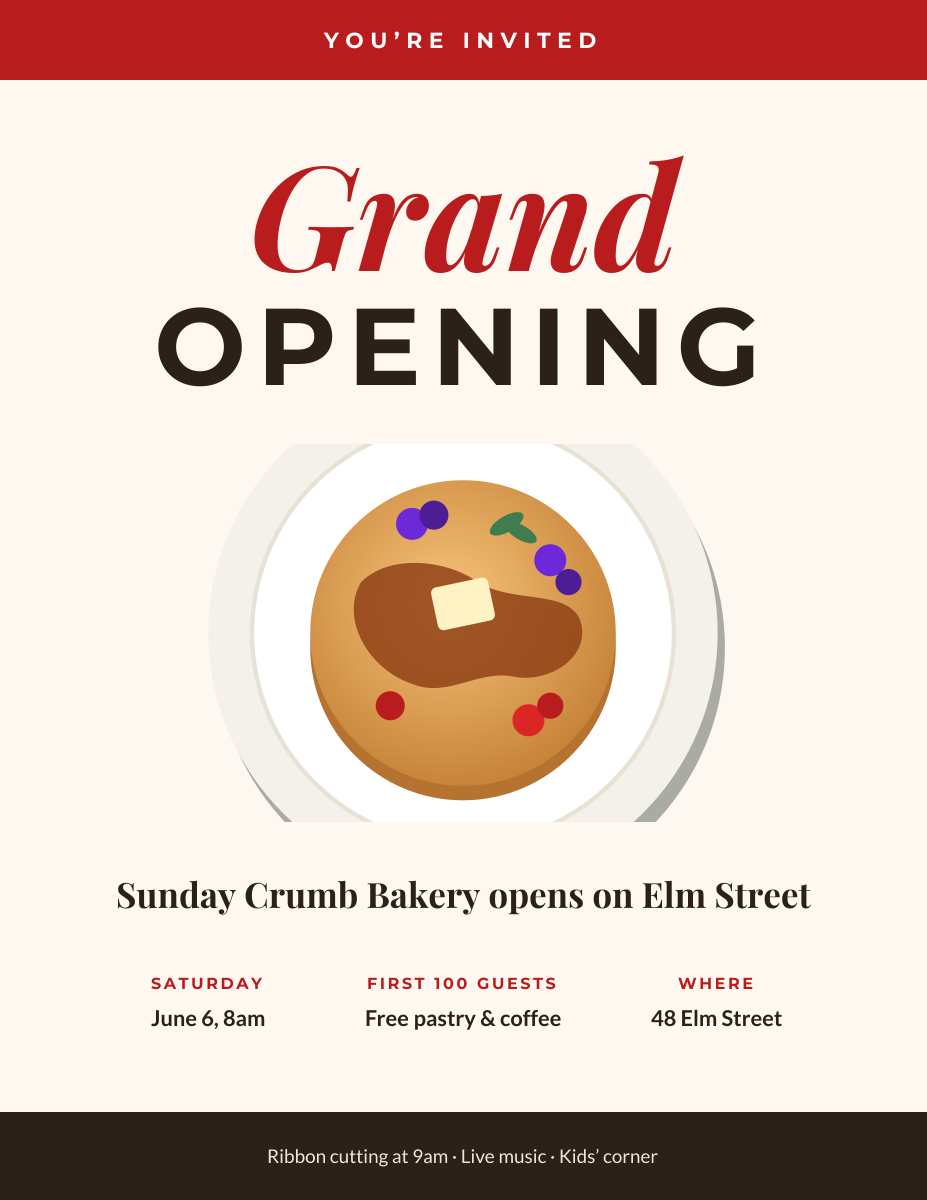
Get the neighbourhood through the door on day one. This US Letter flyer leads with “Grand Opening” in a mix of italic serif and wide capitals, shows off your space or product in a large rounded image, then gives the three things people need: the date, the opening offer and the address. A dark footer lists what is happening on the day.

Opens your own copy in the Liena editor — the original stays untouched. Free with a Liena account; downloads on the free plan include a small watermark.

Format
US Letter flyer
Size
1275 × 1650 px (17:22)
Fonts
Montserrat, Playfair Display, Lato
Colours
Editable layers
14
Export
PNG, full resolution

Design details

Playfair Display italic and Montserrat capitals give the headline a celebratory, shop-sign feel. Brick red and espresso brown on warm cream suit food and retail businesses and print reliably on home and office printers. The three info columns share one style so they can be scanned in a single line.

Best for

  • Shop, café, restaurant and salon openings
  • New locations and relaunches after a renovation
  • Flyers for windows, noticeboards and door drops
  • Social posts announcing an opening date

How to customise it

  • Replace the illustration with a photo of your storefront, team or best-selling product.
  • Edit the three columns with your date, opening offer and address.
  • Update the footer with what is happening on the day.
  • The canvas is US Letter at 150 dpi (1275 × 1650 px), so it prints cleanly at full size.

Everything in this template is editable

This isn’t a flat image. The design opens as 14 separate layers you can select and change individually.

11 text layers

Double-click to rewrite. Change font (Montserrat, Playfair Display, Lato by default), size, weight, line height, letter spacing, alignment, case, colour and shadow.

1 image

Replace with your own upload, then crop, zoom, pan, flip, round the corners and adjust brightness, contrast, saturation or blur.

2 shapes

Recolour fills with any hex or brand colour, change opacity and corner radius, or resize and rotate decorative elements.

Layers & layout

Drag to move, resize from any handle, rotate, nudge with arrow keys, reorder or hide layers, duplicate and delete — with undo and redo.

Background & brand

Change the background colour or add a background image, and apply colours and logos from your Liena brand kit.

How to use this template

  1. Click “Use this template”. If you’re new to Liena, create a free account first — you’ll come straight back to this design.
  2. Edit the text, replace images and adjust colours. Changes save automatically every 30 seconds, or press Save at any time.
  3. Export a PNG at 1275 × 1650 px. Your design stays in your dashboard to edit again later.
Preview of the Business Flyer template: service-business flyer with three services, icons and a contact bar
Business & branding

Business Flyer

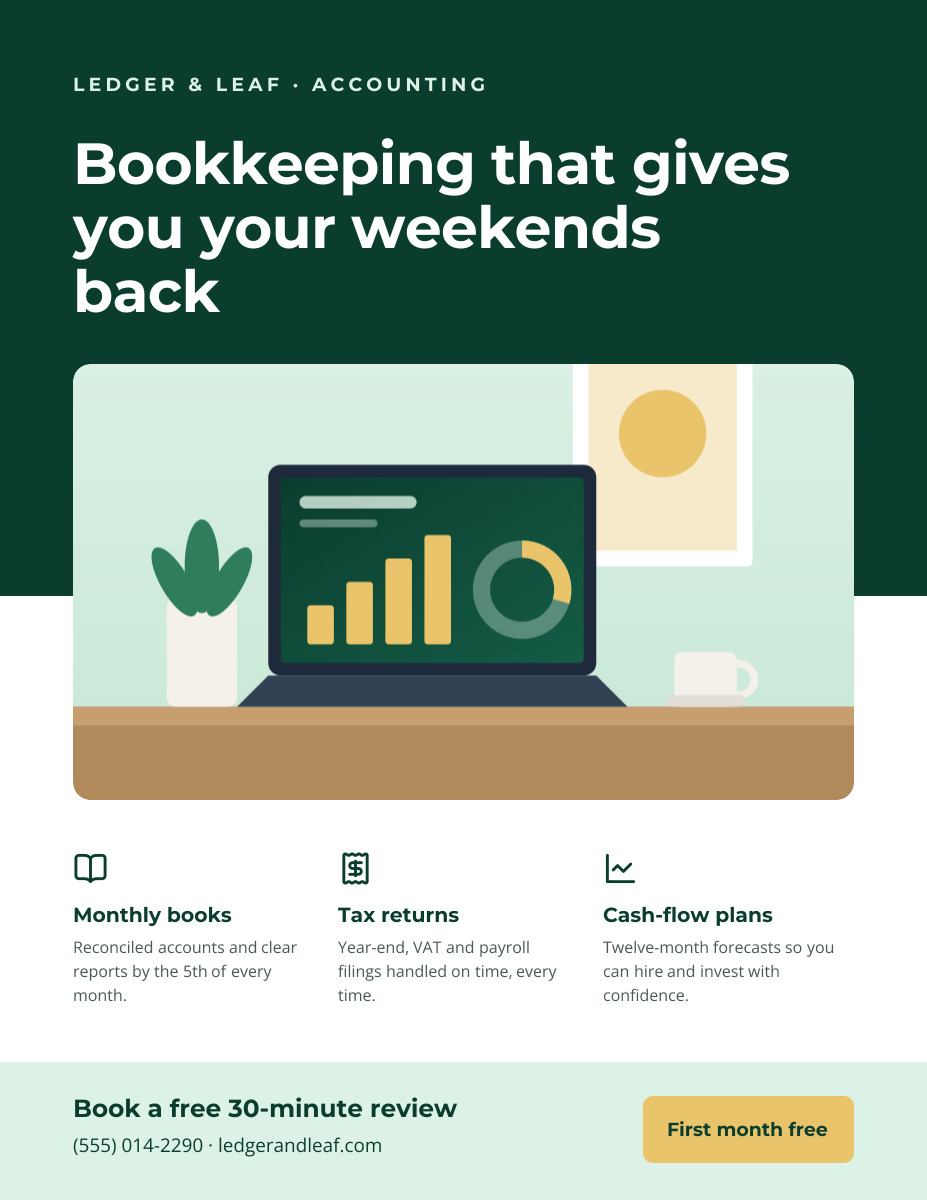
Service-business flyer with three services, icons and a contact bar.
US Letter flyer · 1275 × 1650
Preview of the Business Card template: navy and copper card with a logo mark and icon-led contact details
Business & branding

Business Card

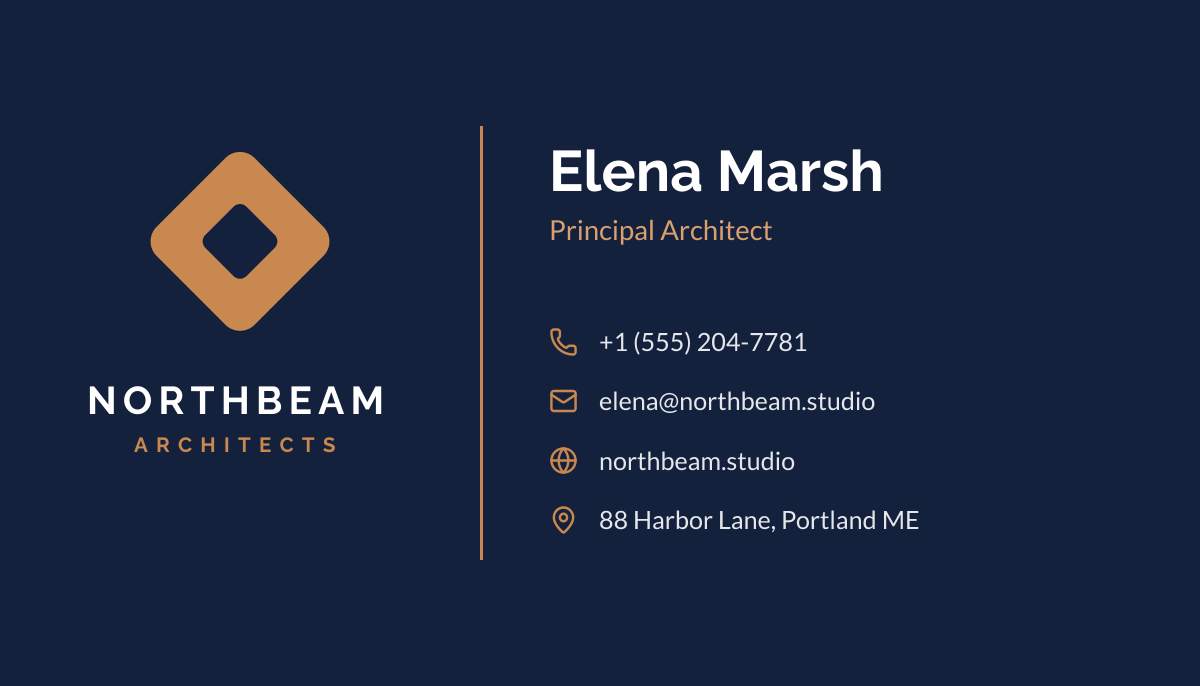
Navy and copper card with a logo mark and icon-led contact details.

Business card (3.5 × 2 in) · 1050 × 600
Preview of the Corporate Presentation Cover template: dark 16:9 title slide with an architectural image panel
Business & branding

Corporate Presentation Cover

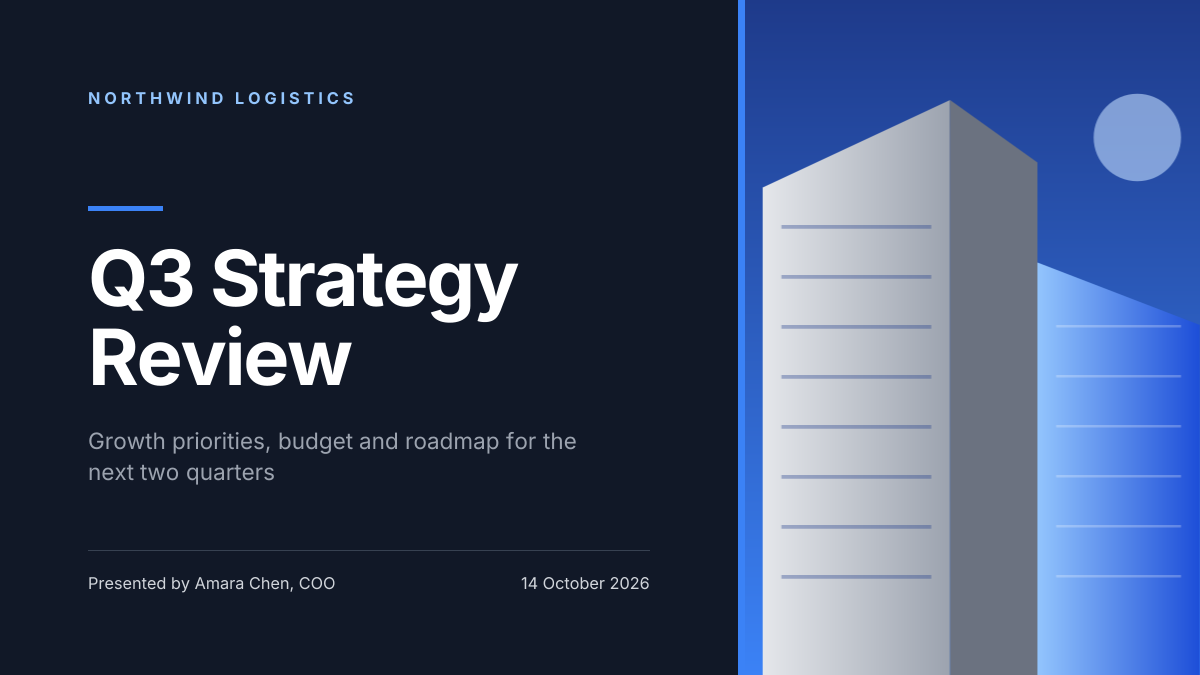
Dark 16:9 title slide with an architectural image panel.
Presentation slide (16:9) · 1920 × 1080
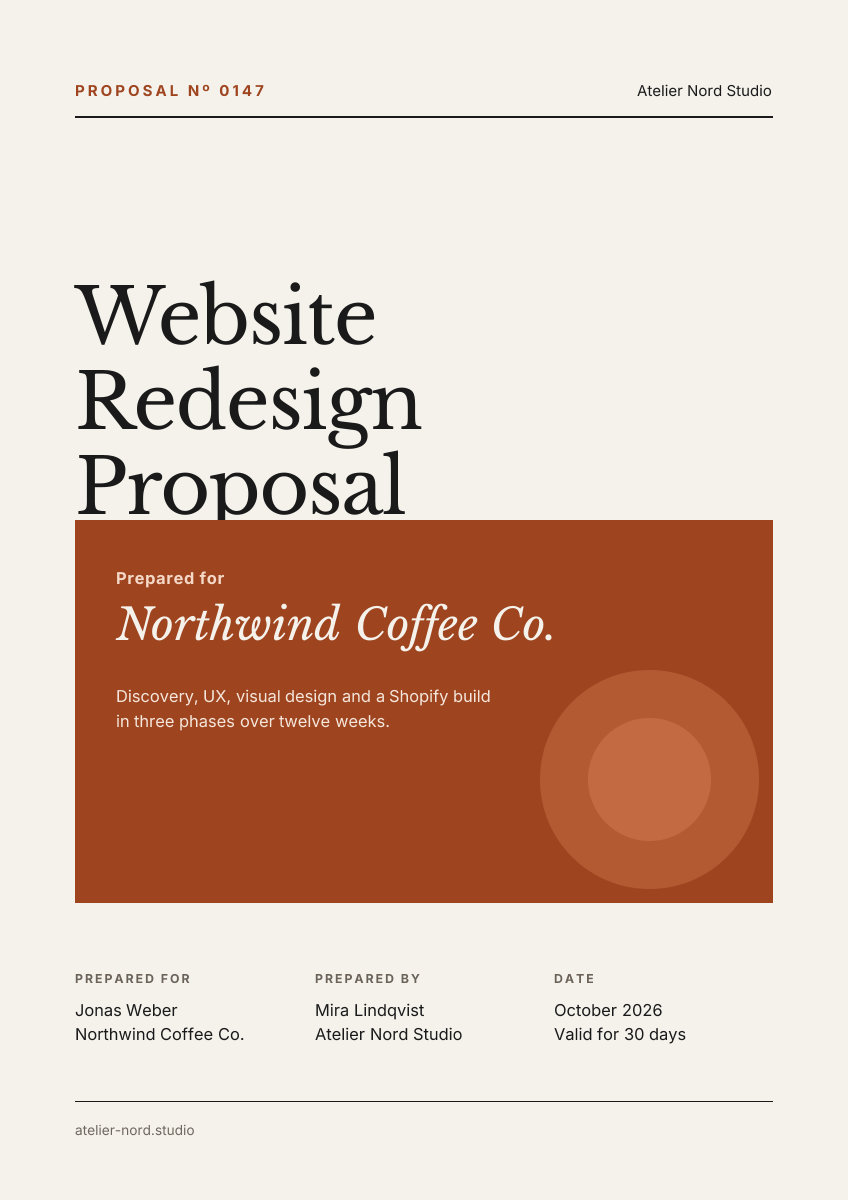
Preview of the Business Proposal Cover template: editorial a4 cover page with client, scope and a details table
Business & branding

Business Proposal Cover

Editorial A4 cover page with client, scope and a details table.

A4 document cover · 1240 × 1754

Start with the grand opening flyer template

Your copy opens in the editor in seconds.

Use this template