Preview of the Referral Program Post template: give-get referral offer explained in three numbered cards
Marketing & advertising

Referral Program Post Template

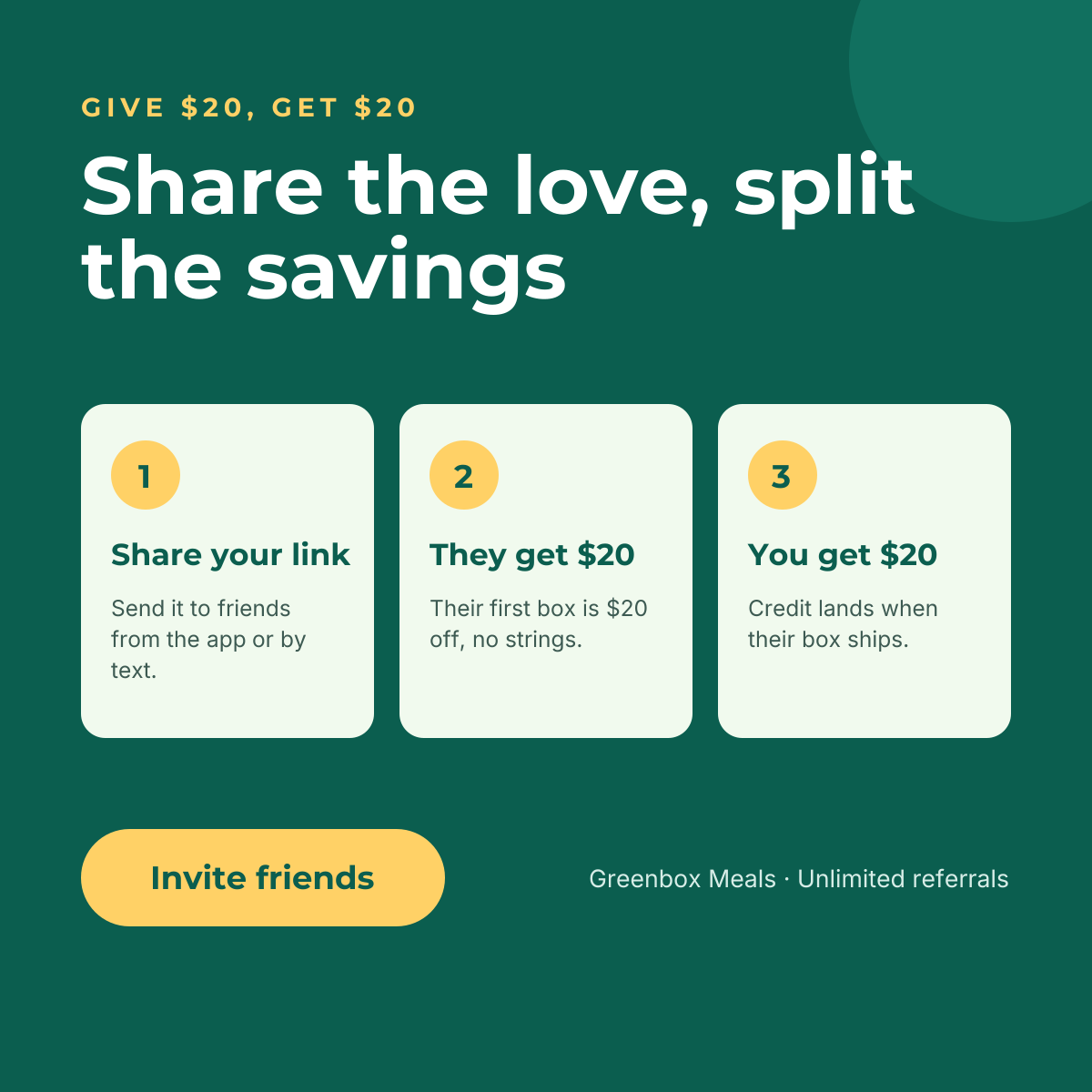
Referral programmes fail when people don’t understand them. This square post spells out the deal in the eyebrow (“Give $20, get $20”), restates it as a warm headline, then walks through three numbered cards: share your link, they get $20, you get $20. A bright “Invite friends” button closes the loop.

Opens your own copy in the Liena editor — the original stays untouched. Free with a Liena account; downloads on the free plan include a small watermark.

Format
Instagram post
Size
1080 × 1080 px (1:1)
Fonts
Montserrat, Inter
Colours
Editable layers
21
Export
PNG, full resolution

Design details

Deep teal and butter yellow give the post a generous, upbeat tone. The three cards share one structure — number badge, title, short line — so the eye moves left to right like a mini flow chart. Montserrat is used for headings and Inter for the explanations.

Best for

  • Launching or relaunching a refer-a-friend scheme
  • Subscription boxes, meal kits and memberships
  • In-app and email reminders about referral rewards
  • Ambassador and affiliate programmes

How to customise it

  • Change the reward amounts in the eyebrow and the cards — they should match exactly.
  • Rewrite the steps for your flow, for example “Share your code” or “They join”.
  • Swap the teal for your brand colour; keep the cards light so the steps stay legible.
  • Edit the footer with your brand name and any referral limits.

Everything in this template is editable

This isn’t a flat image. The design opens as 21 separate layers you can select and change individually.

13 text layers

Double-click to rewrite. Change font (Montserrat, Inter by default), size, weight, line height, letter spacing, alignment, case, colour and shadow.

8 shapes

Recolour fills with any hex or brand colour, change opacity and corner radius, or resize and rotate decorative elements.

Layers & layout

Drag to move, resize from any handle, rotate, nudge with arrow keys, reorder or hide layers, duplicate and delete — with undo and redo.

Background & brand

Change the background colour or add a background image, and apply colours and logos from your Liena brand kit.

How to use this template

  1. Click “Use this template”. If you’re new to Liena, create a free account first — you’ll come straight back to this design.
  2. Edit the text, replace images and adjust colours. Changes save automatically every 30 seconds, or press Save at any time.
  3. Export a PNG at 1080 × 1080 px. Your design stays in your dashboard to edit again later.
Preview of the Sale & Discount Promotion template: loud, colourful sale post with a giant percentage and promo code
Marketing & advertising

Sale & Discount Promotion

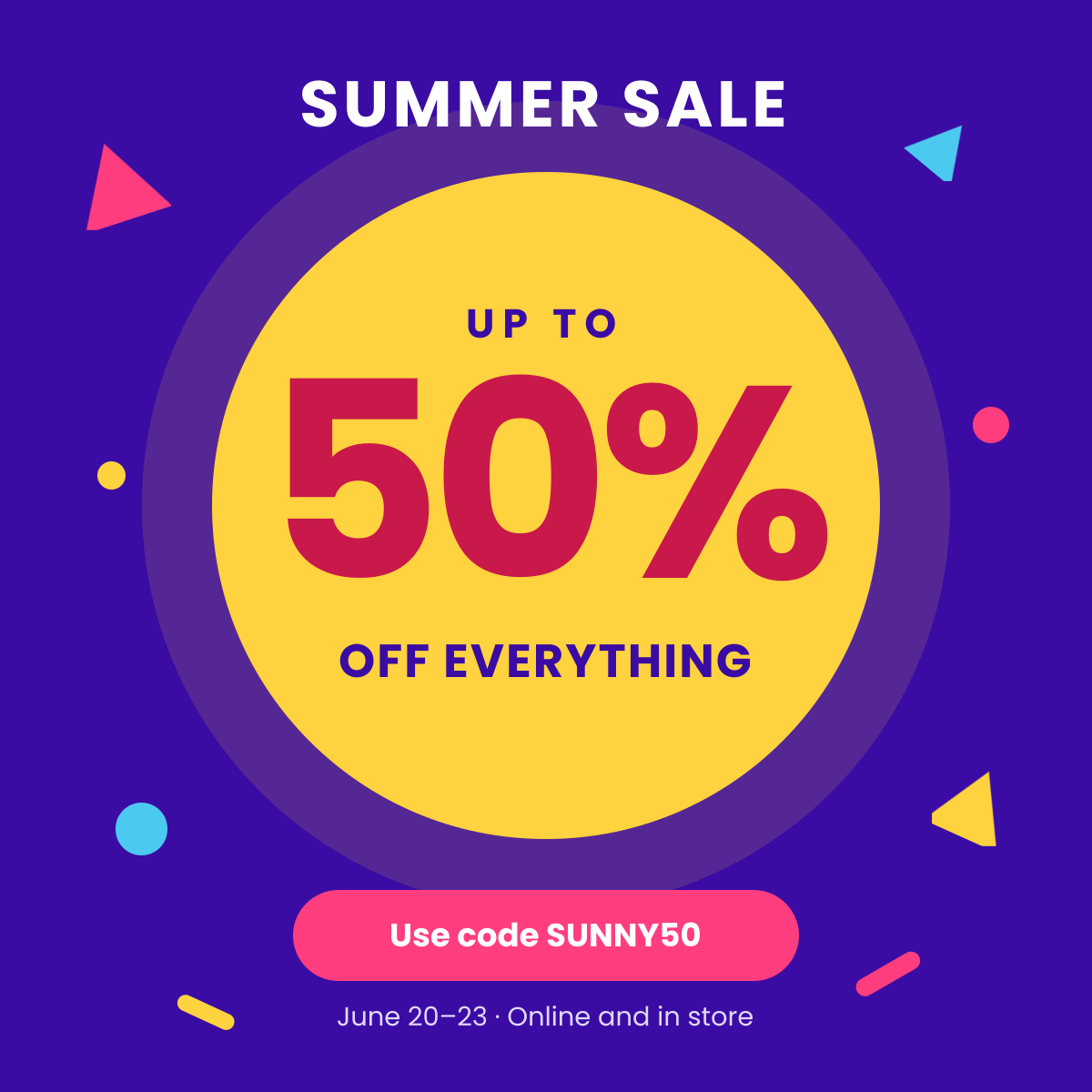
Loud, colourful sale post with a giant percentage and promo code.
Instagram post · 1080 × 1080
Preview of the Product Advertisement template: dark, premium ad with a hero product, feature chips and price
Marketing & advertising

Product Advertisement

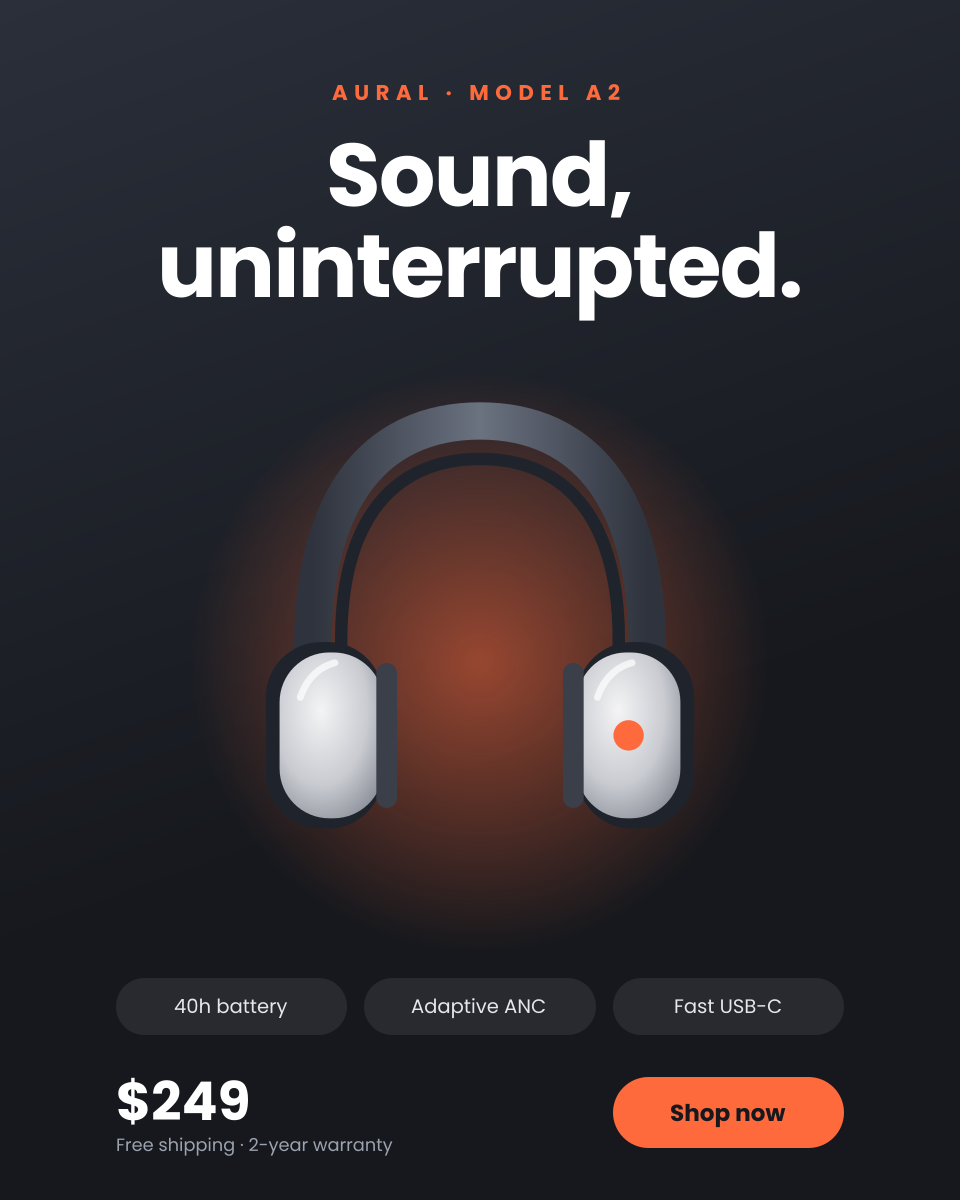
Dark, premium ad with a hero product, feature chips and price.
Portrait post (4:5) · 1080 × 1350
Preview of the New Product Launch template: saas launch graphic with a release badge and an editable ui mock-up
Marketing & advertising

New Product Launch

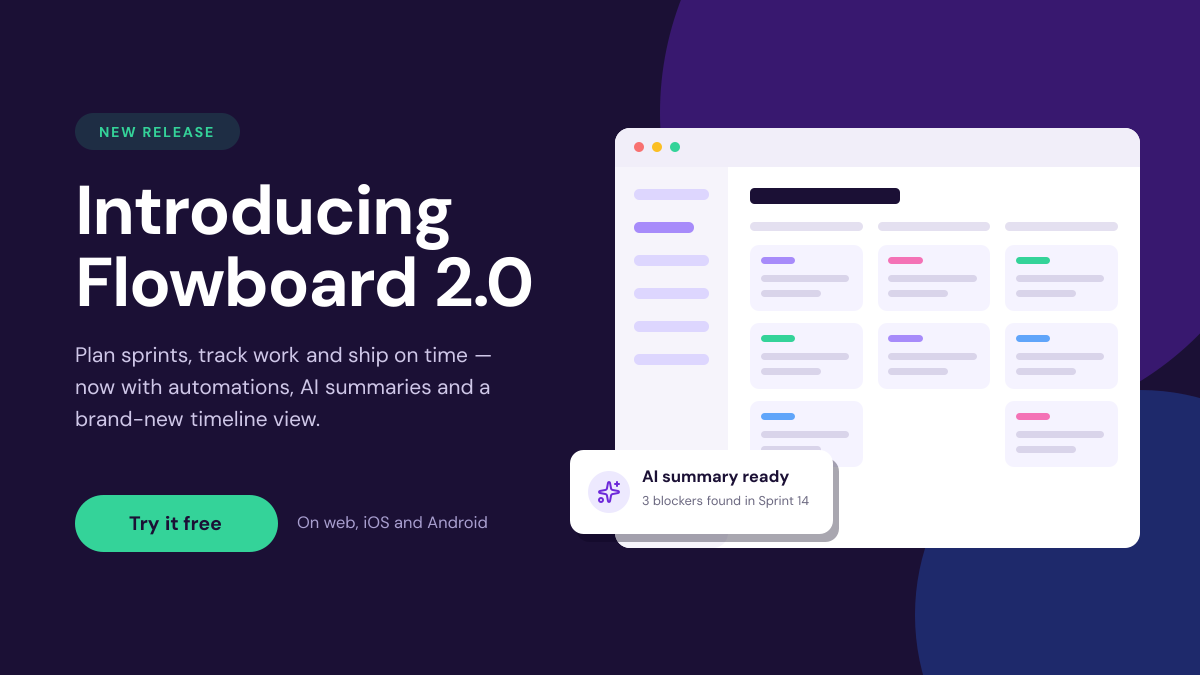
SaaS launch graphic with a release badge and an editable UI mock-up.
Landscape social post · 1600 × 900
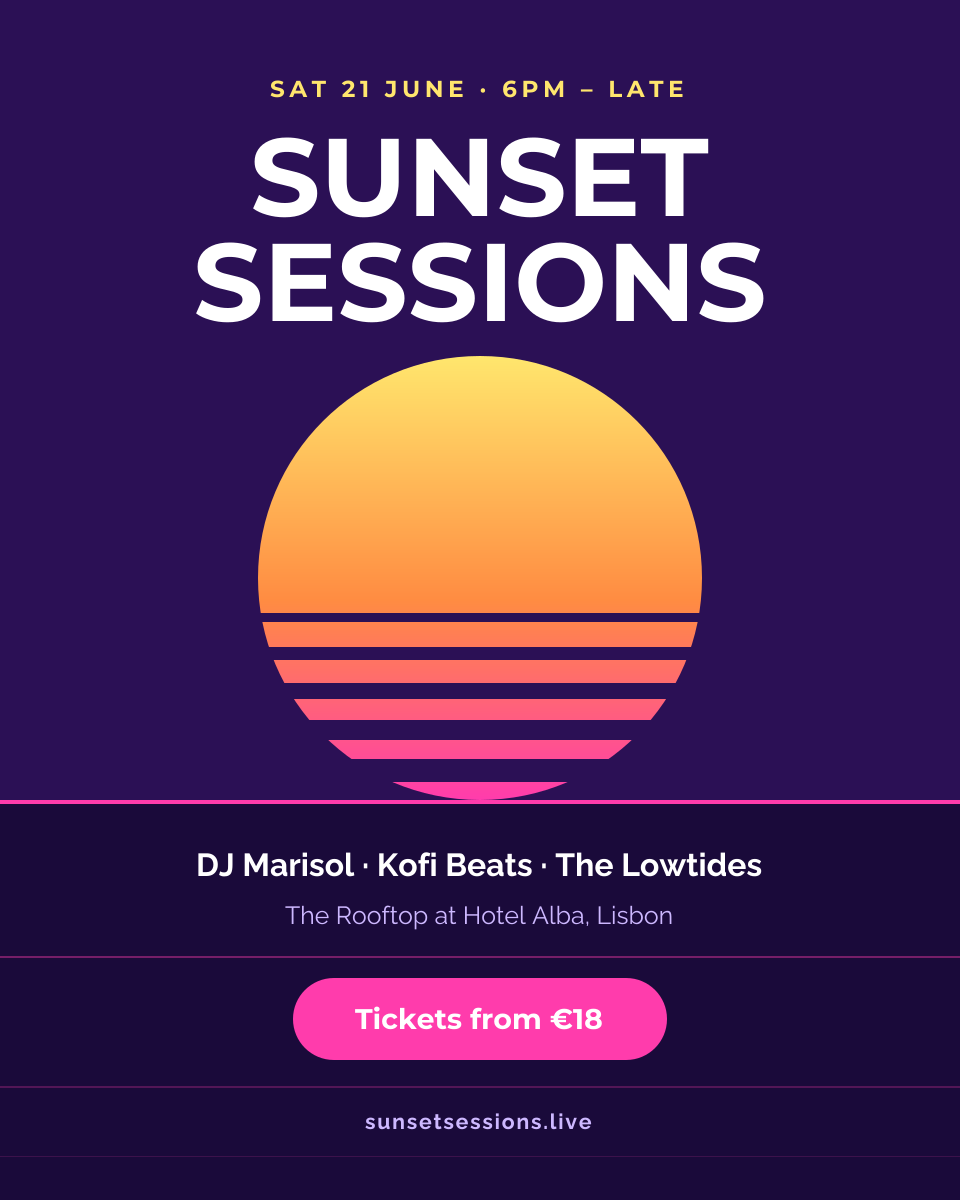
Preview of the Event Promotion Poster template: retro synthwave sunset poster with lineup, venue and ticket price
Marketing & advertising

Event Promotion Poster

Retro synthwave sunset poster with lineup, venue and ticket price.

Portrait post (4:5) · 1080 × 1350

Start with the referral program post template

Your copy opens in the editor in seconds.

Use this template