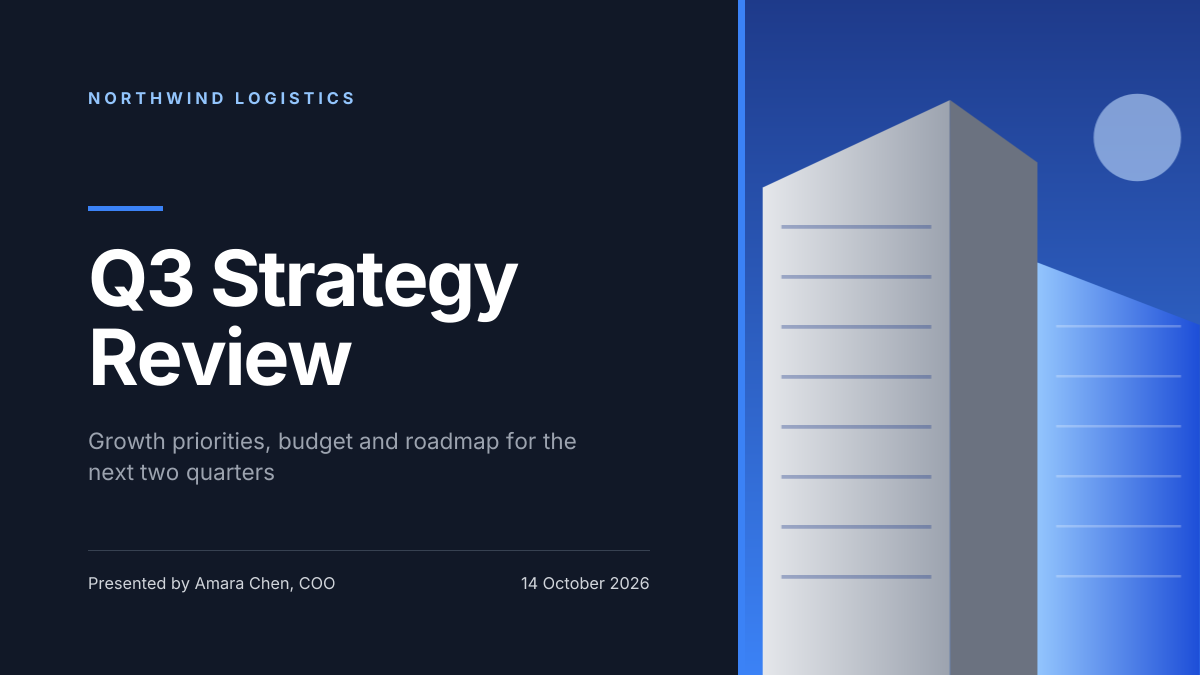
Preview of the SWOT Analysis Slide template: four colour-coded swot quadrants with letter badges and three points in each
Business & branding

SWOT Analysis Slide Template

A SWOT analysis slide for strategy meetings, business plans, school projects and marketing reviews. Four colour-coded boxes hold Strengths, Weaknesses, Opportunities and Threats, each with a letter badge and three short points, under a title, a section label, a slide number and a source line.

Opens your own copy in the Liena editor — the original stays untouched. Free with a Liena account; downloads on the free plan include a small watermark.

Format
Presentation slide (16:9)
Size
1920 × 1080 px (16:9)
Fonts
Hanken Grotesk
Colours
Editable layers
44
Export
PNG, full resolution

Design details

Hanken Grotesk is a clear, neutral sans that keeps a busy slide readable. Green, red, blue and amber make each quadrant easy to find, and the letter badges let people scan the slide in seconds.

Best for

  • Business plans and strategy decks
  • Marketing and competitor reviews
  • Student and MBA projects
  • Team workshops and planning days

How to customise it

  • Change the company name in the title.
  • Write three points in each quadrant.
  • Edit the section label and slide number.
  • Add a fourth point by duplicating a line.

Everything in this template is editable

This isn’t a flat image. The design opens as 44 separate layers you can select and change individually.

24 text layers

Double-click to rewrite. Change font (Hanken Grotesk by default), size, weight, line height, letter spacing, alignment, case, colour and shadow.

20 shapes

Recolour fills with any hex or brand colour, change opacity and corner radius, or resize and rotate decorative elements.

Layers & layout

Drag to move, resize from any handle, rotate, nudge with arrow keys, reorder or hide layers, duplicate and delete — with undo and redo.

Background & brand

Change the background colour or add a background image, and recolour any shape or text to match your style.

How to use this template

  1. Click “Use this template”. If you’re new to Liena, create a free account first — you’ll come straight back to this design.
  2. Edit the text, replace images and adjust colours. Changes save automatically every 30 seconds, or press Save at any time.
  3. Export a PNG at 1920 × 1080 px. Your design stays in your dashboard to edit again later.
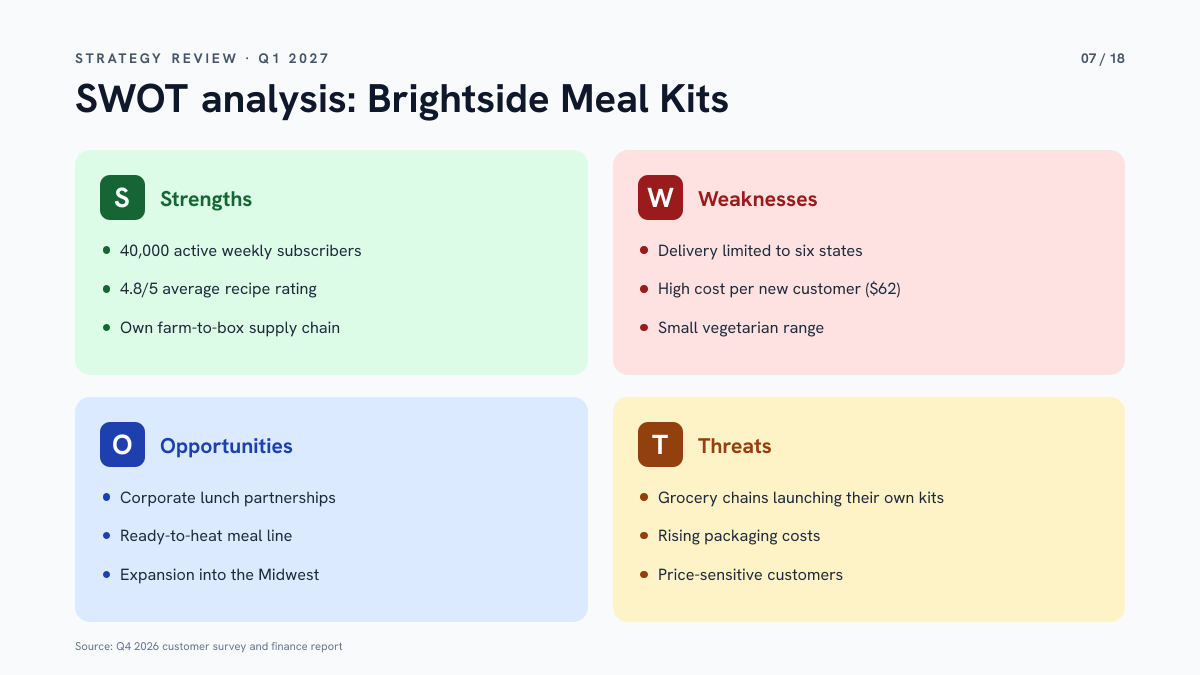
Preview of the Corporate Presentation Cover template: dark 16:9 title slide with an architectural image panel
Business & branding

Corporate Presentation Cover

Dark 16:9 title slide with an architectural image panel.
Presentation slide (16:9) · 1920 × 1080
Preview of the Consulting Strategy Slide template: navy title slide with a boardroom photo, strategy headline and presenter details
Business & branding

Consulting Strategy Slide

Navy title slide with a boardroom photo, strategy headline and presenter details.
Presentation slide (16:9) · 1920 × 1080
Preview of the Company Overview Slide template: clean white slide with three key stats beside a city skyline photo
Business & branding

Company Overview Slide

Clean white slide with three key stats beside a city skyline photo.

Presentation slide (16:9) · 1920 × 1080
Preview of the Sales Kickoff Slide template: city skyline slide with a bold target headline, short intro, agenda and venue
Business & branding

Sales Kickoff Slide

City skyline slide with a bold target headline, short intro, agenda and venue.

Presentation slide (16:9) · 1920 × 1080

Start with the swot analysis slide template

Your copy opens in the editor in seconds.

Use this template