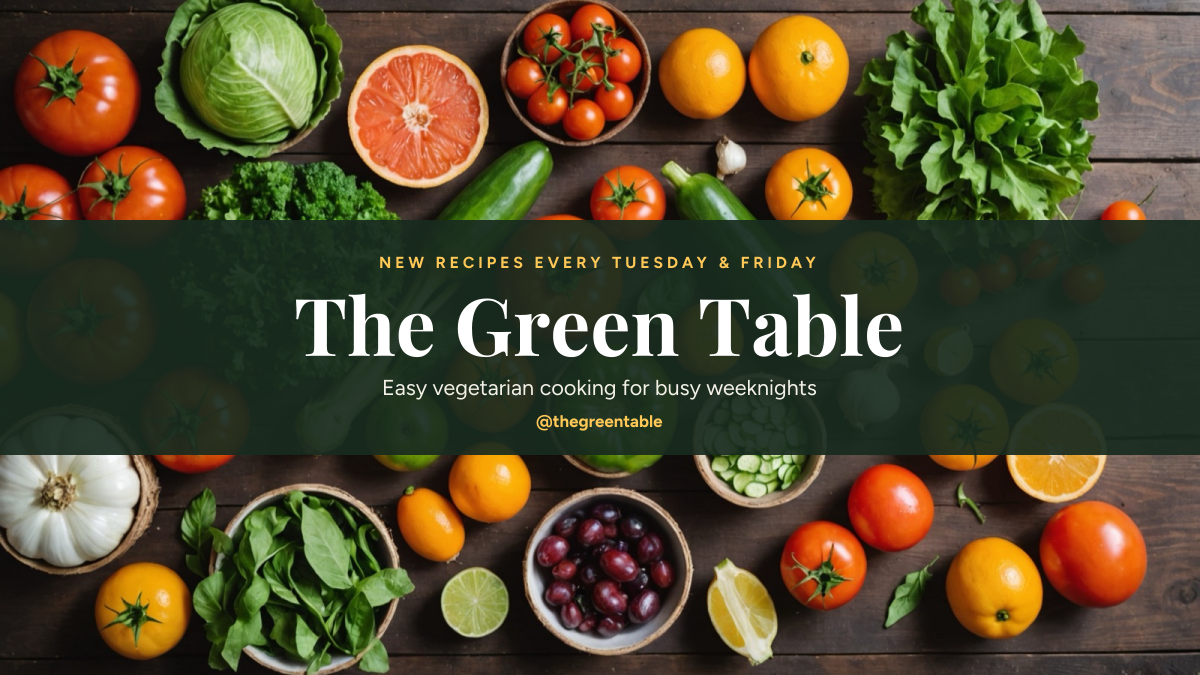
Preview of the YouTube Channel Banner template: fresh produce photo with channel name, upload schedule and handle in the safe area
Creators & events

YouTube Channel Banner Template

YouTube channel art for cooking, food and lifestyle creators. Fresh vegetables and fruit fill the full TV-size canvas, and a dark green band across the middle holds the upload schedule, channel name, tagline and handle, all inside the safe area that shows on phones, desktops and TVs.

Opens your own copy in the Liena editor — the original stays untouched. Free with a Liena account; downloads on the free plan include a small watermark.

Format
YouTube channel banner
Size
2560 × 1440 px (16:9)
Fonts
Figtree, Playfair Display
Colours
Editable layers
6
Export
PNG, full resolution

Design details

Playfair Display gives the channel name a cookbook feel, and Figtree keeps the schedule and handle clear on a phone. Golden yellow and deep green come from the peppers and herbs in the photo.

Best for

  • Cooking and food channels
  • Lifestyle and vlog channel art
  • Channel rebrands
  • Upload schedule banners

How to customise it

  • Change the channel name and tagline.
  • Edit your upload days.
  • Put your own handle at the bottom.
  • Swap the photo for one that fits your niche.

Everything in this template is editable

This isn’t a flat image. The design opens as 6 separate layers you can select and change individually.

4 text layers

Double-click to rewrite. Change font (Figtree, Playfair Display by default), size, weight, line height, letter spacing, alignment, case, colour and shadow.

1 image

Replace with your own upload, then crop, zoom, pan, flip, round the corners and adjust brightness, contrast, saturation or blur.

1 shape

Recolour fills with any hex or brand colour, change opacity and corner radius, or resize and rotate decorative elements.

Layers & layout

Drag to move, resize from any handle, rotate, nudge with arrow keys, reorder or hide layers, duplicate and delete — with undo and redo.

Background & brand

Change the background colour or add a background image, and recolour any shape or text to match your style.

How to use this template

  1. Click “Use this template”. If you’re new to Liena, create a free account first — you’ll come straight back to this design.
  2. Edit the text, replace images and adjust colours. Changes save automatically every 30 seconds, or press Save at any time.
  3. Export a PNG at 2560 × 1440 px. Your design stays in your dashboard to edit again later.
Preview of the YouTube Thumbnail template: high-contrast challenge thumbnail with a highlight banner and arrow
Creators & events

YouTube Thumbnail

High-contrast challenge thumbnail with a highlight banner and arrow.
YouTube thumbnail · 1280 × 720
Preview of the Reaction Video Thumbnail template: cut-out excited creator beside a giant yellow challenge headline and tilted label
Creators & events

Reaction Video Thumbnail

Cut-out excited creator beside a giant yellow challenge headline and tilted label.
YouTube thumbnail · 1280 × 720
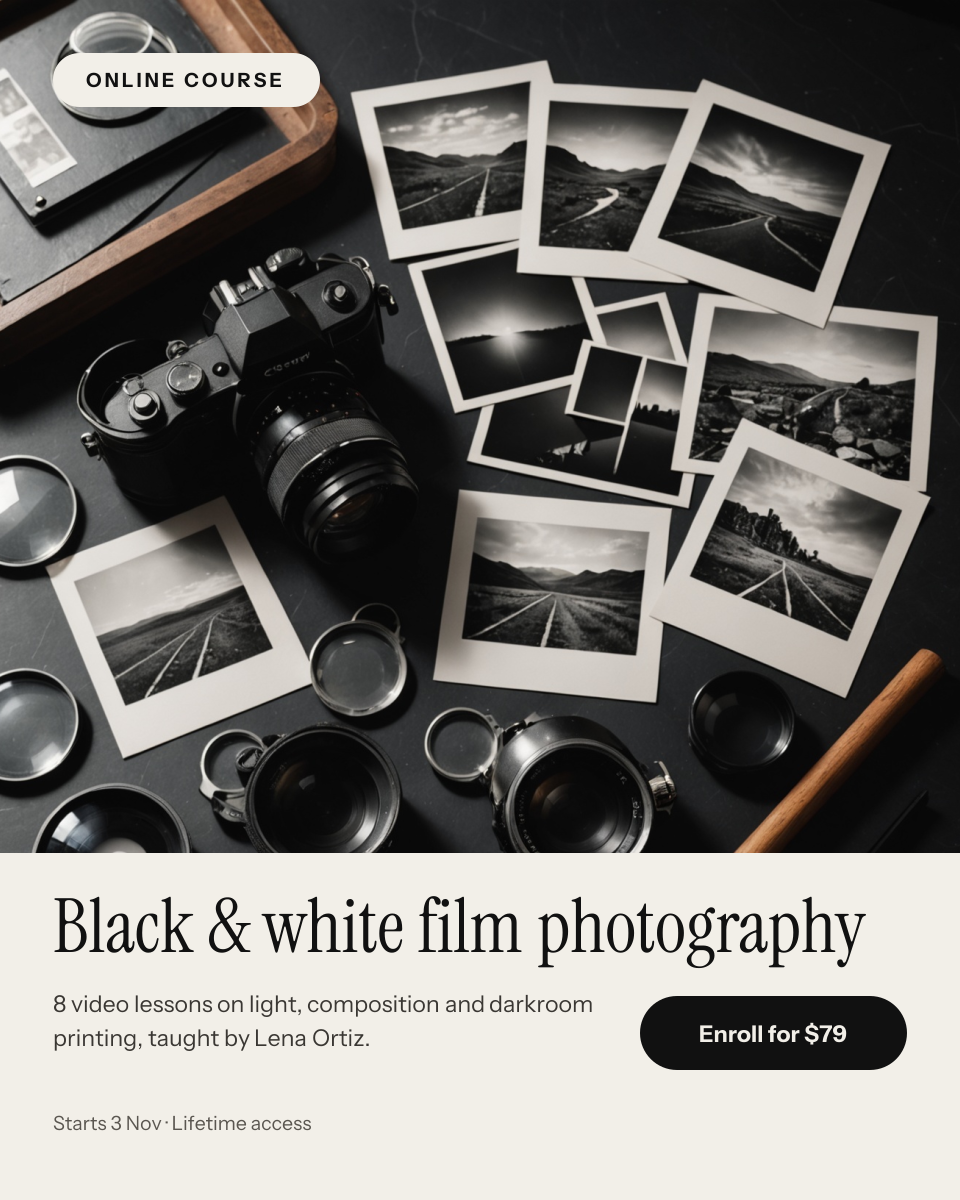
Preview of the Photography Course Promo template: film camera and black and white prints photo above a paper panel with course details and an enroll button
Creators & events

Photography Course Promo

Film camera and black and white prints photo above a paper panel with course details and an enroll button.

Portrait post (4:5) · 1080 × 1350
Preview of the Budget Tips Thumbnail template: pointing creator cutout on a green circle with a heavy savings headline and sticker
Creators & events

Budget Tips Thumbnail

Pointing creator cutout on a green circle with a heavy savings headline and sticker.

YouTube thumbnail · 1280 × 720

Start with the youtube channel banner template

Your copy opens in the editor in seconds.

Use this template