Social media
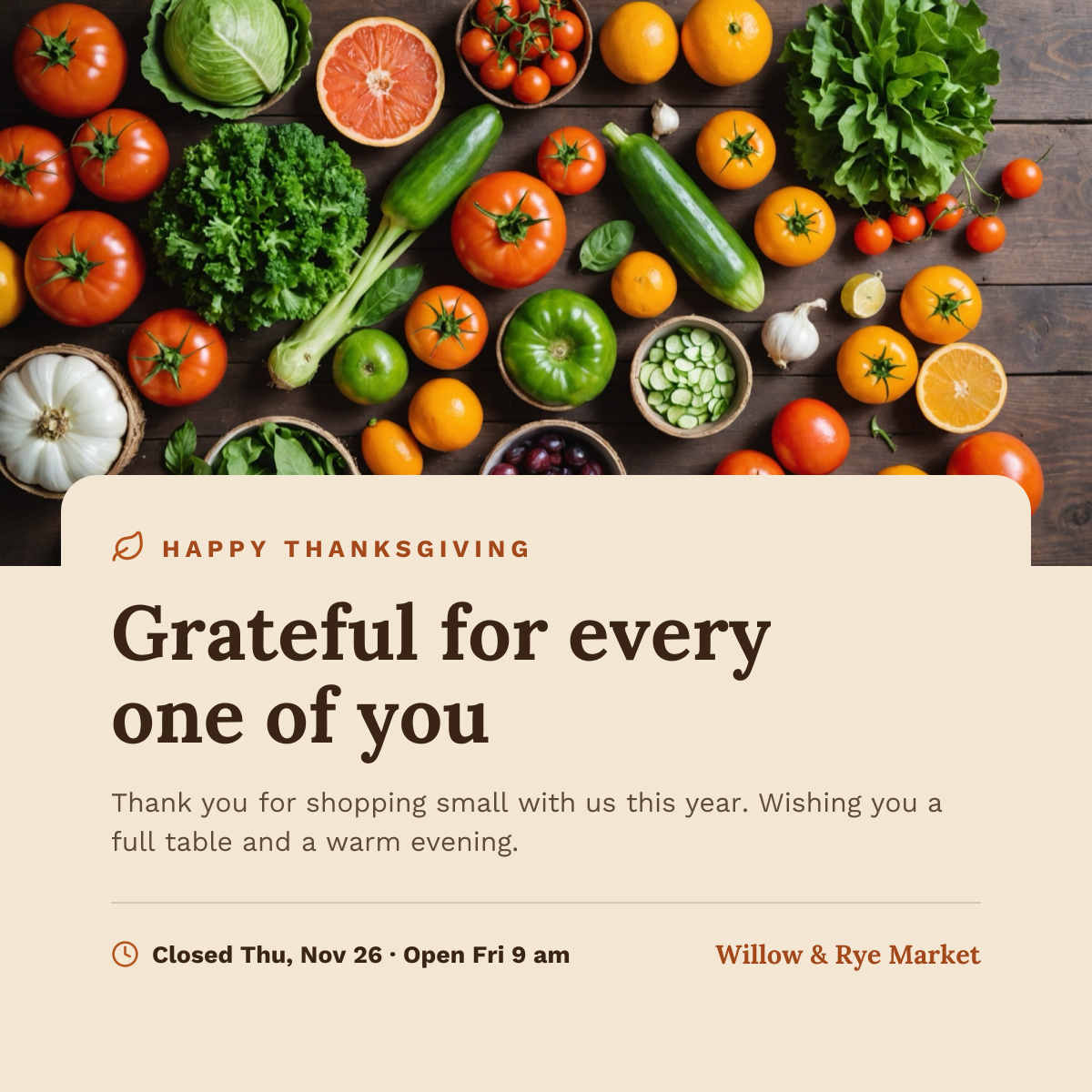
Thanksgiving Instagram Post
Harvest produce photo above a cream card with a thank-you headline and holiday hours.
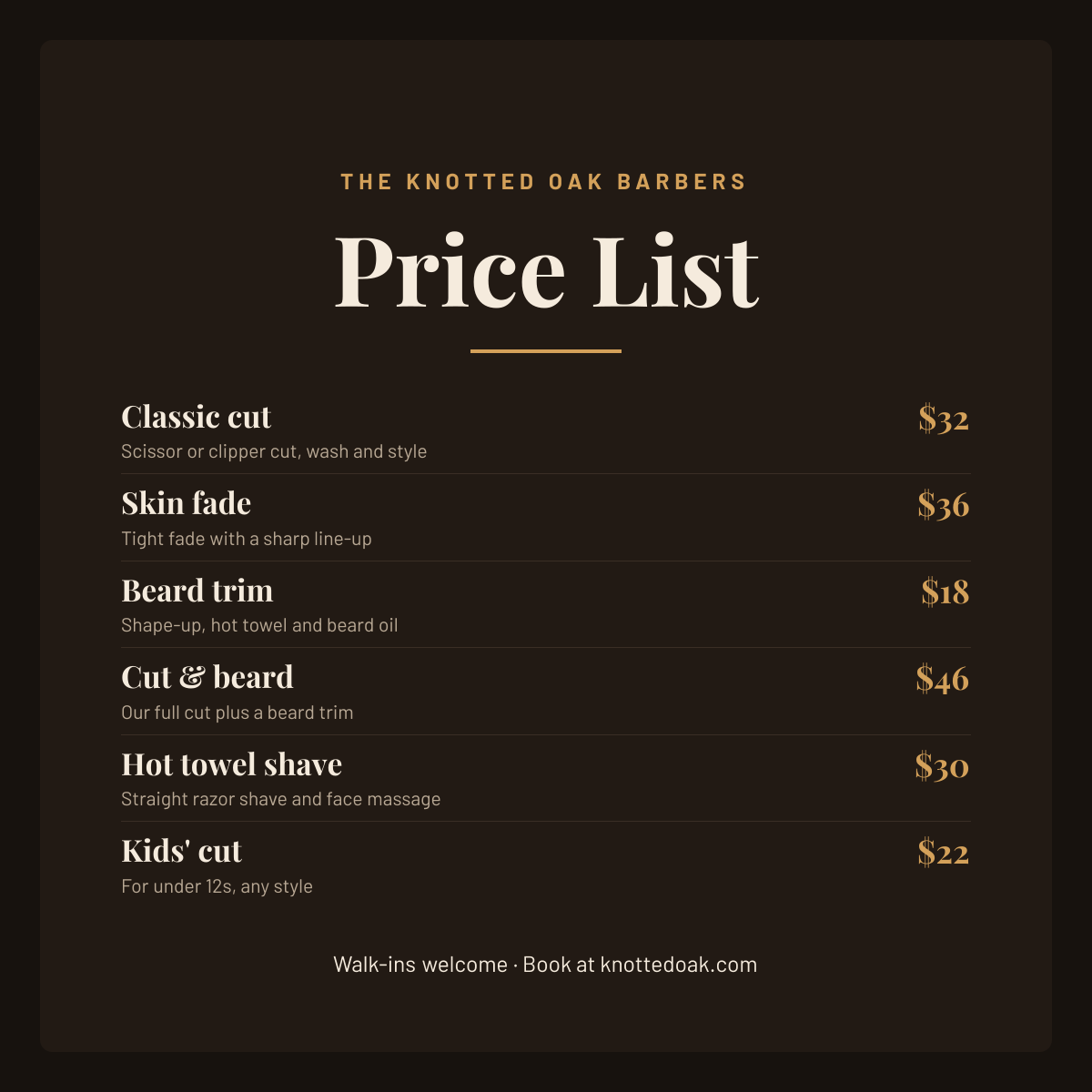
A barbershop price list post for barbers and men's grooming shops who want their prices pinned to the top of their Instagram. Gold scissors and the shop name sit above a large serif Price List title, followed by six services from a classic cut to a hot towel shave, each with a short description and a gold price, and a walk-ins welcome line with the booking link.
Opens your own copy in the Liena editor — the original stays untouched. Free with a Liena account; downloads on the free plan include a small watermark.
Playfair Display has the classic look of a traditional barbershop sign, and Barlow keeps the descriptions clean. Gold on deep brown feels like leather chairs and brass fittings.
This isn’t a flat image. The design opens as 29 separate layers you can select and change individually.
Double-click to rewrite. Change font (Barlow, Playfair Display by default), size, weight, line height, letter spacing, alignment, case, colour and shadow.
Recolour fills with any hex or brand colour, change opacity and corner radius, or resize and rotate decorative elements.
Recolour, resize or delete icons, and add new ones from the built-in Iconify icon search.
Drag to move, resize from any handle, rotate, nudge with arrow keys, reorder or hide layers, duplicate and delete — with undo and redo.
Change the background colour or add a background image, and recolour any shape or text to match your style.
Harvest produce photo above a cream card with a thank-you headline and holiday hours.
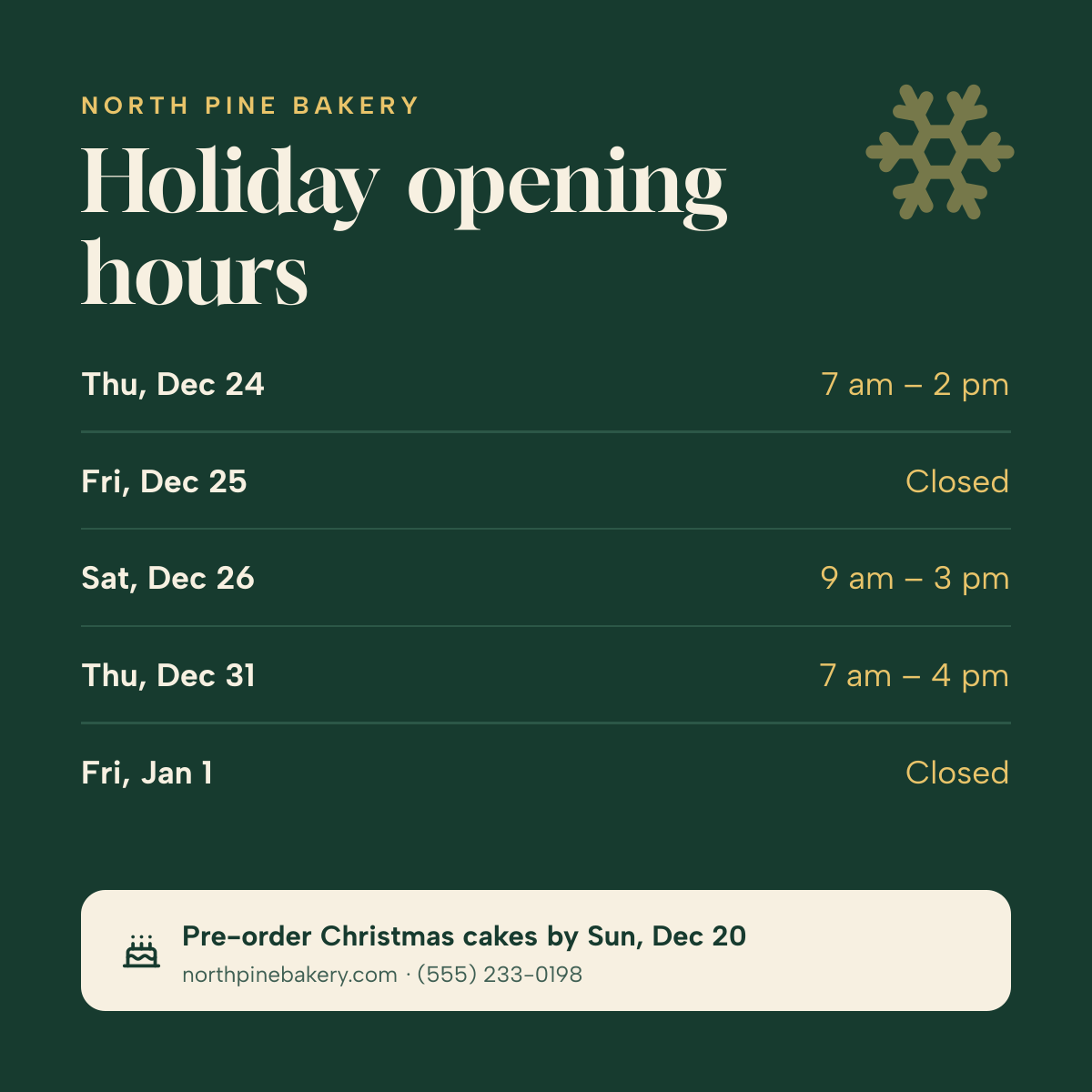
Day-by-day Christmas and New Year opening times on deep green, with a pre-order note.
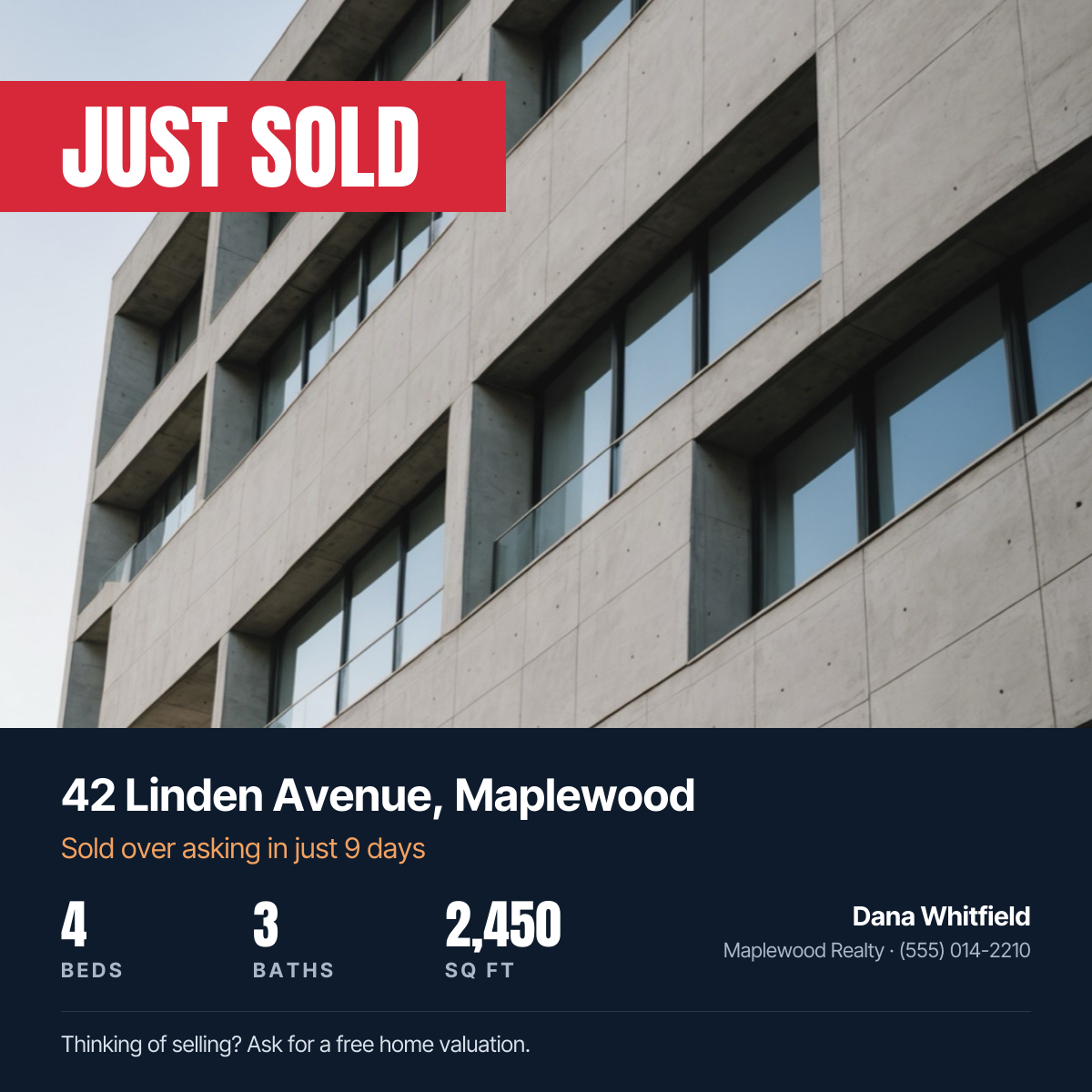
Property photo with a red Just Sold banner, address, home stats and agent contact.
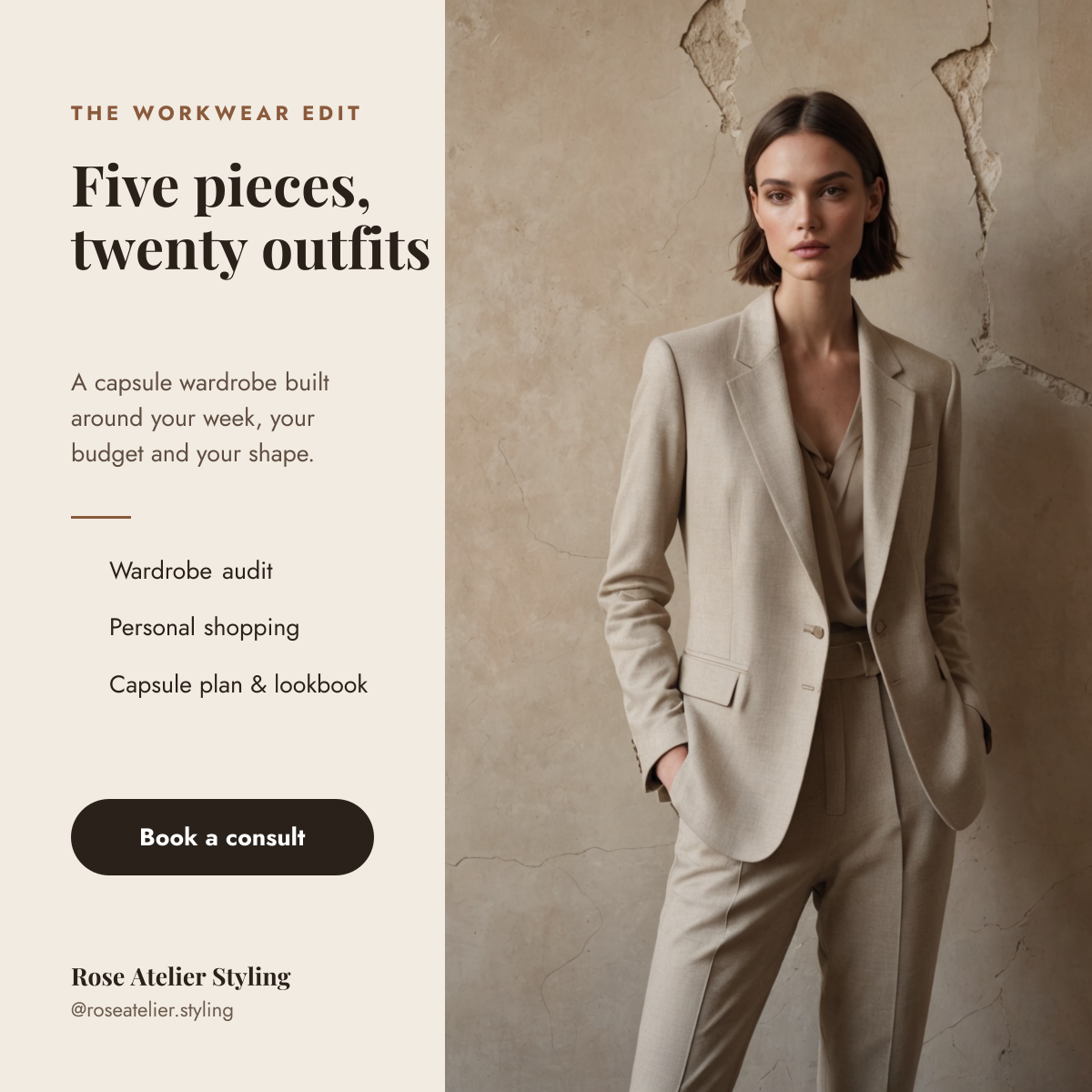
Tailored suit photo beside a cream column with a capsule wardrobe headline, services and a booking button.
Your copy opens in the editor in seconds.
Use this template