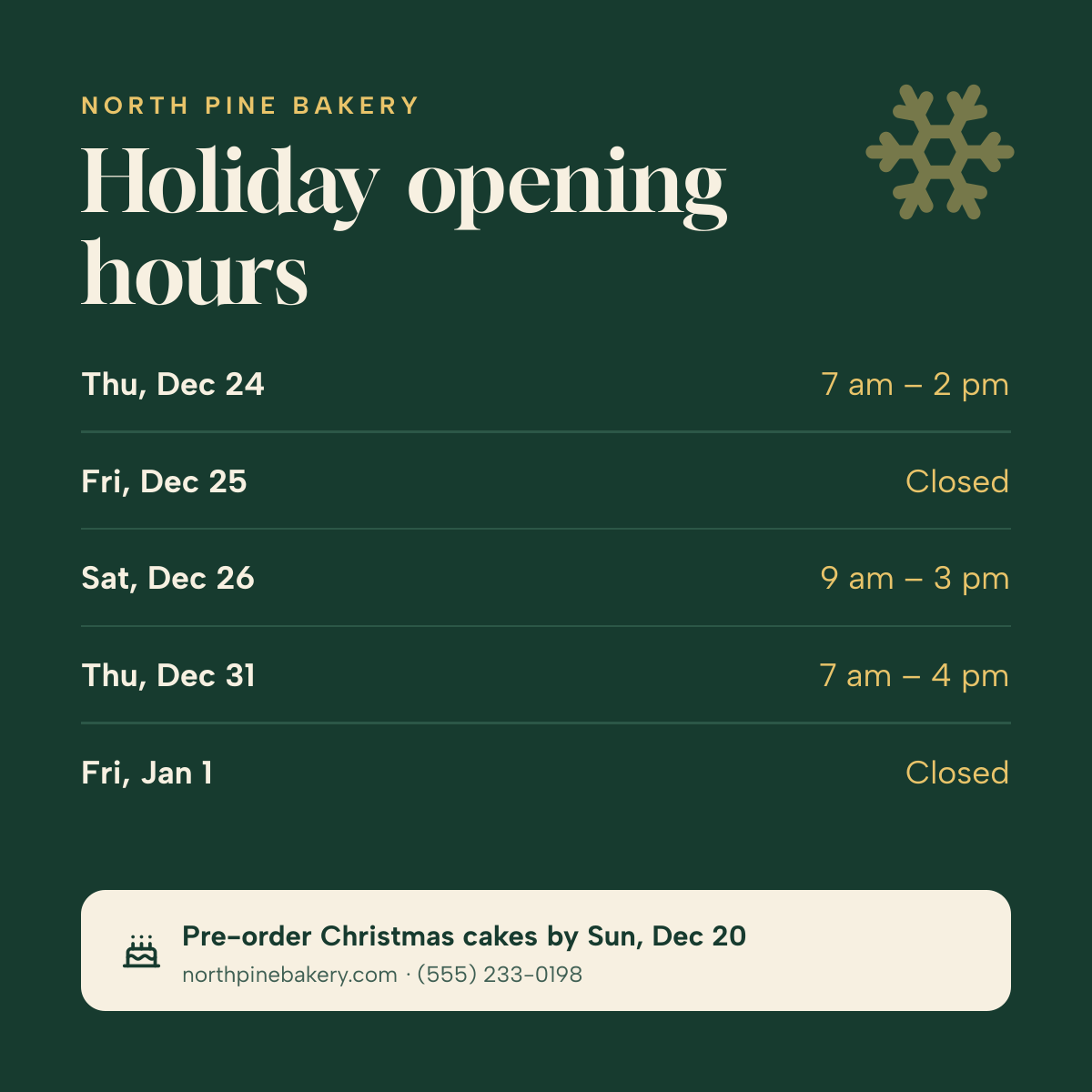
Preview of the Holiday Hours Post template: day-by-day christmas and new year opening times on deep green, with a pre-order note
Social media

Holiday Hours Post Template

A holiday opening hours post for bakeries, shops, salons, clinics and offices. Five rows list each day from Christmas Eve to New Year's Day with its opening times or Closed, and a cream panel at the bottom gives one reminder, like a pre-order deadline, with your website and phone number.

Opens your own copy in the Liena editor — the original stays untouched. Free with a Liena account; downloads on the free plan include a small watermark.

Format
Instagram post
Size
1080 × 1080 px (1:1)
Fonts
Albert Sans, Gloock
Colours
Editable layers
21
Export
PNG, full resolution

Design details

Gloock is an elegant, high-contrast serif that feels festive without clip art, and Albert Sans keeps the dates and times easy to scan. Gold on deep pine green says Christmas without needing a tree.

Best for

  • Christmas and New Year opening hours
  • Holiday closure announcements
  • Thanksgiving or Easter hours
  • Changed hours for any public holiday

How to customise it

  • Change the dates and opening times in each row.
  • Edit the business name at the top.
  • Rewrite the reminder in the cream panel.
  • Change the colours to suit another holiday.

Everything in this template is editable

This isn’t a flat image. The design opens as 21 separate layers you can select and change individually.

14 text layers

Double-click to rewrite. Change font (Albert Sans, Gloock by default), size, weight, line height, letter spacing, alignment, case, colour and shadow.

5 shapes

Recolour fills with any hex or brand colour, change opacity and corner radius, or resize and rotate decorative elements.

2 icons

Recolour, resize or delete icons, and add new ones from the built-in Iconify icon search.

Layers & layout

Drag to move, resize from any handle, rotate, nudge with arrow keys, reorder or hide layers, duplicate and delete — with undo and redo.

Background & brand

Change the background colour or add a background image, and recolour any shape or text to match your style.

How to use this template

  1. Click “Use this template”. If you’re new to Liena, create a free account first — you’ll come straight back to this design.
  2. Edit the text, replace images and adjust colours. Changes save automatically every 30 seconds, or press Save at any time.
  3. Export a PNG at 1080 × 1080 px. Your design stays in your dashboard to edit again later.
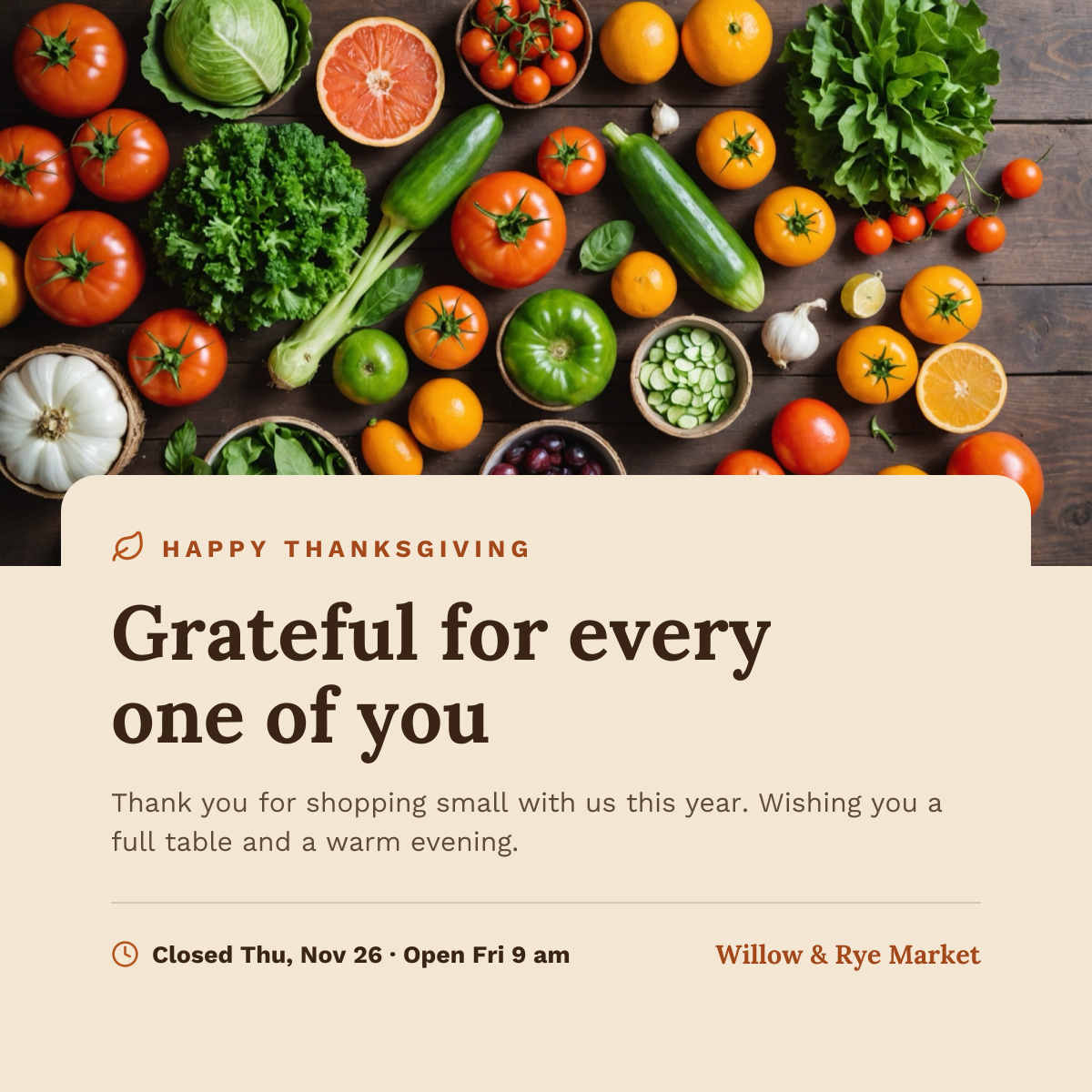
Preview of the Thanksgiving Instagram Post template: harvest produce photo above a cream card with a thank-you headline and holiday hours
Social media

Thanksgiving Instagram Post

Harvest produce photo above a cream card with a thank-you headline and holiday hours.
Instagram post · 1080 × 1080
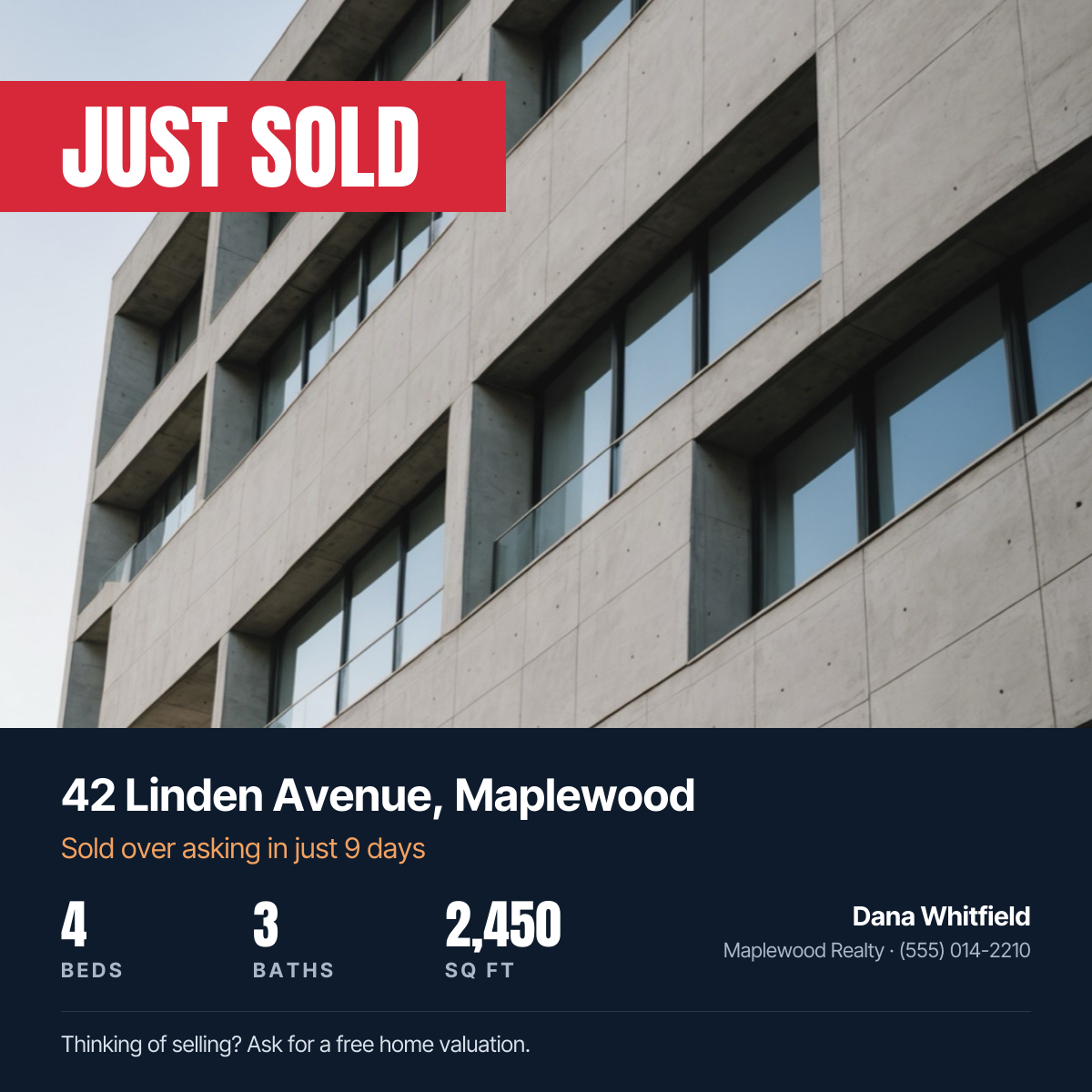
Preview of the Just Sold Real Estate Post template: property photo with a red just sold banner, address, home stats and agent contact
Social media

Just Sold Real Estate Post

Property photo with a red Just Sold banner, address, home stats and agent contact.
Instagram post · 1080 × 1080
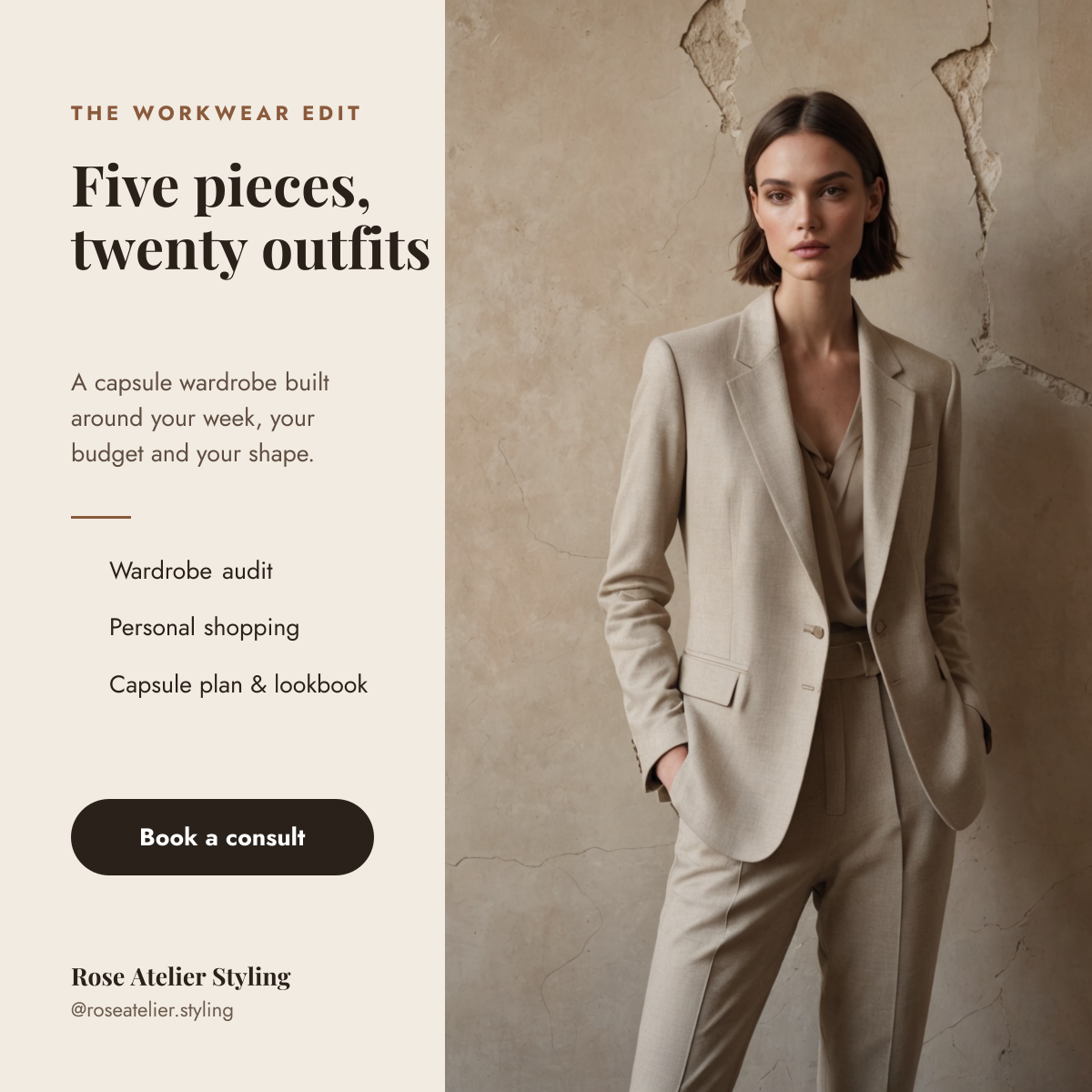
Preview of the Personal Stylist Post template: tailored suit photo beside a cream column with a capsule wardrobe headline, services and a booking button
Social media

Personal Stylist Post

Tailored suit photo beside a cream column with a capsule wardrobe headline, services and a booking button.
Instagram post · 1080 × 1080
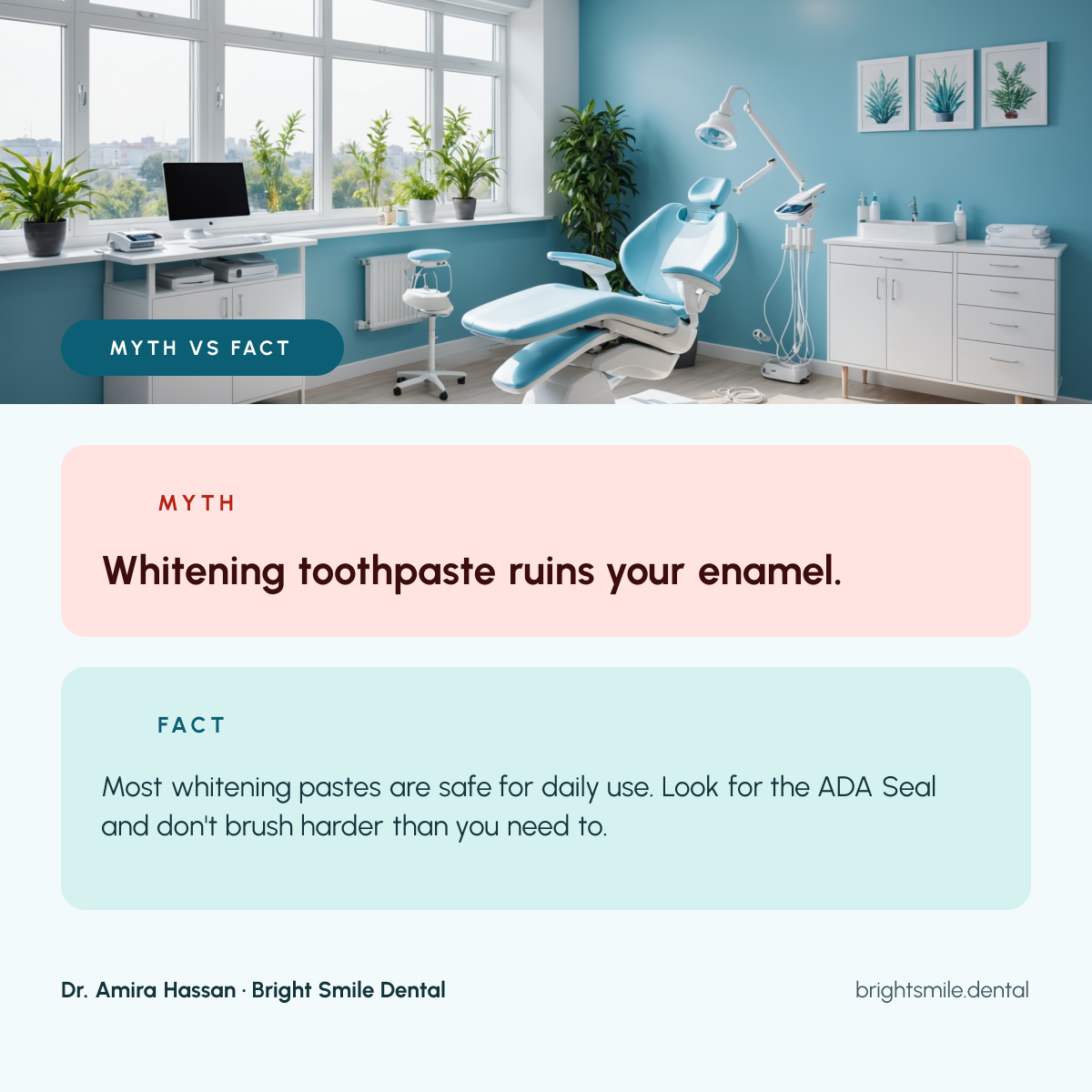
Preview of the Dental Myth vs Fact Post template: clinic photo above a pink myth card and a teal fact card, with the dentist's name below
Social media

Dental Myth vs Fact Post

Clinic photo above a pink myth card and a teal fact card, with the dentist's name below.

Instagram post · 1080 × 1080

Start with the holiday hours post template

Your copy opens in the editor in seconds.

Use this template