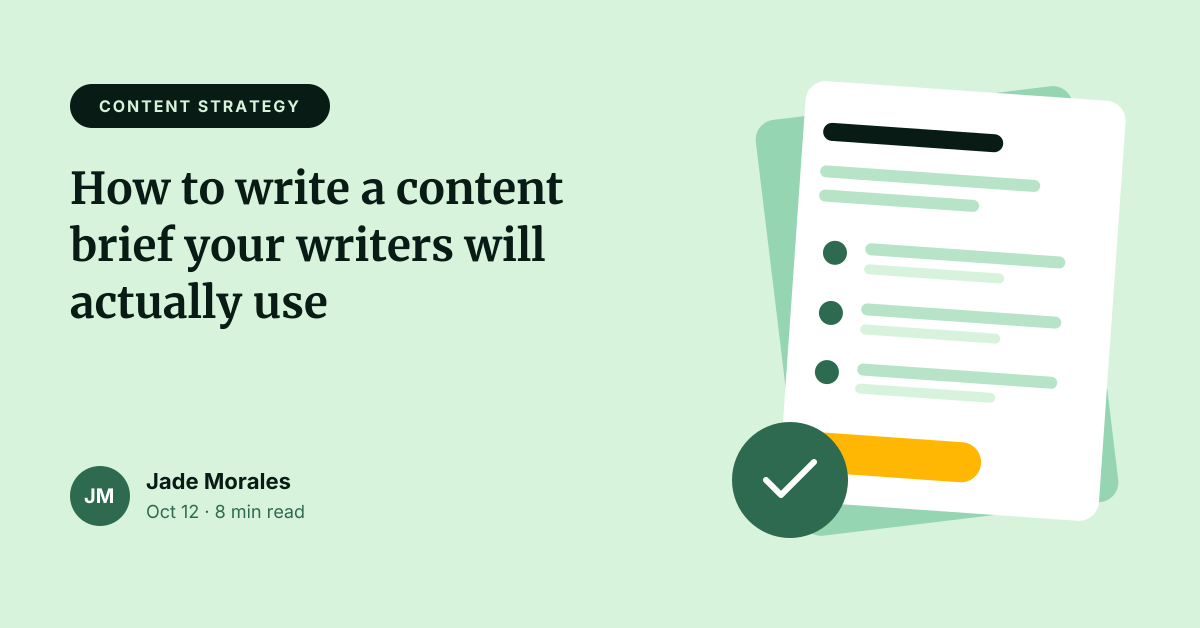
Preview of the Blog Featured Image template: article header with category tag, title, byline and illustration
Creators & events

Blog Featured Image Template

A featured image that works as both your blog post header and its link preview on social media. A category tag sets context, the article title is large and readable, and an author byline with reading time adds credibility. The illustrated “brief” card on the right is made of editable shapes rather than a stock image.

Opens your own copy in the Liena editor — the original stays untouched. Free with a Liena account; downloads on the free plan include a small watermark.

Format
Web banner
Size
1200 × 628 px (1.91:1)
Fonts
Inter, Merriweather
Colours
Editable layers
24
Export
PNG, full resolution

Design details

Mint and deep forest green feel calm and editorial. Merriweather gives the title a readable, publication-like voice; Inter keeps the tag and byline crisp. The illustration is a rotated card whose lines and checkboxes are placed with the same rotation, so the composition stays aligned if you recolour it.

Best for

  • Blog post and article headers
  • Open Graph and social share images
  • Newsletter article thumbnails
  • Documentation and help-centre headers

How to customise it

  • Edit the category tag and article title; three lines is the comfortable maximum.
  • Change the author initials, name, date and reading time.
  • Recolour the card’s accent bar and checkboxes to your blog’s colours.
  • Keep text away from the far edges — some platforms crop link previews.

Everything in this template is editable

This isn’t a flat image. The design opens as 24 separate layers you can select and change individually.

5 text layers

Double-click to rewrite. Change font (Inter, Merriweather by default), size, weight, line height, letter spacing, alignment, case, colour and shadow.

18 shapes

Recolour fills with any hex or brand colour, change opacity and corner radius, or resize and rotate decorative elements.

1 icon

Recolour, resize or delete icons, and add new ones from the built-in Iconify icon search.

Layers & layout

Drag to move, resize from any handle, rotate, nudge with arrow keys, reorder or hide layers, duplicate and delete — with undo and redo.

Background & brand

Change the background colour or add a background image, and apply colours and logos from your Liena brand kit.

How to use this template

  1. Click “Use this template”. If you’re new to Liena, create a free account first — you’ll come straight back to this design.
  2. Edit the text, replace images and adjust colours. Changes save automatically every 30 seconds, or press Save at any time.
  3. Export a PNG at 1200 × 628 px. Your design stays in your dashboard to edit again later.
Preview of the YouTube Thumbnail template: high-contrast challenge thumbnail with a highlight banner and arrow
Creators & events

YouTube Thumbnail

High-contrast challenge thumbnail with a highlight banner and arrow.
YouTube thumbnail · 1280 × 720
Preview of the Podcast Cover Art template: 3000 × 3000 show artwork with a microphone and bold title
Creators & events

Podcast Cover Art

3000 × 3000 show artwork with a microphone and bold title.

Podcast cover art · 3000 × 3000
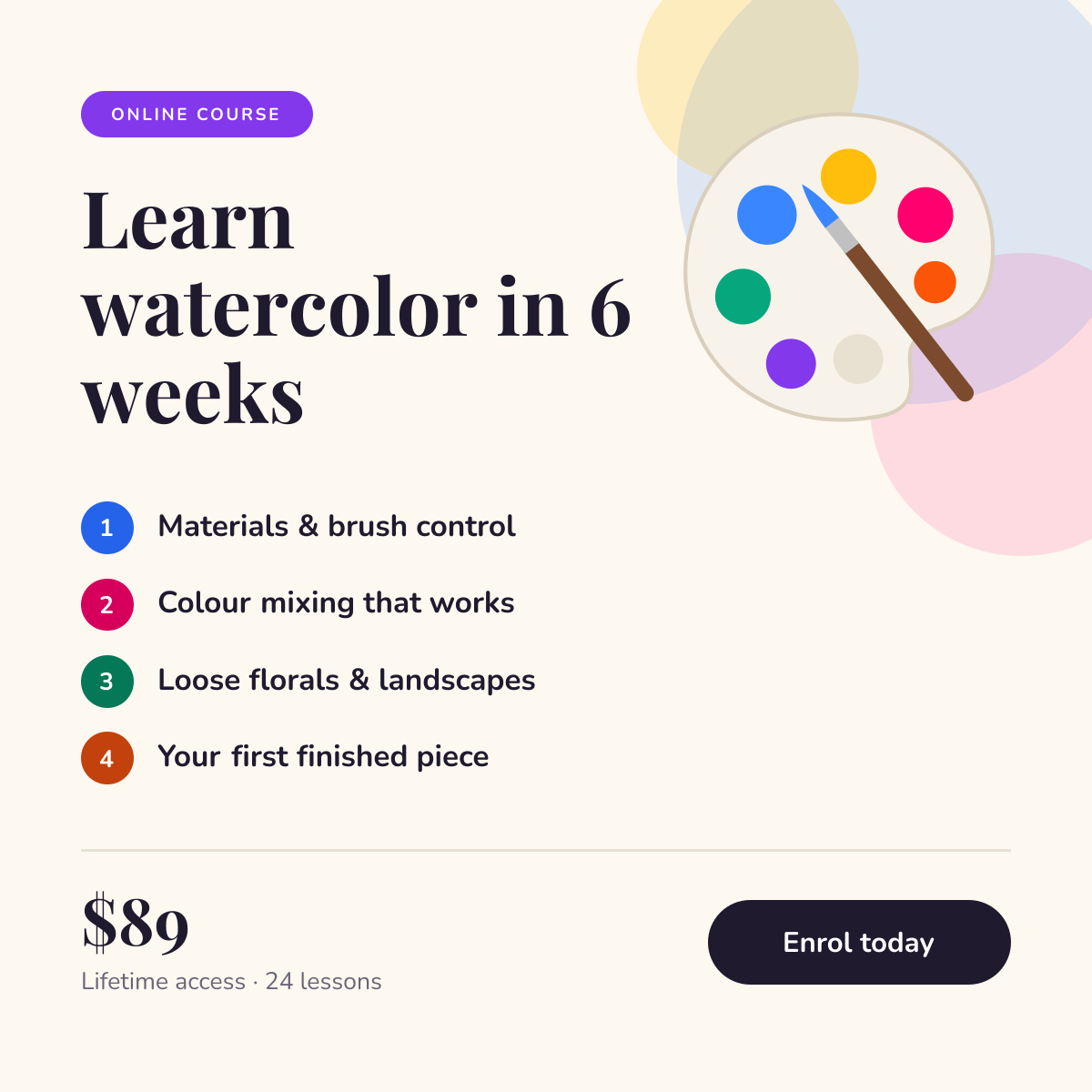
Preview of the Online Course Promotion template: course launch post with a numbered curriculum, price and enrol button
Creators & events

Online Course Promotion

Course launch post with a numbered curriculum, price and enrol button.
Instagram post · 1080 × 1080
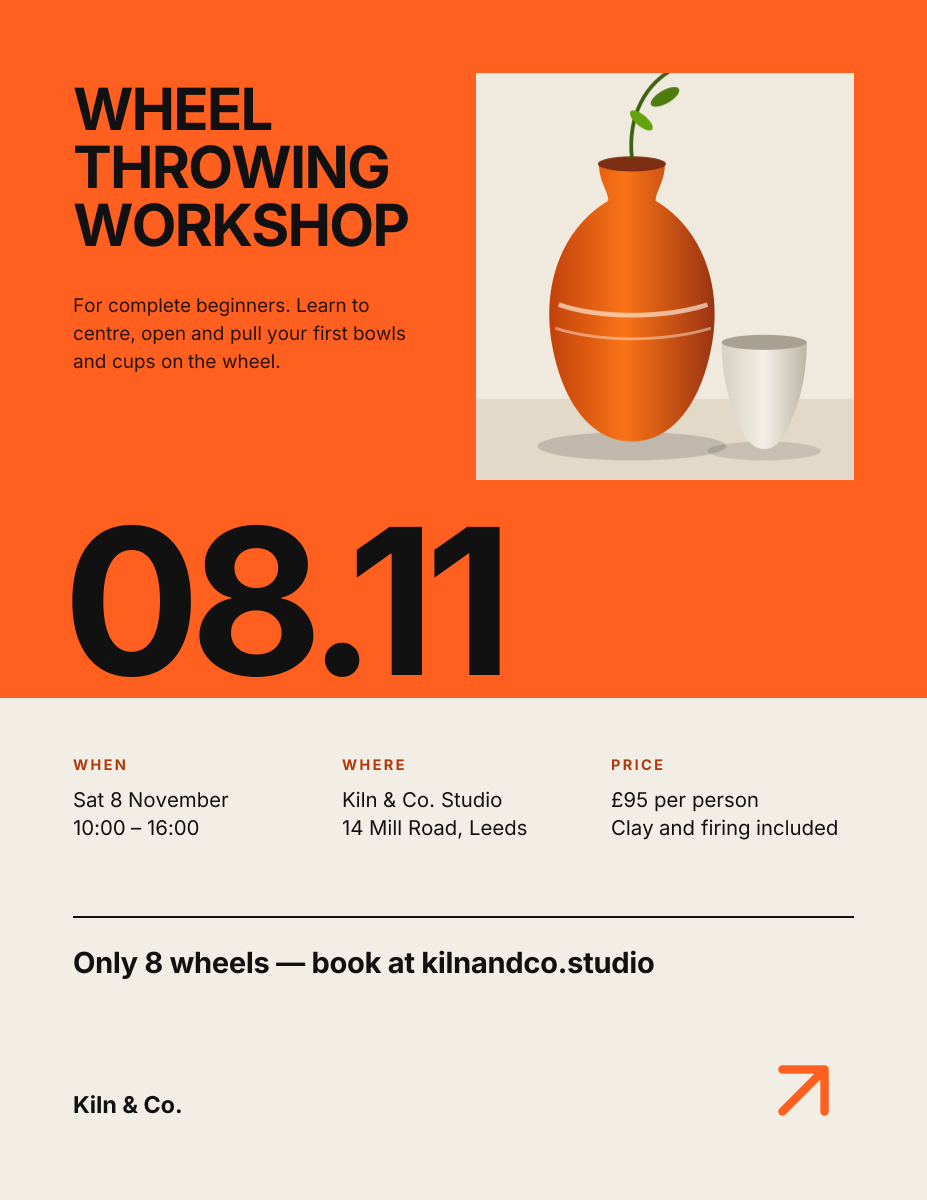
Preview of the Workshop Poster template: swiss-style print poster with a huge date and a details grid
Creators & events

Workshop Poster

Swiss-style print poster with a huge date and a details grid.

US Letter flyer · 1275 × 1650

Start with the blog featured image template

Your copy opens in the editor in seconds.

Use this template