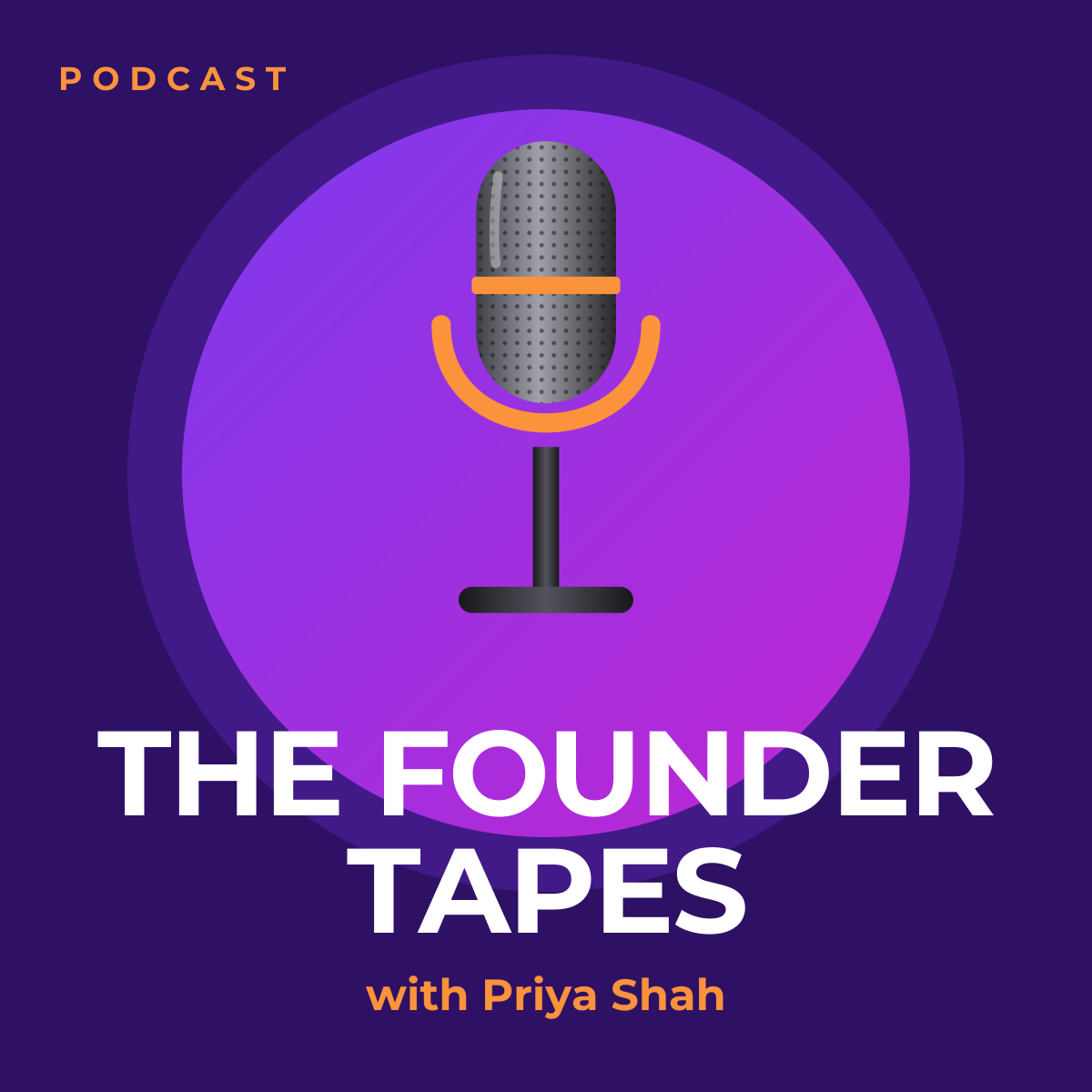
Preview of the Podcast Cover Art template: 3000 × 3000 show artwork with a microphone and bold title
Creators & events

Podcast Cover Art Template

Podcast artwork is mostly seen as a tiny square in an app, so this cover keeps to one image, one title and one name. A studio microphone sits in a glowing purple circle, the show title is set in heavy uppercase across the bottom, and the host’s name is picked out in orange. The canvas is 3000 × 3000 pixels.

Opens your own copy in the Liena editor — the original stays untouched. Free with a Liena account; downloads on the free plan include a small watermark.

Format
Podcast cover art
Size
3000 × 3000 px (1:1)
Fonts
Montserrat
Colours
Editable layers
6
Export
PNG, full resolution

Design details

Deep purple with a violet-to-magenta gradient disc creates a strong silhouette that still reads at 55 pixels wide. Montserrat Bold in uppercase gives the title maximum legibility, and orange is reserved for the two supporting labels. The microphone is a single image layer you can replace with a portrait of the host.

Best for

  • New podcast launches
  • Refreshing artwork for an existing show
  • Episode artwork and social promotion (export and resize)
  • YouTube podcast channel avatars

How to customise it

  • Change the show title; two short lines read best at small sizes.
  • Replace the microphone with a cut-out photo of the host or a symbol for your topic.
  • Update the host name and the small “PODCAST” label.
  • Check your podcast platform’s current artwork requirements before uploading.

Everything in this template is editable

This isn’t a flat image. The design opens as 6 separate layers you can select and change individually.

3 text layers

Double-click to rewrite. Change font (Montserrat by default), size, weight, line height, letter spacing, alignment, case, colour and shadow.

1 image

Replace with your own upload, then crop, zoom, pan, flip, round the corners and adjust brightness, contrast, saturation or blur.

2 shapes

Recolour fills with any hex or brand colour, change opacity and corner radius, or resize and rotate decorative elements.

Layers & layout

Drag to move, resize from any handle, rotate, nudge with arrow keys, reorder or hide layers, duplicate and delete — with undo and redo.

Background & brand

Change the background colour or add a background image, and apply colours and logos from your Liena brand kit.

How to use this template

  1. Click “Use this template”. If you’re new to Liena, create a free account first — you’ll come straight back to this design.
  2. Edit the text, replace images and adjust colours. Changes save automatically every 30 seconds, or press Save at any time.
  3. Export a PNG at 3000 × 3000 px. Your design stays in your dashboard to edit again later.
Preview of the YouTube Thumbnail template: high-contrast challenge thumbnail with a highlight banner and arrow
Creators & events

YouTube Thumbnail

High-contrast challenge thumbnail with a highlight banner and arrow.
YouTube thumbnail · 1280 × 720
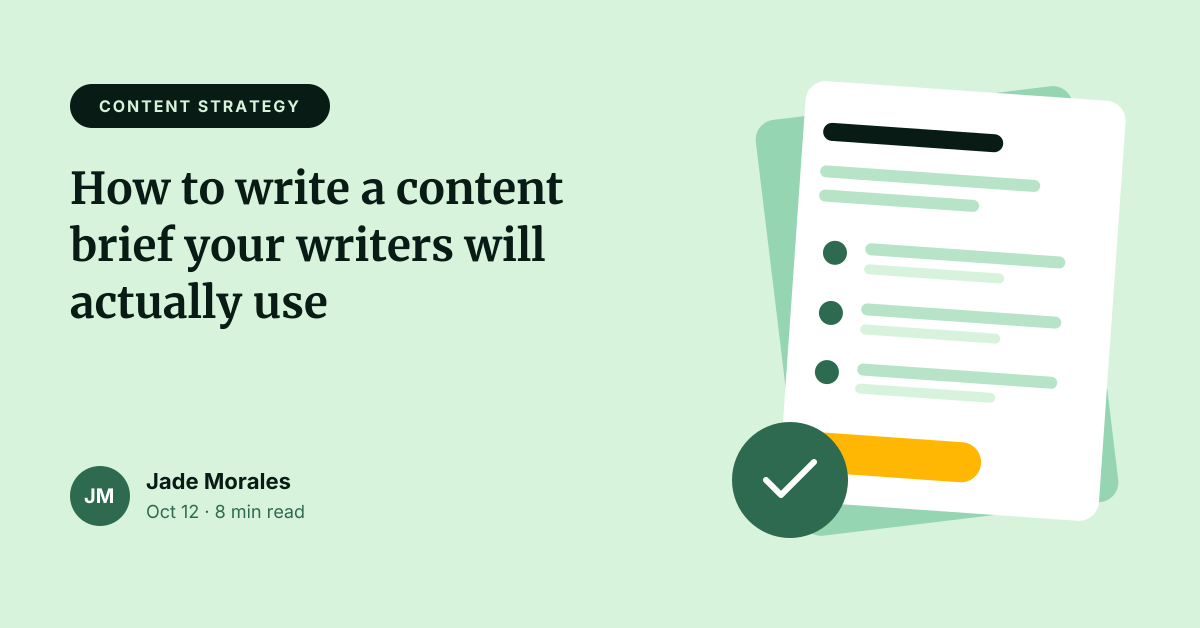
Preview of the Blog Featured Image template: article header with category tag, title, byline and illustration
Creators & events

Blog Featured Image

Article header with category tag, title, byline and illustration.
Web banner · 1200 × 628
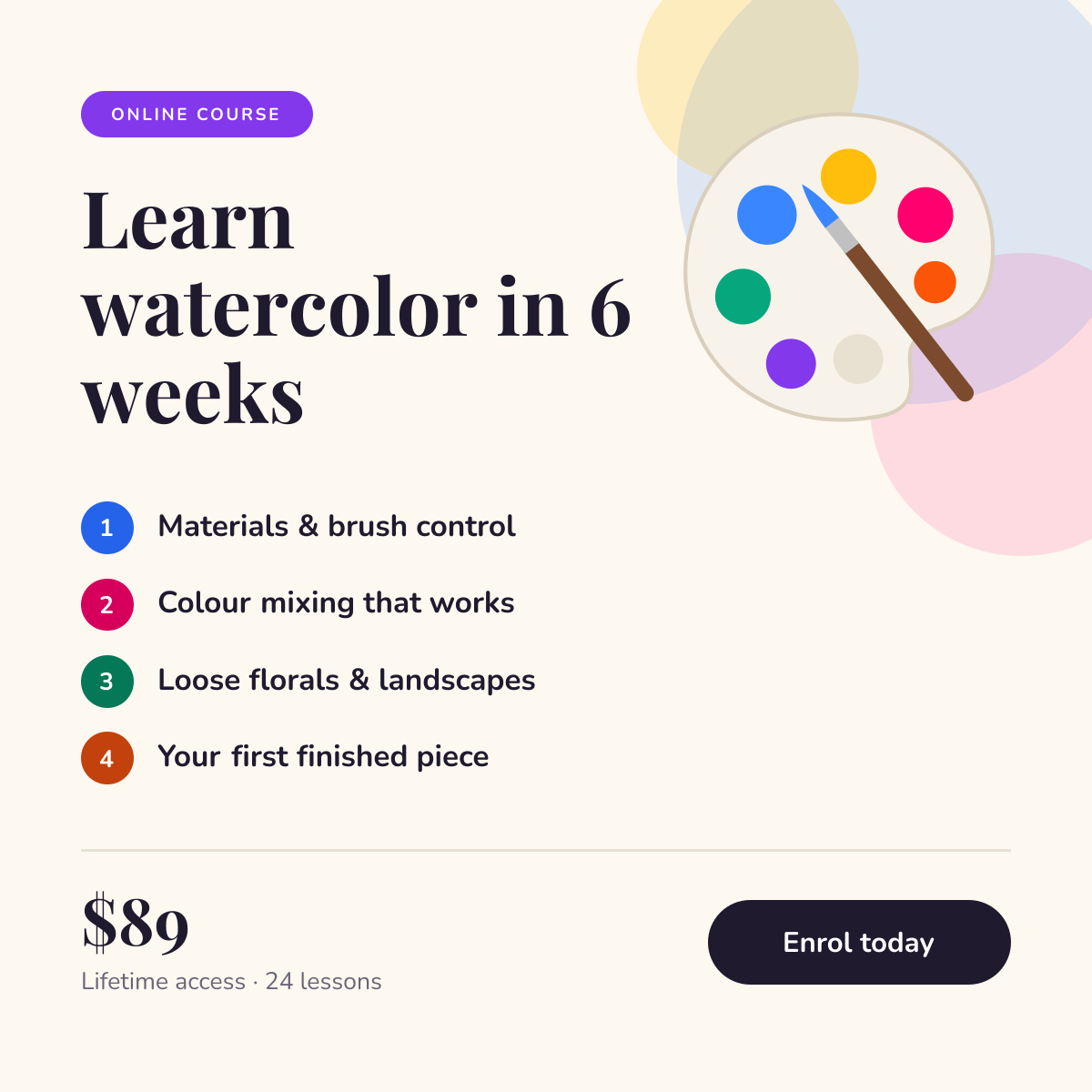
Preview of the Online Course Promotion template: course launch post with a numbered curriculum, price and enrol button
Creators & events

Online Course Promotion

Course launch post with a numbered curriculum, price and enrol button.
Instagram post · 1080 × 1080
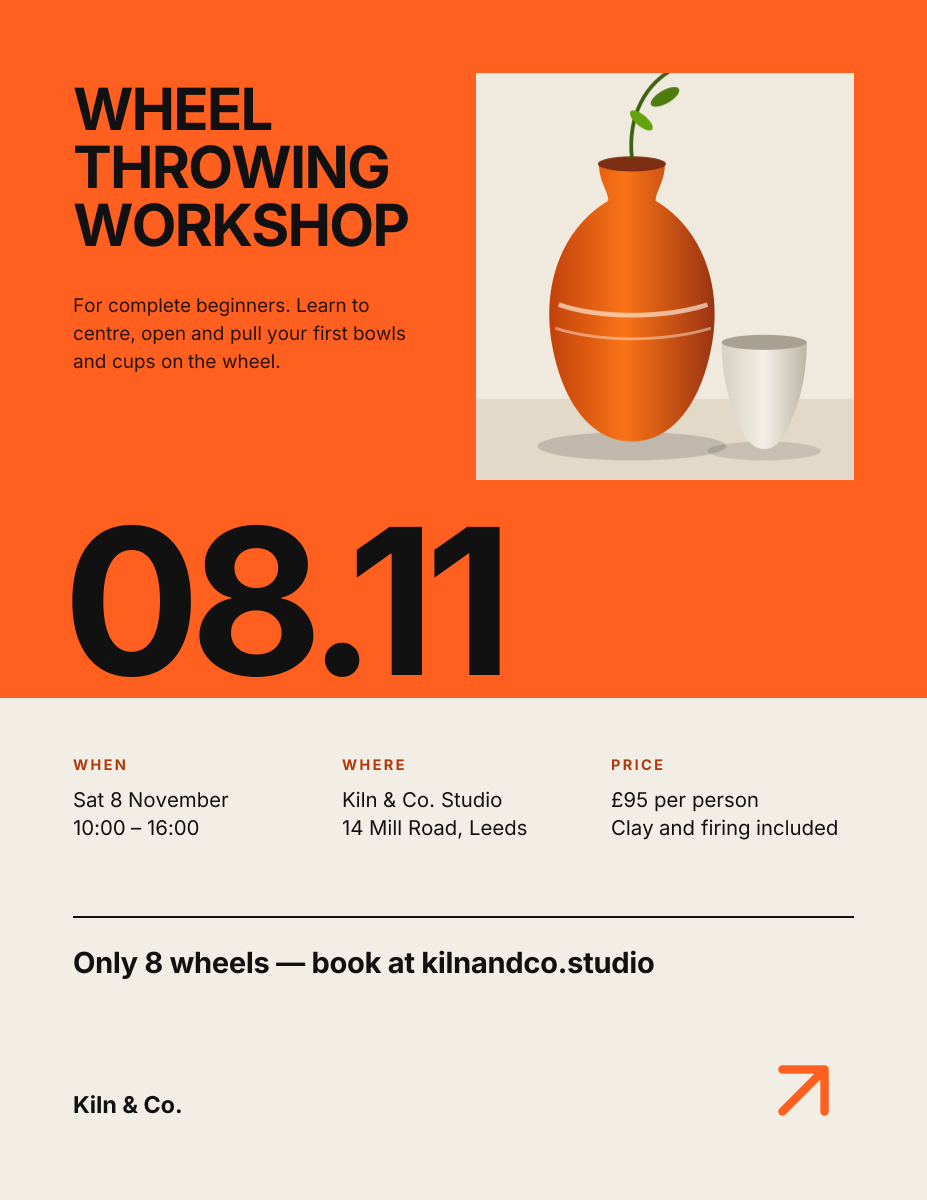
Preview of the Workshop Poster template: swiss-style print poster with a huge date and a details grid
Creators & events

Workshop Poster

Swiss-style print poster with a huge date and a details grid.

US Letter flyer · 1275 × 1650

Start with the podcast cover art template

Your copy opens in the editor in seconds.

Use this template