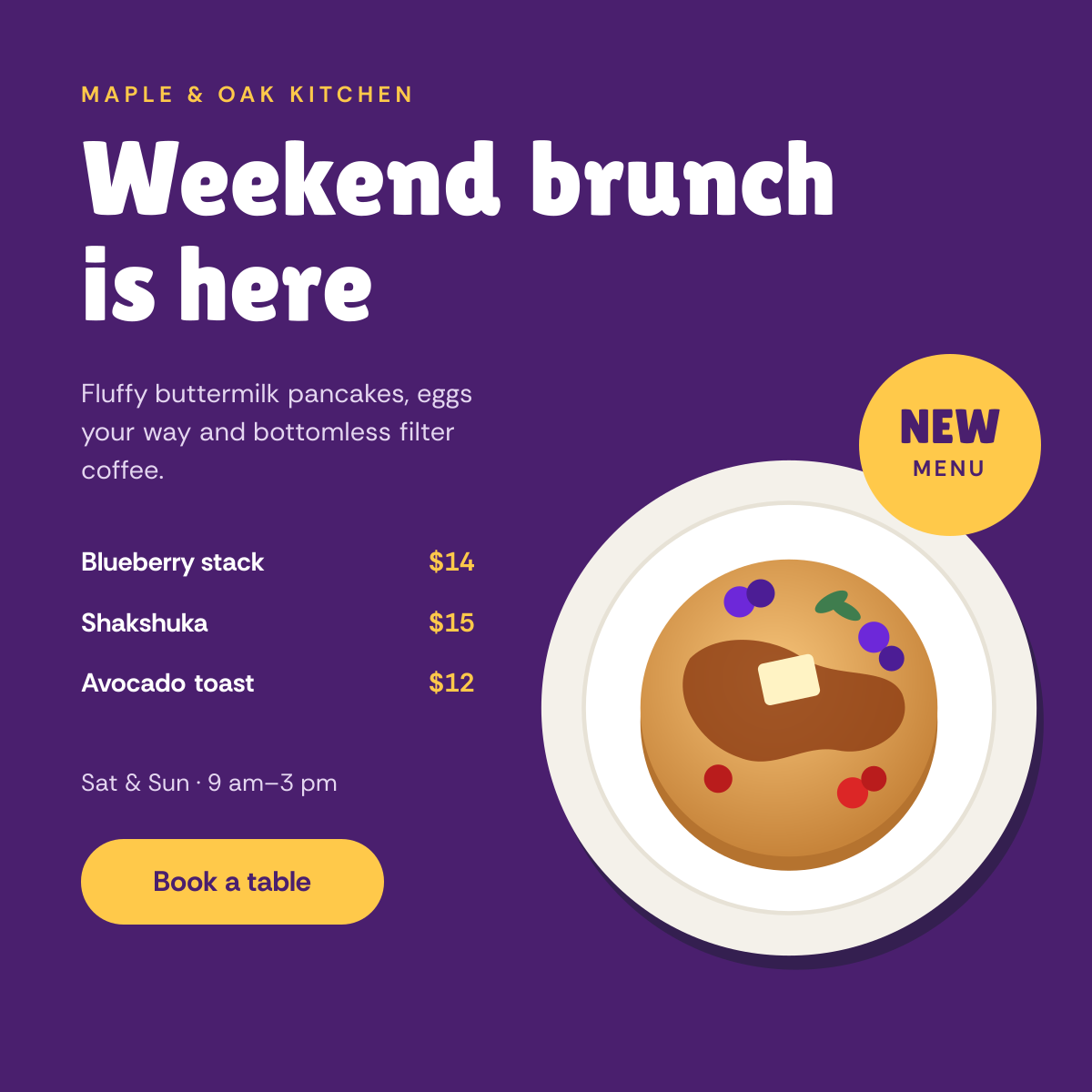
Preview of the Brunch Menu Launch Post template: pancake illustration with a new menu sticker, dish list with prices and a booking button
Marketing & advertising

Brunch Menu Launch Post Template

A square Instagram post for cafés and restaurants launching a weekend brunch. A plate of pancakes sits in the bottom corner with a yellow New menu sticker, and the berry-purple background holds a chunky headline, three dishes with prices, opening hours and a button to book.

Opens your own copy in the Liena editor — the original stays untouched. Free with a Liena account; downloads on the free plan include a small watermark.

Format
Instagram post
Size
1080 × 1080 px (1:1)
Fonts
Rethink Sans, Lilita One
Colours
Editable layers
16
Export
PNG, full resolution

Design details

Lilita One's chunky, rounded letters feel playful and hungry, and Rethink Sans keeps the menu clear. The purple and yellow come from the berries and butter on the pancakes.

Best for

  • New brunch menu launches
  • Weekend opening hours
  • Café dish highlights
  • Table booking promos

How to customise it

  • Change the three dishes and prices.
  • Edit the days and opening hours.
  • Swap the illustration for a food photo.
  • Change the sticker to Now open or Back again.

Everything in this template is editable

This isn’t a flat image. The design opens as 16 separate layers you can select and change individually.

13 text layers

Double-click to rewrite. Change font (Rethink Sans, Lilita One by default), size, weight, line height, letter spacing, alignment, case, colour and shadow.

1 image

Replace with your own upload, then crop, zoom, pan, flip, round the corners and adjust brightness, contrast, saturation or blur.

2 shapes

Recolour fills with any hex or brand colour, change opacity and corner radius, or resize and rotate decorative elements.

Layers & layout

Drag to move, resize from any handle, rotate, nudge with arrow keys, reorder or hide layers, duplicate and delete — with undo and redo.

Background & brand

Change the background colour or add a background image, and recolour any shape or text to match your style.

How to use this template

  1. Click “Use this template”. If you’re new to Liena, create a free account first — you’ll come straight back to this design.
  2. Edit the text, replace images and adjust colours. Changes save automatically every 30 seconds, or press Save at any time.
  3. Export a PNG at 1080 × 1080 px. Your design stays in your dashboard to edit again later.
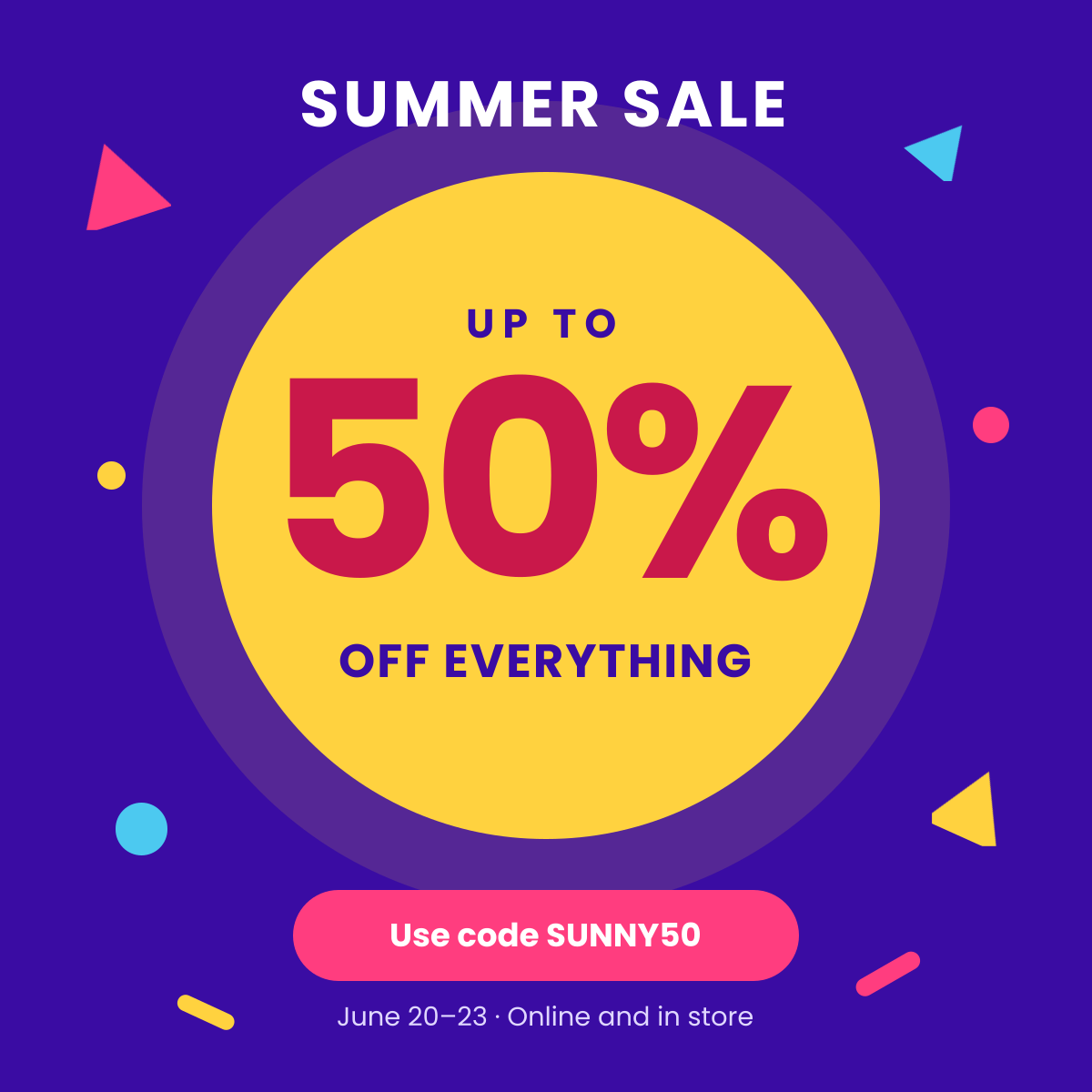
Preview of the Sale & Discount Promotion template: loud, colourful sale post with a giant percentage and promo code
Marketing & advertising

Sale & Discount Promotion

Loud, colourful sale post with a giant percentage and promo code.
Instagram post · 1080 × 1080
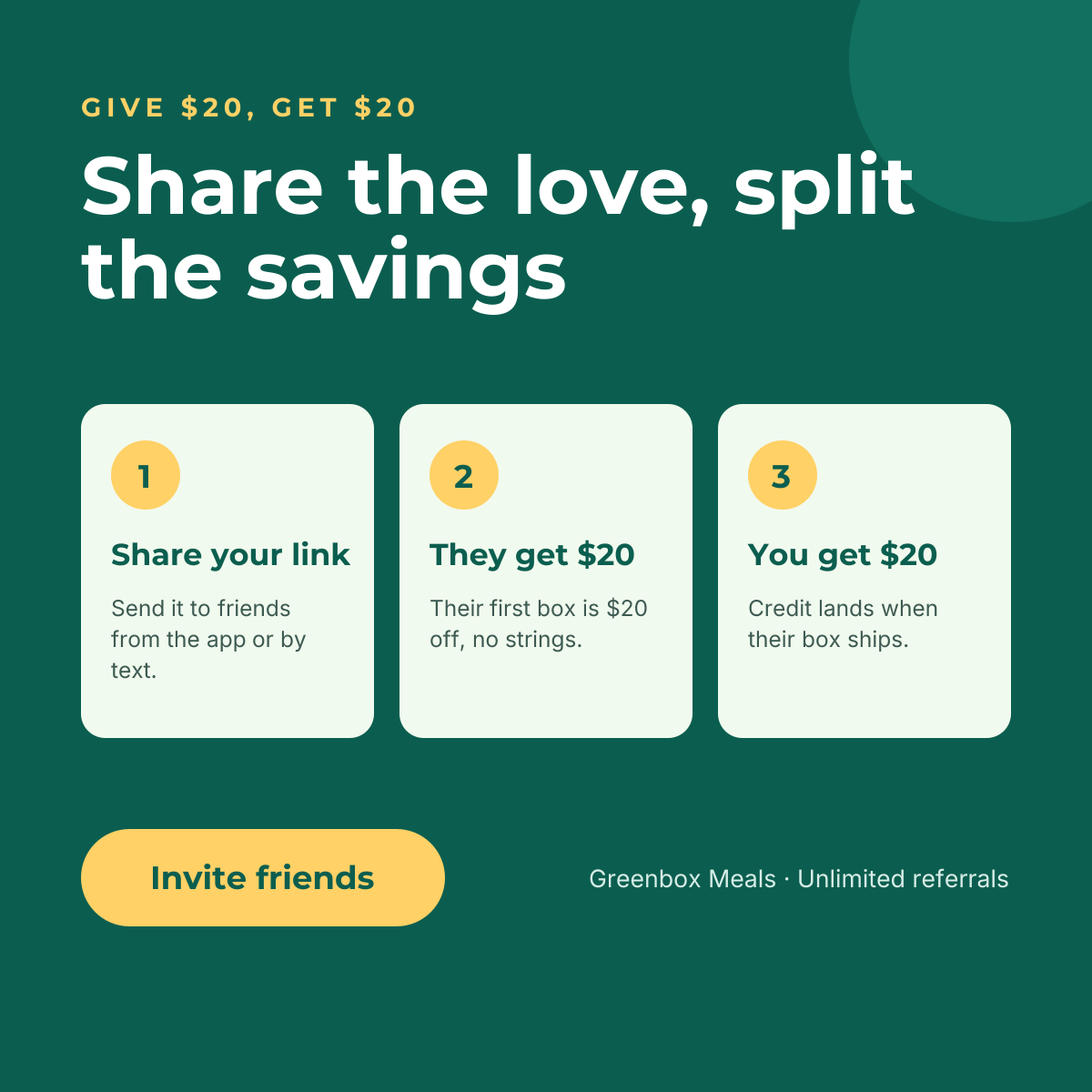
Preview of the Referral Program Post template: give-get referral offer explained in three numbered cards
Marketing & advertising

Referral Program Post

Give-get referral offer explained in three numbered cards.
Instagram post · 1080 × 1080
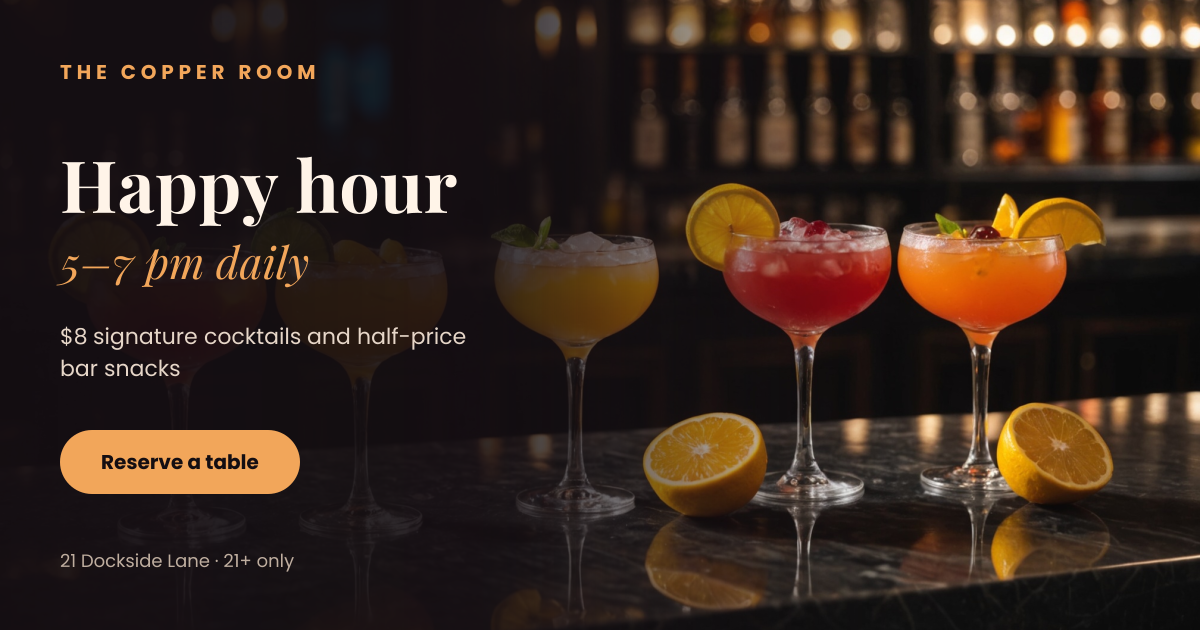
Preview of the Cocktail Happy Hour Post template: row of citrus cocktails on a marble bar with a happy hour offer on a dark fade
Marketing & advertising

Cocktail Happy Hour Post

Row of citrus cocktails on a marble bar with a happy hour offer on a dark fade.
Facebook post · 1200 × 630
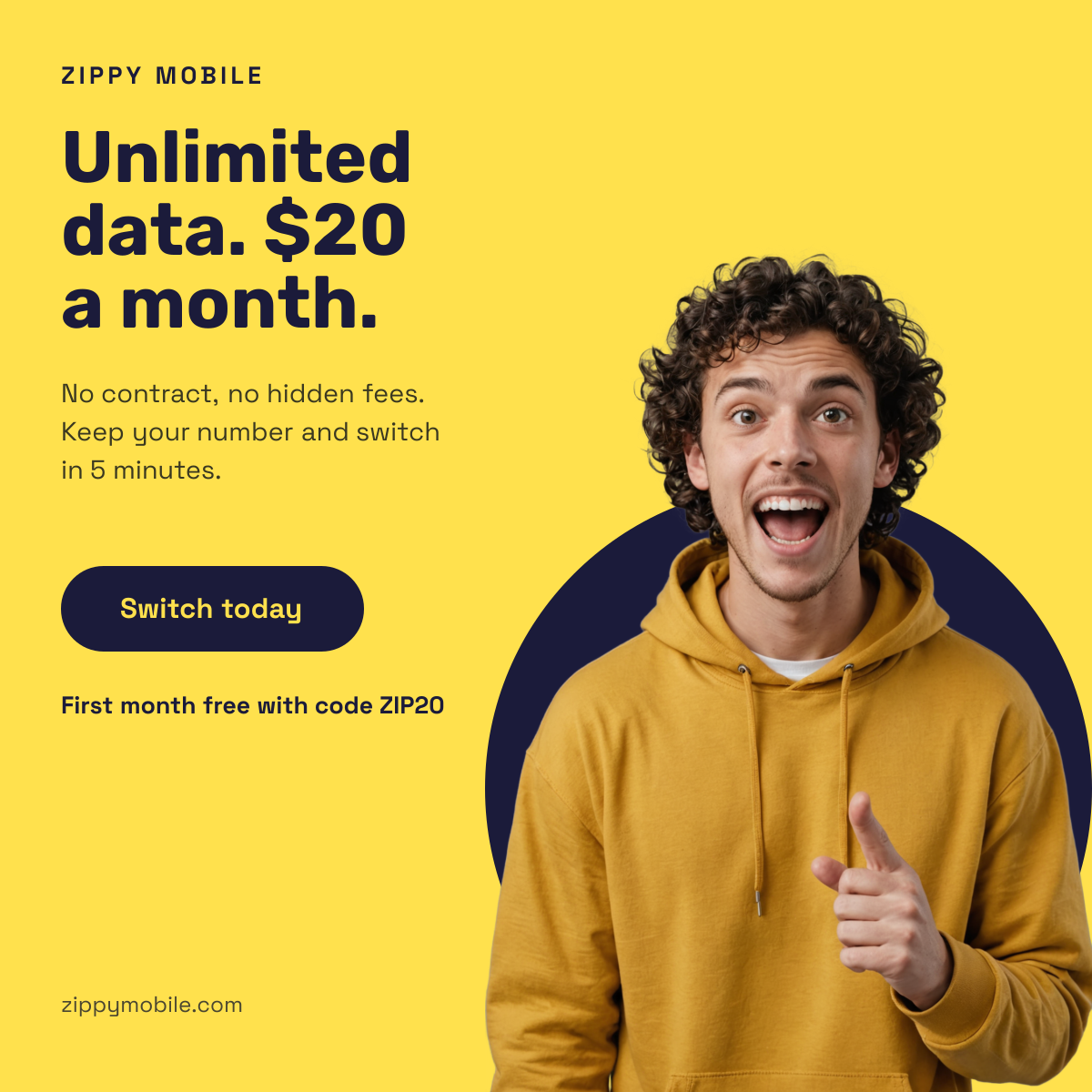
Preview of the Mobile Plan Promo Ad template: yellow ad with a pointing cut-out presenter, big price headline, promo code and button
Marketing & advertising

Mobile Plan Promo Ad

Yellow ad with a pointing cut-out presenter, big price headline, promo code and button.

Instagram post · 1080 × 1080

Start with the brunch menu launch post template

Your copy opens in the editor in seconds.

Use this template