Social media
Gym Facebook Cover
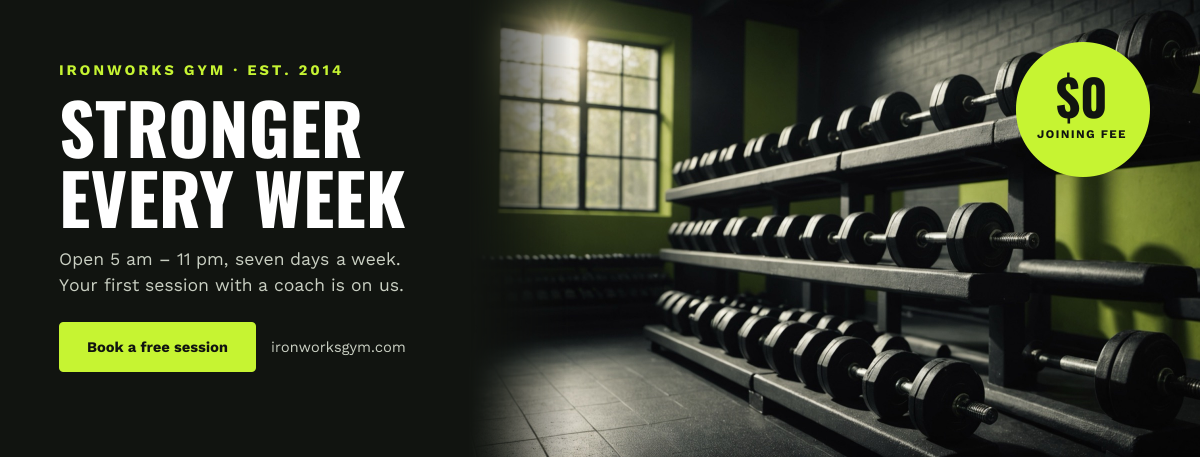
Dark cover with a bold gym headline, hours and button beside a dumbbell photo with a lime badge.
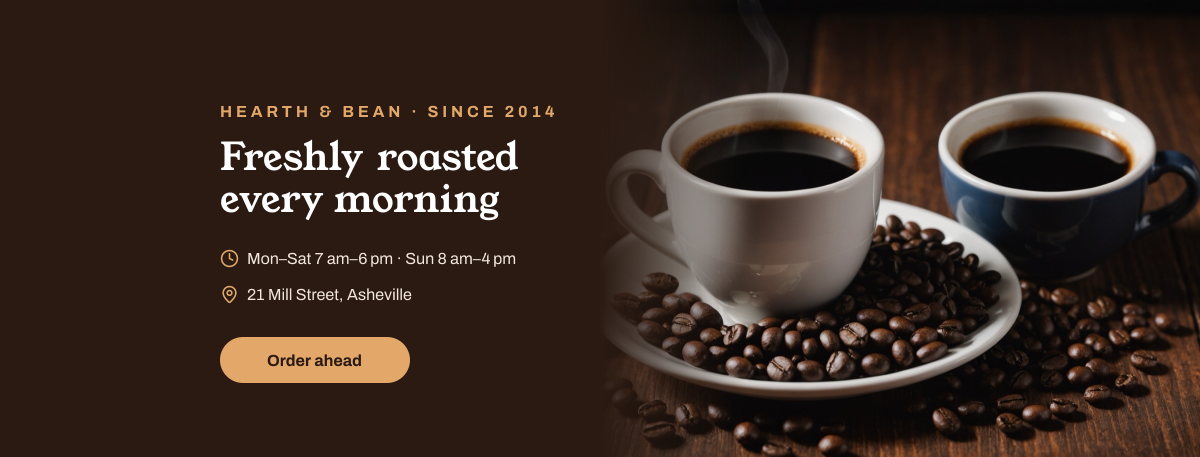
A Facebook page cover for cafés, coffee roasters and bakeries. Two cups of coffee and roasted beans fill the right half, and the espresso-brown left half gives your name, a short headline, opening hours and address, kept inside the area that shows on both desktop and phones.
Opens your own copy in the Liena editor — the original stays untouched. Free with a Liena account; downloads on the free plan include a small watermark.
Young Serif is warm and a little old-fashioned, like a hand-painted shop sign, and Archivo keeps the hours easy to scan. Caramel on espresso brown comes straight from the coffee and the crema.
This isn’t a flat image. The design opens as 10 separate layers you can select and change individually.
Double-click to rewrite. Change font (Archivo, Young Serif by default), size, weight, line height, letter spacing, alignment, case, colour and shadow.
Replace with your own upload, then crop, zoom, pan, flip, round the corners and adjust brightness, contrast, saturation or blur.
Recolour fills with any hex or brand colour, change opacity and corner radius, or resize and rotate decorative elements.
Recolour, resize or delete icons, and add new ones from the built-in Iconify icon search.
Drag to move, resize from any handle, rotate, nudge with arrow keys, reorder or hide layers, duplicate and delete — with undo and redo.
Change the background colour or add a background image, and recolour any shape or text to match your style.
Dark cover with a bold gym headline, hours and button beside a dumbbell photo with a lime badge.
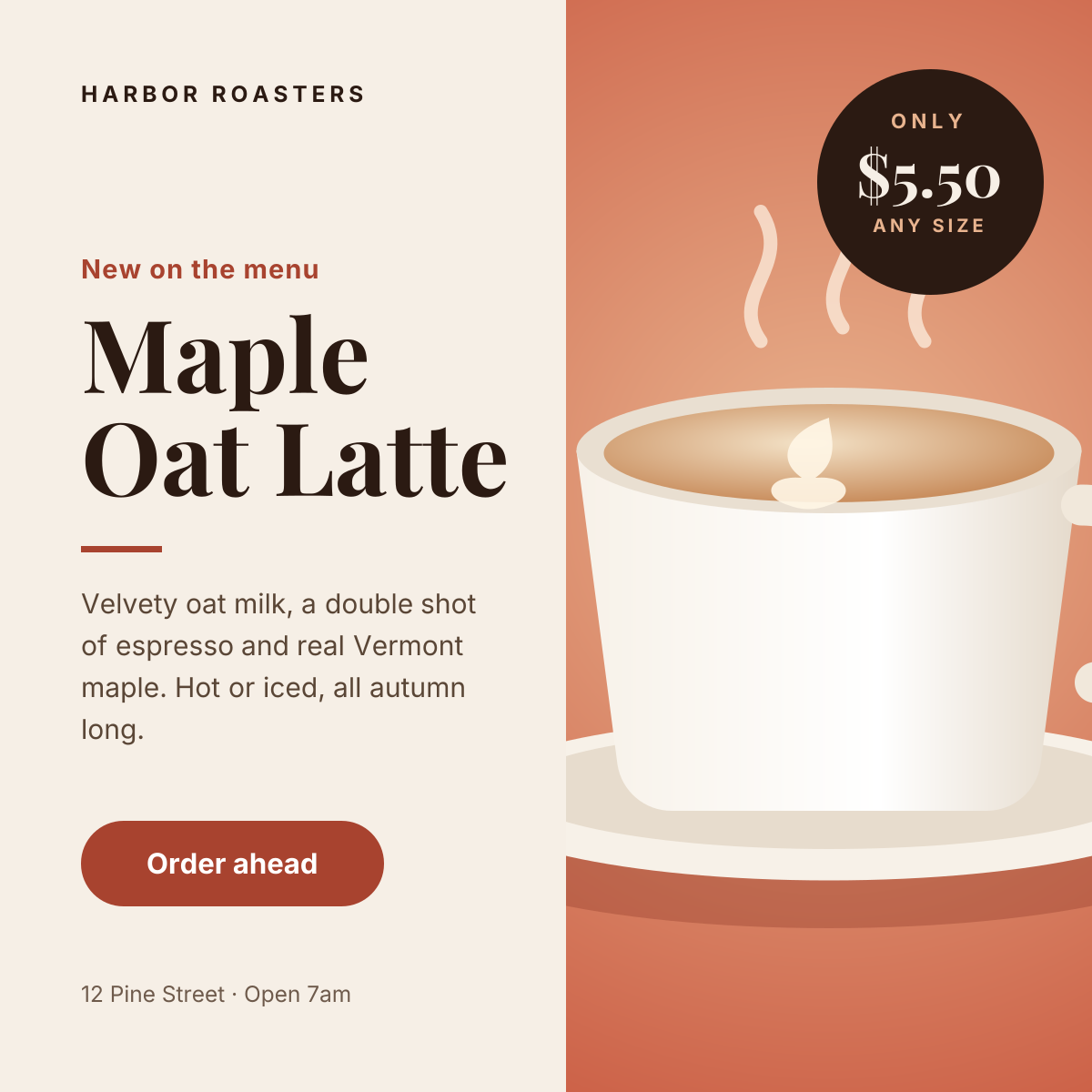
Split layout with a product photo, price badge and a clear order button.
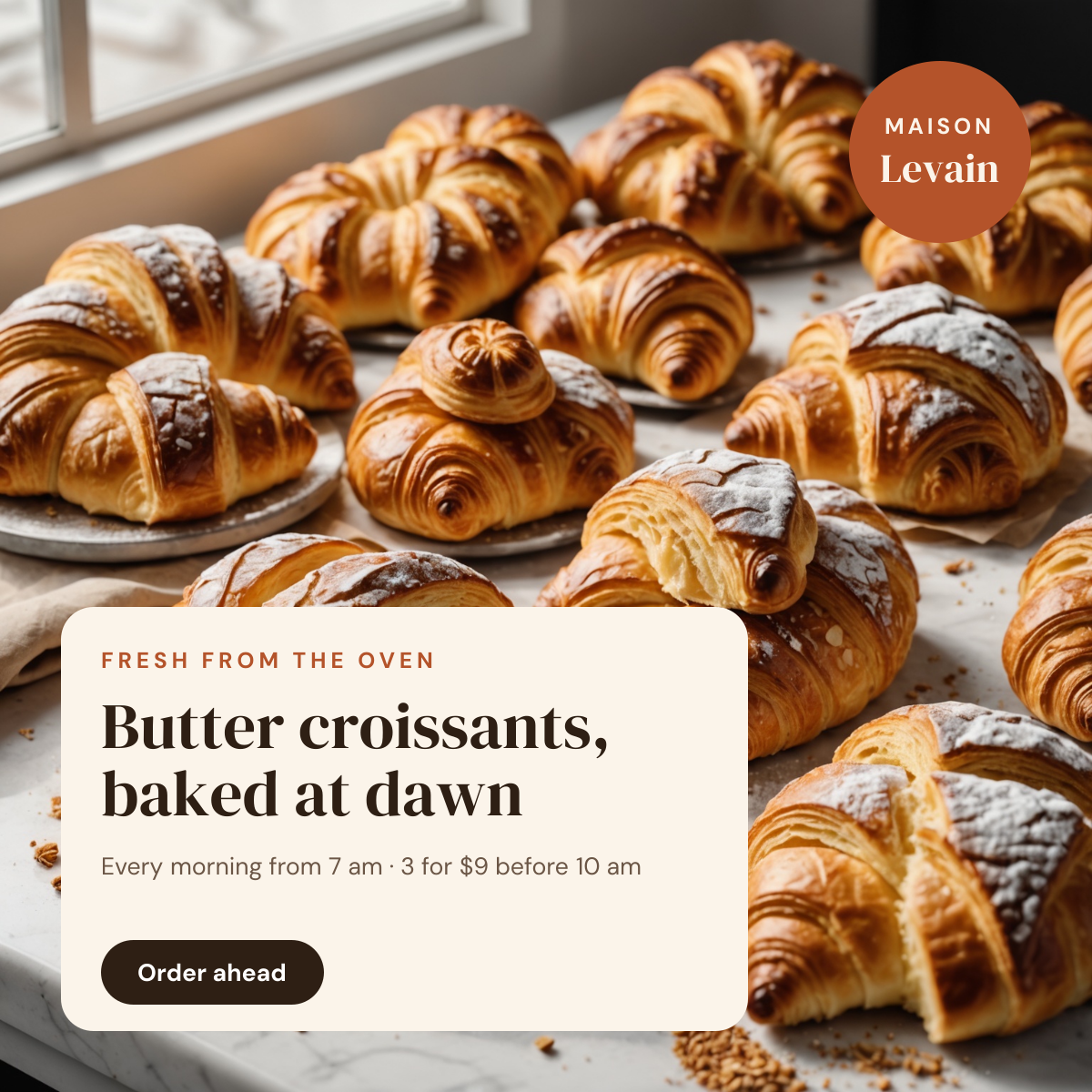
Full-bleed croissant photo with a cream offer card and an order-ahead button.
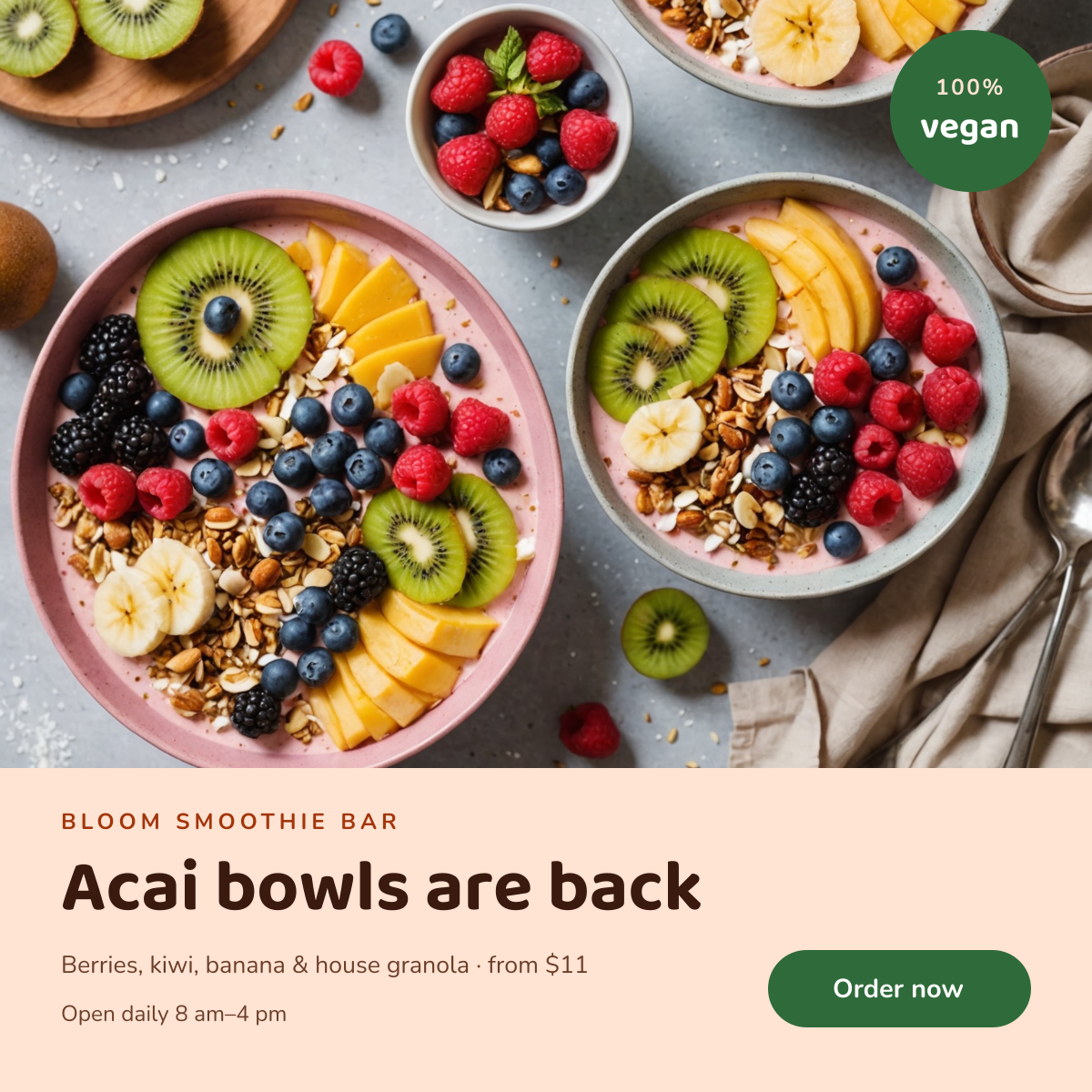
Colourful smoothie bowls above a peach panel with a playful headline and order button.
Your copy opens in the editor in seconds.
Use this template