Social media
Instagram Promotional Post Template
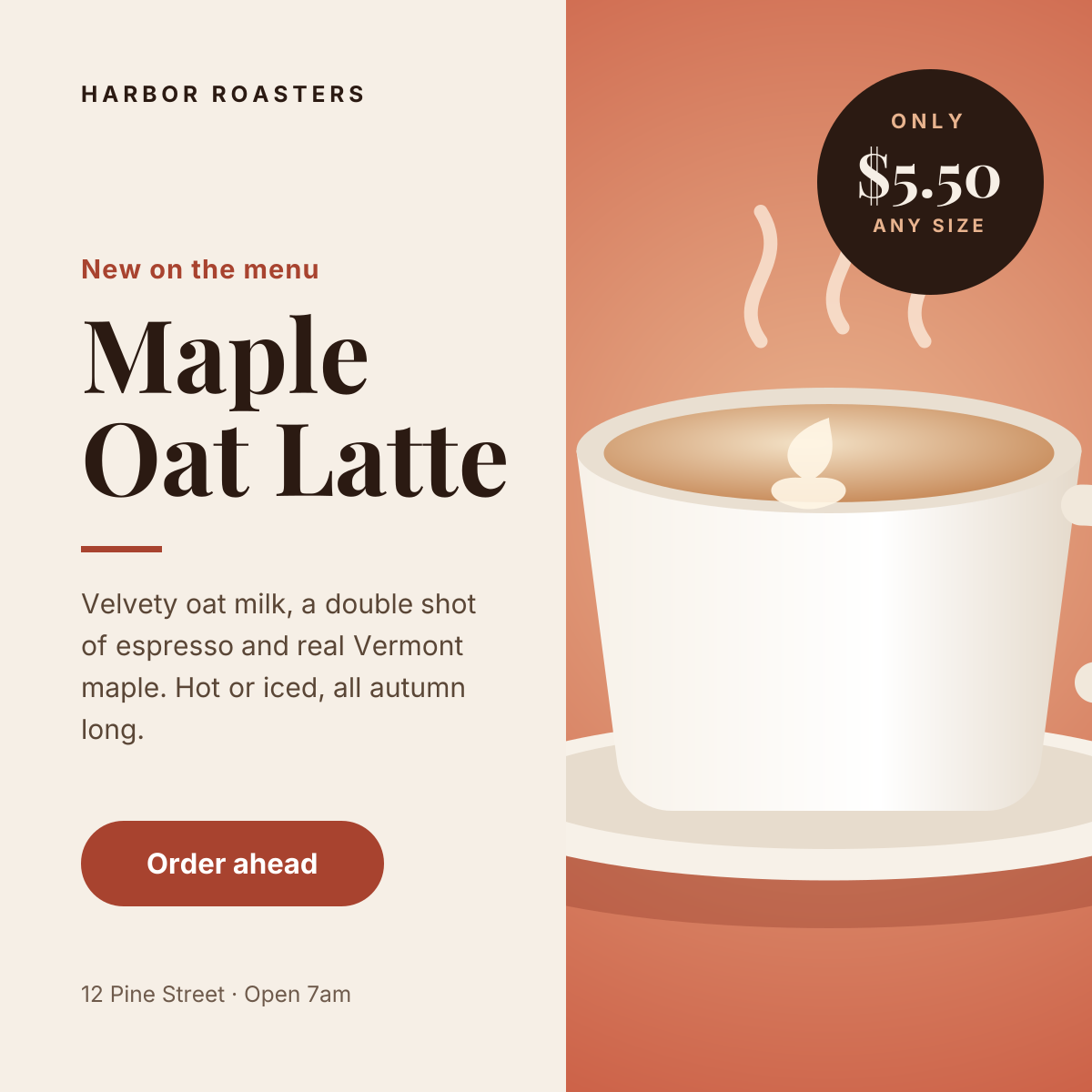
A square Instagram post built to sell one thing: a new menu item, a seasonal product or a limited offer. The left half carries the story — brand, headline, a short description and a call to action — while the right half is given entirely to the product photo, so the post reads in a single glance in the feed.
Opens your own copy in the Liena editor — the original stays untouched. Free with a Liena account; downloads on the free plan include a small watermark.
- Format
- Instagram post
- Size
- 1080 × 1080 px (1:1)
- Fonts
- Inter, Playfair Display
- Colours
- Editable layers
- 13
- Export
- PNG, full resolution
Design details
The layout splits the canvas into a calm cream text column and a full-height photo, which keeps the copy legible no matter what image you drop in. A serif headline (Playfair Display) gives the post a café-menu feel, balanced by Inter for the body and button. The circular price badge overlaps the photo on purpose: it is the second thing people read after the headline.
Best for
- Announcing a seasonal drink, dish or bakery special
- Promoting a single product with its price
- Driving pre-orders or click-and-collect sales
- Launching a limited-time menu or bundle
How to customise it
- Replace the illustration with your own product photo — it is a normal image layer, so you can crop, reposition or adjust brightness.
- Change the price inside the badge, or delete the badge layers if you are not promoting a price.
- Recolour the terracotta accents (rule, button and eyebrow) to your brand colour in one pass each.
- Edit the footer line with your address, opening hours or handle.
Everything in this template is editable
This isn’t a flat image. The design opens as 13 separate layers you can select and change individually.
9 text layers
Double-click to rewrite. Change font (Inter, Playfair Display by default), size, weight, line height, letter spacing, alignment, case, colour and shadow.
1 image
Replace with your own upload, then crop, zoom, pan, flip, round the corners and adjust brightness, contrast, saturation or blur.
3 shapes
Recolour fills with any hex or brand colour, change opacity and corner radius, or resize and rotate decorative elements.
Layers & layout
Drag to move, resize from any handle, rotate, nudge with arrow keys, reorder or hide layers, duplicate and delete — with undo and redo.
Background & brand
Change the background colour or add a background image, and apply colours and logos from your Liena brand kit.
How to use this template
- Click “Use this template”. If you’re new to Liena, create a free account first — you’ll come straight back to this design.
- Edit the text, replace images and adjust colours. Changes save automatically every 30 seconds, or press Save at any time.
- Export a PNG at 1080 × 1080 px. Your design stays in your dashboard to edit again later.
Related templates
Social media
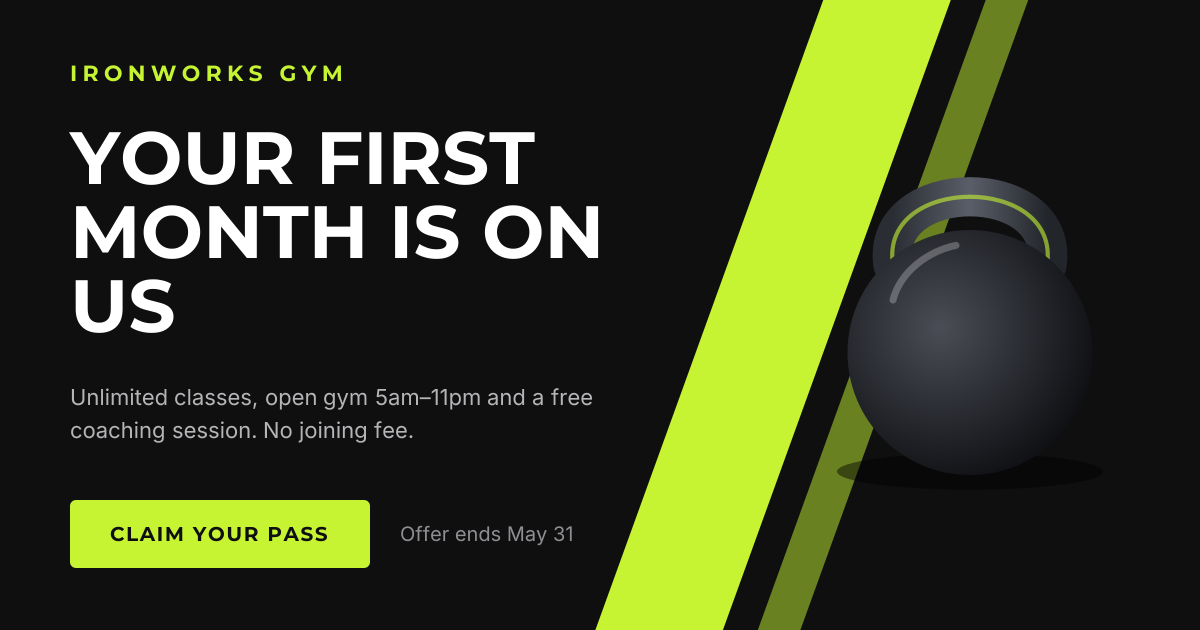
Facebook Promotional Post
High-energy landscape offer with a bold headline and claim button.
Social media
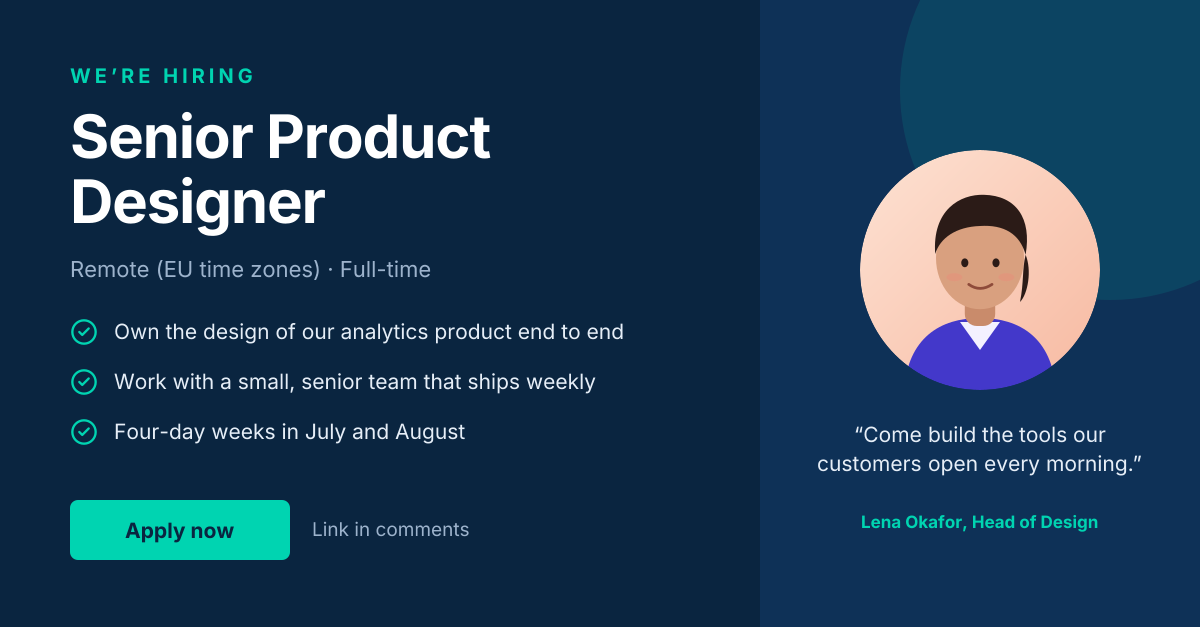
LinkedIn Hiring Post
“We’re hiring” post with role highlights and a hiring-manager quote.
Start with the instagram promotional post template
Your copy opens in the editor in seconds.
Use this template