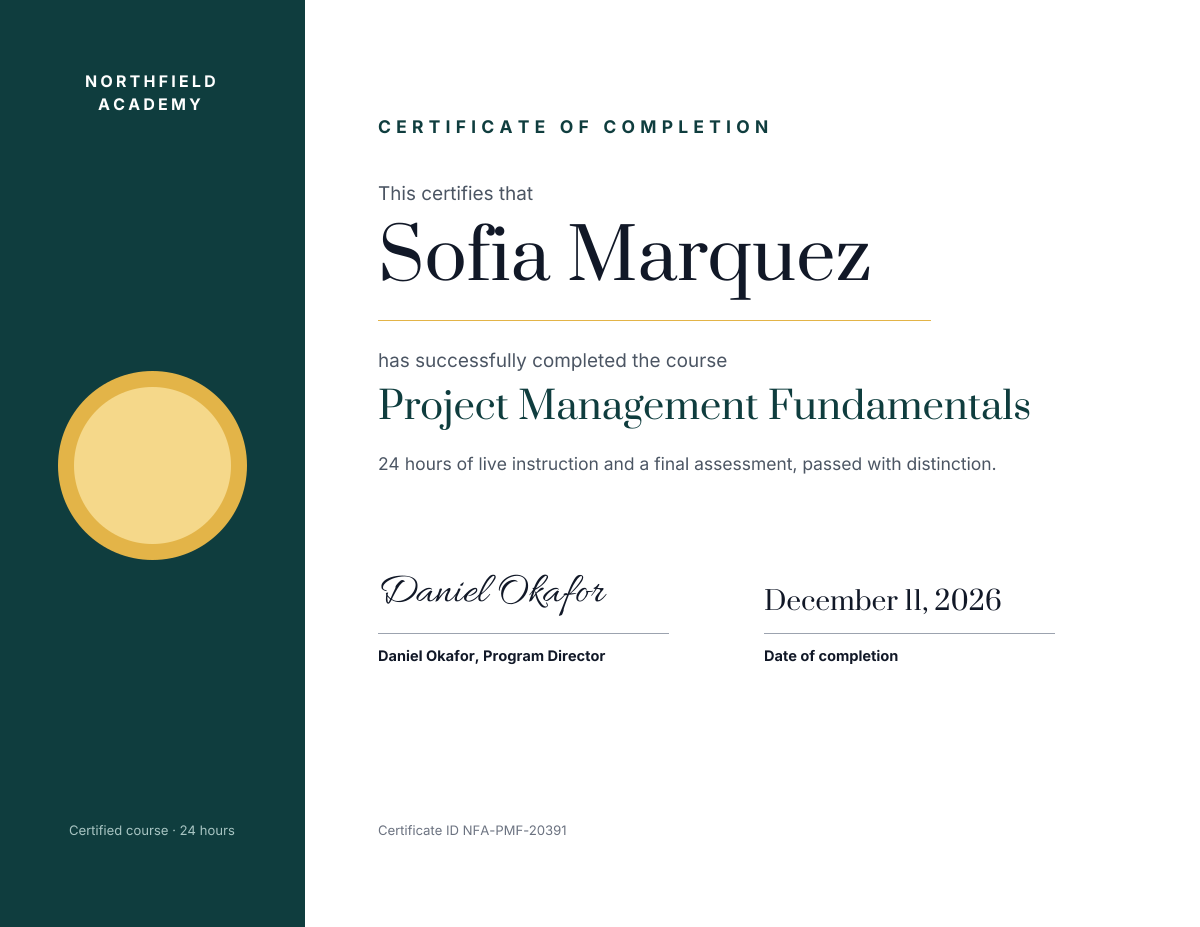
Preview of the Course Completion Certificate template: landscape certificate with a teal band and gold seal, the name, course, signature and date
Business & branding

Course Completion Certificate Template

A certificate of completion for training providers, online academies and HR teams. A deep teal band on the left holds your academy name, a gold award seal and the course length, and the white side holds the certificate title, the student's name, the course name, a short line about what they did, a signature, the completion date and a certificate ID.

Opens your own copy in the Liena editor — the original stays untouched. Free with a Liena account; downloads on the free plan include a small watermark.

Format
Certificate (11 × 8.5 in)
Size
1650 × 1275 px (22:17)
Fonts
Inter, Prata, Allura
Colours
Editable layers
20
Export
PNG, full resolution

Design details

Prata gives the name and course a formal, engraved look, Inter keeps the details clean and Allura adds a hand-signed touch. Teal and gold feel official without looking old-fashioned.

Best for

  • Online course and training certificates
  • Workshop and bootcamp completion
  • Staff training and compliance records
  • Continuing education credits

How to customise it

  • Change the student name and course title.
  • Edit the course length and description.
  • Add your own signatory and date.
  • Change the teal band to your brand colour.

Everything in this template is editable

This isn’t a flat image. The design opens as 20 separate layers you can select and change individually.

13 text layers

Double-click to rewrite. Change font (Inter, Prata, Allura by default), size, weight, line height, letter spacing, alignment, case, colour and shadow.

6 shapes

Recolour fills with any hex or brand colour, change opacity and corner radius, or resize and rotate decorative elements.

1 icon

Recolour, resize or delete icons, and add new ones from the built-in Iconify icon search.

Layers & layout

Drag to move, resize from any handle, rotate, nudge with arrow keys, reorder or hide layers, duplicate and delete — with undo and redo.

Background & brand

Change the background colour or add a background image, and recolour any shape or text to match your style.

How to use this template

  1. Click “Use this template”. If you’re new to Liena, create a free account first — you’ll come straight back to this design.
  2. Edit the text, replace images and adjust colours. Changes save automatically every 30 seconds, or press Save at any time.
  3. Export a PNG at 1650 × 1275 px. Your design stays in your dashboard to edit again later.
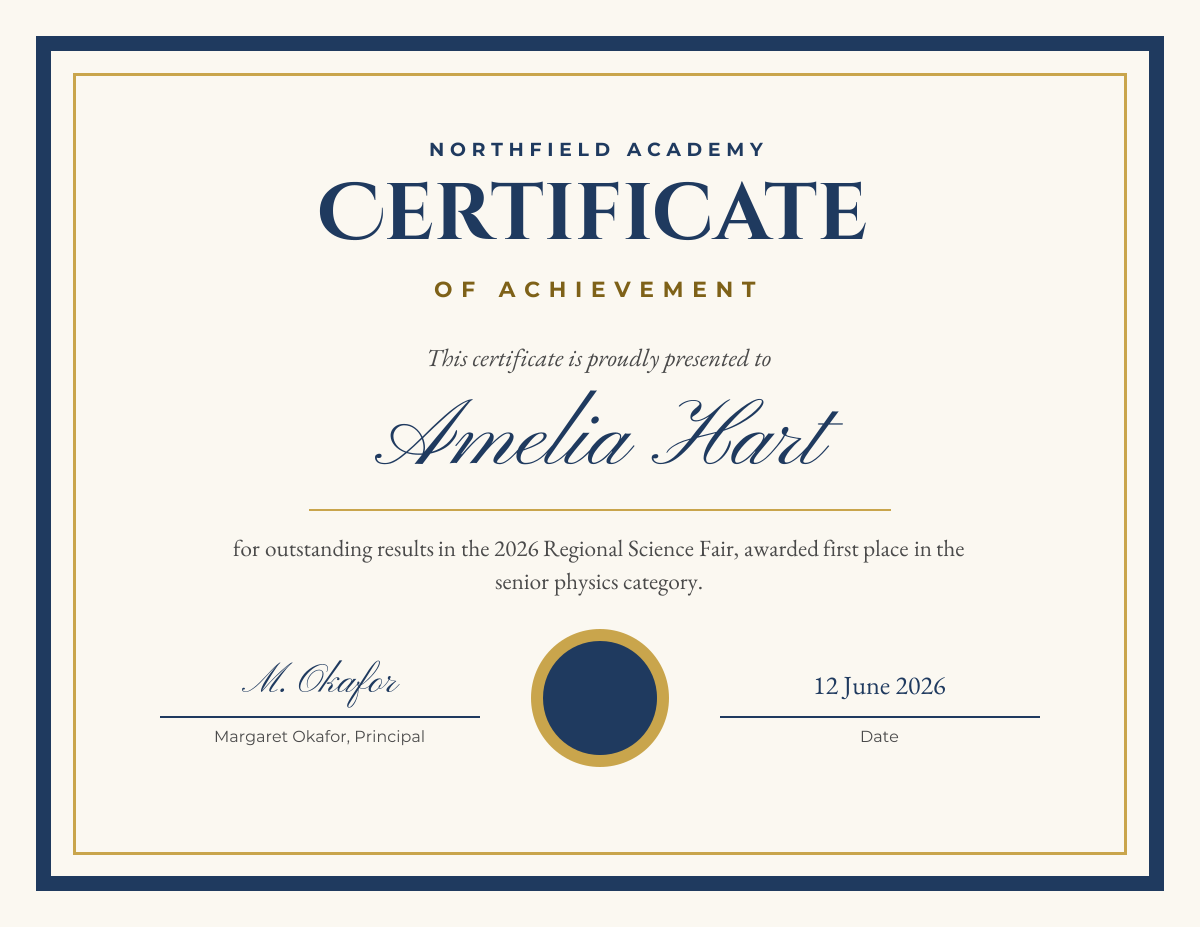
Preview of the Certificate of Achievement template: navy and gold bordered certificate with a script name, award reason, seal and signatures
Business & branding

Certificate of Achievement

Navy and gold bordered certificate with a script name, award reason, seal and signatures.
Certificate (11 × 8.5 in) · 1650 × 1275
Preview of the Employee of the Month Certificate template: teal and copper certificate with a star badge, month, name, reason and signature lines
Business & branding

Employee of the Month Certificate

Teal and copper certificate with a star badge, month, name, reason and signature lines.
Certificate (11 × 8.5 in) · 1650 × 1275
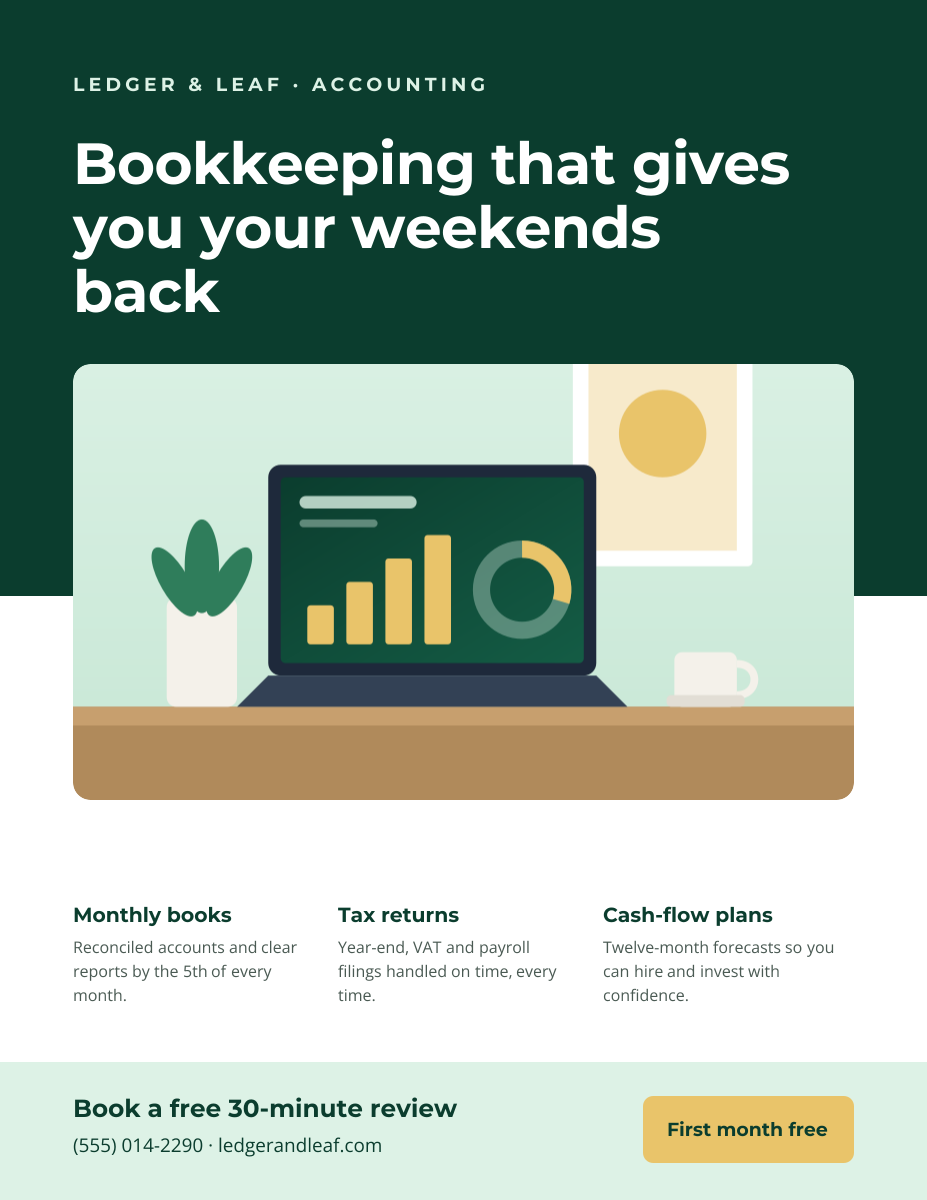
Preview of the Business Flyer template: service-business flyer with three services, icons and a contact bar
Business & branding

Business Flyer

Service-business flyer with three services, icons and a contact bar.

US Letter flyer · 1275 × 1650
Preview of the Corporate Presentation Cover template: dark 16:9 title slide with an architectural image panel
Business & branding

Corporate Presentation Cover

Dark 16:9 title slide with an architectural image panel.

Presentation slide (16:9) · 1920 × 1080

Start with the course completion certificate template

Your copy opens in the editor in seconds.

Use this template