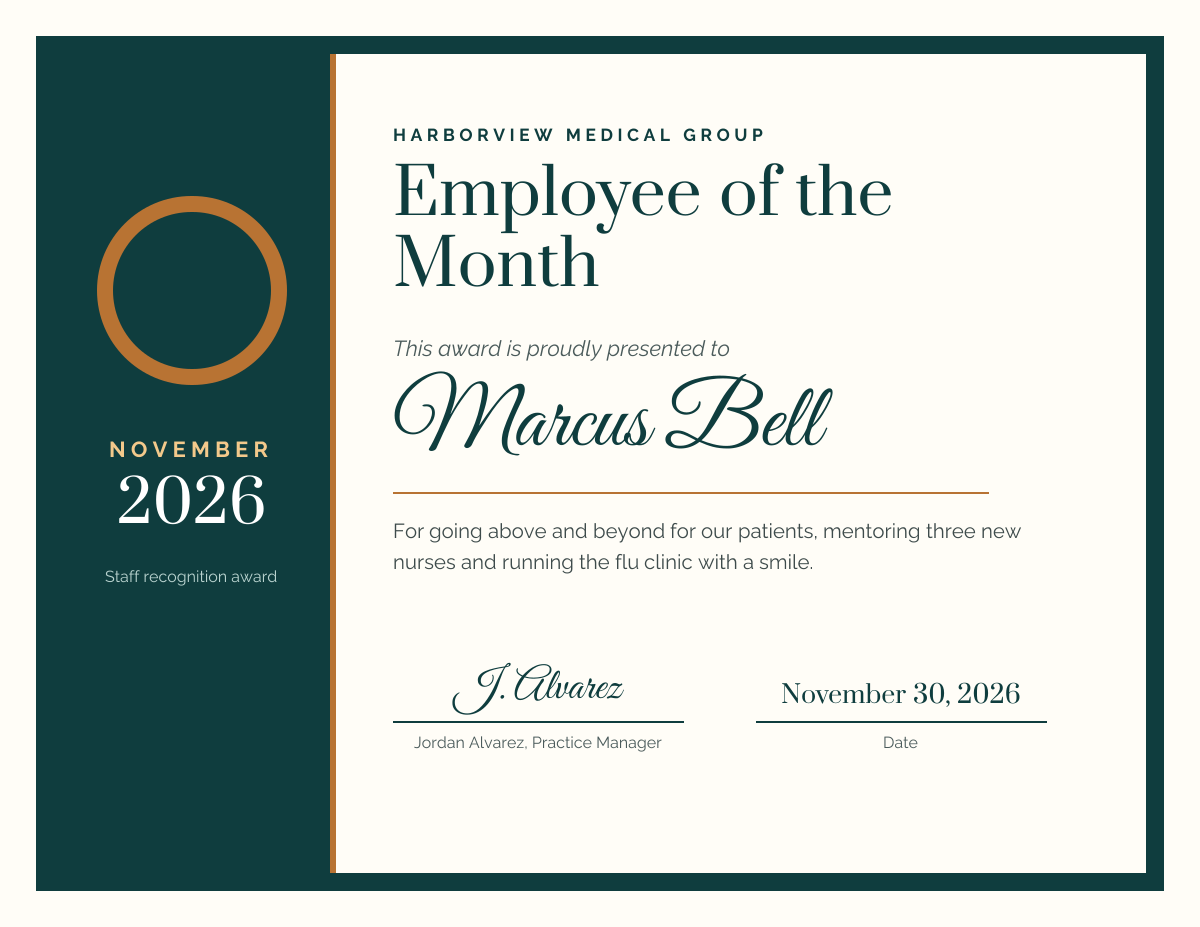
Preview of the Employee of the Month Certificate template: teal and copper certificate with a star badge, month, name, reason and signature lines
Business & branding

Employee of the Month Certificate Template

An employee of the month certificate for offices, clinics, shops, restaurants and schools. A deep teal band on the left carries a copper star badge with the month and year, and the right side holds your company name, the award title, the employee's name in script, why they won, and signature and date lines.

Opens your own copy in the Liena editor — the original stays untouched. Free with a Liena account; downloads on the free plan include a small watermark.

Format
Certificate (11 × 8.5 in)
Size
1650 × 1275 px (22:17)
Fonts
Raleway, Prata, Great Vibes
Colours
Editable layers
22
Export
PNG, full resolution

Design details

Prata is an elegant serif for the title, Great Vibes adds a signed, personal touch to the name, and Raleway keeps the reason readable. Copper on deep teal looks like an award without flashy gold.

Best for

  • Employee of the month awards
  • Staff recognition and appreciation
  • Volunteer and student of the month
  • Team awards at company events

How to customise it

  • Change the month, year and company name.
  • Type the employee's name.
  • Write why they won the award.
  • Add the manager's name and the date.

Everything in this template is editable

This isn’t a flat image. The design opens as 22 separate layers you can select and change individually.

12 text layers

Double-click to rewrite. Change font (Raleway, Prata, Great Vibes by default), size, weight, line height, letter spacing, alignment, case, colour and shadow.

9 shapes

Recolour fills with any hex or brand colour, change opacity and corner radius, or resize and rotate decorative elements.

1 icon

Recolour, resize or delete icons, and add new ones from the built-in Iconify icon search.

Layers & layout

Drag to move, resize from any handle, rotate, nudge with arrow keys, reorder or hide layers, duplicate and delete — with undo and redo.

Background & brand

Change the background colour or add a background image, and recolour any shape or text to match your style.

How to use this template

  1. Click “Use this template”. If you’re new to Liena, create a free account first — you’ll come straight back to this design.
  2. Edit the text, replace images and adjust colours. Changes save automatically every 30 seconds, or press Save at any time.
  3. Export a PNG at 1650 × 1275 px. Your design stays in your dashboard to edit again later.
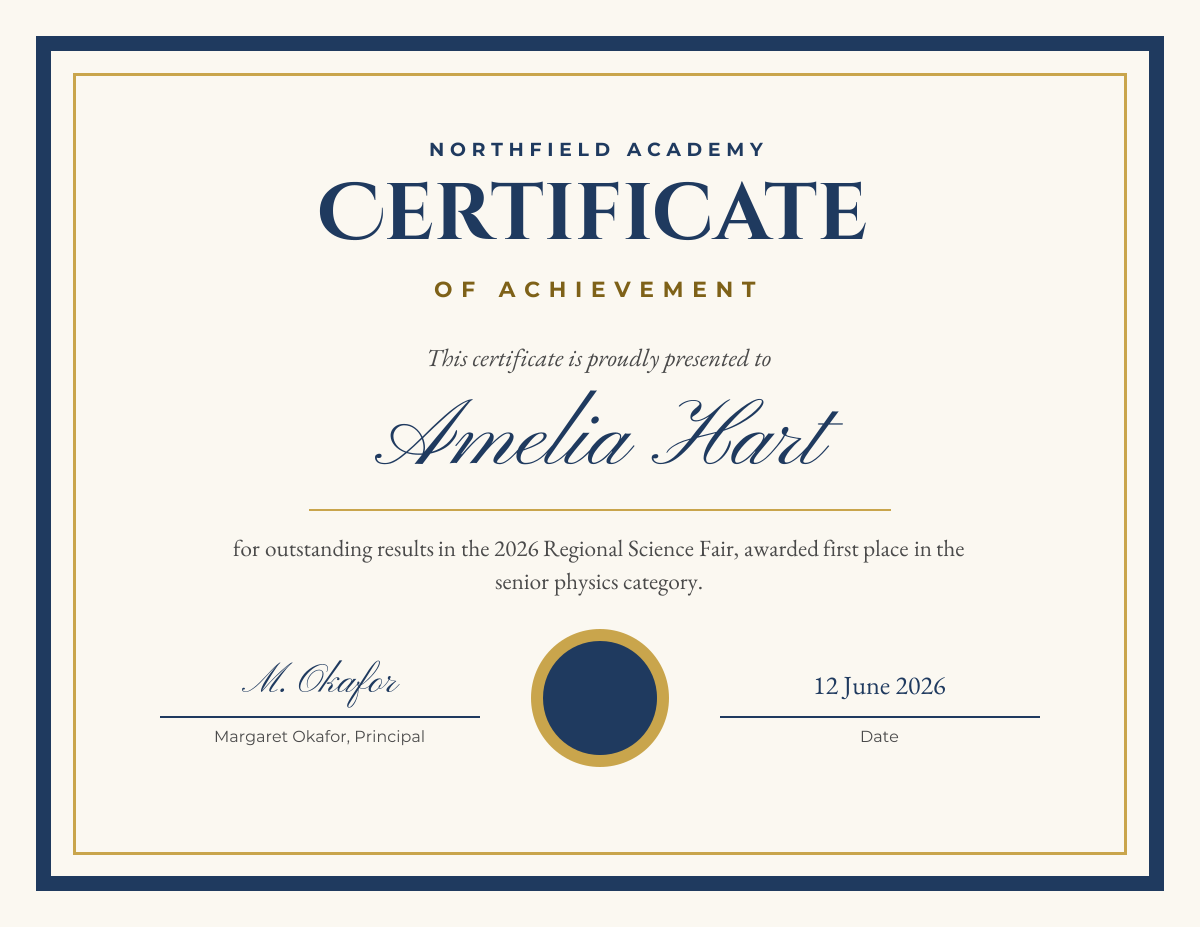
Preview of the Certificate of Achievement template: navy and gold bordered certificate with a script name, award reason, seal and signatures
Business & branding

Certificate of Achievement

Navy and gold bordered certificate with a script name, award reason, seal and signatures.
Certificate (11 × 8.5 in) · 1650 × 1275
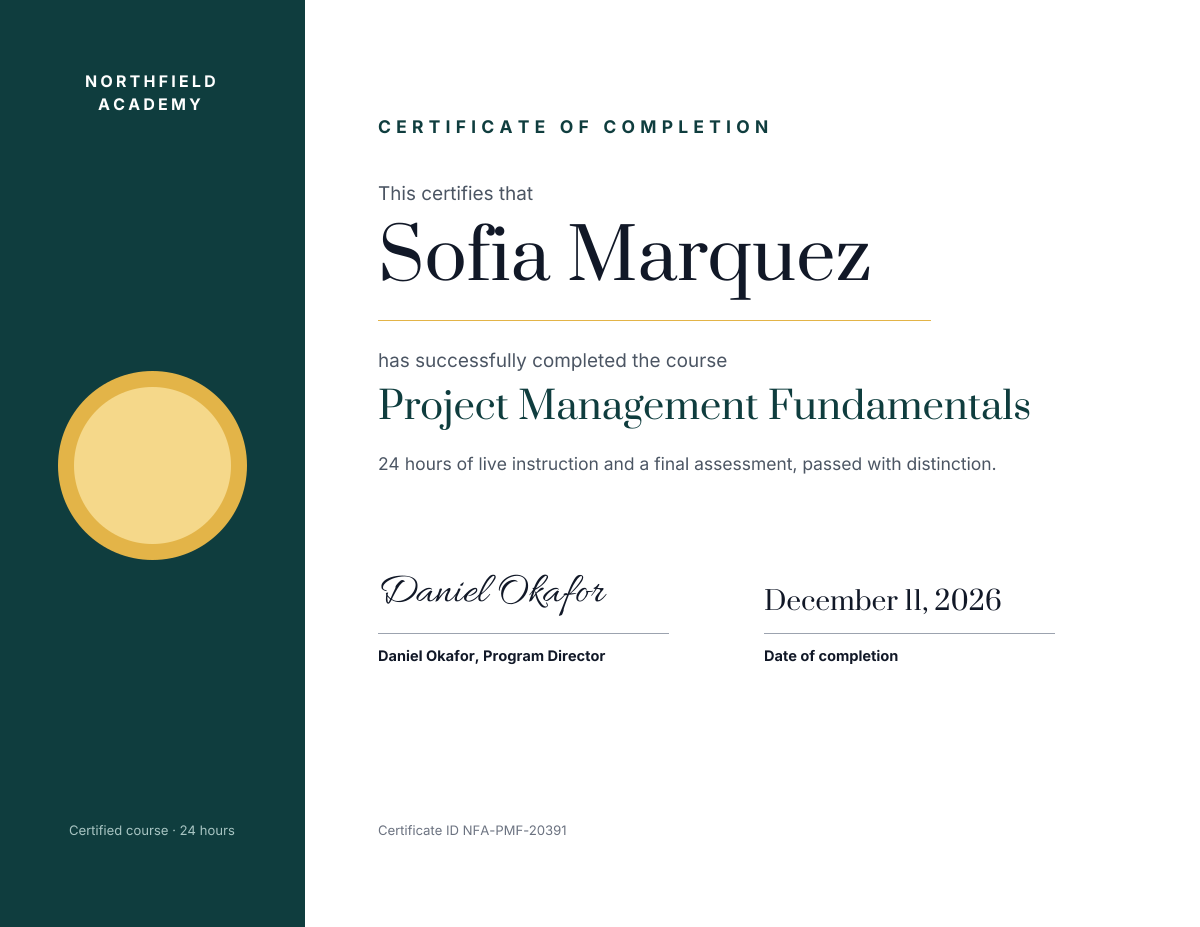
Preview of the Course Completion Certificate template: landscape certificate with a teal band and gold seal, the name, course, signature and date
Business & branding

Course Completion Certificate

Landscape certificate with a teal band and gold seal, the name, course, signature and date.
Certificate (11 × 8.5 in) · 1650 × 1275
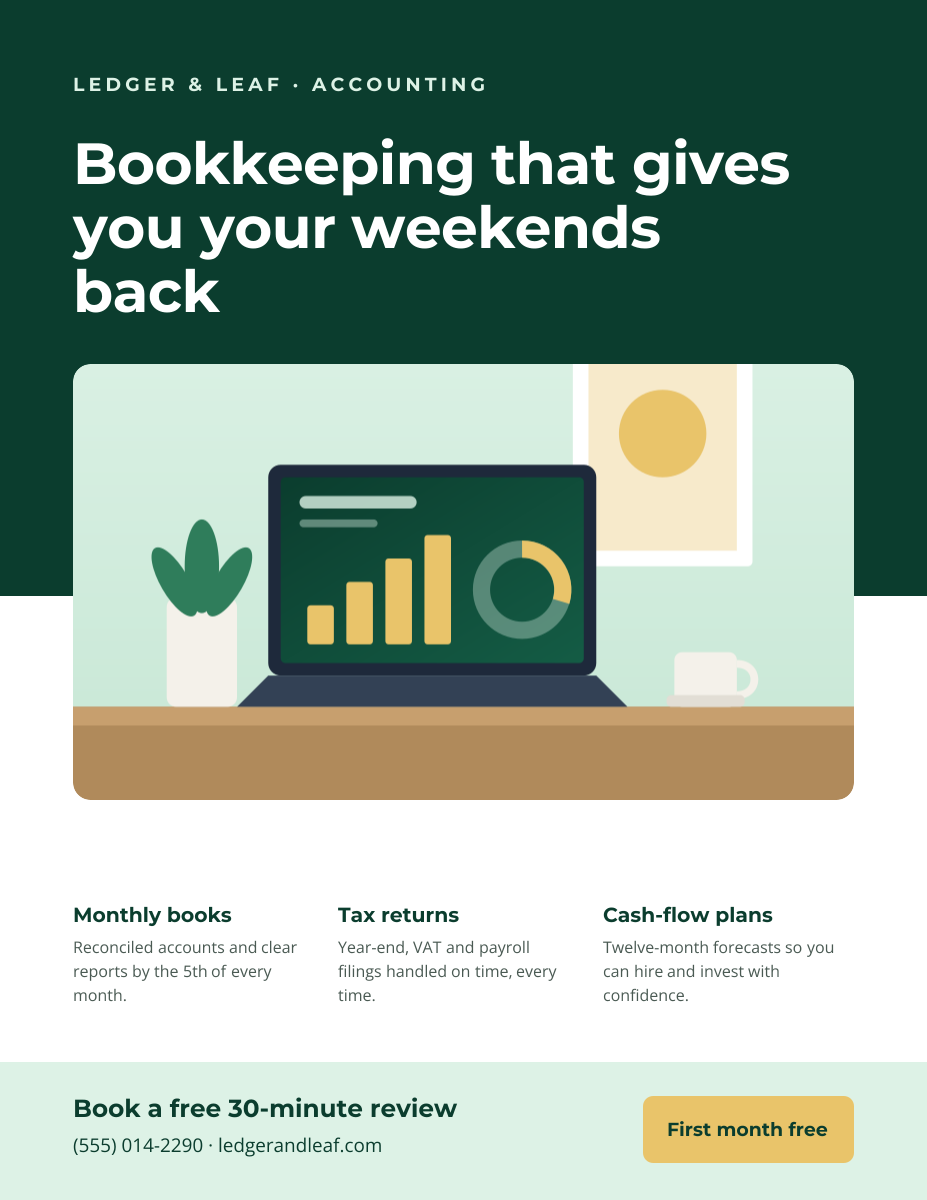
Preview of the Business Flyer template: service-business flyer with three services, icons and a contact bar
Business & branding

Business Flyer

Service-business flyer with three services, icons and a contact bar.

US Letter flyer · 1275 × 1650
Preview of the Corporate Presentation Cover template: dark 16:9 title slide with an architectural image panel
Business & branding

Corporate Presentation Cover

Dark 16:9 title slide with an architectural image panel.

Presentation slide (16:9) · 1920 × 1080

Start with the employee of the month certificate template

Your copy opens in the editor in seconds.

Use this template