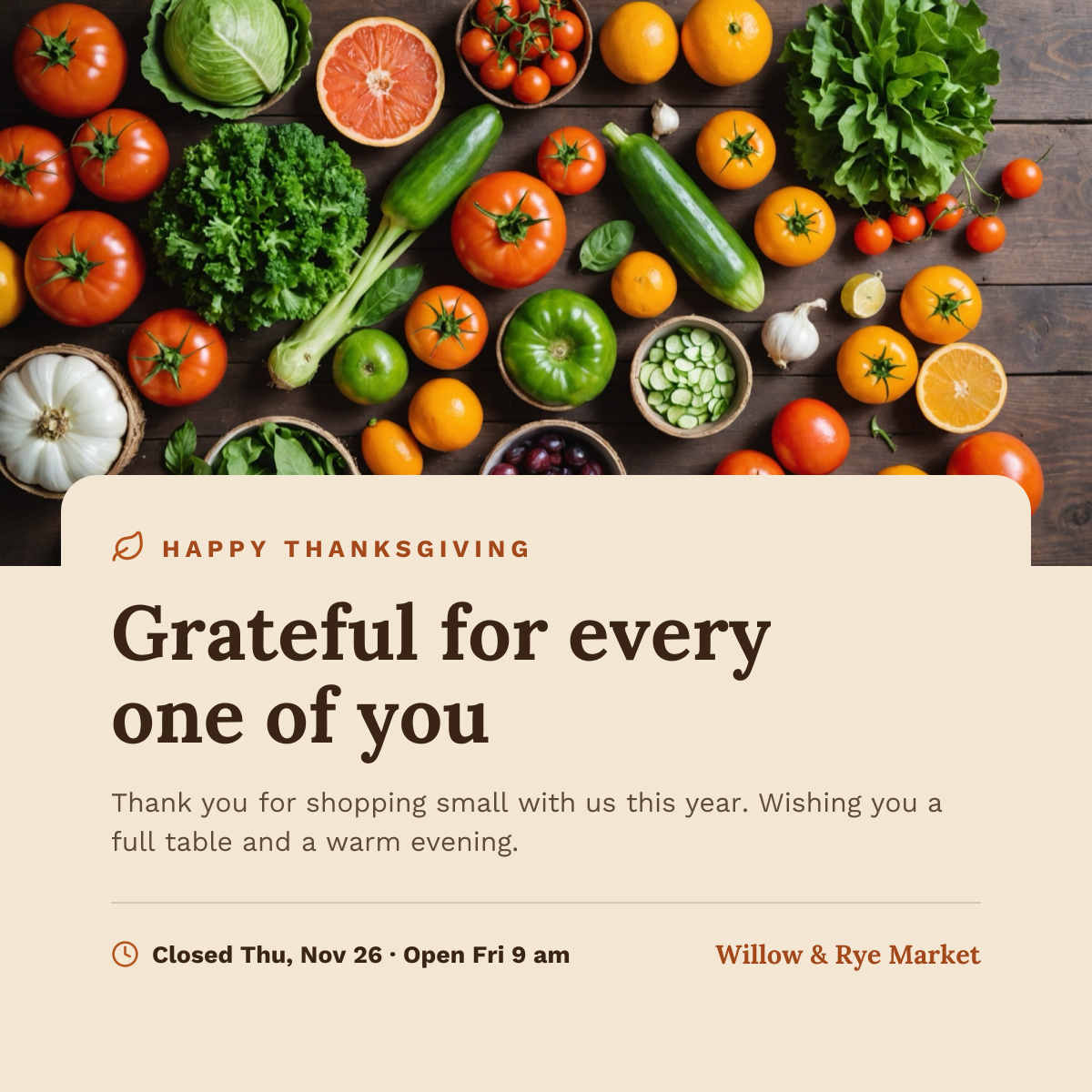
Social media
Thanksgiving Instagram Post
Harvest produce photo above a cream card with a thank-you headline and holiday hours.
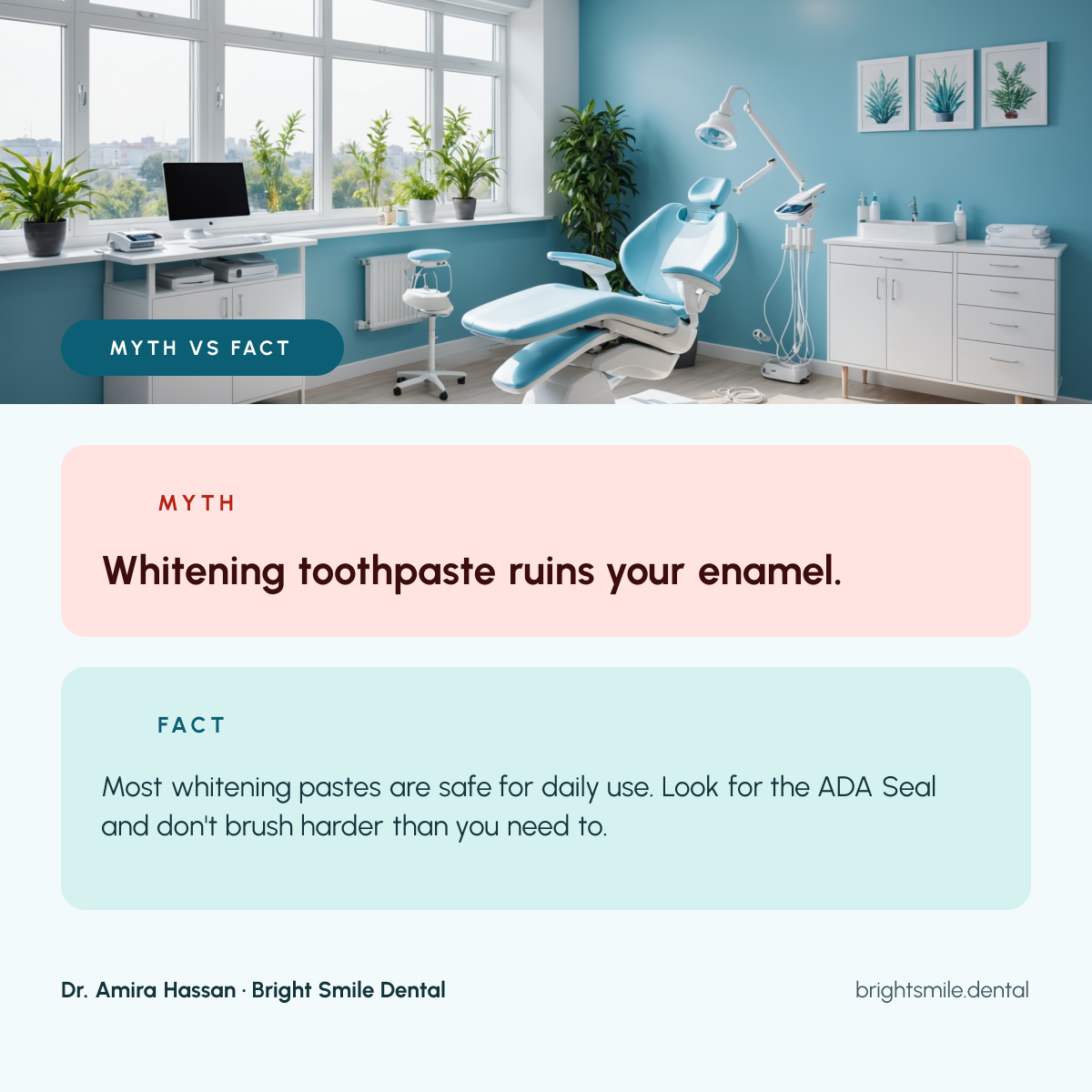
A myth vs fact post for dentists, hygienists and dental clinics that want to answer common questions on Instagram. A bright treatment room photo sits above two cards, a soft red one with the myth and a teal one with the real answer, and the dentist's name, practice and website run along the bottom.
Opens your own copy in the Liena editor — the original stays untouched. Free with a Liena account; downloads on the free plan include a small watermark.
Urbanist is clean and geometric, which suits a modern clinic, and one typeface keeps the post calm. Red for the myth and teal for the fact make the answer clear at a glance, even before people read it.
This isn’t a flat image. The design opens as 13 separate layers you can select and change individually.
Double-click to rewrite. Change font (Urbanist by default), size, weight, line height, letter spacing, alignment, case, colour and shadow.
Replace with your own upload, then crop, zoom, pan, flip, round the corners and adjust brightness, contrast, saturation or blur.
Recolour fills with any hex or brand colour, change opacity and corner radius, or resize and rotate decorative elements.
Recolour, resize or delete icons, and add new ones from the built-in Iconify icon search.
Drag to move, resize from any handle, rotate, nudge with arrow keys, reorder or hide layers, duplicate and delete — with undo and redo.
Change the background colour or add a background image, and recolour any shape or text to match your style.
Harvest produce photo above a cream card with a thank-you headline and holiday hours.
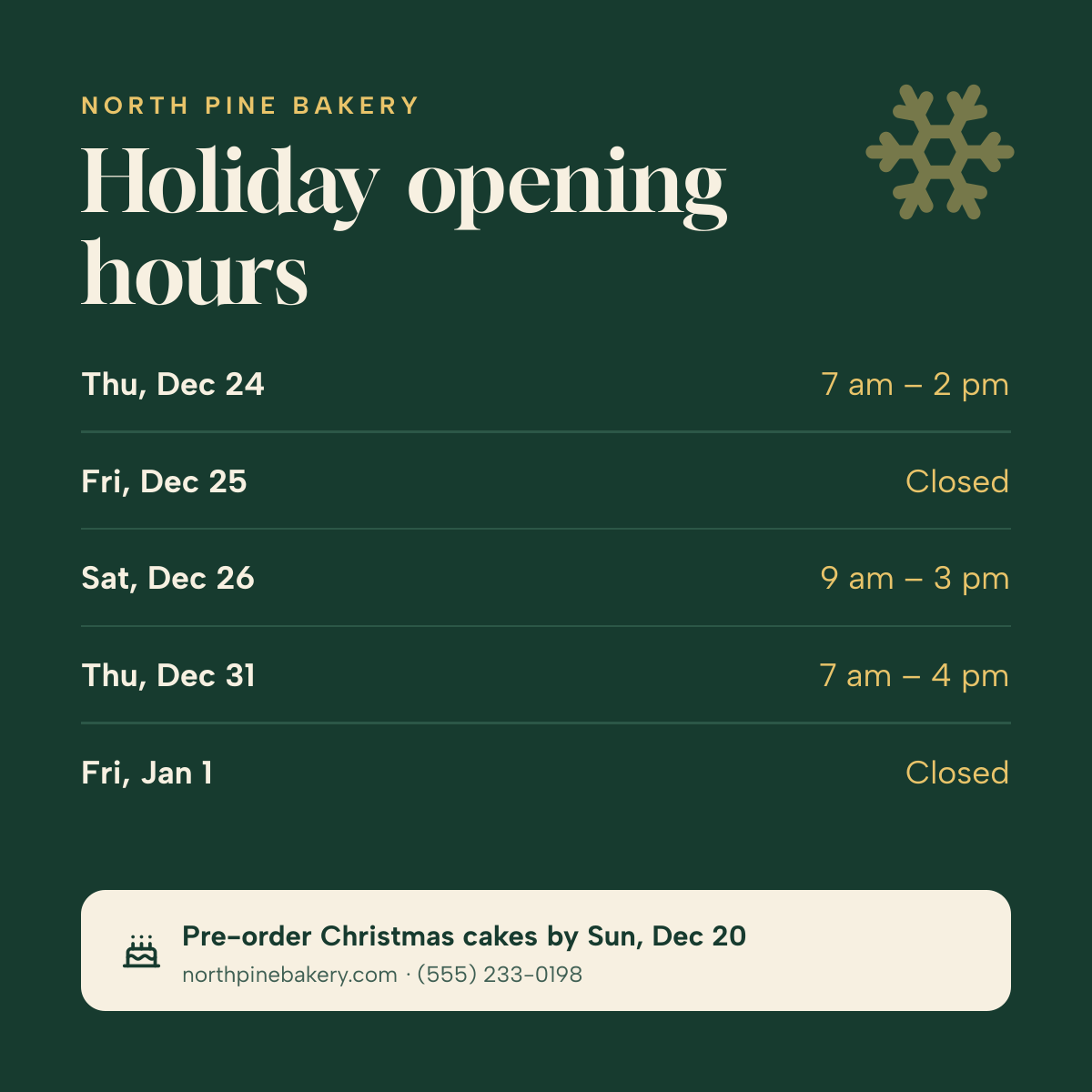
Day-by-day Christmas and New Year opening times on deep green, with a pre-order note.
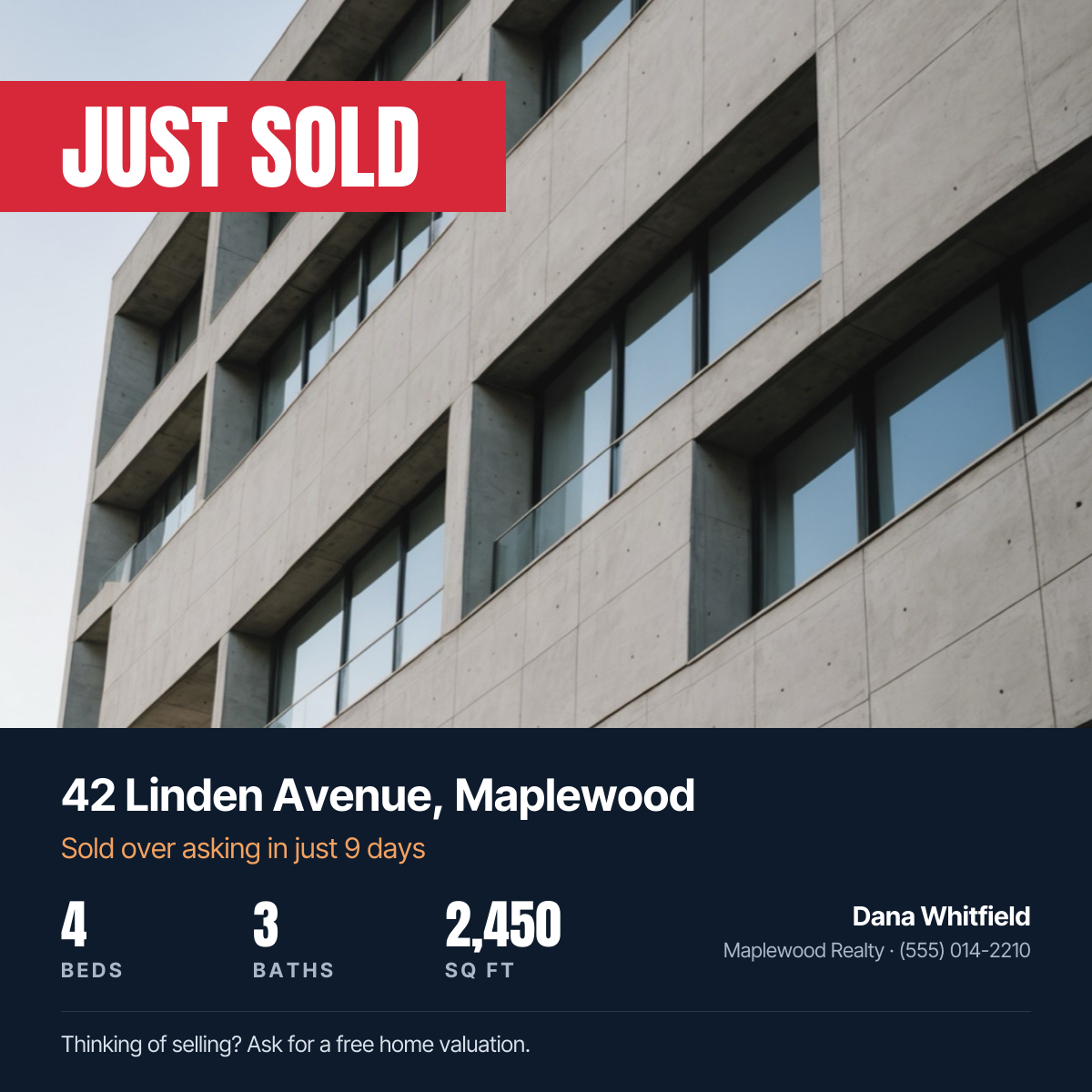
Property photo with a red Just Sold banner, address, home stats and agent contact.
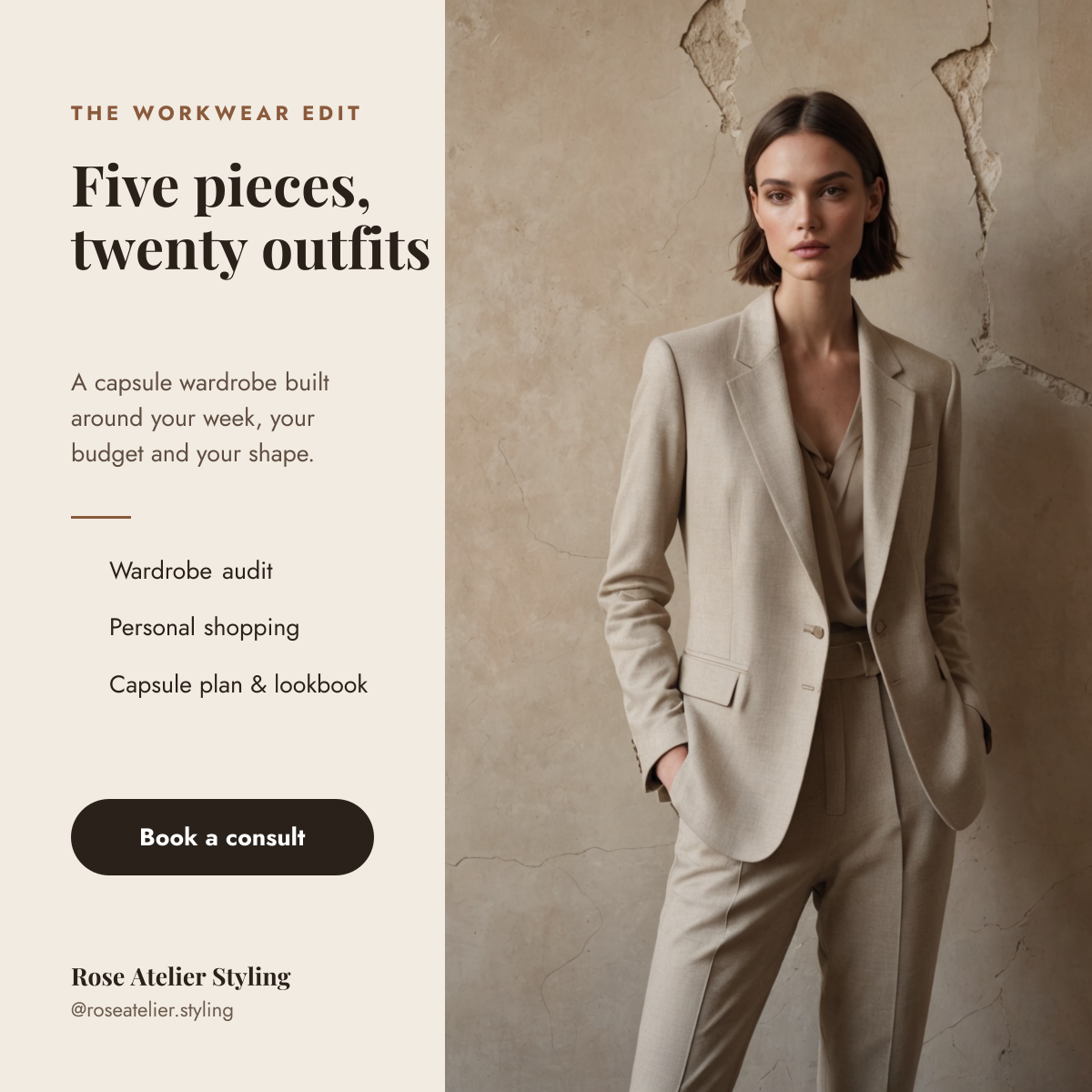
Tailored suit photo beside a cream column with a capsule wardrobe headline, services and a booking button.
Your copy opens in the editor in seconds.
Use this template