E-commerce & retail
Restaurant Menu Promotion
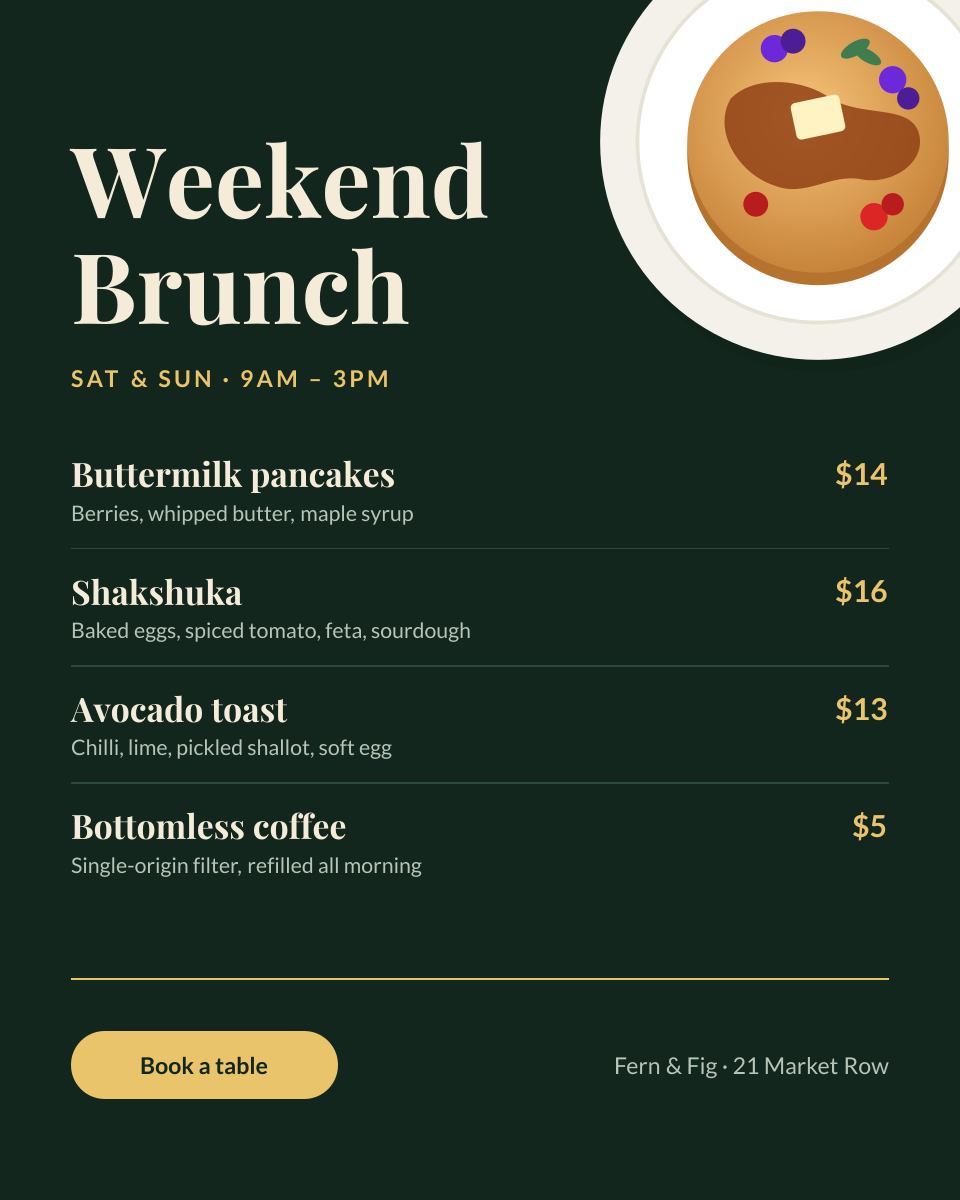
Chalkboard-style brunch menu with dishes, prices and a booking button.
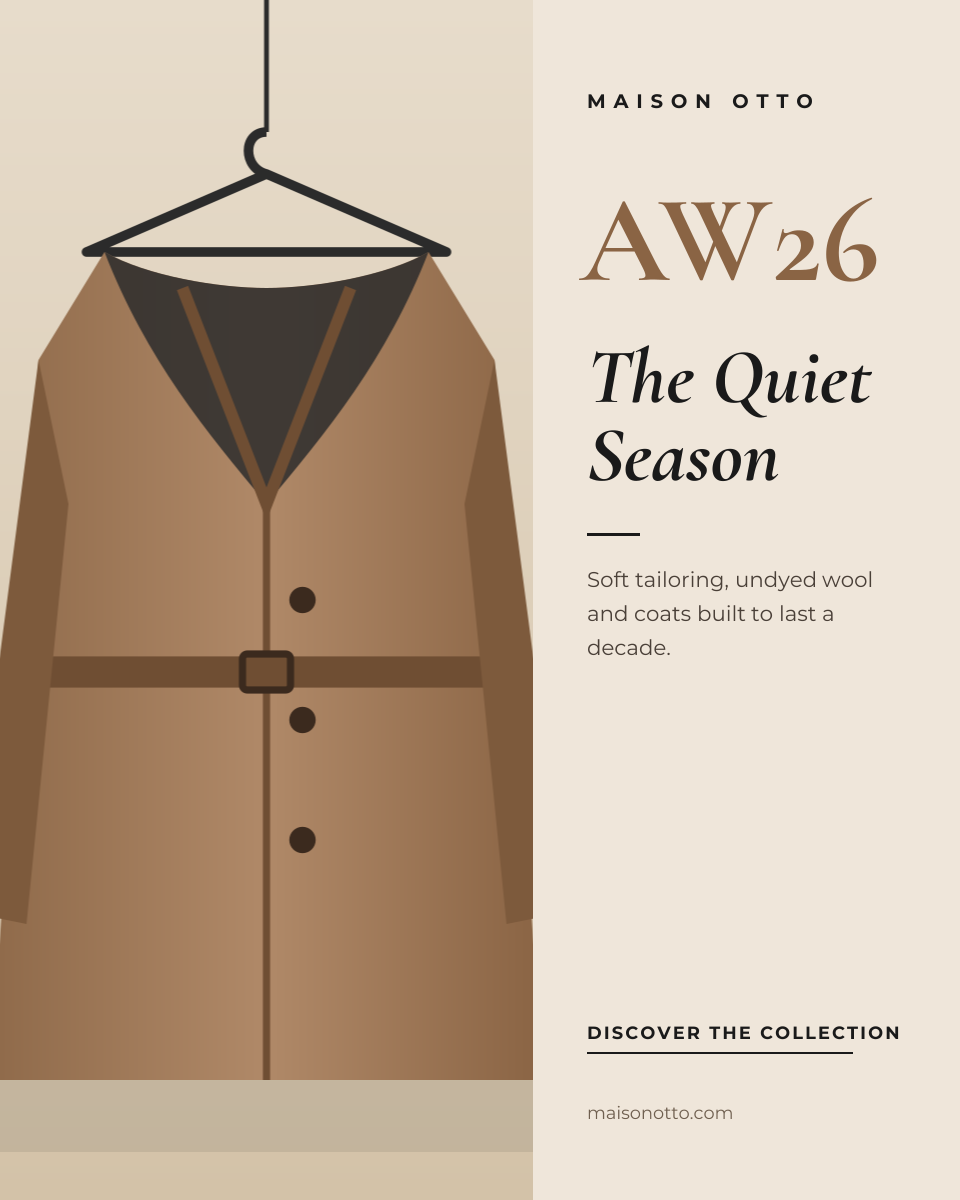
A fashion campaign layout that borrows from print editorials: a tall image on the left, a narrow column of type on the right, and plenty of breathing room. The season code is set large in a warm tone, the collection name follows in an italic serif, and the call to action is a simple underlined line rather than a loud button.
Opens your own copy in the Liena editor — the original stays untouched. Free with a Liena account; downloads on the free plan include a small watermark.
Camel, cream and black make a restrained palette that lets campaign photography lead. Cormorant Garamond provides high-fashion contrast in the season code and collection name; widely tracked Montserrat in small caps gives the brand name and CTA a luxury-label feel. Generous white space is part of the design — resist filling it.
This isn’t a flat image. The design opens as 9 separate layers you can select and change individually.
Double-click to rewrite. Change font (Montserrat, Cormorant Garamond by default), size, weight, line height, letter spacing, alignment, case, colour and shadow.
Replace with your own upload, then crop, zoom, pan, flip, round the corners and adjust brightness, contrast, saturation or blur.
Recolour fills with any hex or brand colour, change opacity and corner radius, or resize and rotate decorative elements.
Drag to move, resize from any handle, rotate, nudge with arrow keys, reorder or hide layers, duplicate and delete — with undo and redo.
Change the background colour or add a background image, and apply colours and logos from your Liena brand kit.
Chalkboard-style brunch menu with dishes, prices and a booking button.
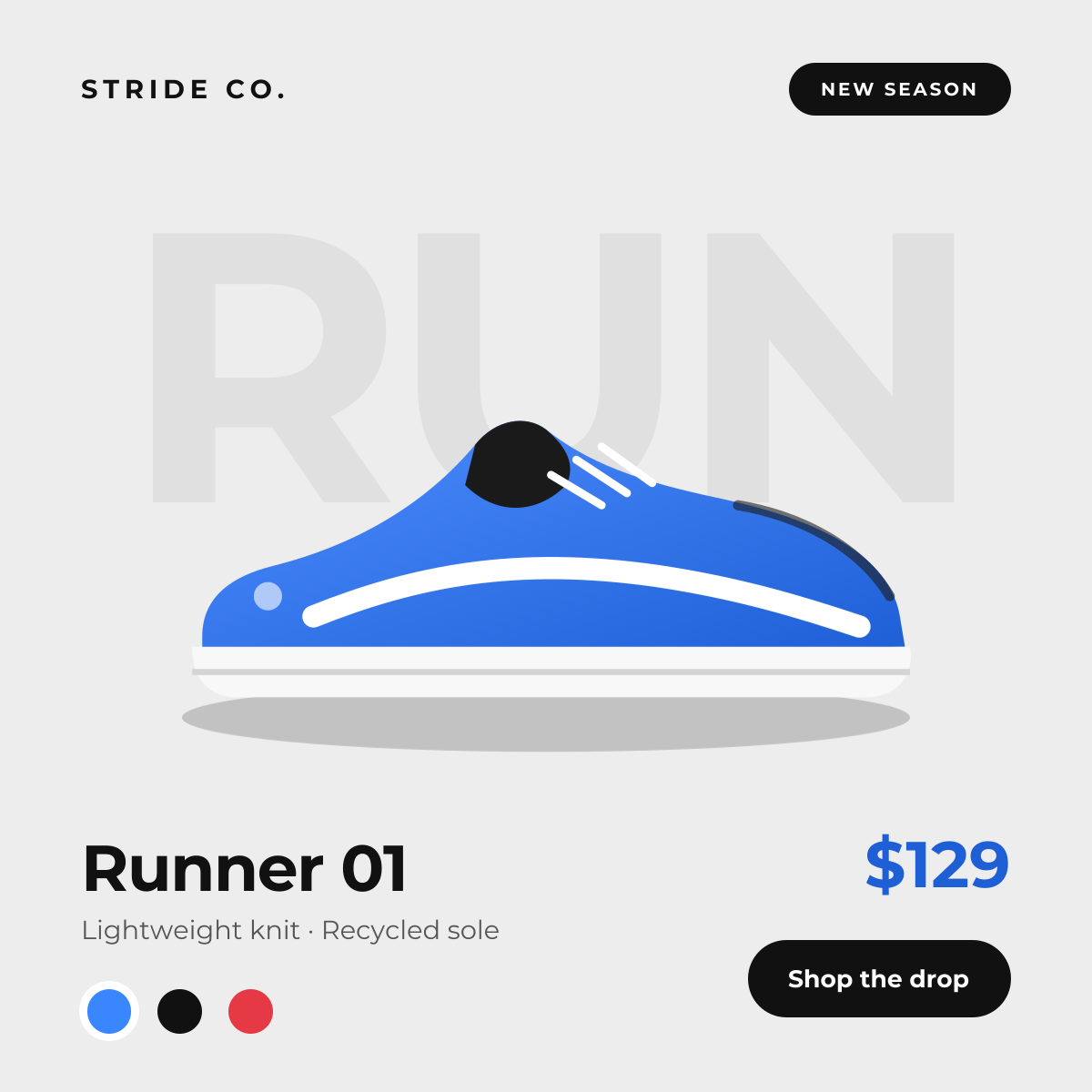
Studio-style product drop with background type and colour swatches.
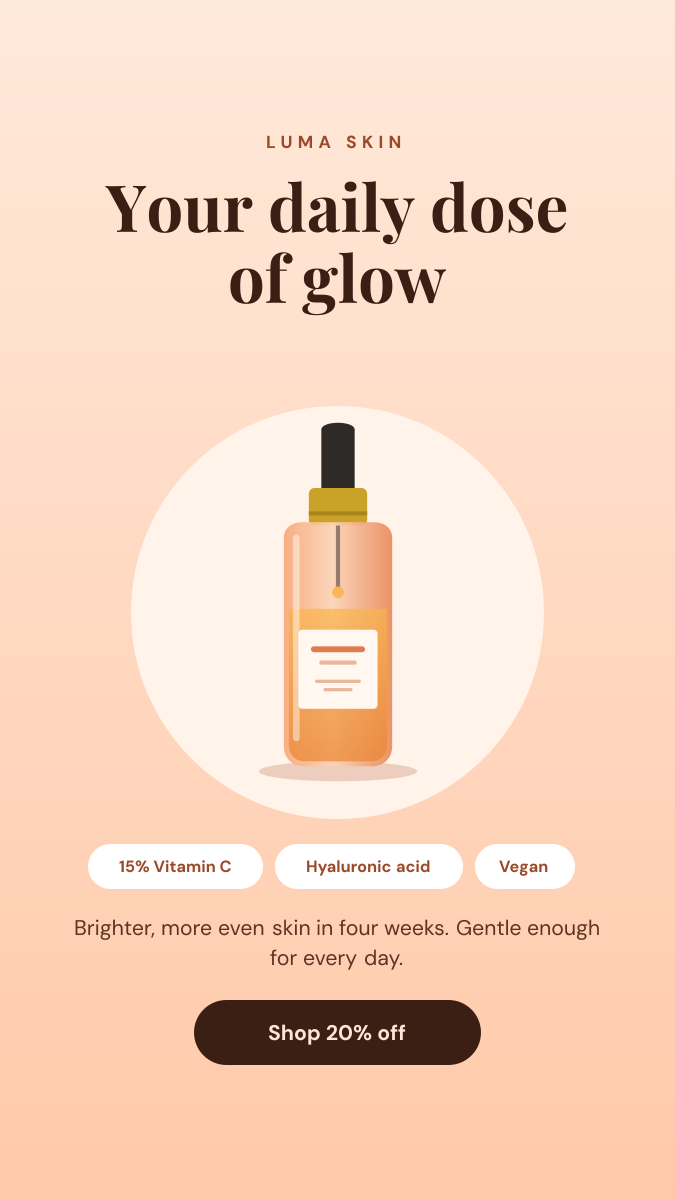
Soft peach Story with a product hero, ingredient chips and discount.
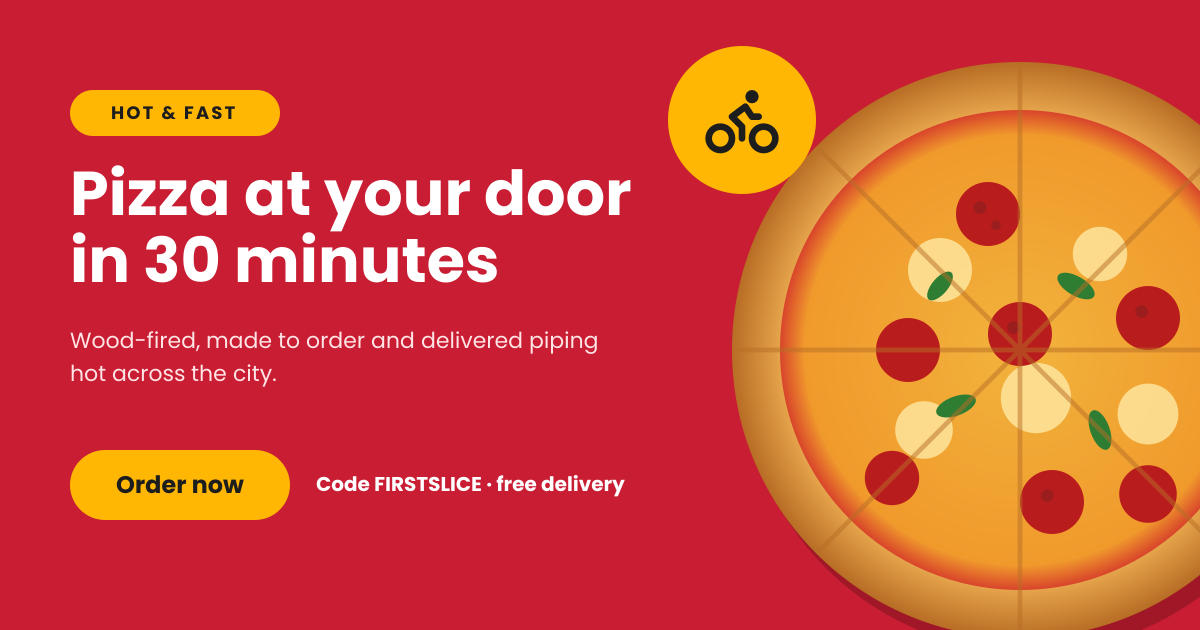
Bold red delivery ad with a hero dish, promo code and order button.
Your copy opens in the editor in seconds.
Use this template