Social media
Accounting Tips LinkedIn Post
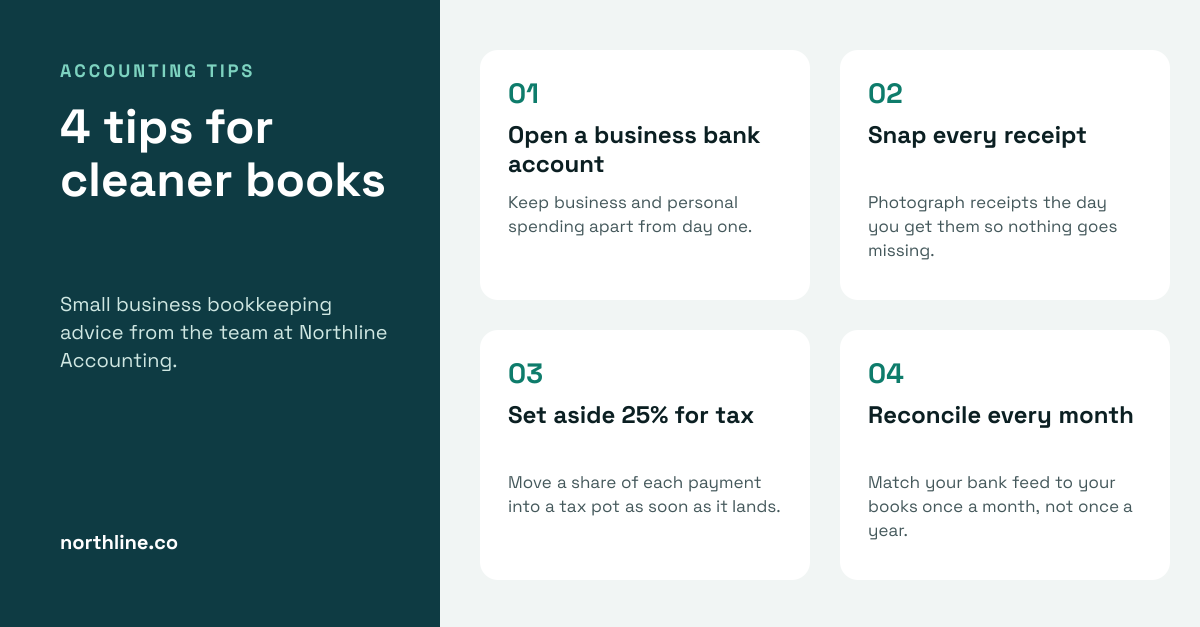
Dark teal title panel beside four numbered bookkeeping tip cards on a pale background.

A financial advisor LinkedIn post for financial planners, wealth managers and independent advisors sharing advice that starts conversations. A city skyline at blue hour carries a Fee-only advice tag, and the navy side holds the firm name, an Are you saving enough for retirement? headline, a short intro, three rules of thumb with gold ticks, a Book a free review button and the website.
Opens your own copy in the Liena editor — the original stays untouched. Free with a Liena account; downloads on the free plan include a small watermark.
DM Serif Display gives the question a calm, trustworthy voice, and Inter Tight keeps the rules sharp. Gold on deep navy feels established and premium without being flashy.
This isn’t a flat image. The design opens as 16 separate layers you can select and change individually.
Double-click to rewrite. Change font (Inter Tight, DM Serif Display by default), size, weight, line height, letter spacing, alignment, case, colour and shadow.
Replace with your own upload, then crop, zoom, pan, flip, round the corners and adjust brightness, contrast, saturation or blur.
Recolour fills with any hex or brand colour, change opacity and corner radius, or resize and rotate decorative elements.
Recolour, resize or delete icons, and add new ones from the built-in Iconify icon search.
Drag to move, resize from any handle, rotate, nudge with arrow keys, reorder or hide layers, duplicate and delete — with undo and redo.
Change the background colour or add a background image, and recolour any shape or text to match your style.
Dark teal title panel beside four numbered bookkeeping tip cards on a pale background.

Office photo with a We've moved badge beside the new address, open house date and RSVP button.
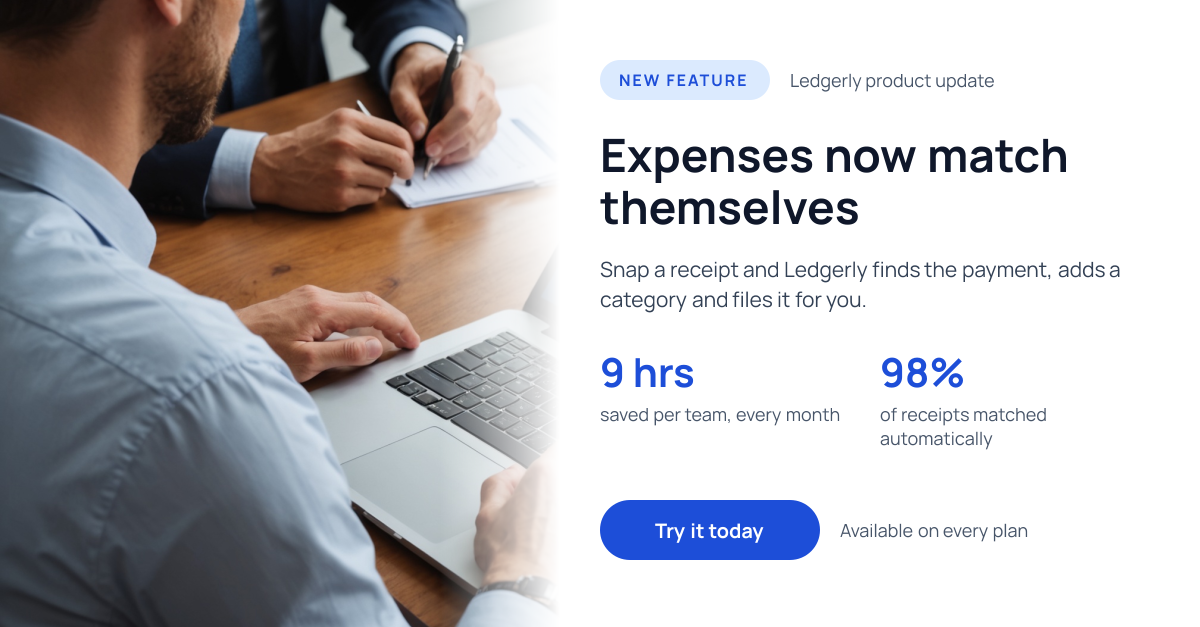
Laptop photo fading into white, with a New feature pill, headline, two stats and a blue button.
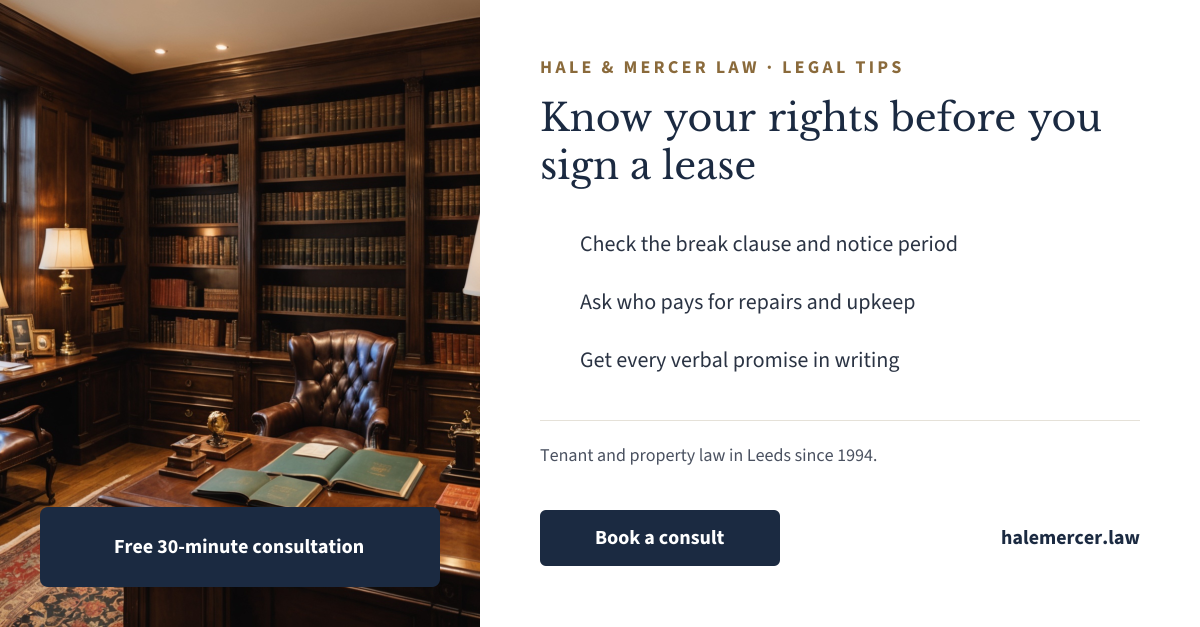
Law library photo with a consultation tag beside a serif legal tip and three checklist points.
Your copy opens in the editor in seconds.
Use this template