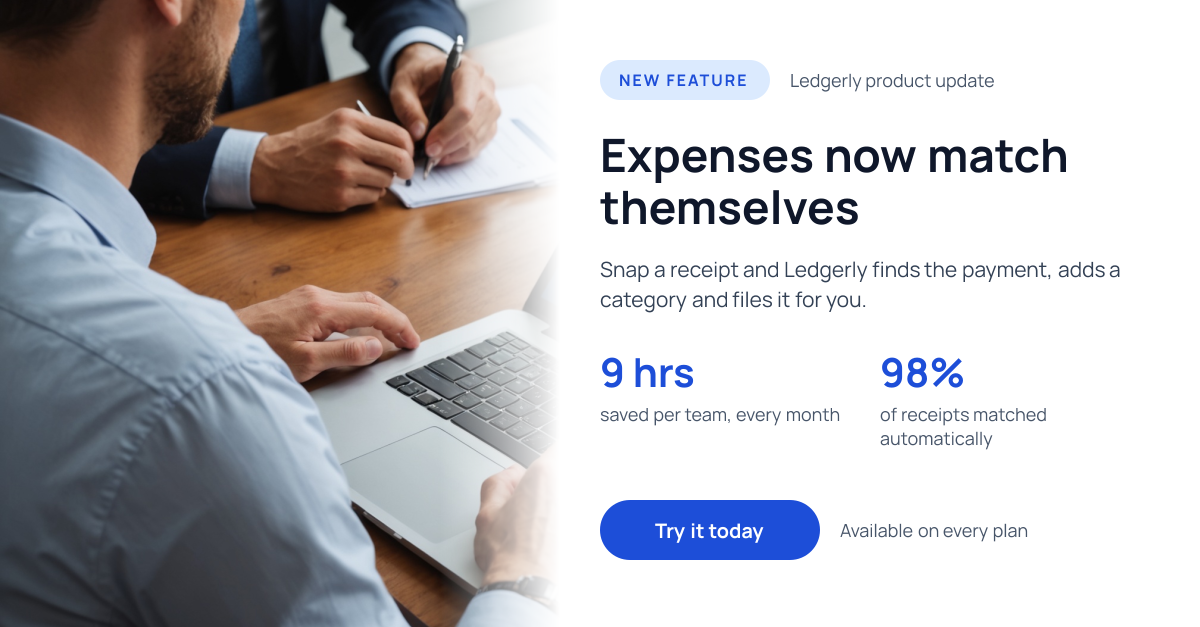
Preview of the Product Update LinkedIn Post template: laptop photo fading into white, with a new feature pill, headline, two stats and a blue button
Social media

Product Update LinkedIn Post Template

A LinkedIn post for SaaS companies and product teams announcing a new feature. A photo of someone working on a laptop fades into white, where a New feature pill, a short benefit headline, a line on how it works, two stats that prove it saves time and a Try it today button sit, with a note on which plans include it.

Opens your own copy in the Liena editor — the original stays untouched. Free with a Liena account; downloads on the free plan include a small watermark.

Format
LinkedIn post
Size
1200 × 627 px (1.91:1)
Fonts
Manrope
Colours
Editable layers
15
Export
PNG, full resolution

Design details

Manrope is crisp and modern, so the headline and numbers feel like a confident product launch. A single royal blue on white keeps the post clean and matches most software brands.

Best for

  • New feature and product announcements
  • SaaS release notes on LinkedIn
  • Customer result and time-saved posts
  • B2B product marketing

How to customise it

  • Change the product name and feature headline.
  • Edit the two stats to your own results.
  • Swap the photo for a product screenshot.
  • Change the button to Read the update or Book a demo.

Everything in this template is editable

This isn’t a flat image. The design opens as 15 separate layers you can select and change individually.

10 text layers

Double-click to rewrite. Change font (Manrope by default), size, weight, line height, letter spacing, alignment, case, colour and shadow.

1 image

Replace with your own upload, then crop, zoom, pan, flip, round the corners and adjust brightness, contrast, saturation or blur.

4 shapes

Recolour fills with any hex or brand colour, change opacity and corner radius, or resize and rotate decorative elements.

Layers & layout

Drag to move, resize from any handle, rotate, nudge with arrow keys, reorder or hide layers, duplicate and delete — with undo and redo.

Background & brand

Change the background colour or add a background image, and recolour any shape or text to match your style.

How to use this template

  1. Click “Use this template”. If you’re new to Liena, create a free account first — you’ll come straight back to this design.
  2. Edit the text, replace images and adjust colours. Changes save automatically every 30 seconds, or press Save at any time.
  3. Export a PNG at 1200 × 627 px. Your design stays in your dashboard to edit again later.
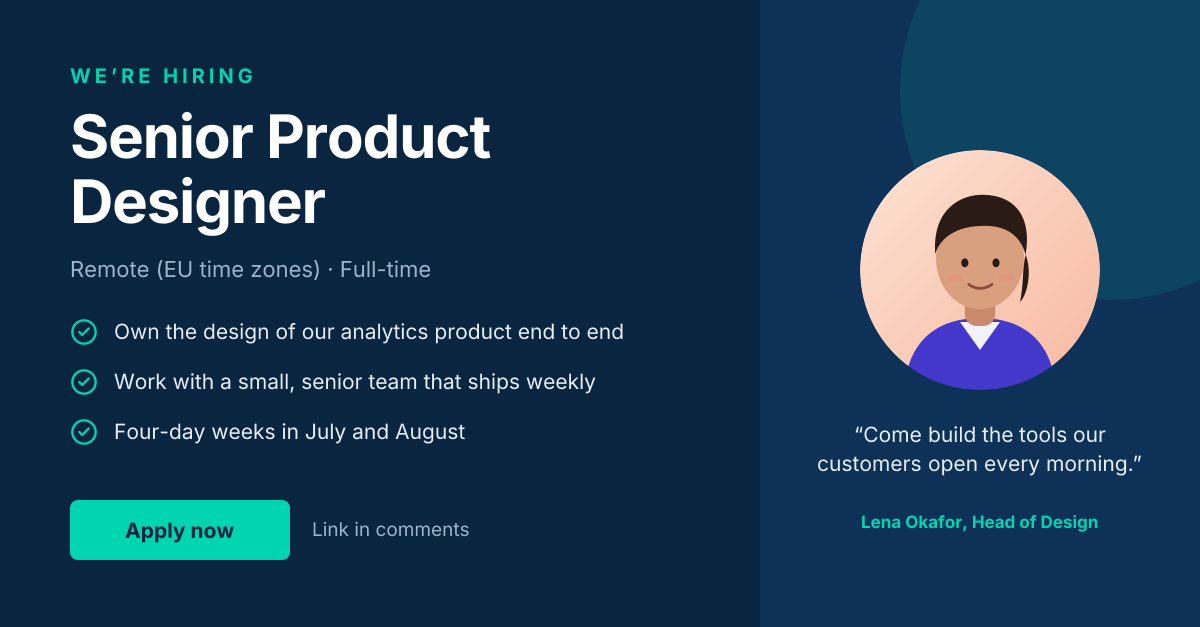
Preview of the LinkedIn Hiring Post template: “we’re hiring” post with role highlights and a hiring-manager quote
Social media

LinkedIn Hiring Post

“We’re hiring” post with role highlights and a hiring-manager quote.
LinkedIn post · 1200 × 627
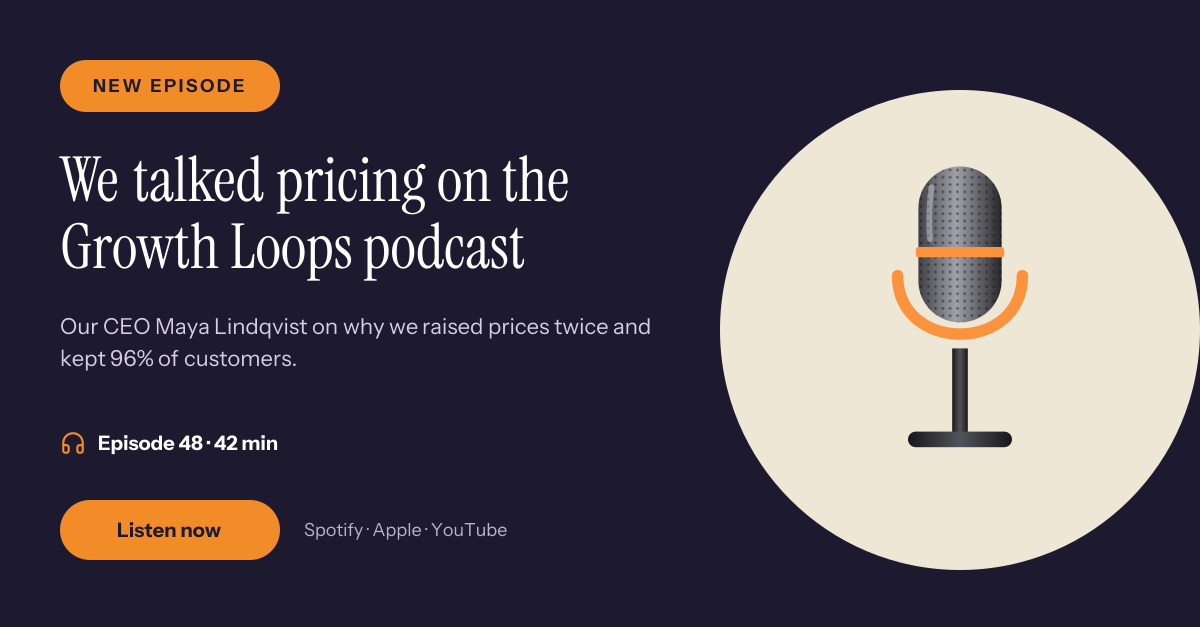
Preview of the Podcast Guest LinkedIn Post template: microphone illustration with a serif headline, episode details and a listen button
Social media

Podcast Guest LinkedIn Post

Microphone illustration with a serif headline, episode details and a listen button.
LinkedIn post · 1200 × 627
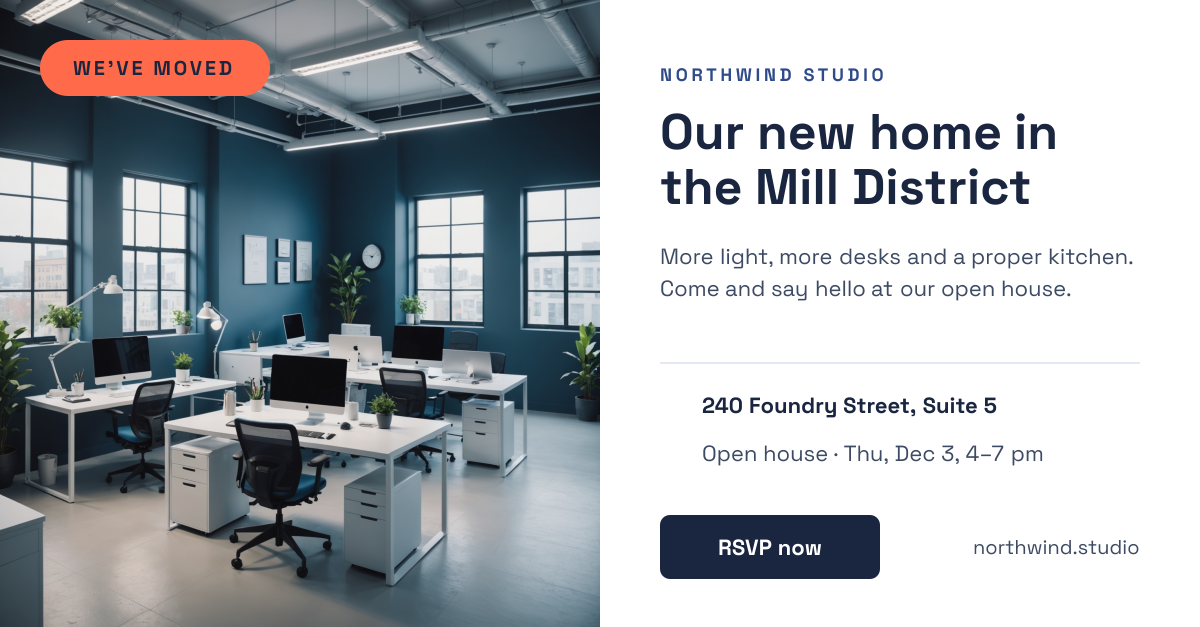
Preview of the Office Move LinkedIn Post template: office photo with a we've moved badge beside the new address, open house date and rsvp button
Social media

Office Move LinkedIn Post

Office photo with a We've moved badge beside the new address, open house date and RSVP button.
LinkedIn post · 1200 × 627
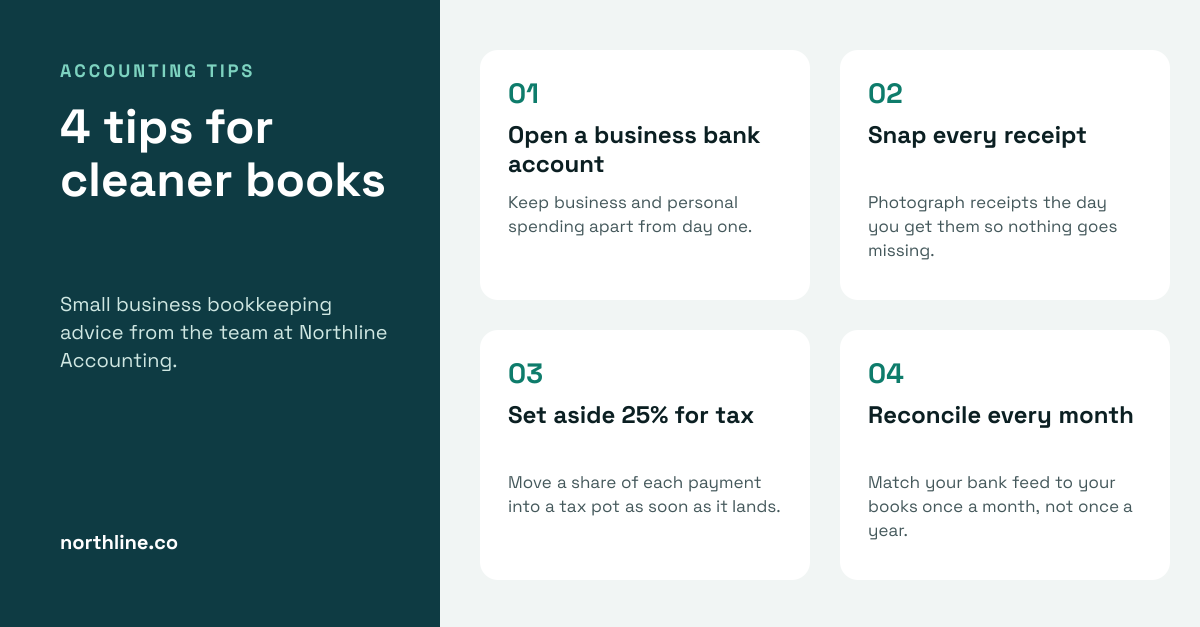
Preview of the Accounting Tips LinkedIn Post template: dark teal title panel beside four numbered bookkeeping tip cards on a pale background
Social media

Accounting Tips LinkedIn Post

Dark teal title panel beside four numbered bookkeeping tip cards on a pale background.

LinkedIn post · 1200 × 627

Start with the product update linkedin post template

Your copy opens in the editor in seconds.

Use this template