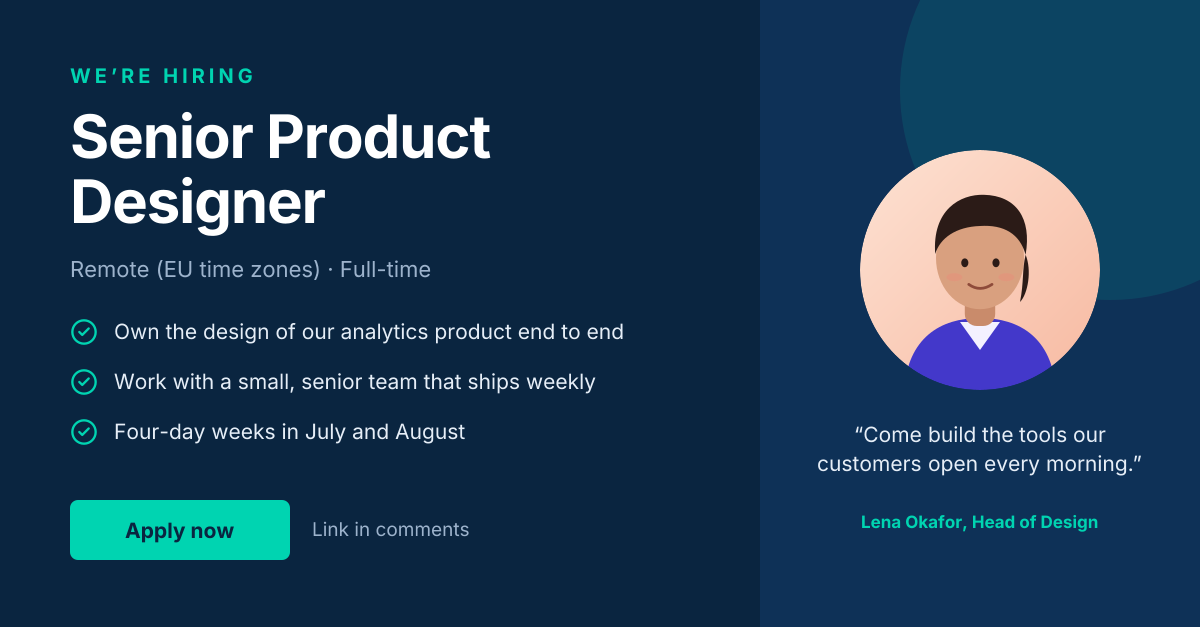
Preview of the LinkedIn Hiring Post template: “we’re hiring” post with role highlights and a hiring-manager quote
Social media

LinkedIn Hiring Post Template

A LinkedIn post that does the job of a mini job ad. It names the role and location up front, lists three concrete reasons to apply, and puts a real person — the hiring manager — next to the call to action. Candidates scroll past generic “Join our team” graphics; specifics are what make this one work.

Opens your own copy in the Liena editor — the original stays untouched. Free with a Liena account; downloads on the free plan include a small watermark.

Format
LinkedIn post
Size
1200 × 627 px (1.91:1)
Fonts
Inter
Colours
Editable layers
17
Export
PNG, full resolution

Design details

A navy and teal palette reads as trustworthy and modern on LinkedIn’s white feed. The layout is two columns: the role on the left, set in Inter with check-mark icons for scannability, and a portrait card on the right that adds a human voice. Text sizes are chosen to remain legible in LinkedIn’s mobile feed, where the image is shown at roughly a third of its full width.

Best for

  • Announcing an open role on your company page
  • Team members resharing a vacancy from their own profiles
  • Recruitment agencies posting on behalf of clients
  • Internship and graduate programme launches

How to customise it

  • Replace the role, location and three bullet points with your vacancy’s real details.
  • Swap the illustrated portrait for a photo of the hiring manager.
  • Change the quote to something the manager would genuinely say about the team.
  • Recolour the teal accents to match your employer brand.

Everything in this template is editable

This isn’t a flat image. The design opens as 17 separate layers you can select and change individually.

10 text layers

Double-click to rewrite. Change font (Inter by default), size, weight, line height, letter spacing, alignment, case, colour and shadow.

1 image

Replace with your own upload, then crop, zoom, pan, flip, round the corners and adjust brightness, contrast, saturation or blur.

3 shapes

Recolour fills with any hex or brand colour, change opacity and corner radius, or resize and rotate decorative elements.

3 icons

Recolour, resize or delete icons, and add new ones from the built-in Iconify icon search.

Layers & layout

Drag to move, resize from any handle, rotate, nudge with arrow keys, reorder or hide layers, duplicate and delete — with undo and redo.

Background & brand

Change the background colour or add a background image, and apply colours and logos from your Liena brand kit.

How to use this template

  1. Click “Use this template”. If you’re new to Liena, create a free account first — you’ll come straight back to this design.
  2. Edit the text, replace images and adjust colours. Changes save automatically every 30 seconds, or press Save at any time.
  3. Export a PNG at 1200 × 627 px. Your design stays in your dashboard to edit again later.
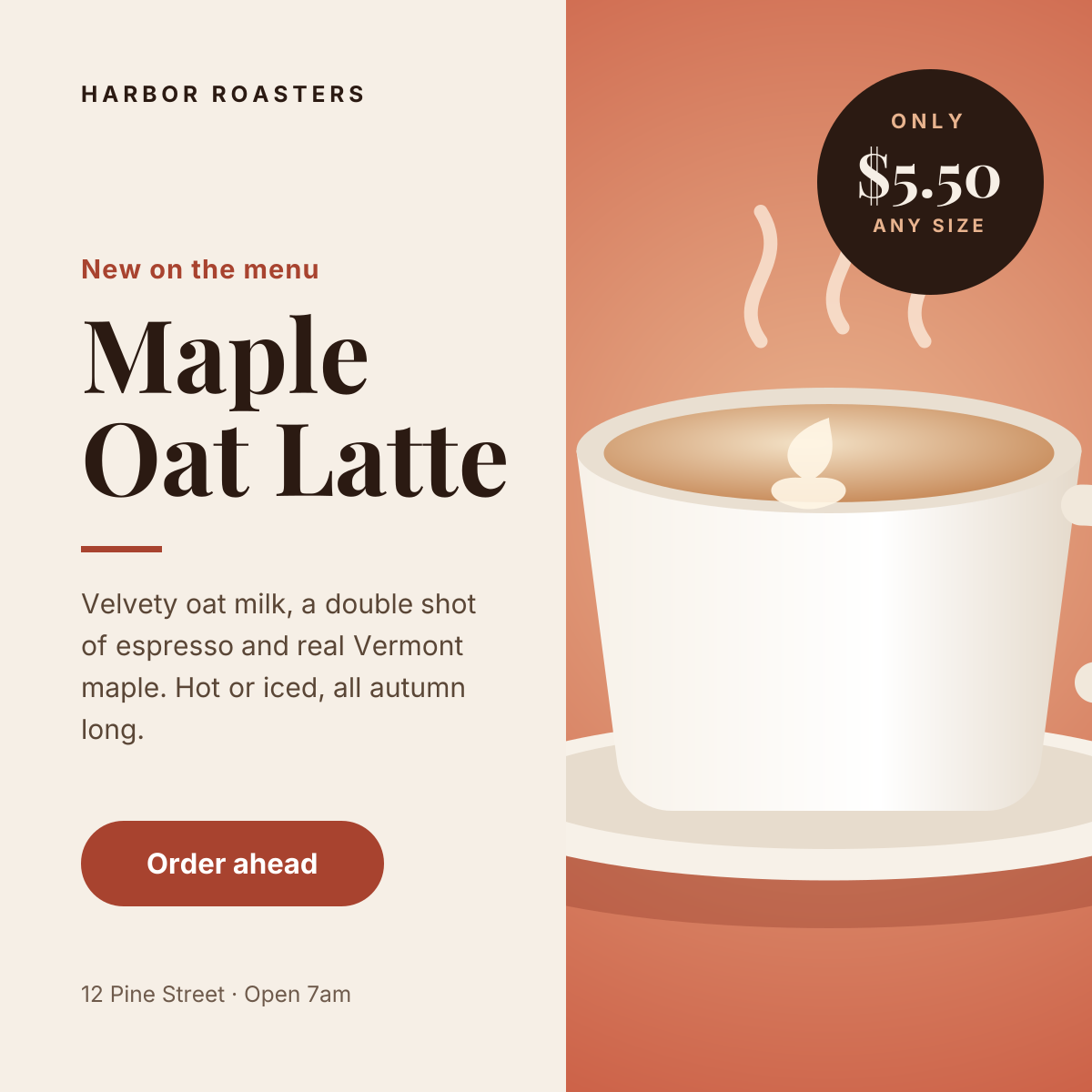
Preview of the Instagram Promotional Post template: split layout with a product photo, price badge and a clear order button
Social media

Instagram Promotional Post

Split layout with a product photo, price badge and a clear order button.
Instagram post · 1080 × 1080
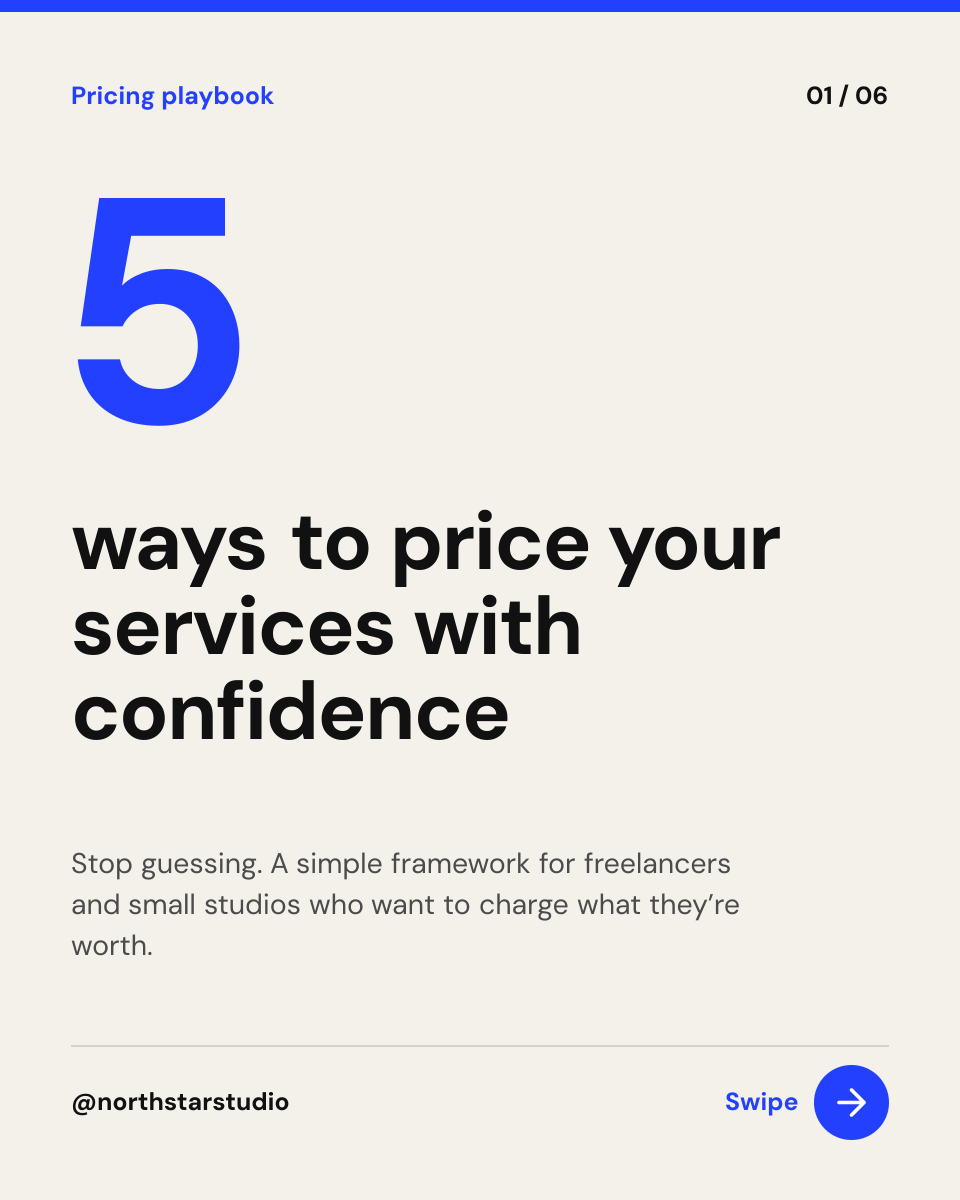
Preview of the Instagram Carousel Cover template: bold numbered cover slide with a swipe cue and slide counter
Social media

Instagram Carousel Cover

Bold numbered cover slide with a swipe cue and slide counter.

Portrait post (4:5) · 1080 × 1350
Preview of the Instagram Story template: full-bleed sunset image with event details and a tap-to-book button
Social media

Instagram Story

Full-bleed sunset image with event details and a tap-to-book button.

Instagram Story · 1080 × 1920
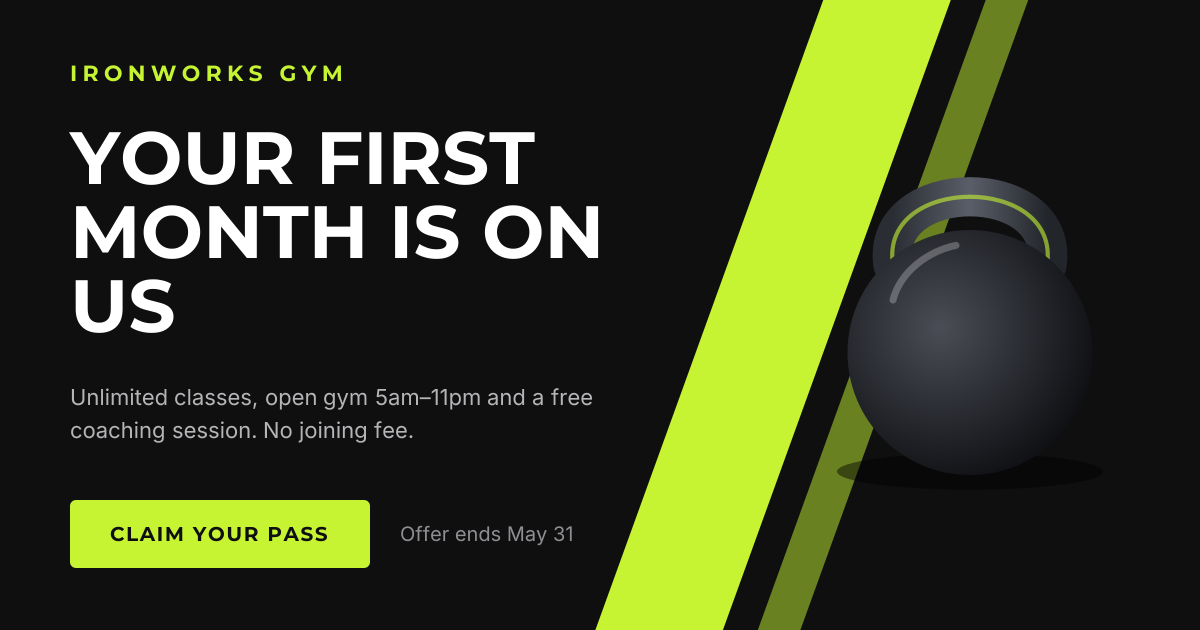
Preview of the Facebook Promotional Post template: high-energy landscape offer with a bold headline and claim button
Social media

Facebook Promotional Post

High-energy landscape offer with a bold headline and claim button.

Facebook post · 1200 × 630

Start with the linkedin hiring post template

Your copy opens in the editor in seconds.

Use this template