Social media
Thanksgiving Instagram Post
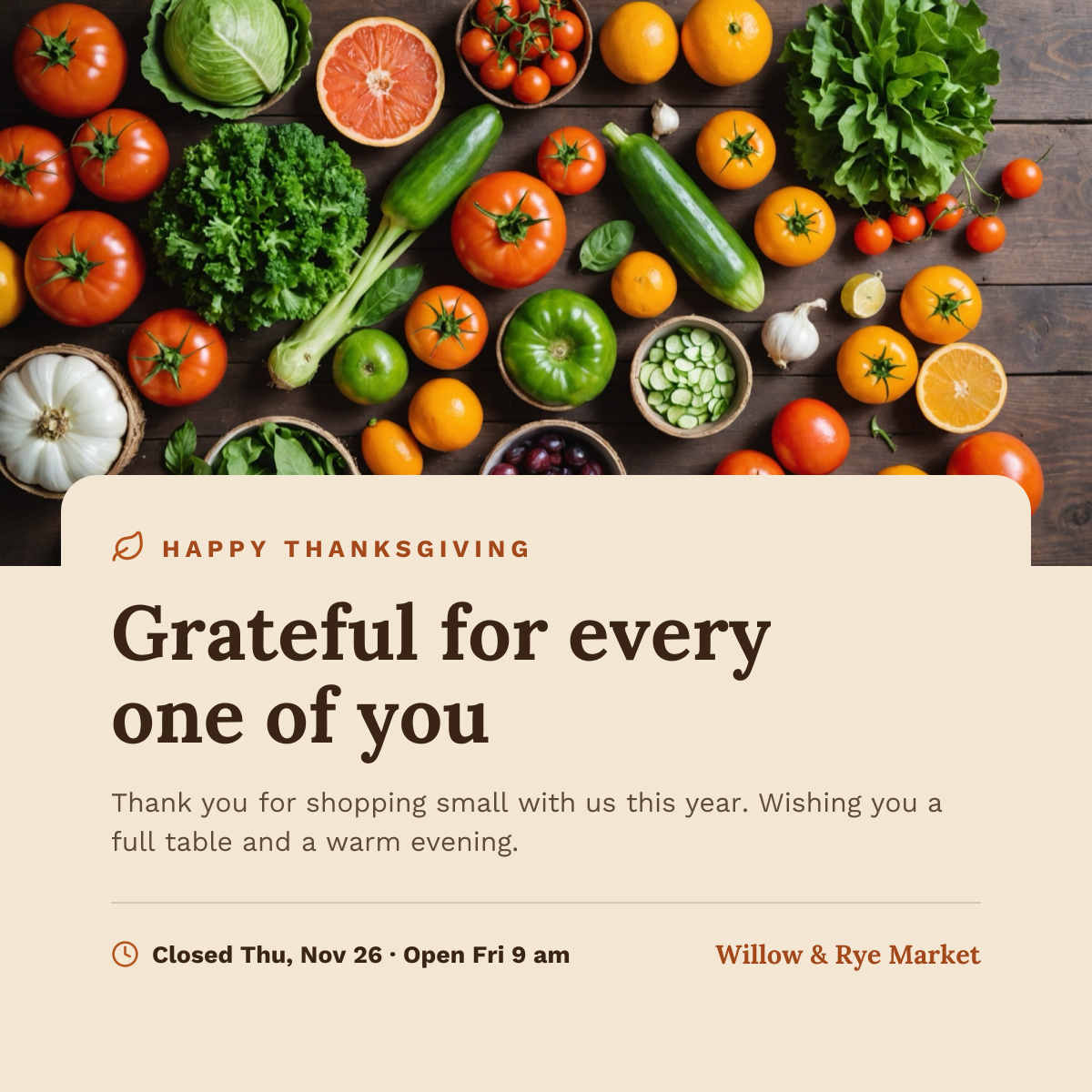
Harvest produce photo above a cream card with a thank-you headline and holiday hours.
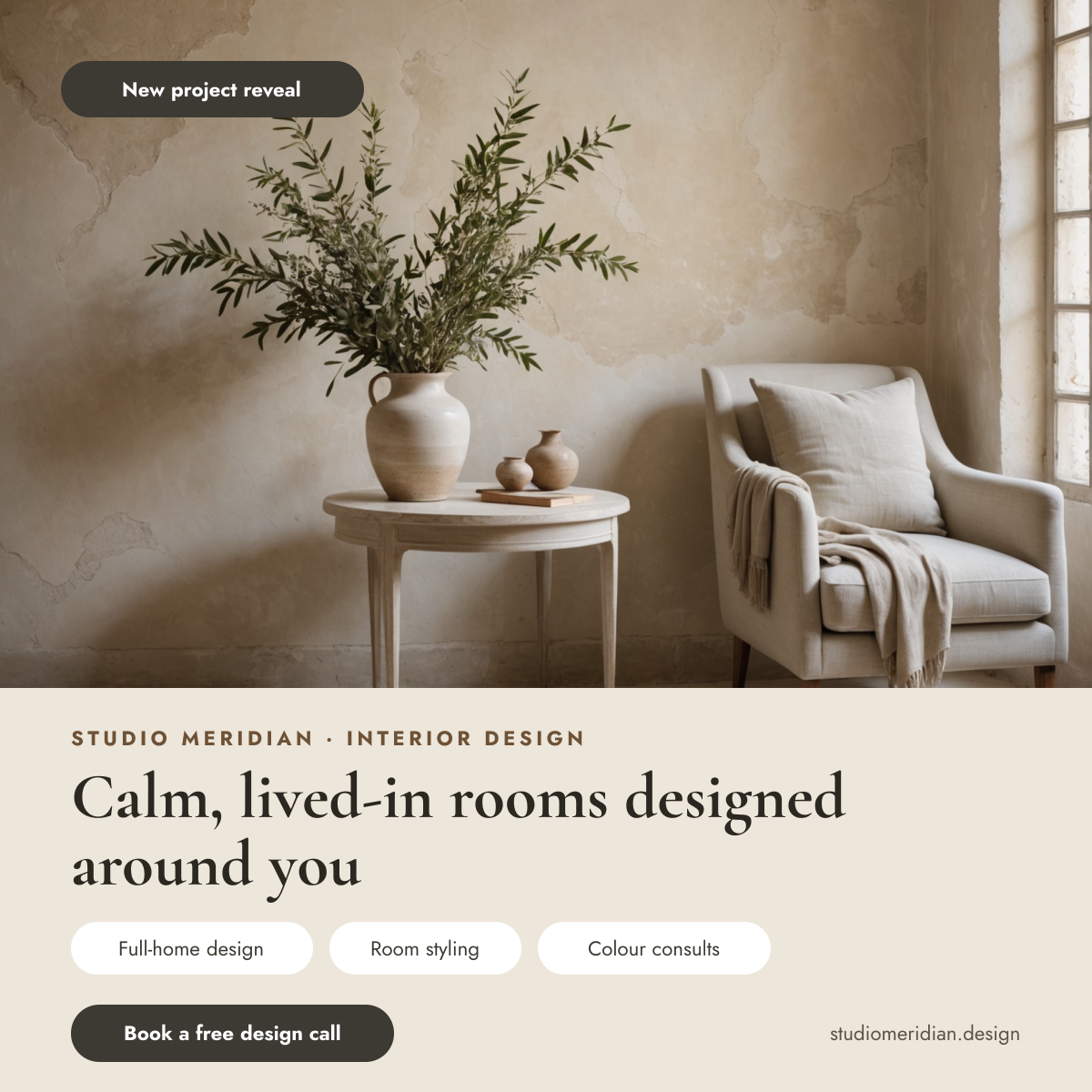
An interior designer Instagram post for interior designers, home stylists and design studios showing off their work. A calm room with olive branches and a linen armchair fills the top with a New project reveal tag, and the soft stone panel below holds the studio name, a Calm, lived-in rooms designed around you headline, three service pills, a Book a free design call button and the website.
Opens your own copy in the Liena editor — the original stays untouched. Free with a Liena account; downloads on the free plan include a small watermark.
Cormorant Garamond feels refined and editorial, like a design magazine, and Jost keeps the services tidy. Warm stone and charcoal match the plaster walls in the photo.
This isn’t a flat image. The design opens as 14 separate layers you can select and change individually.
Double-click to rewrite. Change font (Jost, Cormorant Garamond by default), size, weight, line height, letter spacing, alignment, case, colour and shadow.
Replace with your own upload, then crop, zoom, pan, flip, round the corners and adjust brightness, contrast, saturation or blur.
Recolour fills with any hex or brand colour, change opacity and corner radius, or resize and rotate decorative elements.
Drag to move, resize from any handle, rotate, nudge with arrow keys, reorder or hide layers, duplicate and delete — with undo and redo.
Change the background colour or add a background image, and recolour any shape or text to match your style.
Harvest produce photo above a cream card with a thank-you headline and holiday hours.
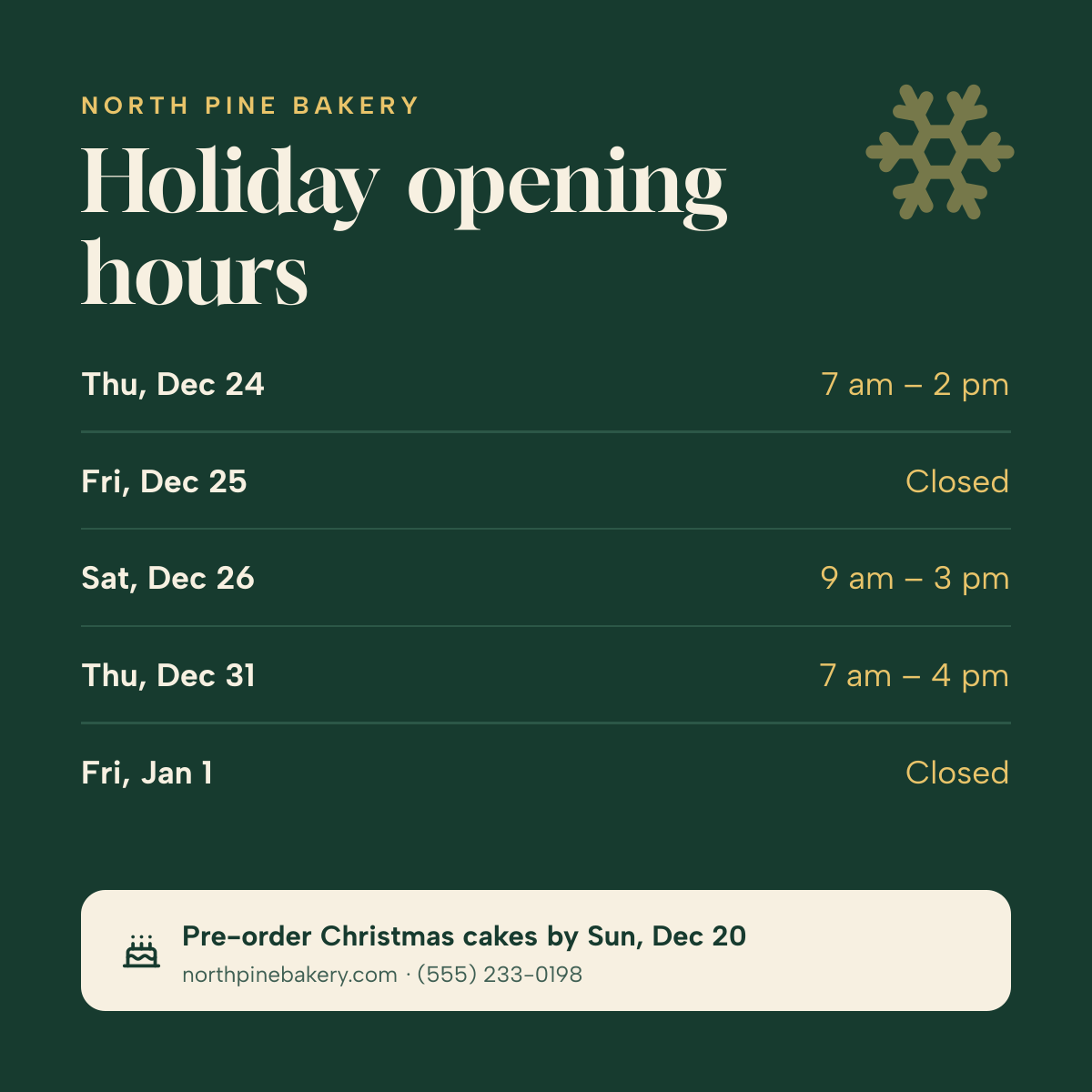
Day-by-day Christmas and New Year opening times on deep green, with a pre-order note.
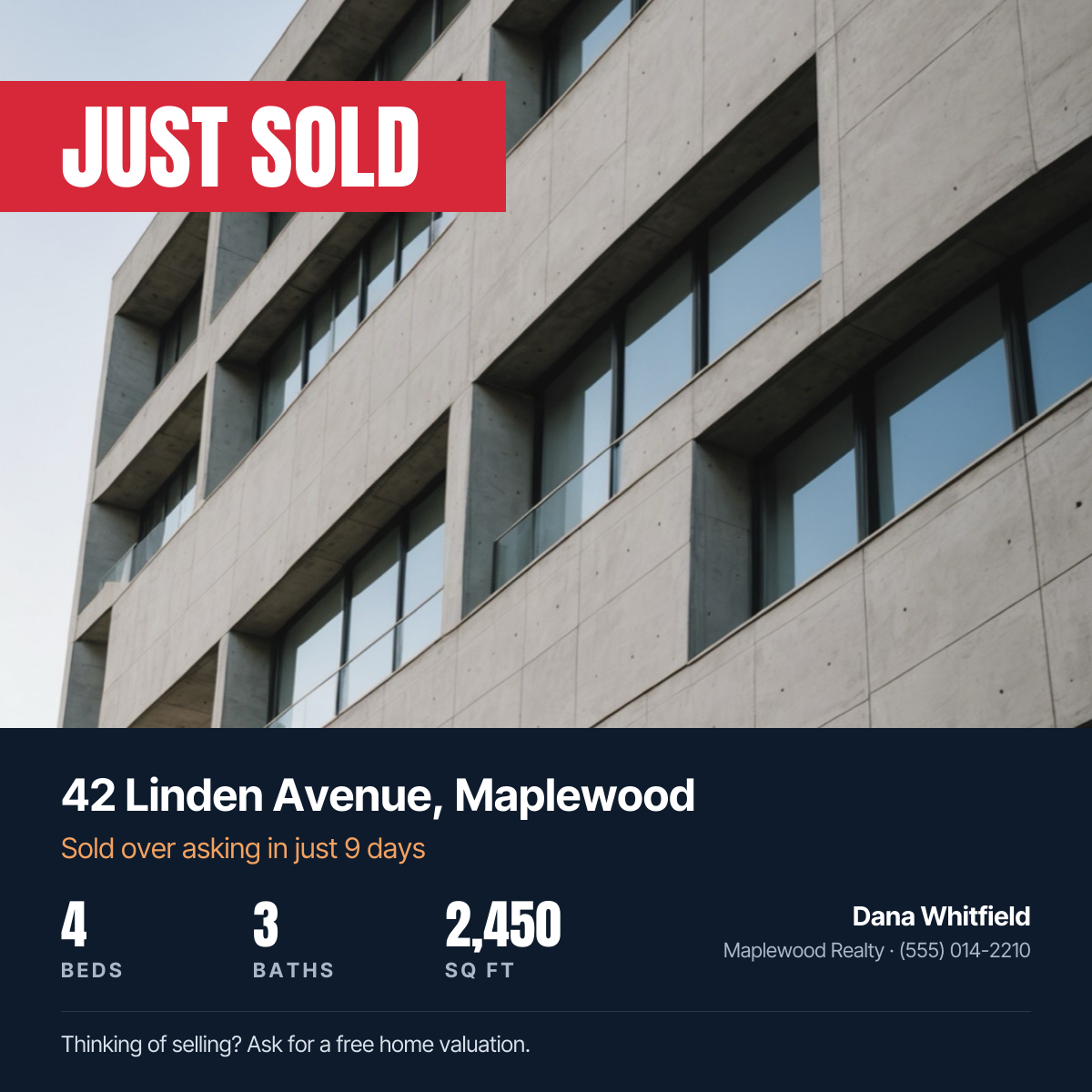
Property photo with a red Just Sold banner, address, home stats and agent contact.
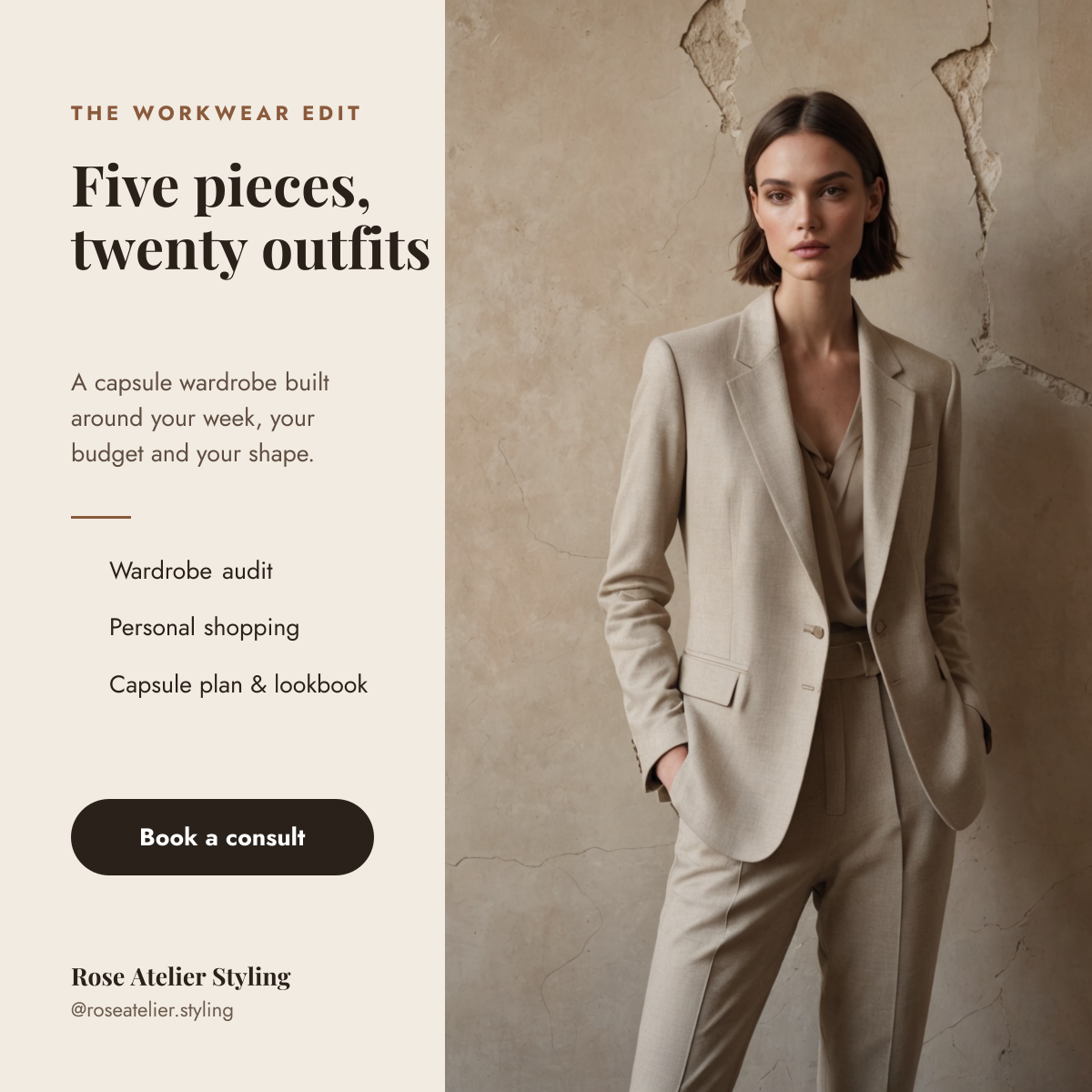
Tailored suit photo beside a cream column with a capsule wardrobe headline, services and a booking button.
Your copy opens in the editor in seconds.
Use this template