Social media
Product Launch Countdown Story Template
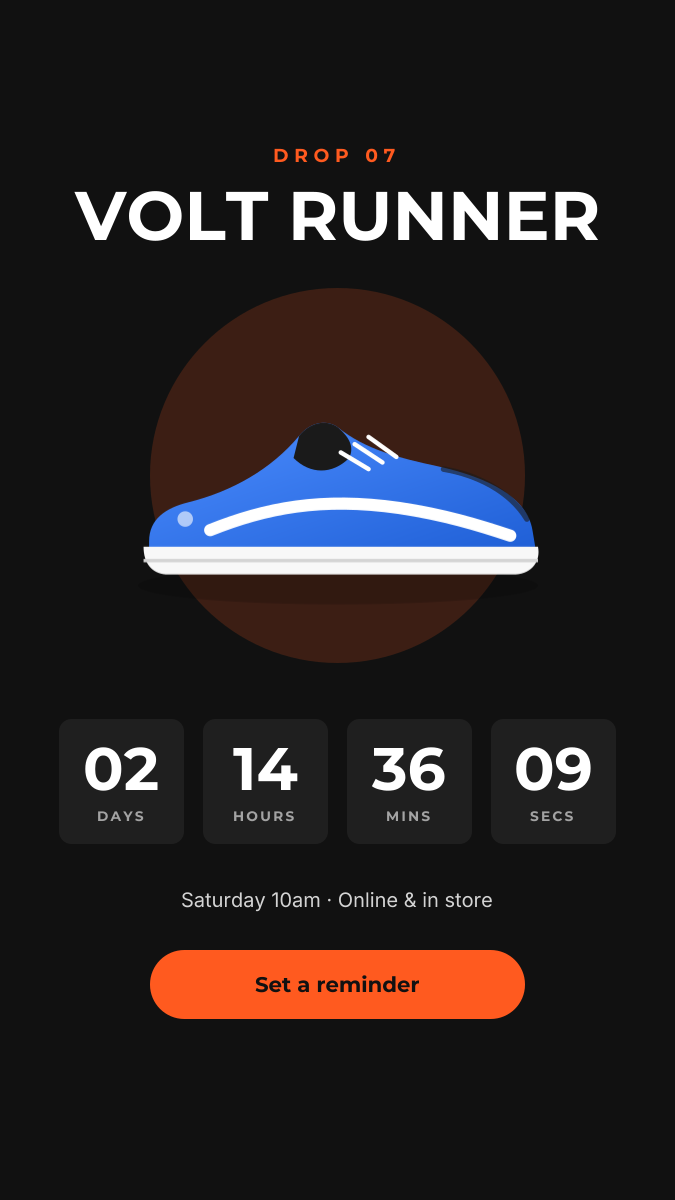
Build anticipation before a drop. This vertical Story puts the product in a soft orange glow on a black background, names the drop in heavy uppercase type, and lines up four countdown tiles for days, hours, minutes and seconds. Underneath, the launch time and a bright “Set a reminder” button tell people exactly what to do next.
Opens your own copy in the Liena editor — the original stays untouched. Free with a Liena account; downloads on the free plan include a small watermark.
- Format
- Instagram Story
- Size
- 1080 × 1920 px (9:16)
- Fonts
- Montserrat, Inter
- Colours
- Editable layers
- 19
- Export
- PNG, full resolution
Design details
Montserrat in bold uppercase gives the title a sporty, engineered feel. The countdown tiles are separate shapes and text layers, so you can update the numbers every day of the build-up without touching the layout. Key content sits inside the safe zone, clear of the profile bar at the top and the reply field at the bottom.
Best for
- Sneaker, streetwear and limited-edition drops
- App, course or product launch teasers
- Pairing with Instagram’s countdown sticker
- Event and ticket release reminders
How to customise it
- Swap the sneaker illustration for a cut-out product photo — the glow circle works best behind a transparent PNG.
- Update the four numbers each day, or replace the tiles with a single date if you prefer.
- Place Instagram’s countdown sticker over the button area for one-tap reminders.
- Change the drop number and product name to match your release.
Everything in this template is editable
This isn’t a flat image. The design opens as 19 separate layers you can select and change individually.
12 text layers
Double-click to rewrite. Change font (Montserrat, Inter by default), size, weight, line height, letter spacing, alignment, case, colour and shadow.
1 image
Replace with your own upload, then crop, zoom, pan, flip, round the corners and adjust brightness, contrast, saturation or blur.
6 shapes
Recolour fills with any hex or brand colour, change opacity and corner radius, or resize and rotate decorative elements.
Layers & layout
Drag to move, resize from any handle, rotate, nudge with arrow keys, reorder or hide layers, duplicate and delete — with undo and redo.
Background & brand
Change the background colour or add a background image, and apply colours and logos from your Liena brand kit.
How to use this template
- Click “Use this template”. If you’re new to Liena, create a free account first — you’ll come straight back to this design.
- Edit the text, replace images and adjust colours. Changes save automatically every 30 seconds, or press Save at any time.
- Export a PNG at 1080 × 1920 px. Your design stays in your dashboard to edit again later.
Related templates
Social media
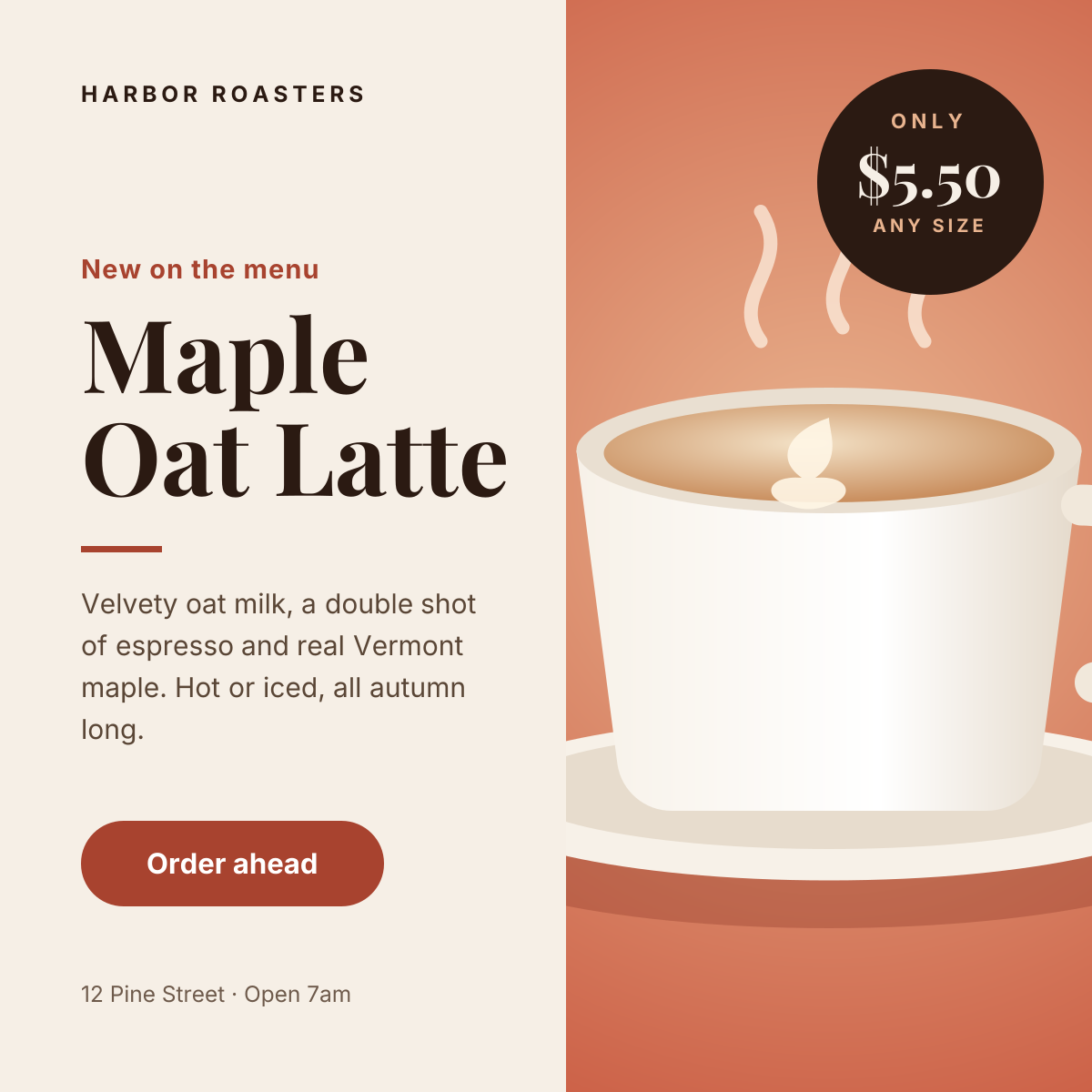
Instagram Promotional Post
Split layout with a product photo, price badge and a clear order button.
Social media
Instagram Quote Post
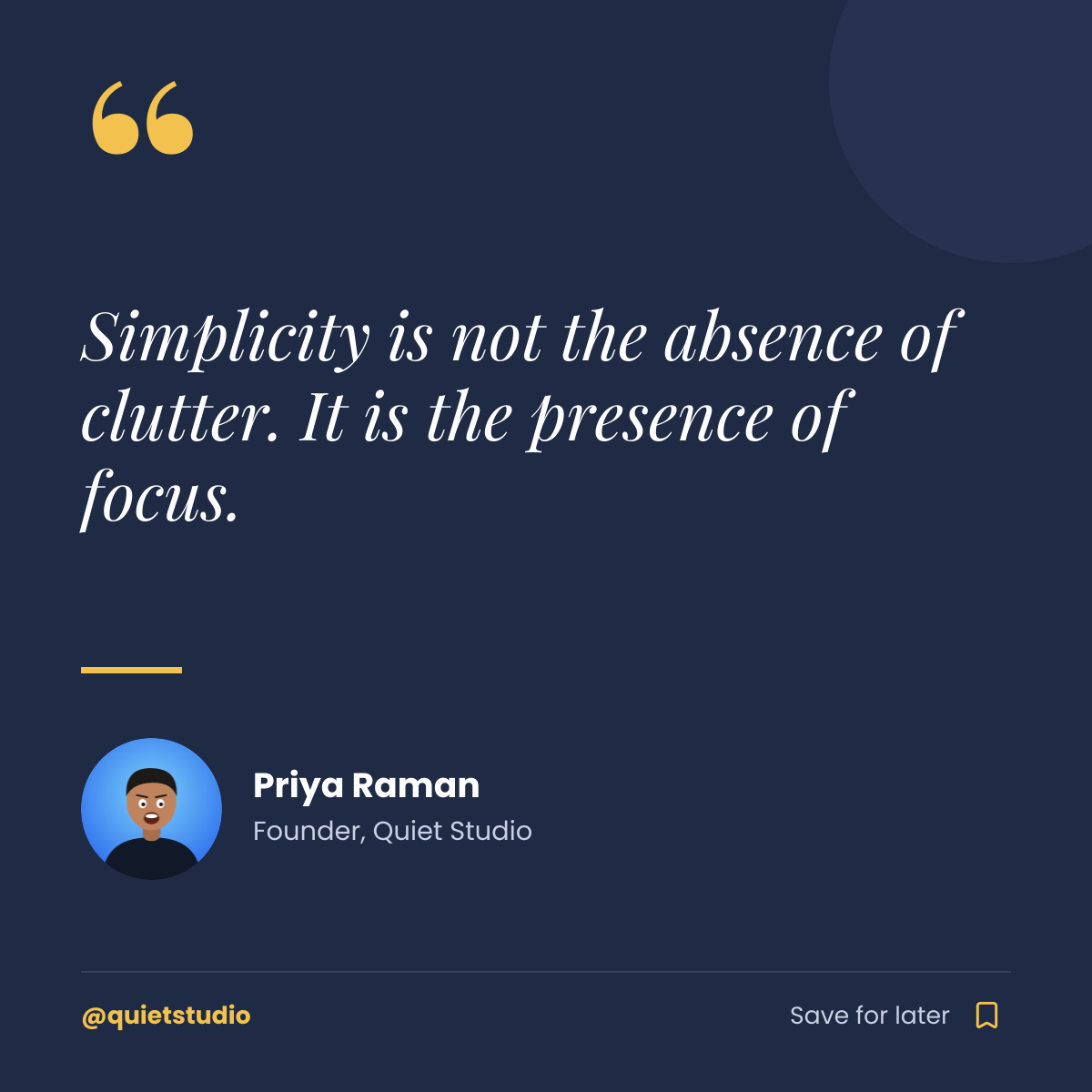
Navy quote card with a gold quote mark, author portrait and save prompt.
Start with the product launch countdown story template
Your copy opens in the editor in seconds.
Use this template