Social media
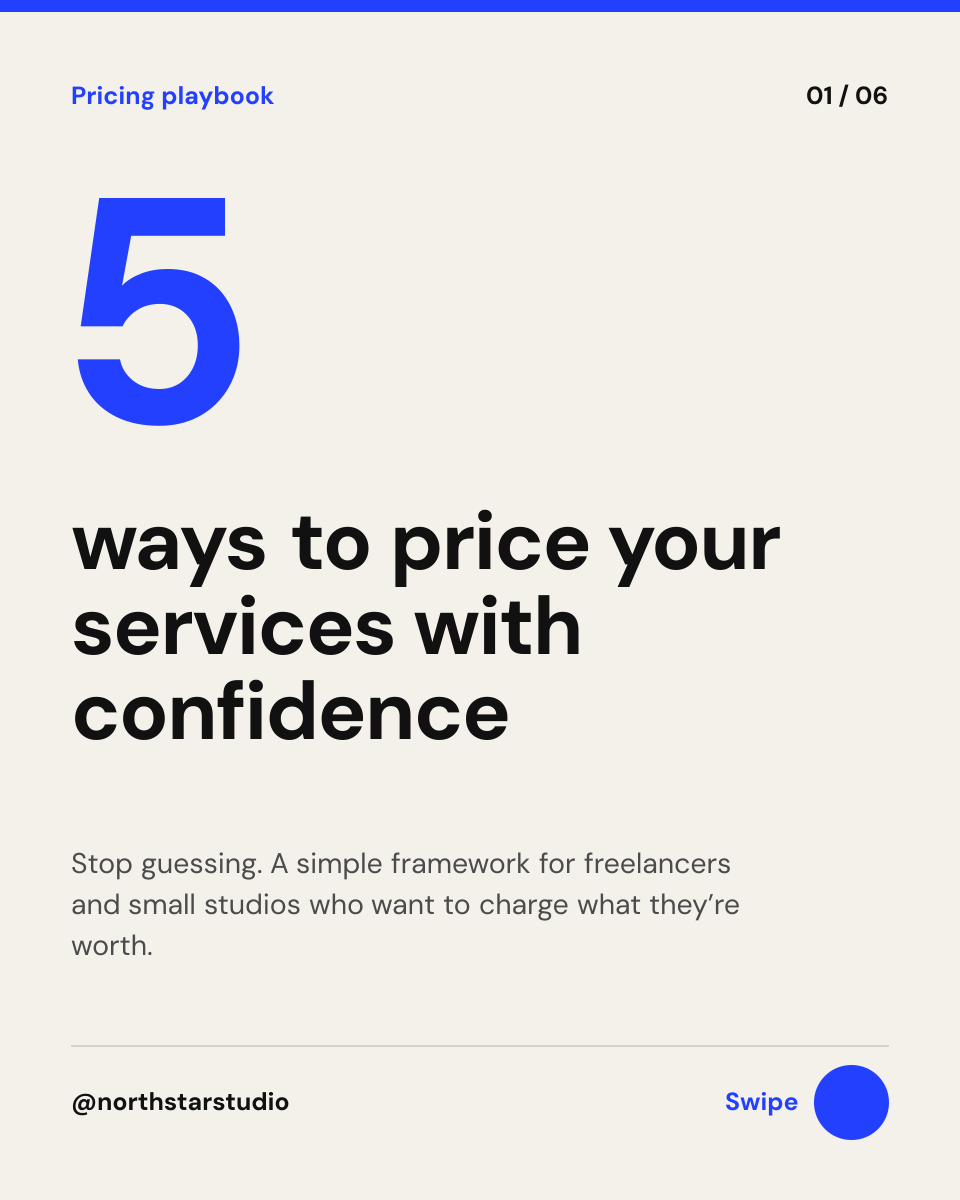
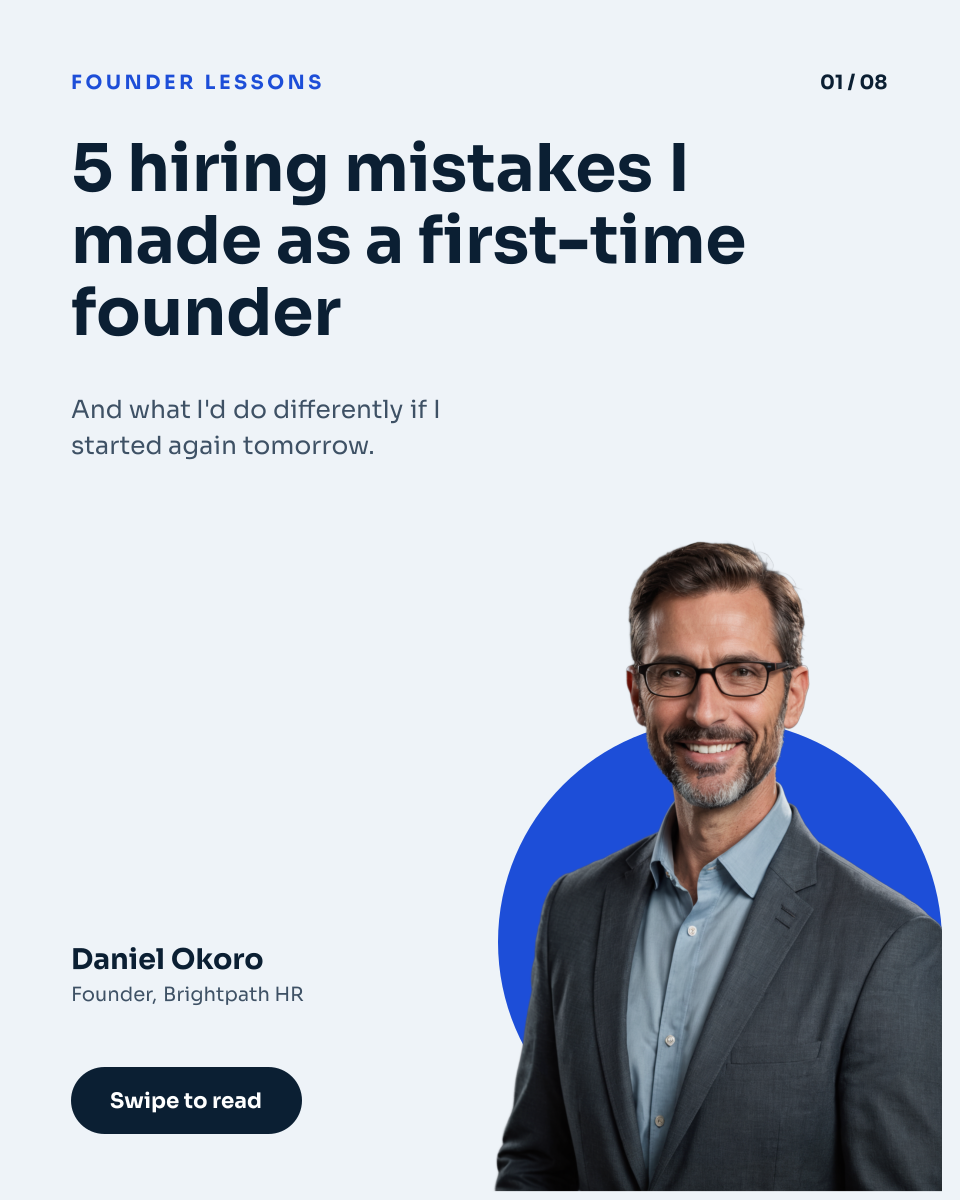
LinkedIn Carousel Cover Template
A LinkedIn carousel cover for founders, consultants, coaches and job seekers who post lessons and how-tos. A big hook headline and slide count grab attention, a short line teases the payoff, and your cut-out photo, name and title sit at the bottom beside a Swipe to read button.
Opens your own copy in the Liena editor — the original stays untouched. Free with a Liena account; downloads on the free plan include a small watermark.
- Format
- Portrait post (4:5)
- Size
- 1080 × 1350 px (4:5)
- Fonts
- Sora
- Colours
- Editable layers
- 11
- Export
- PNG, full resolution
Design details
Sora is a wide, confident sans that reads well on phones, and the blue circle frames your photo and pulls the eye to your name. The pale blue background keeps the slide light and professional.
Best for
- LinkedIn carousel and document posts
- Founder lessons and personal stories
- How-to guides and tips lists
- Instagram carousel covers
How to customise it
- Rewrite the headline as your hook.
- Change the slide count and topic label.
- Swap the cut-out for your own photo with no background.
- Edit your name and title.
Everything in this template is editable
This isn’t a flat image. The design opens as 11 separate layers you can select and change individually.
7 text layers
Double-click to rewrite. Change font (Sora by default), size, weight, line height, letter spacing, alignment, case, colour and shadow.
1 image
Replace with your own upload, then crop, zoom, pan, flip, round the corners and adjust brightness, contrast, saturation or blur.
2 shapes
Recolour fills with any hex or brand colour, change opacity and corner radius, or resize and rotate decorative elements.
1 icon
Recolour, resize or delete icons, and add new ones from the built-in Iconify icon search.
Layers & layout
Drag to move, resize from any handle, rotate, nudge with arrow keys, reorder or hide layers, duplicate and delete — with undo and redo.
Background & brand
Change the background colour or add a background image, and recolour any shape or text to match your style.
How to use this template
- Click “Use this template”. If you’re new to Liena, create a free account first — you’ll come straight back to this design.
- Edit the text, replace images and adjust colours. Changes save automatically every 30 seconds, or press Save at any time.
- Export a PNG at 1080 × 1350 px. Your design stays in your dashboard to edit again later.
Related templates

Social media
Marathon Training Carousel
Running track photo with a bold tips headline, page counter and a swipe button.
Social media
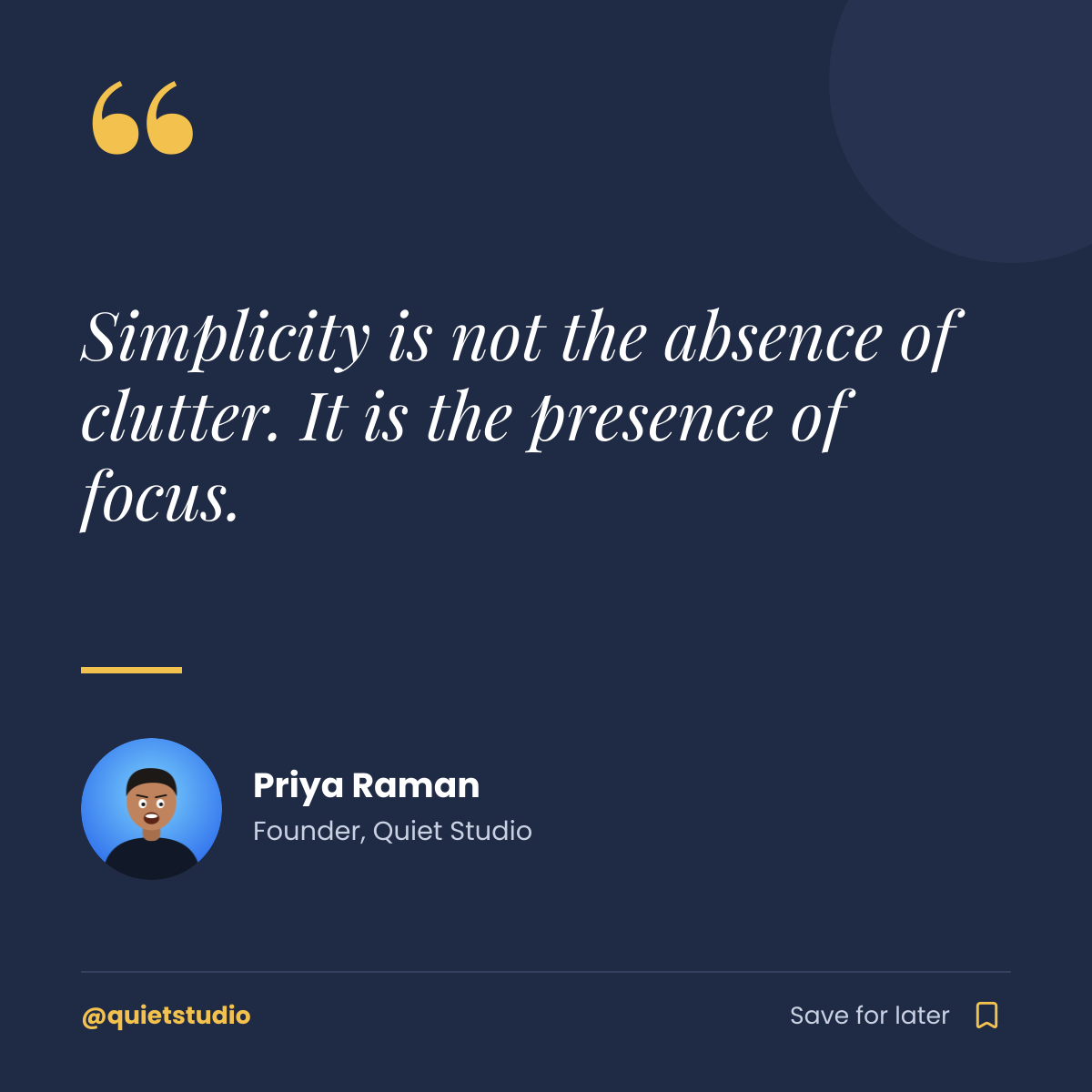
Instagram Quote Post
Navy quote card with a gold quote mark, author portrait and save prompt.
Social media
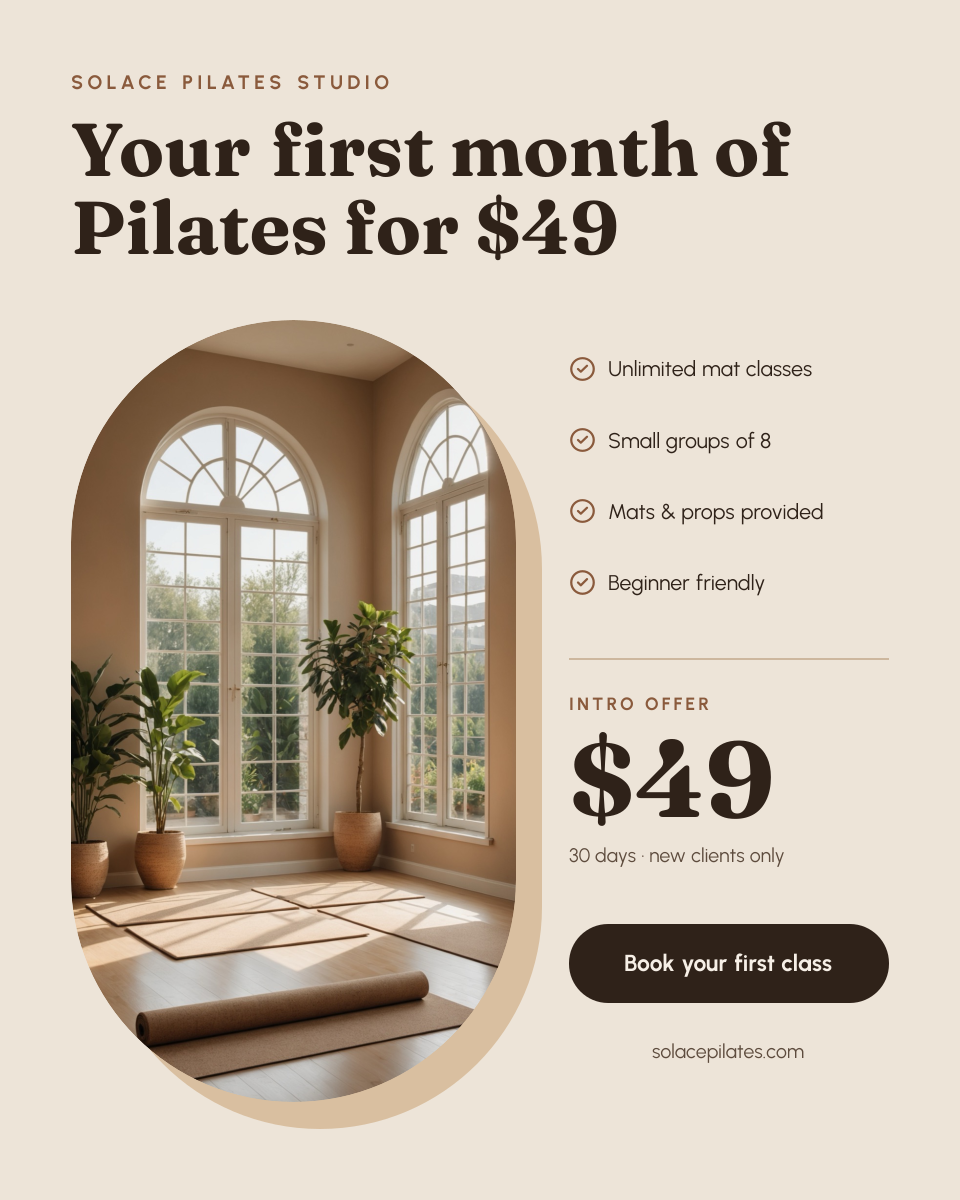
Pilates Intro Offer Post
Arched studio photo beside a checklist, big intro price and a booking button.
Start with the linkedin carousel cover template
Your copy opens in the editor in seconds.
Use this template