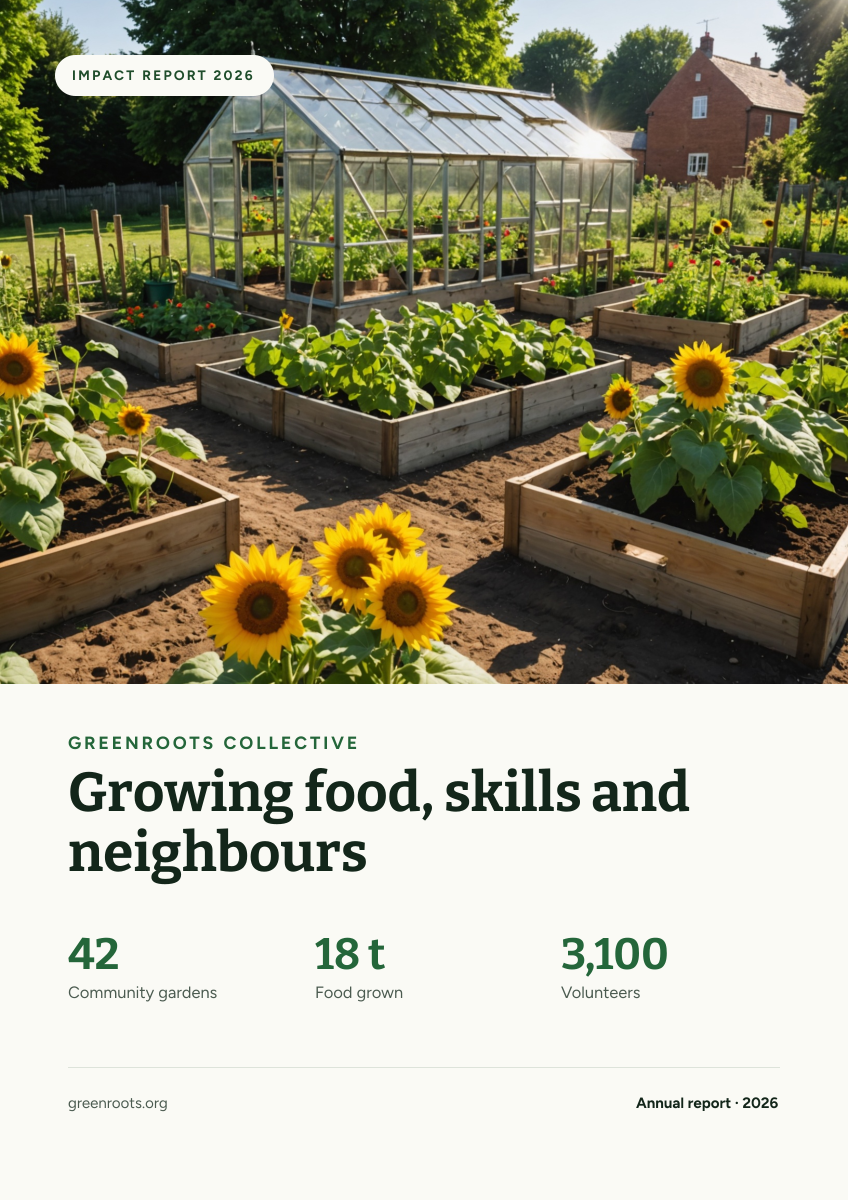
Preview of the Nonprofit Impact Report Cover template: community garden photo with a mission headline and three headline stats
Business & branding

Nonprofit Impact Report Cover Template

An A4 cover for charity impact reports, annual reviews and funding proposals. A bright community garden photo fills the top, and a clean off-white area underneath carries your organisation's name, a mission headline and three big numbers that show what you achieved this year.

Opens your own copy in the Liena editor — the original stays untouched. Free with a Liena account; downloads on the free plan include a small watermark.

Format
A4 document cover
Size
1240 × 1754 px (0.71:1)
Fonts
Figtree, Bitter
Colours
Editable layers
14
Export
PNG, full resolution

Design details

Leading with real numbers on the cover gives funders the story before they open the report. Bitter's sturdy slab serif feels grounded and honest, and Figtree keeps labels friendly. One deep green is used for the name and the stats, echoing the garden without overwhelming the page.

Best for

  • Annual impact reports and reviews
  • Grant applications and funder updates
  • Donor packs and fundraising appeals
  • Board and trustee reports

How to customise it

  • Replace the three stats with your own results.
  • Change the organisation name, headline and year.
  • Swap the photo for one of your projects or volunteers.
  • Edit the footer with your website or charity number.

Everything in this template is editable

This isn’t a flat image. The design opens as 14 separate layers you can select and change individually.

11 text layers

Double-click to rewrite. Change font (Figtree, Bitter by default), size, weight, line height, letter spacing, alignment, case, colour and shadow.

1 image

Replace with your own upload, then crop, zoom, pan, flip, round the corners and adjust brightness, contrast, saturation or blur.

2 shapes

Recolour fills with any hex or brand colour, change opacity and corner radius, or resize and rotate decorative elements.

Layers & layout

Drag to move, resize from any handle, rotate, nudge with arrow keys, reorder or hide layers, duplicate and delete — with undo and redo.

Background & brand

Change the background colour or add a background image, and recolour any shape or text to match your style.

How to use this template

  1. Click “Use this template”. If you’re new to Liena, create a free account first — you’ll come straight back to this design.
  2. Edit the text, replace images and adjust colours. Changes save automatically every 30 seconds, or press Save at any time.
  3. Export a PNG at 1240 × 1754 px. Your design stays in your dashboard to edit again later.
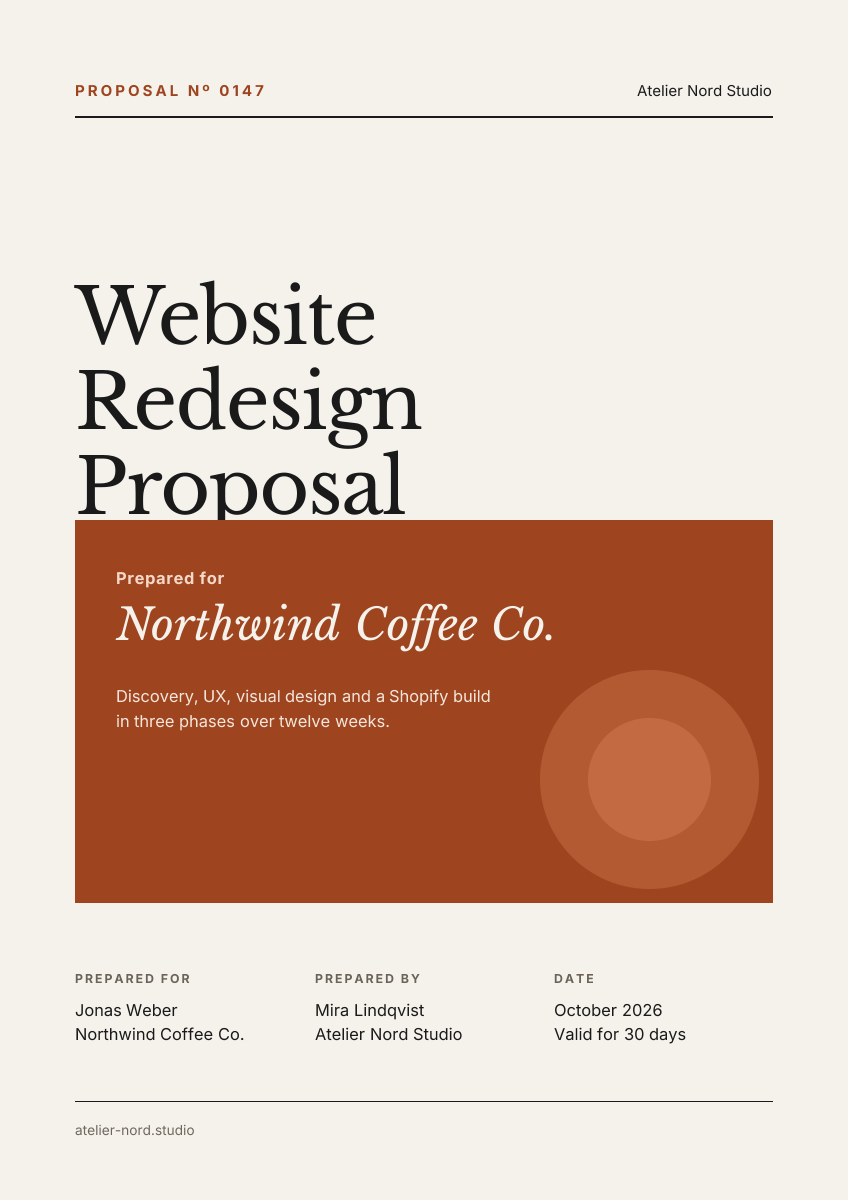
Preview of the Annual Report Cover template: dark a4 report cover with a giant year and concentric circle graphic
Business & branding

Annual Report Cover

Dark A4 report cover with a giant year and concentric circle graphic.
A4 document cover · 1240 × 1754
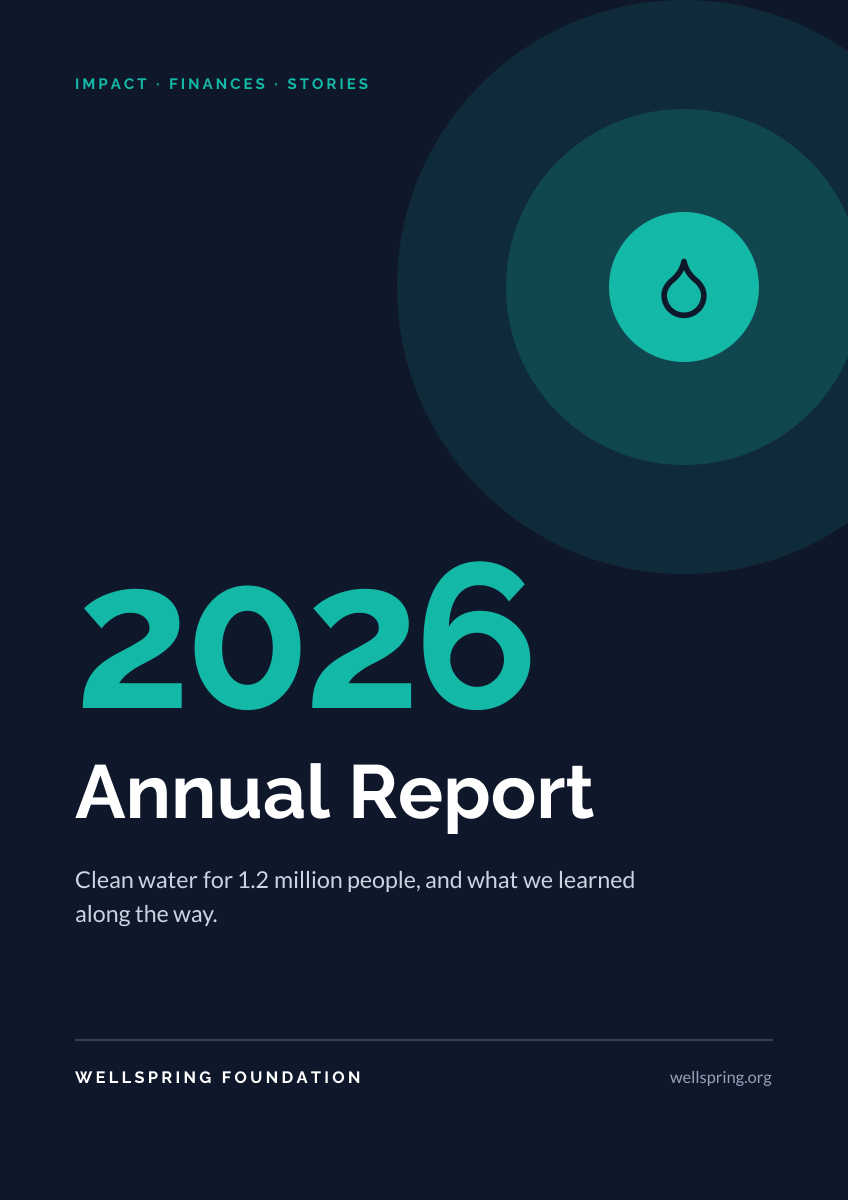
Preview of the Business Proposal Cover template: editorial a4 cover page with client, scope and a details table
Business & branding

Business Proposal Cover

Editorial A4 cover page with client, scope and a details table.
A4 document cover · 1240 × 1754
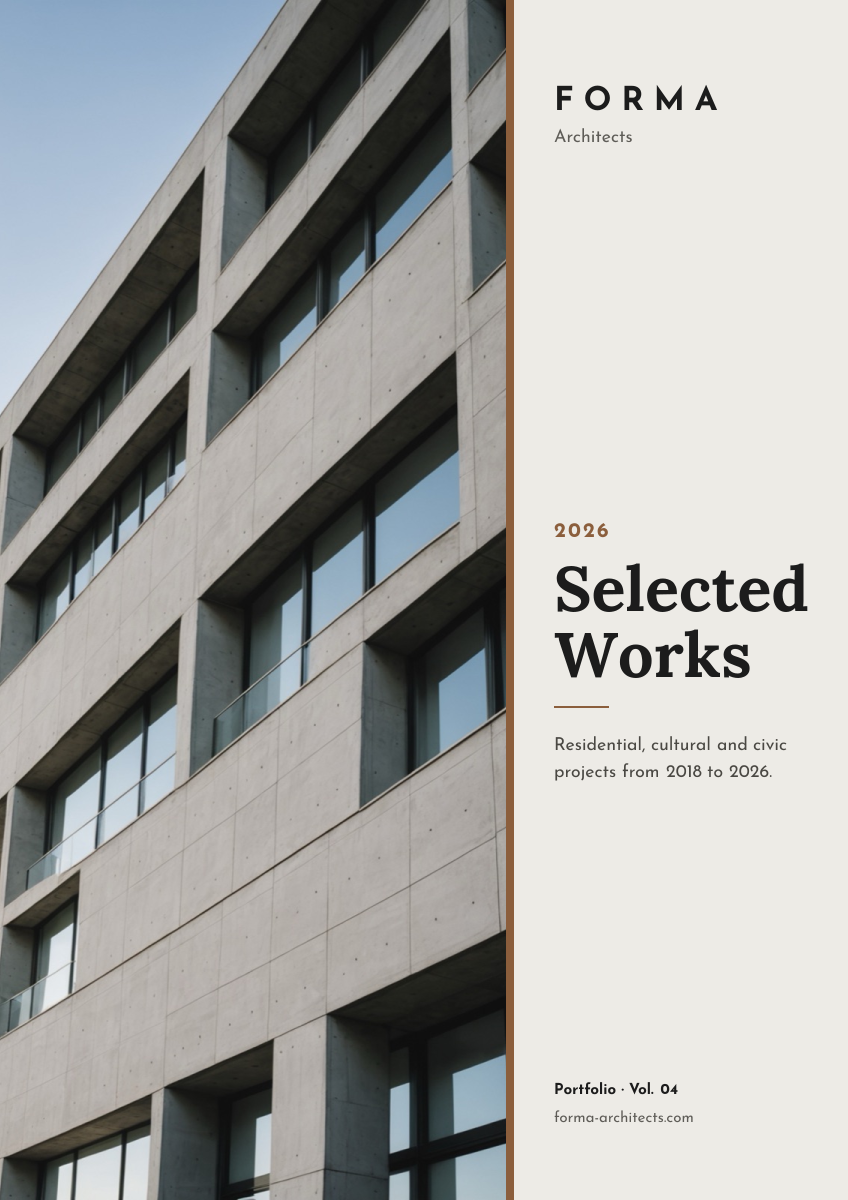
Preview of the Architecture Portfolio Cover template: full-height building photo beside a minimal serif title column
Business & branding

Architecture Portfolio Cover

Full-height building photo beside a minimal serif title column.
A4 document cover · 1240 × 1754
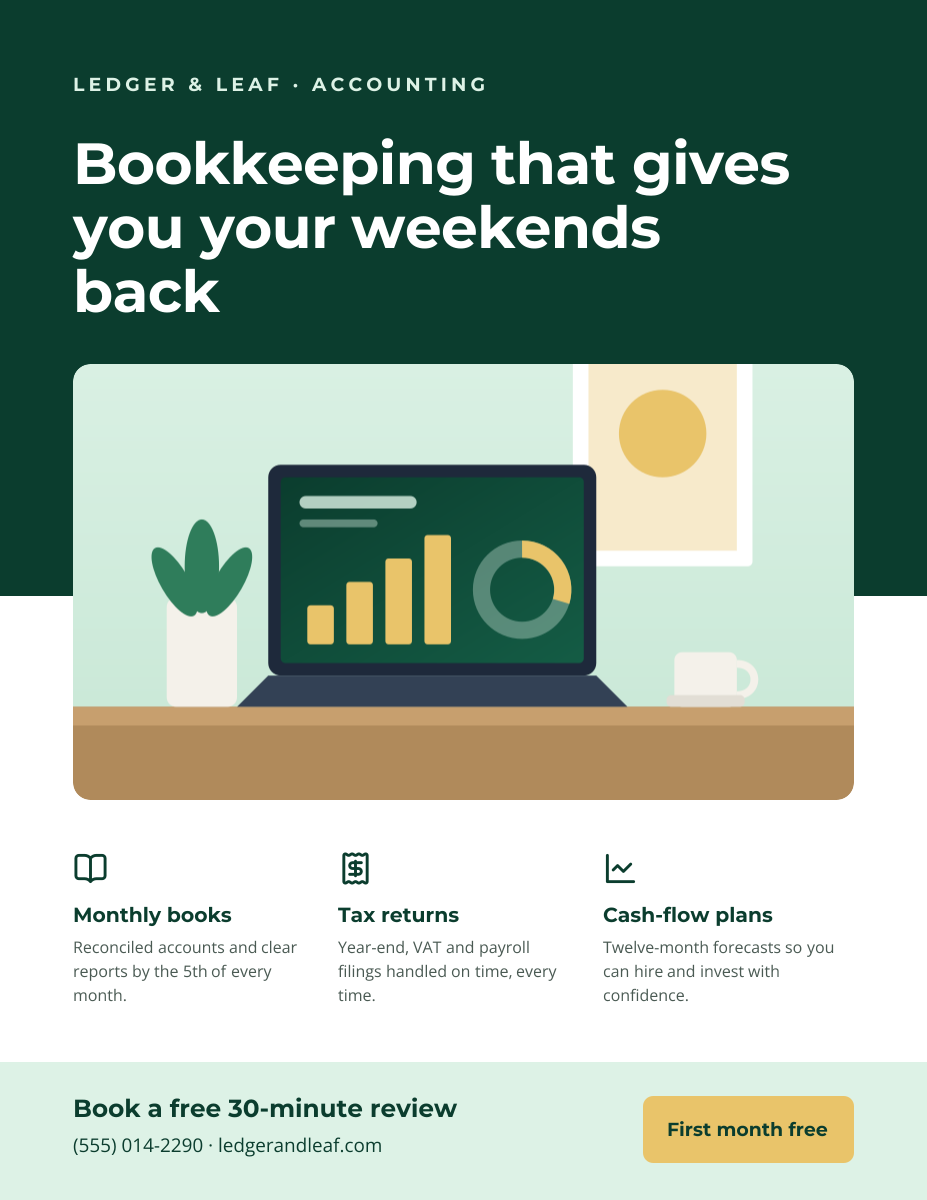
Preview of the Business Flyer template: service-business flyer with three services, icons and a contact bar
Business & branding

Business Flyer

Service-business flyer with three services, icons and a contact bar.

US Letter flyer · 1275 × 1650

Start with the nonprofit impact report cover template

Your copy opens in the editor in seconds.

Use this template