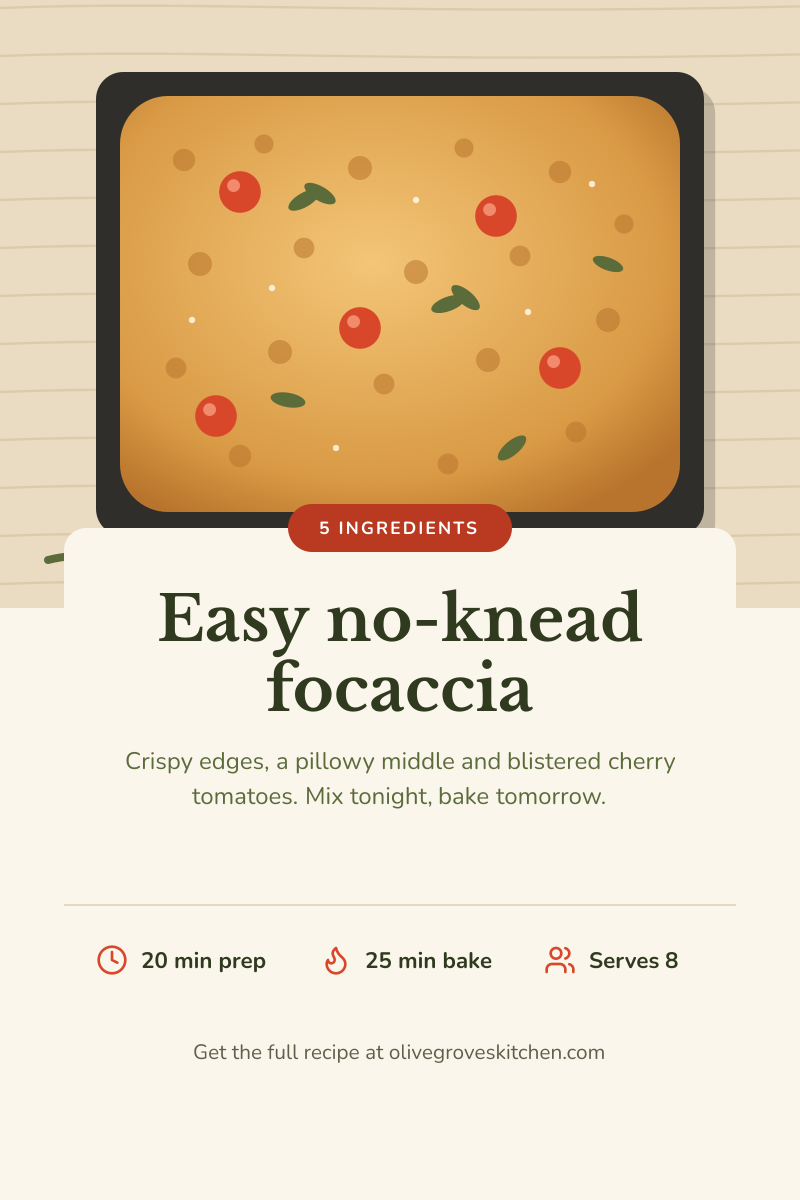
Preview of the Pinterest Recipe Pin template: tall 2:3 recipe pin with a hero photo, title card and quick stats
Social media

Pinterest Recipe Pin Template

Pinterest rewards tall, information-rich pins that make the click feel worth it. This 2:3 pin leads with a mouth-watering hero image, overlaps it with a clean title card, and answers the first questions a cook asks — how long, how hot, how many — before sending them to your site for the full recipe.

Opens your own copy in the Liena editor — the original stays untouched. Free with a Liena account; downloads on the free plan include a small watermark.

Format
Pinterest pin
Size
1000 × 1500 px (2:3)
Fonts
Nunito, Libre Baskerville
Colours
Editable layers
14
Export
PNG, full resolution

Design details

The title card overlaps the photo to create depth and to keep the headline away from busy image detail. Libre Baskerville gives a homely, cookbook voice; Nunito keeps the stats friendly and round. A small tomato-red tag (“5 ingredients”) highlights the most clickable fact. Your URL sits at the bottom, where Pinterest users expect to find the source.

Best for

  • Recipe and food blog posts
  • DIY, craft and home tutorials (swap the stats for materials and time)
  • Promoting a cookbook or meal-plan download
  • Seasonal content boards

How to customise it

  • Replace the focaccia with your own overhead food photo; keep the subject in the top 45% of the image.
  • Edit the prep time, bake time and servings — or change the icons to suit a craft or home project.
  • Rewrite the tag with your recipe’s strongest hook, such as “One pan” or “Vegan”.
  • Put your blog’s domain in the footer line.

Everything in this template is editable

This isn’t a flat image. The design opens as 14 separate layers you can select and change individually.

7 text layers

Double-click to rewrite. Change font (Nunito, Libre Baskerville by default), size, weight, line height, letter spacing, alignment, case, colour and shadow.

1 image

Replace with your own upload, then crop, zoom, pan, flip, round the corners and adjust brightness, contrast, saturation or blur.

3 shapes

Recolour fills with any hex or brand colour, change opacity and corner radius, or resize and rotate decorative elements.

3 icons

Recolour, resize or delete icons, and add new ones from the built-in Iconify icon search.

Layers & layout

Drag to move, resize from any handle, rotate, nudge with arrow keys, reorder or hide layers, duplicate and delete — with undo and redo.

Background & brand

Change the background colour or add a background image, and apply colours and logos from your Liena brand kit.

How to use this template

  1. Click “Use this template”. If you’re new to Liena, create a free account first — you’ll come straight back to this design.
  2. Edit the text, replace images and adjust colours. Changes save automatically every 30 seconds, or press Save at any time.
  3. Export a PNG at 1000 × 1500 px. Your design stays in your dashboard to edit again later.
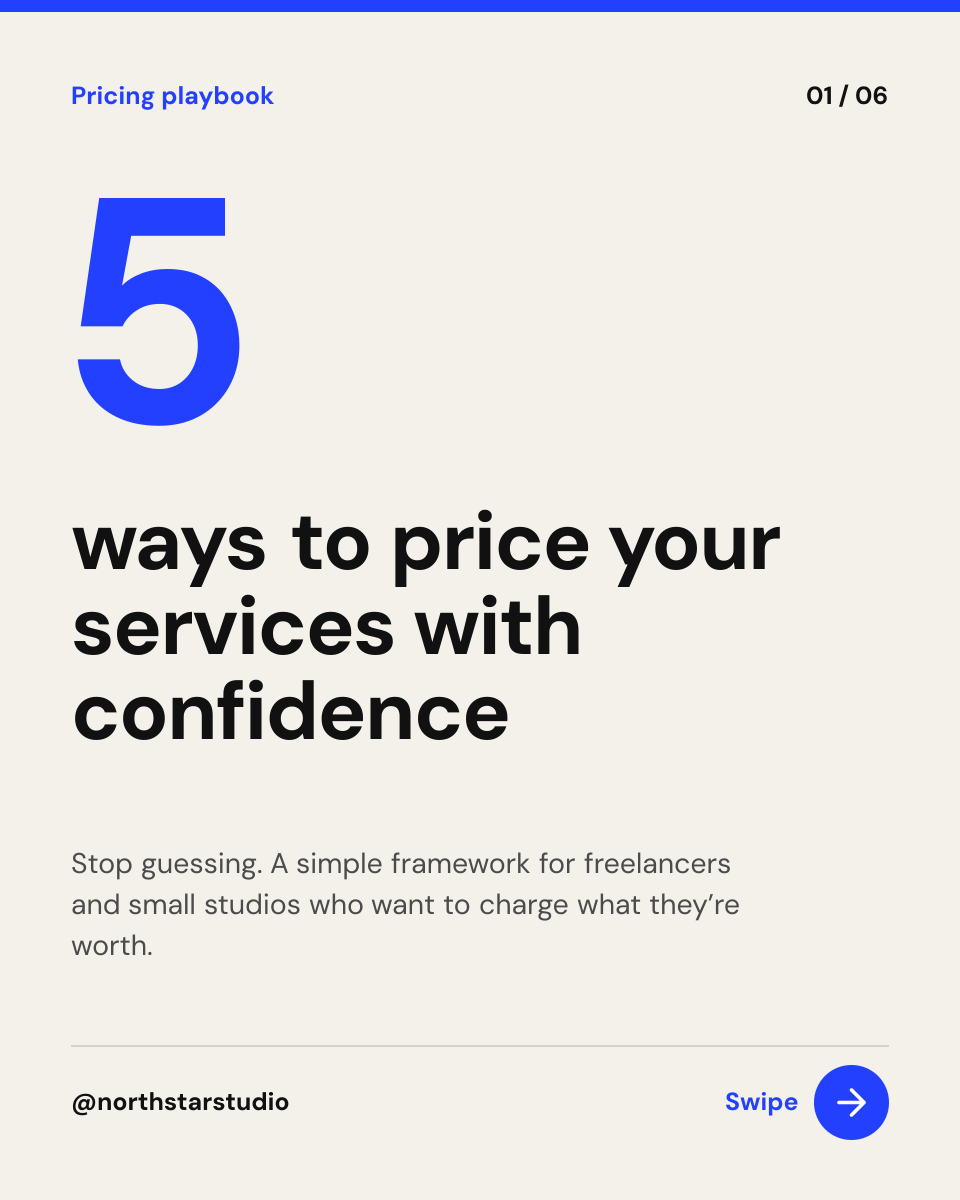
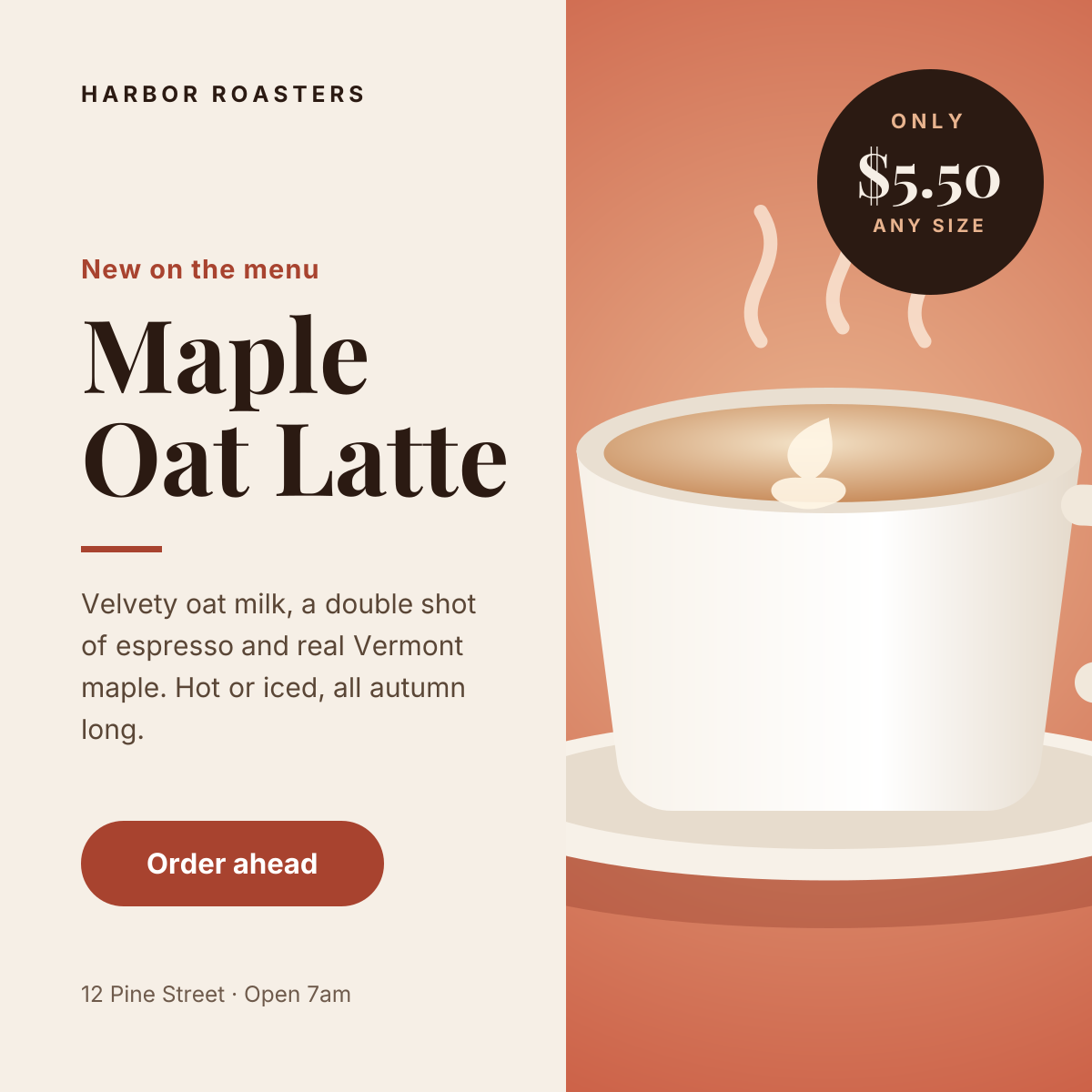
Preview of the Instagram Promotional Post template: split layout with a product photo, price badge and a clear order button
Social media

Instagram Promotional Post

Split layout with a product photo, price badge and a clear order button.
Instagram post · 1080 × 1080
Preview of the Instagram Carousel Cover template: bold numbered cover slide with a swipe cue and slide counter
Social media

Instagram Carousel Cover

Bold numbered cover slide with a swipe cue and slide counter.

Portrait post (4:5) · 1080 × 1350
Preview of the Instagram Story template: full-bleed sunset image with event details and a tap-to-book button
Social media

Instagram Story

Full-bleed sunset image with event details and a tap-to-book button.

Instagram Story · 1080 × 1920
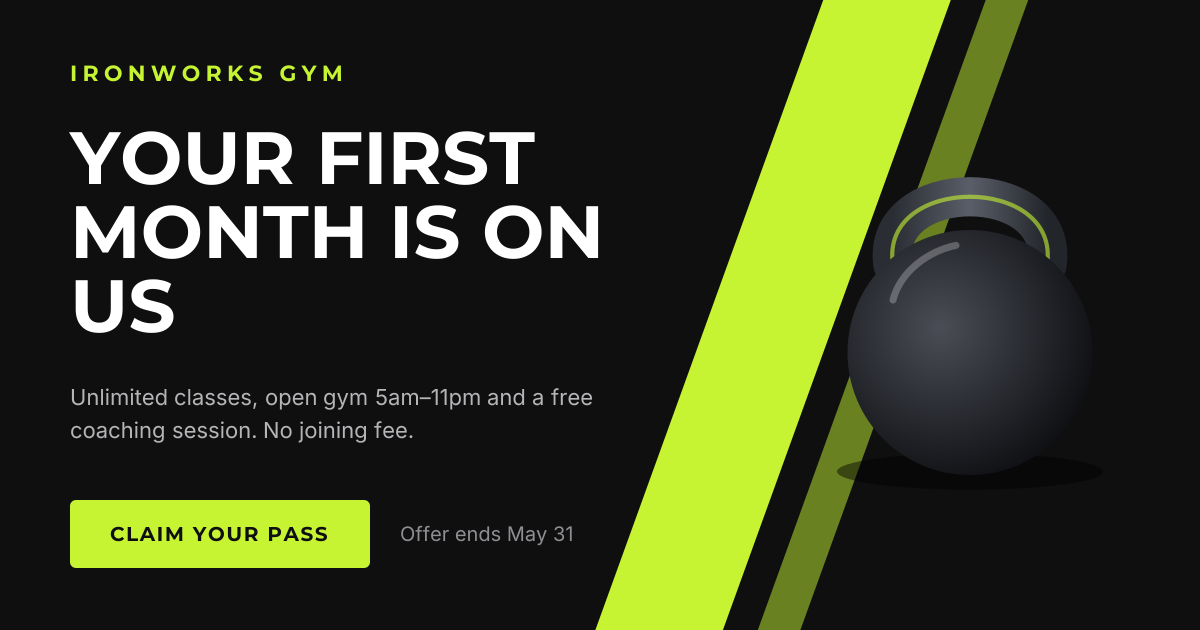
Preview of the Facebook Promotional Post template: high-energy landscape offer with a bold headline and claim button
Social media

Facebook Promotional Post

High-energy landscape offer with a bold headline and claim button.

Facebook post · 1200 × 630

Start with the pinterest recipe pin template

Your copy opens in the editor in seconds.

Use this template