Creators & events
Online Course Promotion
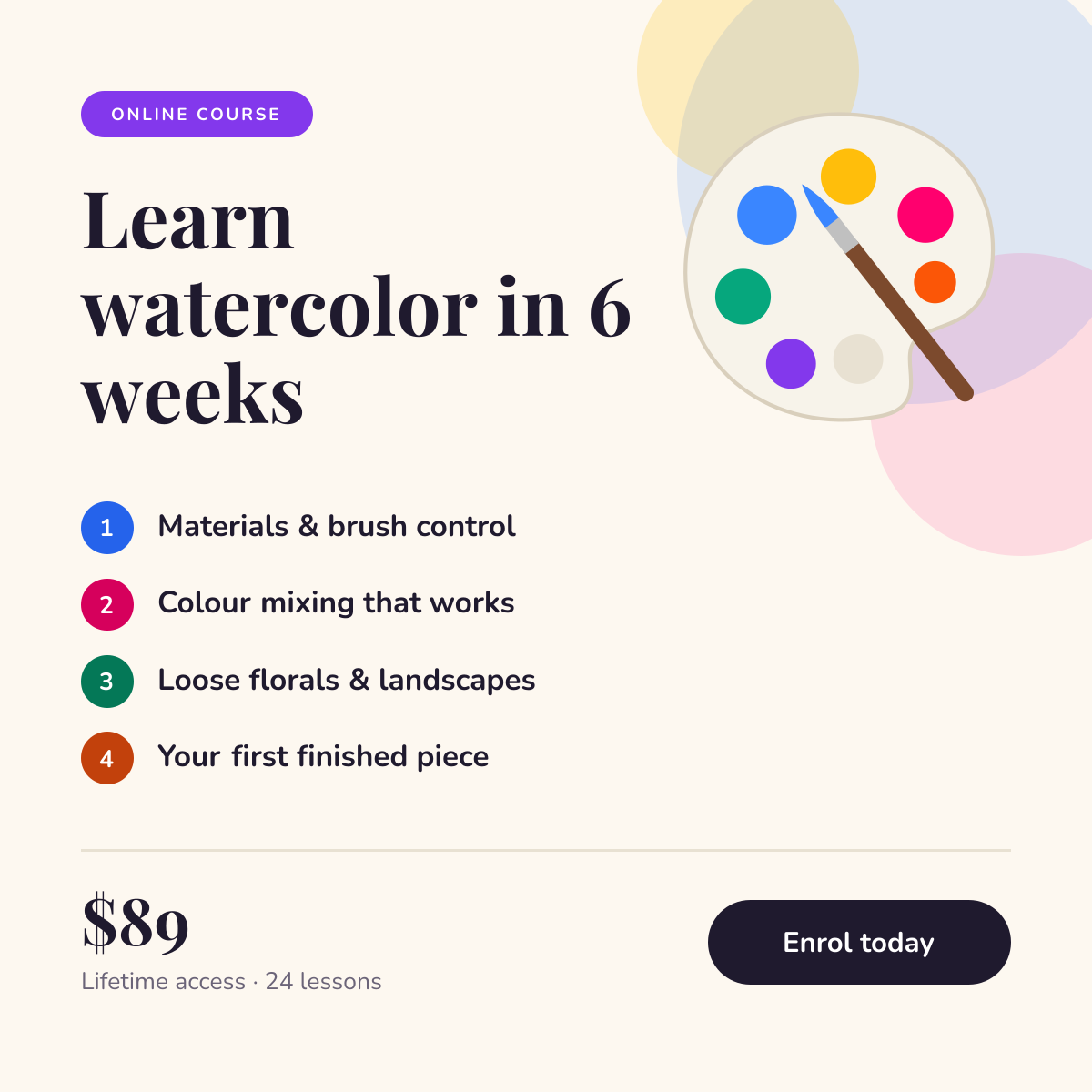
Course launch post with a numbered curriculum, price and enrol button.
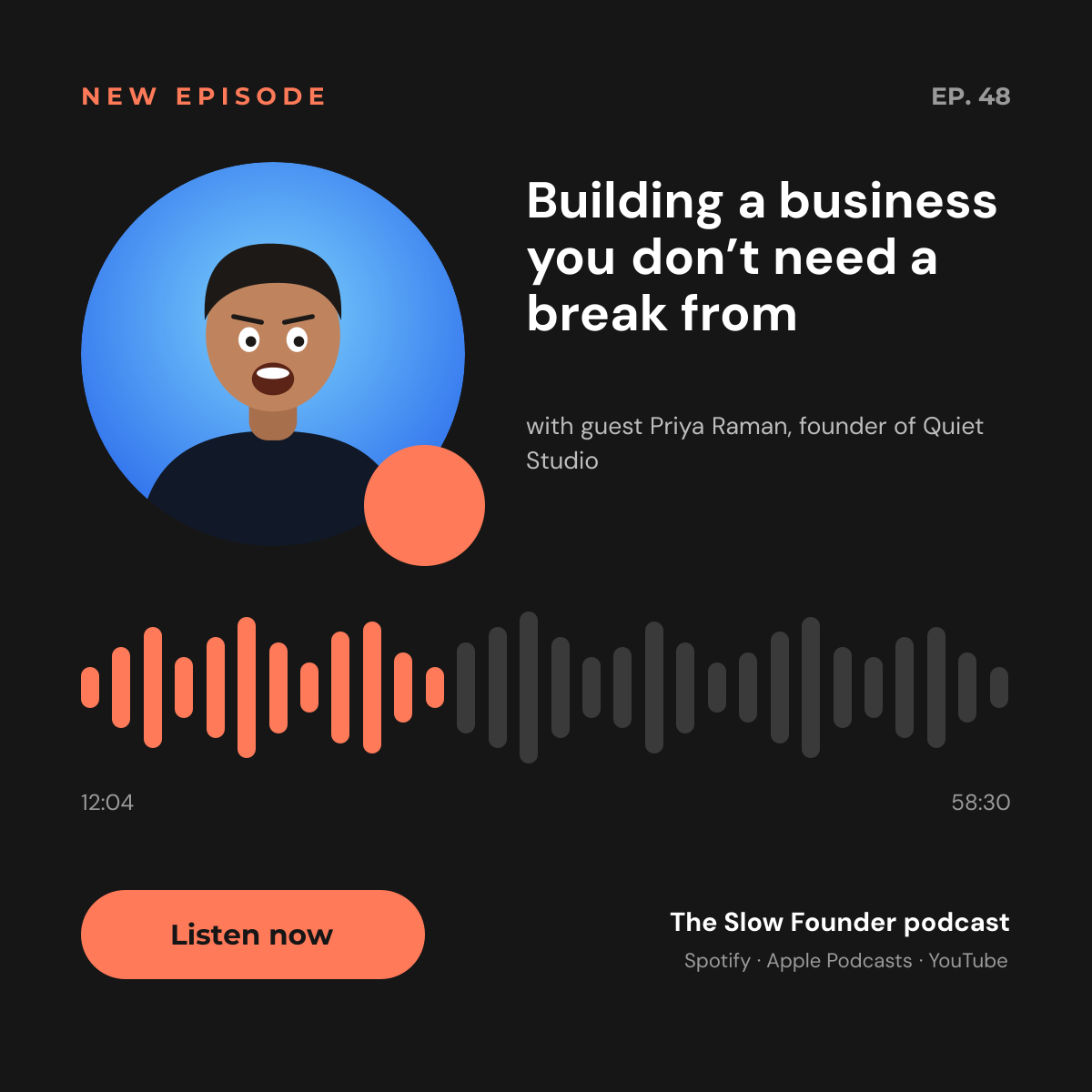
Promote every new episode with a post that looks like audio. The guest’s portrait and a mic badge sit beside the episode title, and a coral waveform with timestamps underneath gives the post the feel of a player. A “Listen now” button and the list of platforms tell people where to find it.
Opens your own copy in the Liena editor — the original stays untouched. Free with a Liena account; downloads on the free plan include a small watermark.
A near-black background with a single coral accent feels like a streaming app and makes the guest’s photo stand out. DM Sans handles the title and details; Montserrat is used for the labels and button. The waveform is 30 rounded bars, so you can change the “played” part by recolouring a few of them.
This isn’t a flat image. The design opens as 43 separate layers you can select and change individually.
Double-click to rewrite. Change font (Montserrat, DM Sans by default), size, weight, line height, letter spacing, alignment, case, colour and shadow.
Replace with your own upload, then crop, zoom, pan, flip, round the corners and adjust brightness, contrast, saturation or blur.
Recolour fills with any hex or brand colour, change opacity and corner radius, or resize and rotate decorative elements.
Recolour, resize or delete icons, and add new ones from the built-in Iconify icon search.
Drag to move, resize from any handle, rotate, nudge with arrow keys, reorder or hide layers, duplicate and delete — with undo and redo.
Change the background colour or add a background image, and apply colours and logos from your Liena brand kit.
Course launch post with a numbered curriculum, price and enrol button.
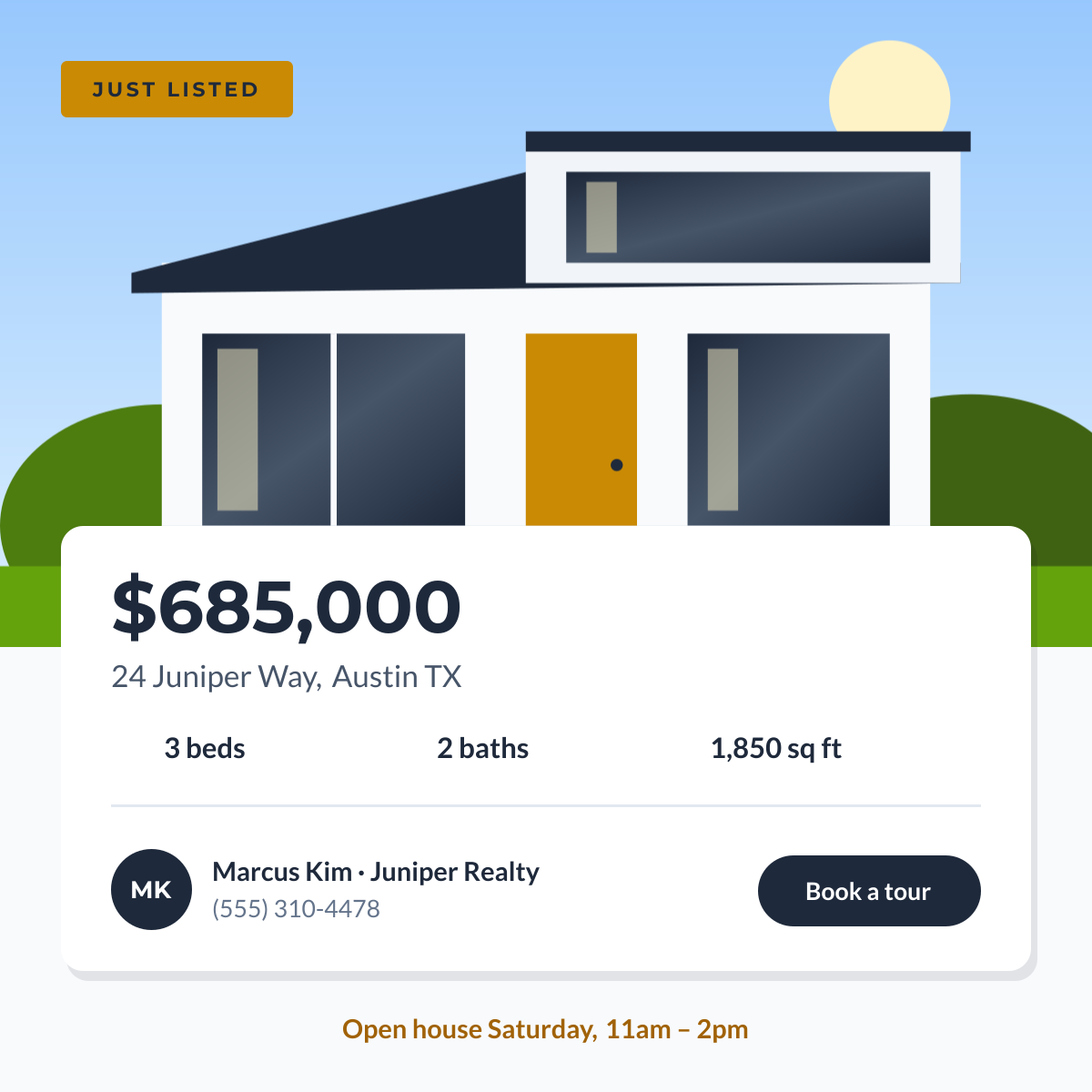
“Just listed” property post with key specs and agent details.
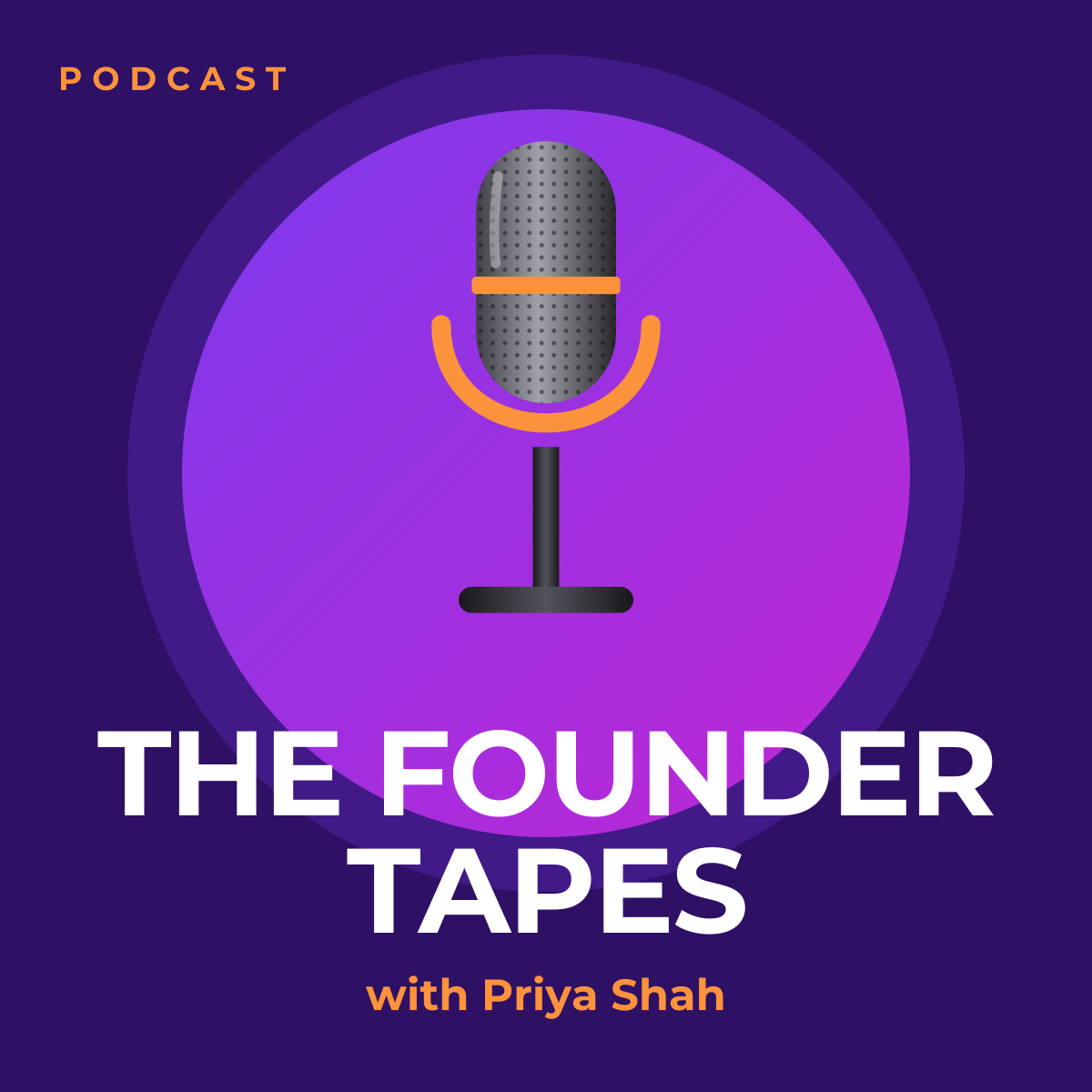

High-contrast challenge thumbnail with a highlight banner and arrow.
Your copy opens in the editor in seconds.
Use this template