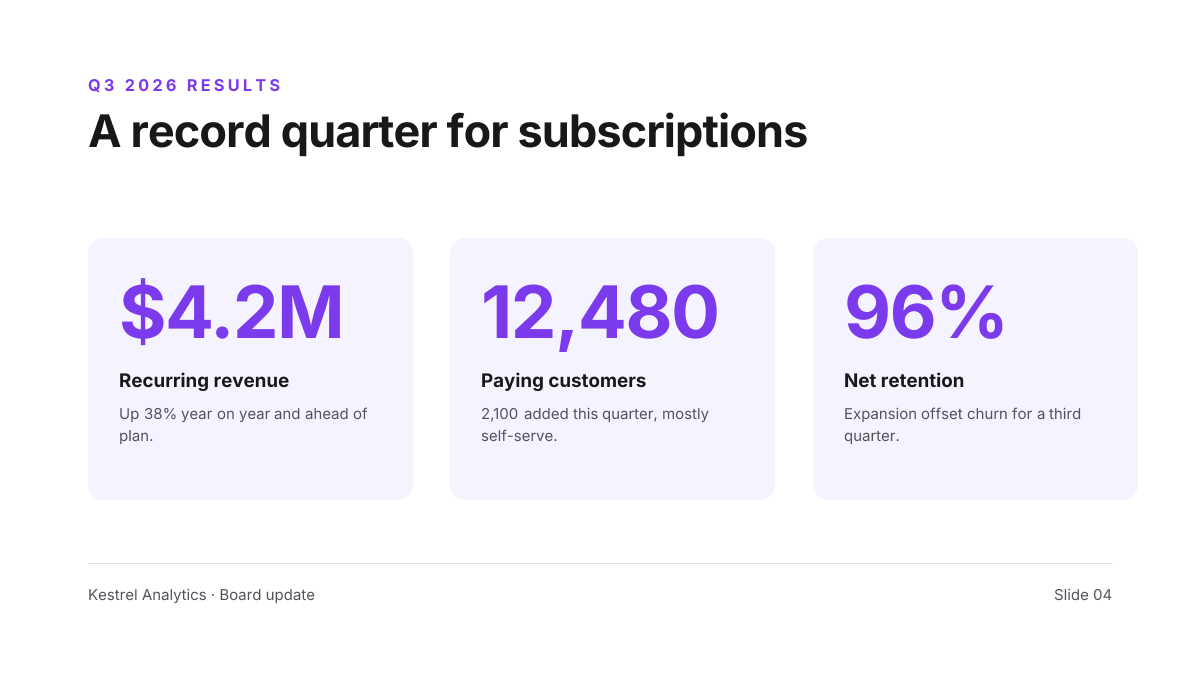
Preview of the Quarterly Results Slide template: three big-number kpi cards under a one-line takeaway headline
Business & branding

Quarterly Results Slide Template

The slide everyone remembers from a results meeting: one clear takeaway and three numbers that prove it. Each KPI card pairs a large violet figure with a label and a single line of context, so the audience gets the point from the back of the room and the detail when they read the deck later.

Opens your own copy in the Liena editor — the original stays untouched. Free with a Liena account; downloads on the free plan include a small watermark.

Format
Presentation slide (16:9)
Size
1920 × 1080 px (16:9)
Fonts
Inter
Colours
Editable layers
18
Export
PNG, full resolution

Design details

A white slide, one typeface (Inter) and one accent colour keep the focus on the data. Numbers are set at 116px with tight tracking so they read as shapes; labels are bold and context lines are muted grey. Pale violet cards group each metric without needing borders or icons.

Best for

  • Quarterly business reviews and board updates
  • Investor update decks
  • All-hands and team results meetings
  • Annual summaries and year-in-review posts

How to customise it

  • Write the headline as the conclusion (“A record quarter…”) rather than a topic (“Q3 results”).
  • Replace the three numbers, labels and context lines with your own KPIs.
  • Change the violet to your brand colour on the eyebrow, numbers and trend icon.
  • Update the footer with your company name and slide number.

Everything in this template is editable

This isn’t a flat image. The design opens as 18 separate layers you can select and change individually.

13 text layers

Double-click to rewrite. Change font (Inter by default), size, weight, line height, letter spacing, alignment, case, colour and shadow.

4 shapes

Recolour fills with any hex or brand colour, change opacity and corner radius, or resize and rotate decorative elements.

1 icon

Recolour, resize or delete icons, and add new ones from the built-in Iconify icon search.

Layers & layout

Drag to move, resize from any handle, rotate, nudge with arrow keys, reorder or hide layers, duplicate and delete — with undo and redo.

Background & brand

Change the background colour or add a background image, and apply colours and logos from your Liena brand kit.

How to use this template

  1. Click “Use this template”. If you’re new to Liena, create a free account first — you’ll come straight back to this design.
  2. Edit the text, replace images and adjust colours. Changes save automatically every 30 seconds, or press Save at any time.
  3. Export a PNG at 1920 × 1080 px. Your design stays in your dashboard to edit again later.
Preview of the Corporate Presentation Cover template: dark 16:9 title slide with an architectural image panel
Business & branding

Corporate Presentation Cover

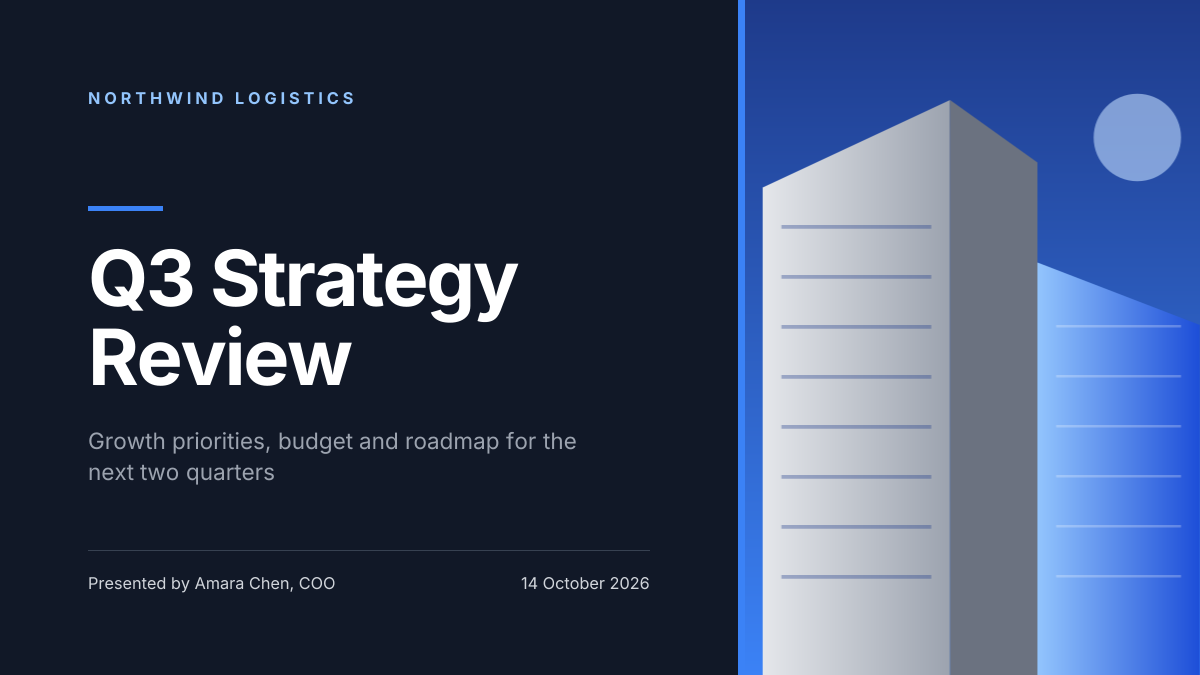
Dark 16:9 title slide with an architectural image panel.
Presentation slide (16:9) · 1920 × 1080
Preview of the Brand Guidelines Cover template: brand book opener with colour swatches, hex codes and a type specimen
Business & branding

Brand Guidelines Cover

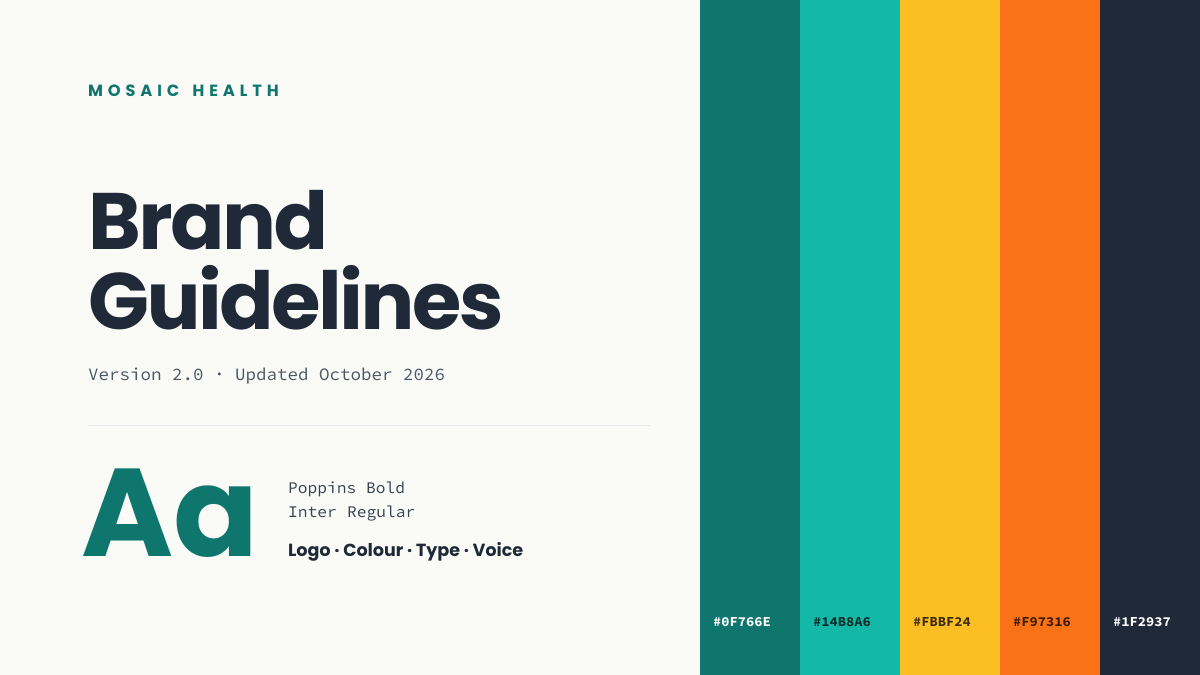
Brand book opener with colour swatches, hex codes and a type specimen.
Presentation slide (16:9) · 1920 × 1080
Preview of the Business Flyer template: service-business flyer with three services, icons and a contact bar
Business & branding

Business Flyer

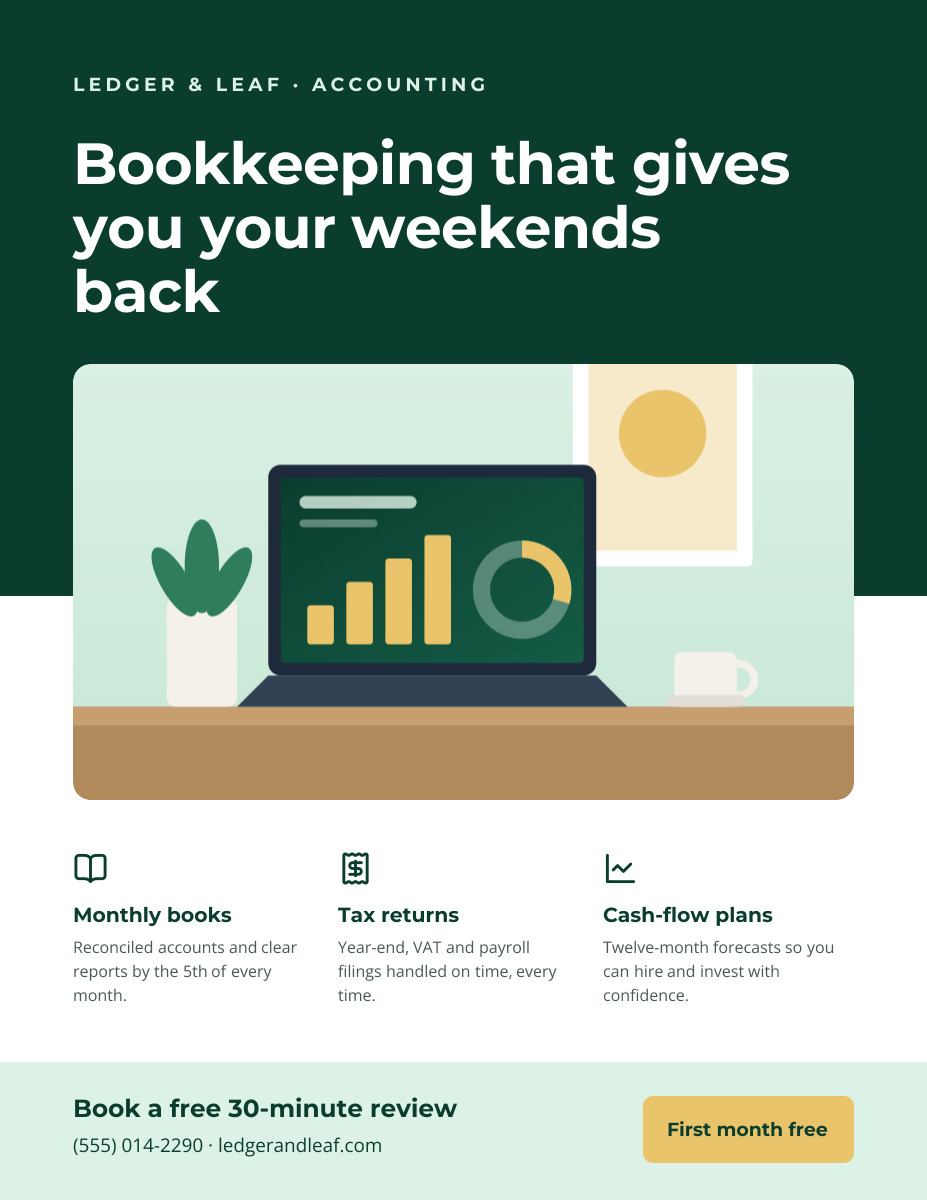
Service-business flyer with three services, icons and a contact bar.
US Letter flyer · 1275 × 1650
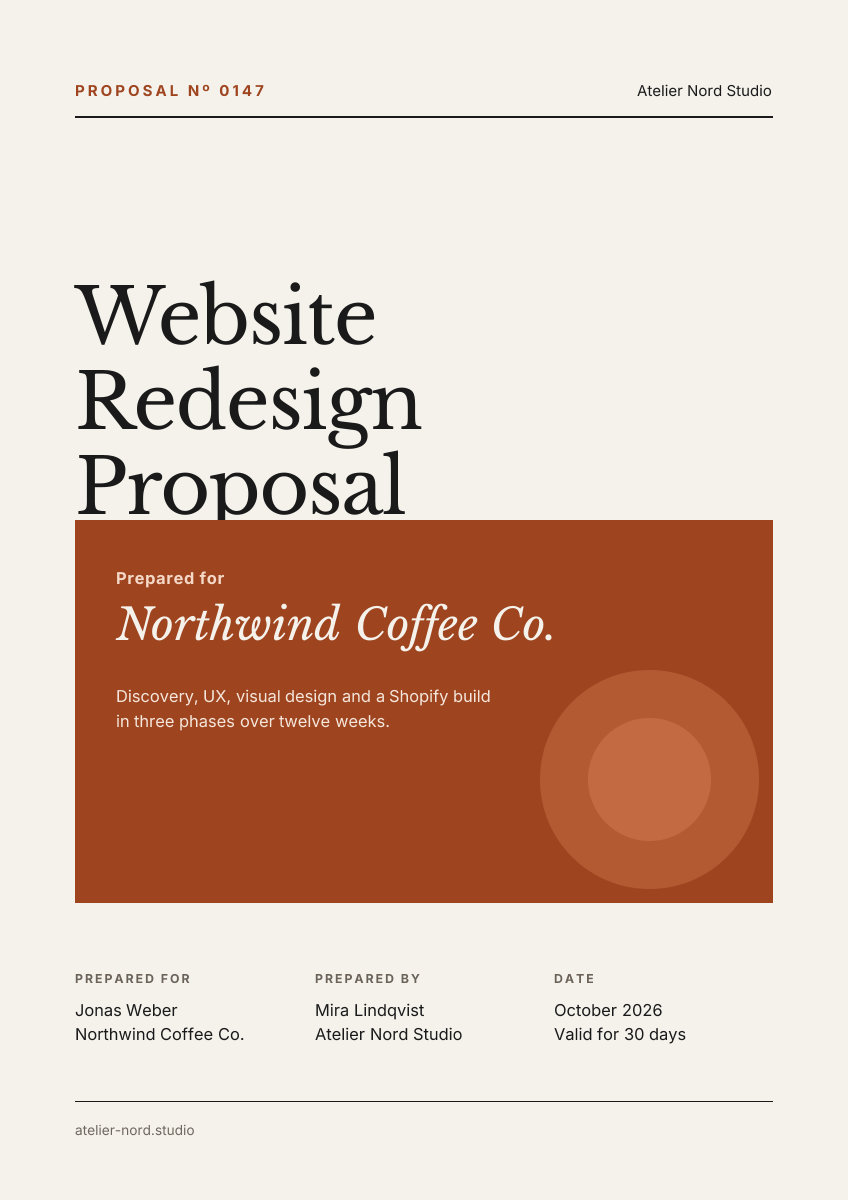
Preview of the Business Proposal Cover template: editorial a4 cover page with client, scope and a details table
Business & branding

Business Proposal Cover

Editorial A4 cover page with client, scope and a details table.

A4 document cover · 1240 × 1754

Start with the quarterly results slide template

Your copy opens in the editor in seconds.

Use this template