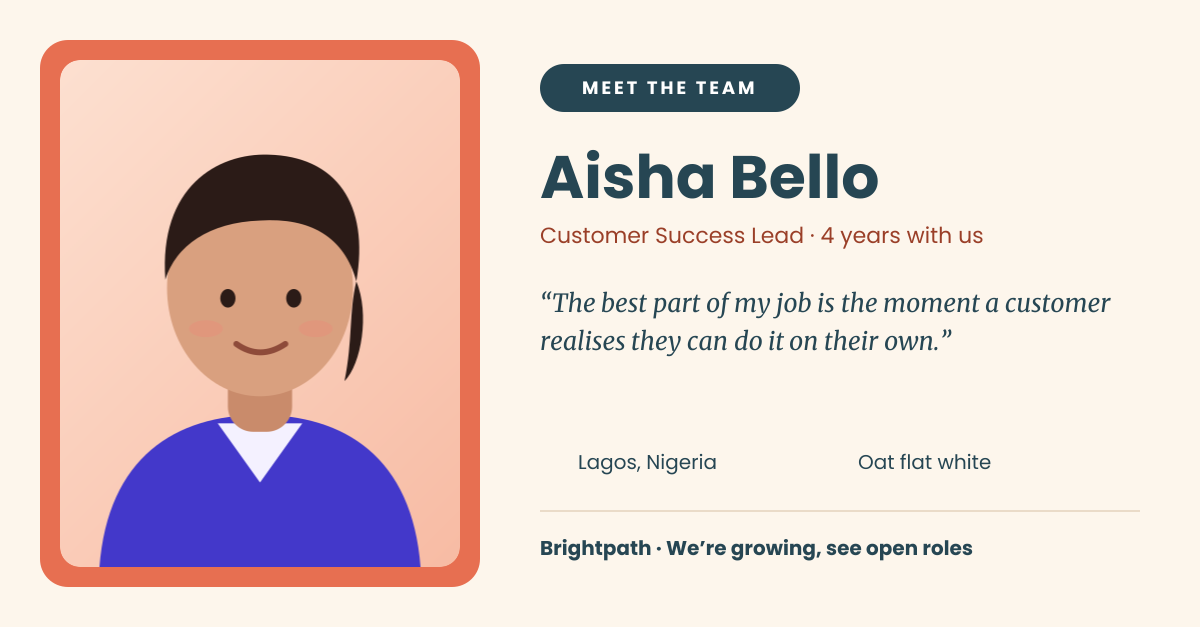
Preview of the Team Member Spotlight template: “meet the team” post with a framed portrait, quote and fun facts
Business & branding

Team Member Spotlight Template

Show the people behind the brand. This landscape post frames a team member’s portrait in a warm coral border and lays out their name, role and tenure, a short quote in their own words and two quick personal facts. A footer line links the post back to your open roles, so every spotlight doubles as recruitment.

Opens your own copy in the Liena editor — the original stays untouched. Free with a Liena account; downloads on the free plan include a small watermark.

Format
LinkedIn post
Size
1200 × 627 px (1.91:1)
Fonts
Poppins, Merriweather
Colours
Editable layers
13
Export
PNG, full resolution

Design details

Cream, coral and deep teal feel warm and human without being playful. Poppins handles the name and labels; the quote switches to Merriweather italic so it reads as the person speaking. The two facts use small icons from the Lucide set, making them easy to swap for hobbies, pets or favourite tools.

Best for

  • Weekly or monthly “Meet the team” series
  • Welcoming new hires and celebrating work anniversaries
  • Employer branding and recruitment campaigns
  • Company newsletters and intranet features

How to customise it

  • Replace the portrait with a real photo — a relaxed shot works better than a formal headshot.
  • Update the name, role, tenure and quote for each person in the series.
  • Swap the map-pin and coffee icons for facts that fit, like a book or a dog.
  • Keep the colours fixed across the series so the posts are recognisable in the feed.

Everything in this template is editable

This isn’t a flat image. The design opens as 13 separate layers you can select and change individually.

7 text layers

Double-click to rewrite. Change font (Poppins, Merriweather by default), size, weight, line height, letter spacing, alignment, case, colour and shadow.

1 image

Replace with your own upload, then crop, zoom, pan, flip, round the corners and adjust brightness, contrast, saturation or blur.

3 shapes

Recolour fills with any hex or brand colour, change opacity and corner radius, or resize and rotate decorative elements.

2 icons

Recolour, resize or delete icons, and add new ones from the built-in Iconify icon search.

Layers & layout

Drag to move, resize from any handle, rotate, nudge with arrow keys, reorder or hide layers, duplicate and delete — with undo and redo.

Background & brand

Change the background colour or add a background image, and apply colours and logos from your Liena brand kit.

How to use this template

  1. Click “Use this template”. If you’re new to Liena, create a free account first — you’ll come straight back to this design.
  2. Edit the text, replace images and adjust colours. Changes save automatically every 30 seconds, or press Save at any time.
  3. Export a PNG at 1200 × 627 px. Your design stays in your dashboard to edit again later.
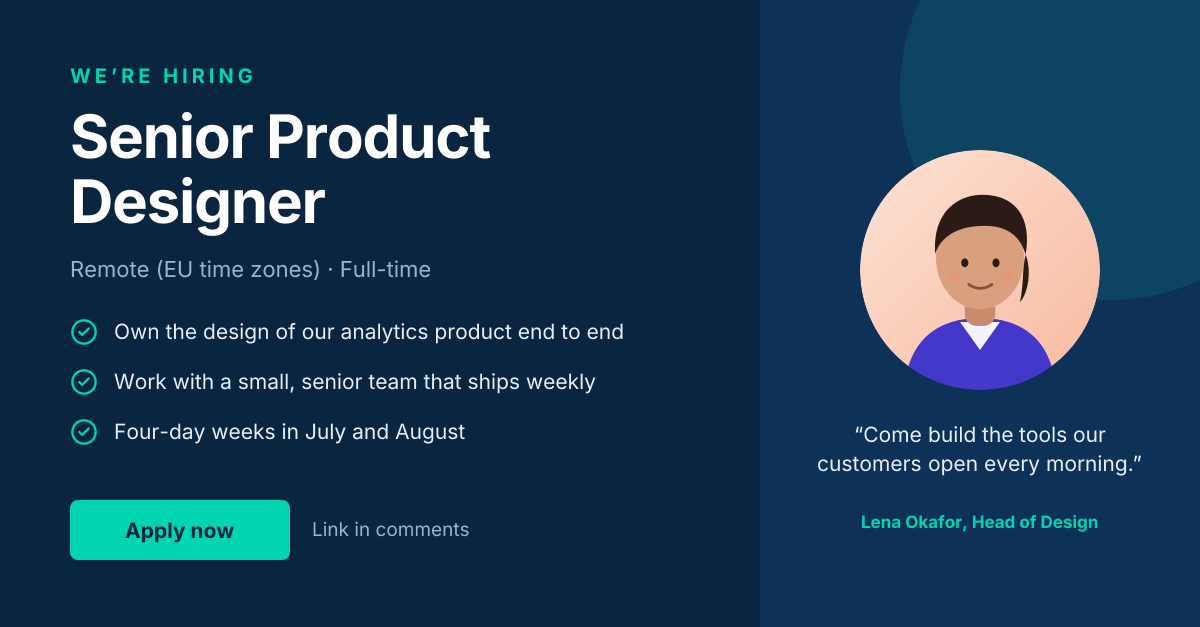
Preview of the LinkedIn Hiring Post template: “we’re hiring” post with role highlights and a hiring-manager quote
Social media

LinkedIn Hiring Post

“We’re hiring” post with role highlights and a hiring-manager quote.
LinkedIn post · 1200 × 627
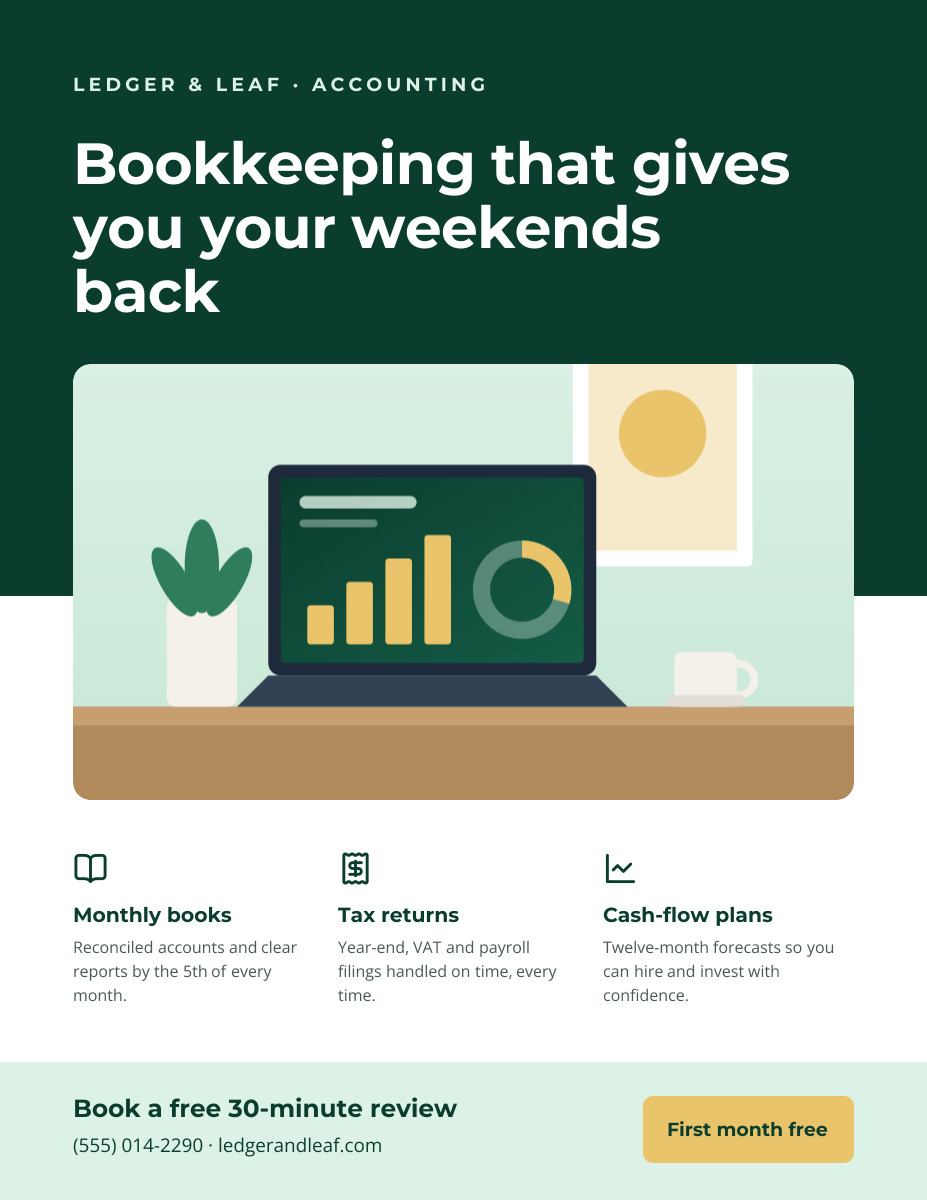
Preview of the Business Flyer template: service-business flyer with three services, icons and a contact bar
Business & branding

Business Flyer

Service-business flyer with three services, icons and a contact bar.
US Letter flyer · 1275 × 1650
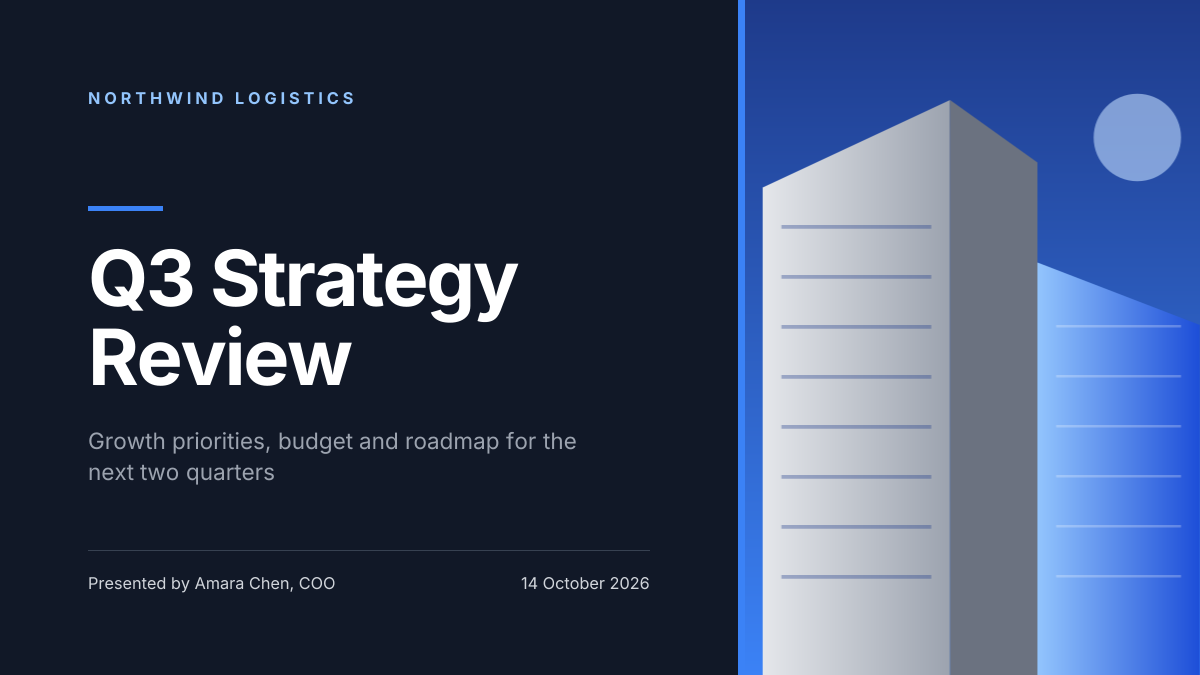
Preview of the Corporate Presentation Cover template: dark 16:9 title slide with an architectural image panel
Business & branding

Corporate Presentation Cover

Dark 16:9 title slide with an architectural image panel.
Presentation slide (16:9) · 1920 × 1080
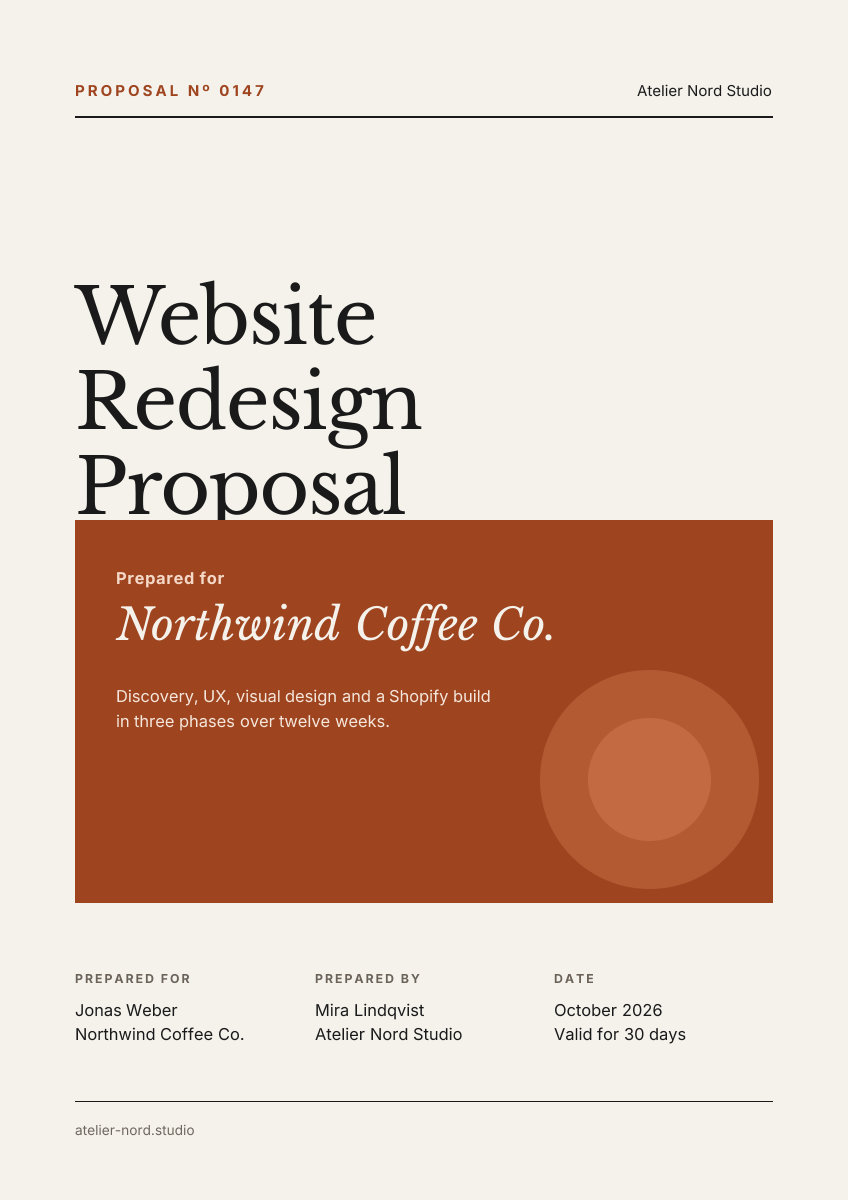
Preview of the Business Proposal Cover template: editorial a4 cover page with client, scope and a details table
Business & branding

Business Proposal Cover

Editorial A4 cover page with client, scope and a details table.

A4 document cover · 1240 × 1754

Start with the team member spotlight template

Your copy opens in the editor in seconds.

Use this template