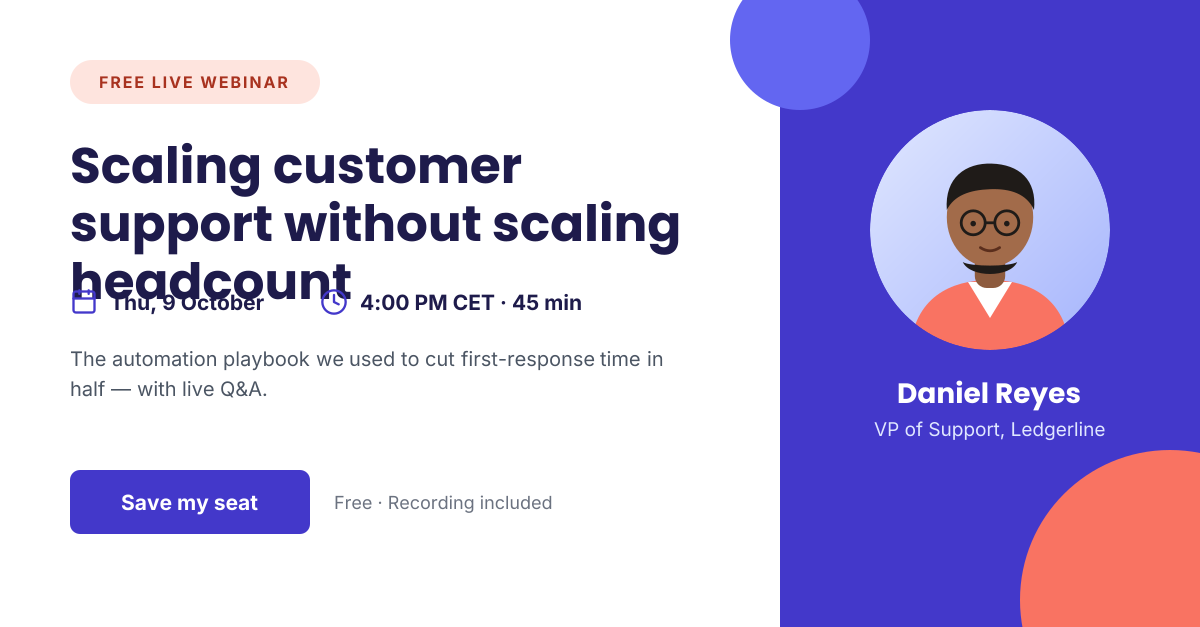
Preview of the Webinar Announcement template: b2b webinar promo with date, time, speaker card and registration cta
Marketing & advertising

Webinar Announcement Template

A landscape webinar graphic that answers the three questions every registrant has: what will I learn, when is it, and who is speaking. The headline states the outcome, icon-led details give the date and duration, and a speaker card on the right adds credibility before the “Save my seat” button.

Opens your own copy in the Liena editor — the original stays untouched. Free with a Liena account; downloads on the free plan include a small watermark.

Format
LinkedIn post
Size
1200 × 627 px (1.91:1)
Fonts
Inter, Poppins
Colours
Editable layers
17
Export
PNG, full resolution

Design details

White space on the left keeps the headline and logistics easy to scan, while the indigo panel on the right gives the speaker a stage. Coral appears in the badge and decorative circle to add warmth without distracting from the CTA. Poppins carries the headline; Inter handles details at small sizes.

Best for

  • Promoting webinars and live demos on LinkedIn
  • Email invitations and reminder sends
  • Registration landing page headers
  • Panel discussions and virtual workshops

How to customise it

  • Replace the topic headline with the specific result attendees will get.
  • Update the date, time zone and duration next to their icons.
  • Swap the illustrated portrait for your speaker’s headshot and change their name and title.
  • Add a second speaker by duplicating the portrait and text layers.

Everything in this template is editable

This isn’t a flat image. The design opens as 17 separate layers you can select and change individually.

9 text layers

Double-click to rewrite. Change font (Inter, Poppins by default), size, weight, line height, letter spacing, alignment, case, colour and shadow.

1 image

Replace with your own upload, then crop, zoom, pan, flip, round the corners and adjust brightness, contrast, saturation or blur.

5 shapes

Recolour fills with any hex or brand colour, change opacity and corner radius, or resize and rotate decorative elements.

2 icons

Recolour, resize or delete icons, and add new ones from the built-in Iconify icon search.

Layers & layout

Drag to move, resize from any handle, rotate, nudge with arrow keys, reorder or hide layers, duplicate and delete — with undo and redo.

Background & brand

Change the background colour or add a background image, and apply colours and logos from your Liena brand kit.

How to use this template

  1. Click “Use this template”. If you’re new to Liena, create a free account first — you’ll come straight back to this design.
  2. Edit the text, replace images and adjust colours. Changes save automatically every 30 seconds, or press Save at any time.
  3. Export a PNG at 1200 × 627 px. Your design stays in your dashboard to edit again later.
Preview of the LinkedIn Hiring Post template: “we’re hiring” post with role highlights and a hiring-manager quote
Social media

LinkedIn Hiring Post

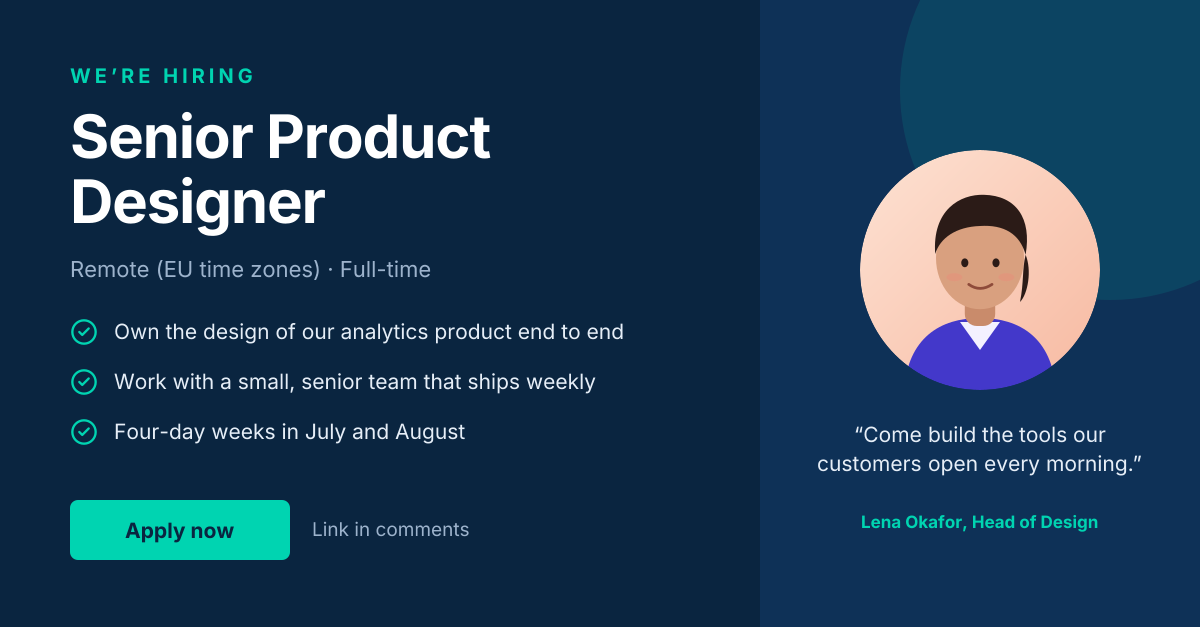
“We’re hiring” post with role highlights and a hiring-manager quote.
LinkedIn post · 1200 × 627
Preview of the Product Advertisement template: dark, premium ad with a hero product, feature chips and price
Marketing & advertising

Product Advertisement

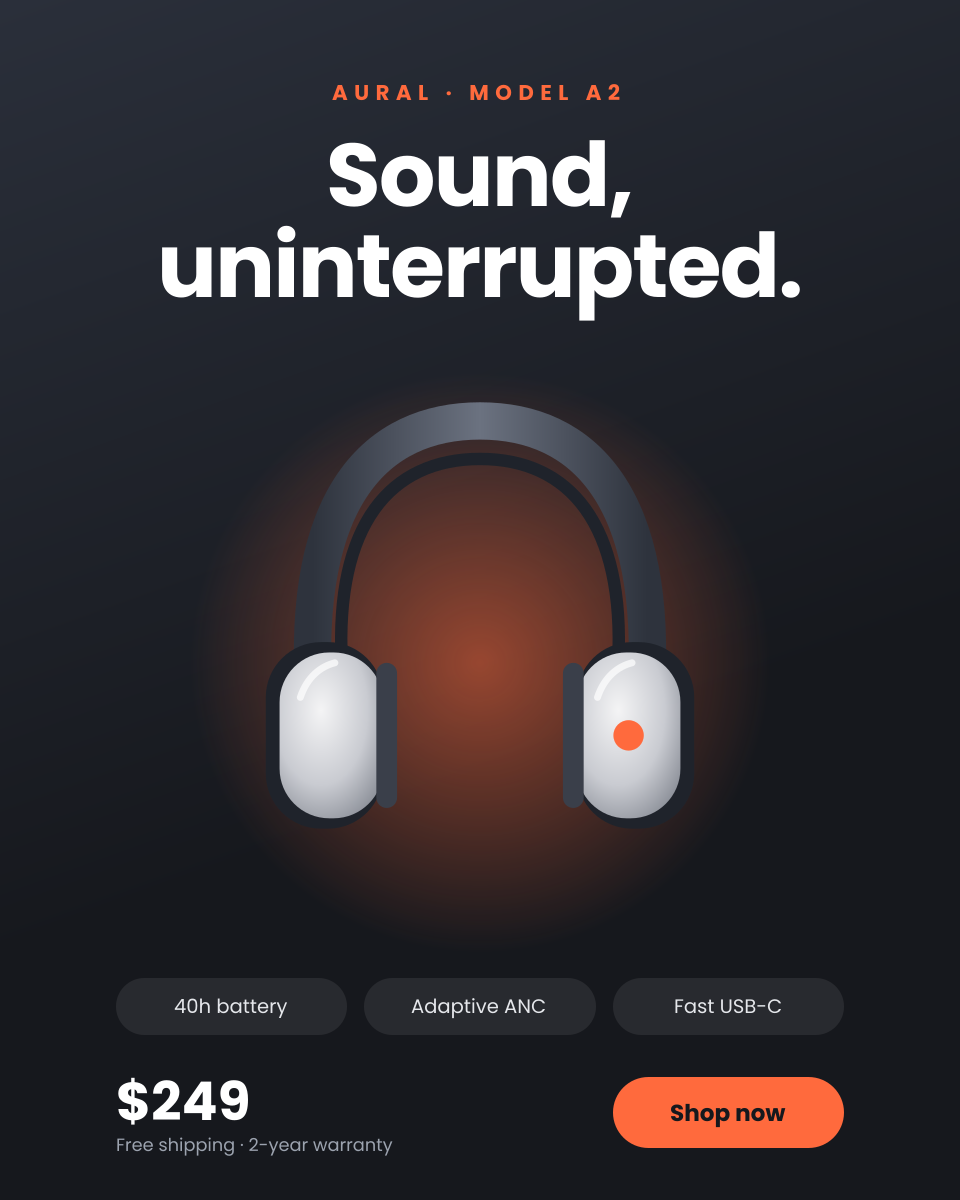
Dark, premium ad with a hero product, feature chips and price.
Portrait post (4:5) · 1080 × 1350
Preview of the Sale & Discount Promotion template: loud, colourful sale post with a giant percentage and promo code
Marketing & advertising

Sale & Discount Promotion

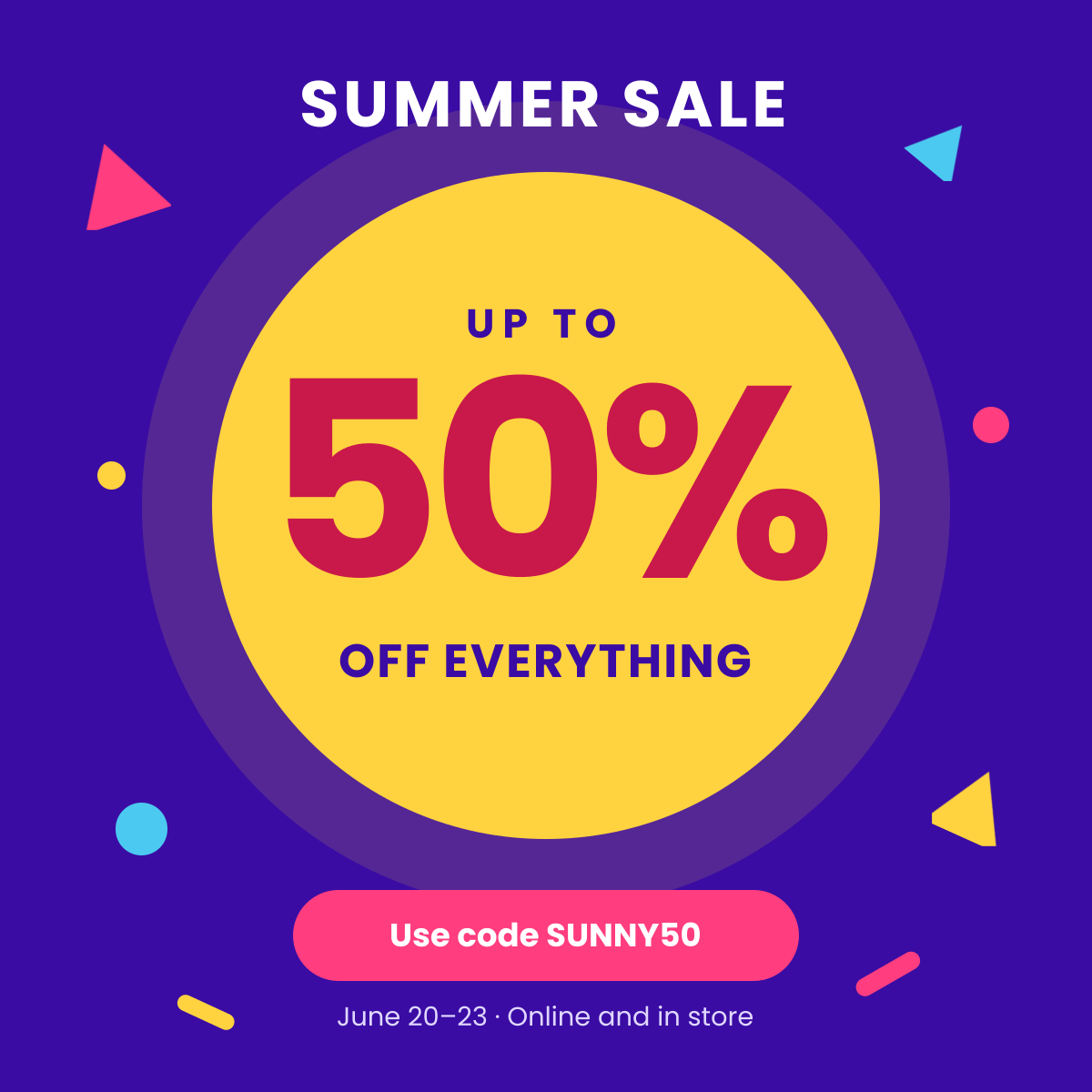
Loud, colourful sale post with a giant percentage and promo code.
Instagram post · 1080 × 1080
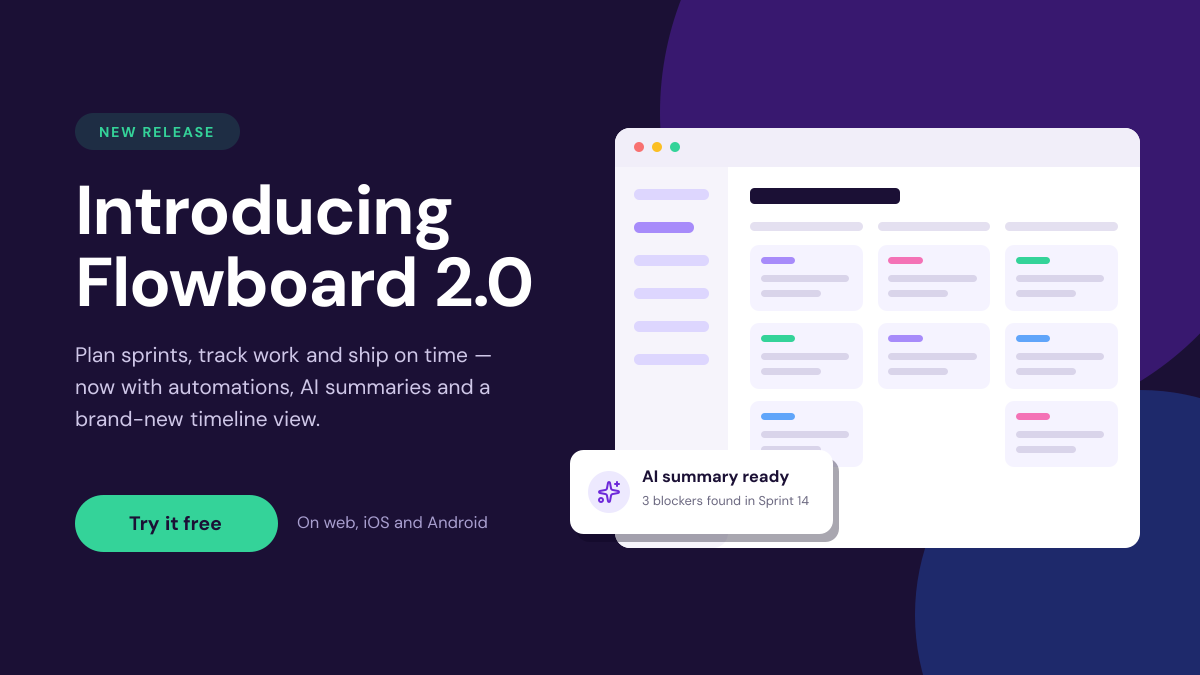
Preview of the New Product Launch template: saas launch graphic with a release badge and an editable ui mock-up
Marketing & advertising

New Product Launch

SaaS launch graphic with a release badge and an editable UI mock-up.

Landscape social post · 1600 × 900

Start with the webinar announcement template

Your copy opens in the editor in seconds.

Use this template