Preview of the Company Milestone Post template: boardroom photo with a big anniversary headline, thank-you note and story button
Social media

Company Milestone Post Template

A landscape LinkedIn post for company anniversaries and big milestones. A bright boardroom with a city view sits behind a deep navy gradient, and the left side carries the company name, a large ‘10 years’ headline, a short thank-you to your team and customers, and a link to the full story.

Opens your own copy in the Liena editor — the original stays untouched. Free with a Liena account; downloads on the free plan include a small watermark.

Format
LinkedIn post
Size
1200 × 627 px (1.91:1)
Fonts
Plus Jakarta Sans, Syne
Colours
Editable layers
9
Export
PNG, full resolution

Design details

Syne's wide, confident letters make the number feel like a celebration without looking loud, and Plus Jakarta Sans keeps the message warm and readable. The mint accent lifts the navy gradient and gives the button a clear place to land.

Best for

  • Company anniversaries and founding days
  • Customer and team size milestones
  • Funding rounds and office moves
  • Year-in-review thank-you posts

How to customise it

  • Change the number and the line under it to your own milestone.
  • Write a thank-you with your real team and customer numbers.
  • Swap the photo for your office or team.
  • Replace the hashtag with your own campaign tag.

Everything in this template is editable

This isn’t a flat image. The design opens as 9 separate layers you can select and change individually.

6 text layers

Double-click to rewrite. Change font (Plus Jakarta Sans, Syne by default), size, weight, line height, letter spacing, alignment, case, colour and shadow.

1 image

Replace with your own upload, then crop, zoom, pan, flip, round the corners and adjust brightness, contrast, saturation or blur.

2 shapes

Recolour fills with any hex or brand colour, change opacity and corner radius, or resize and rotate decorative elements.

Layers & layout

Drag to move, resize from any handle, rotate, nudge with arrow keys, reorder or hide layers, duplicate and delete — with undo and redo.

Background & brand

Change the background colour or add a background image, and recolour any shape or text to match your style.

How to use this template

  1. Click “Use this template”. If you’re new to Liena, create a free account first — you’ll come straight back to this design.
  2. Edit the text, replace images and adjust colours. Changes save automatically every 30 seconds, or press Save at any time.
  3. Export a PNG at 1200 × 627 px. Your design stays in your dashboard to edit again later.
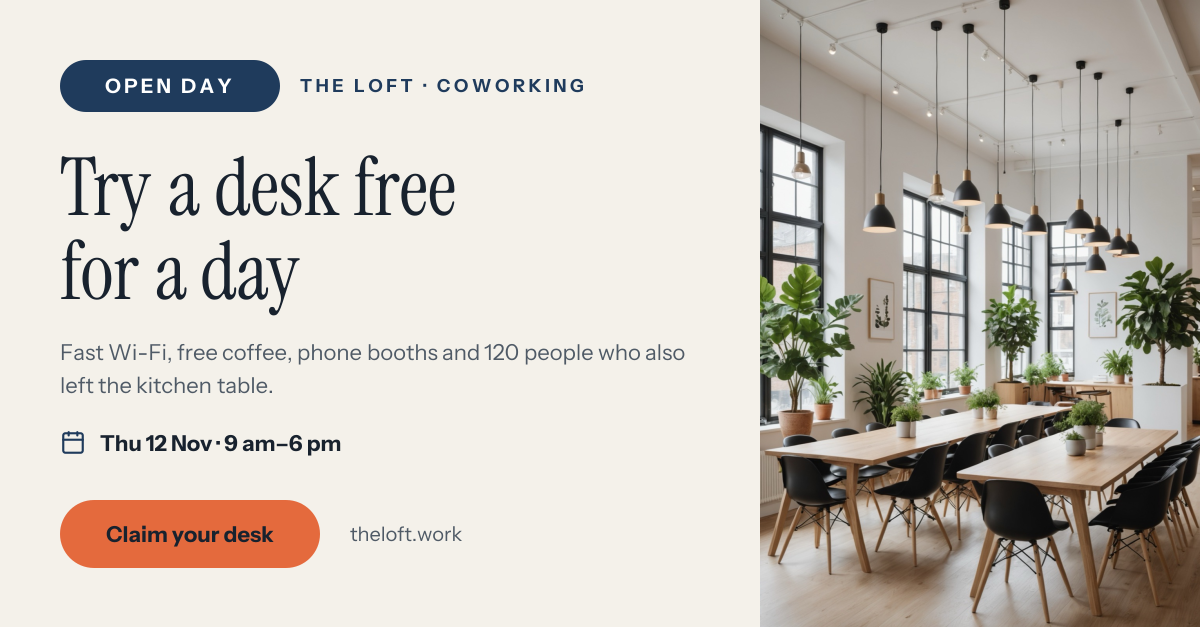
Preview of the Coworking Open Day Post template: bright coworking photo with an open day pill, serif headline, date and desk button
Social media

Coworking Open Day Post

Bright coworking photo with an Open Day pill, serif headline, date and desk button.

LinkedIn post · 1200 × 627
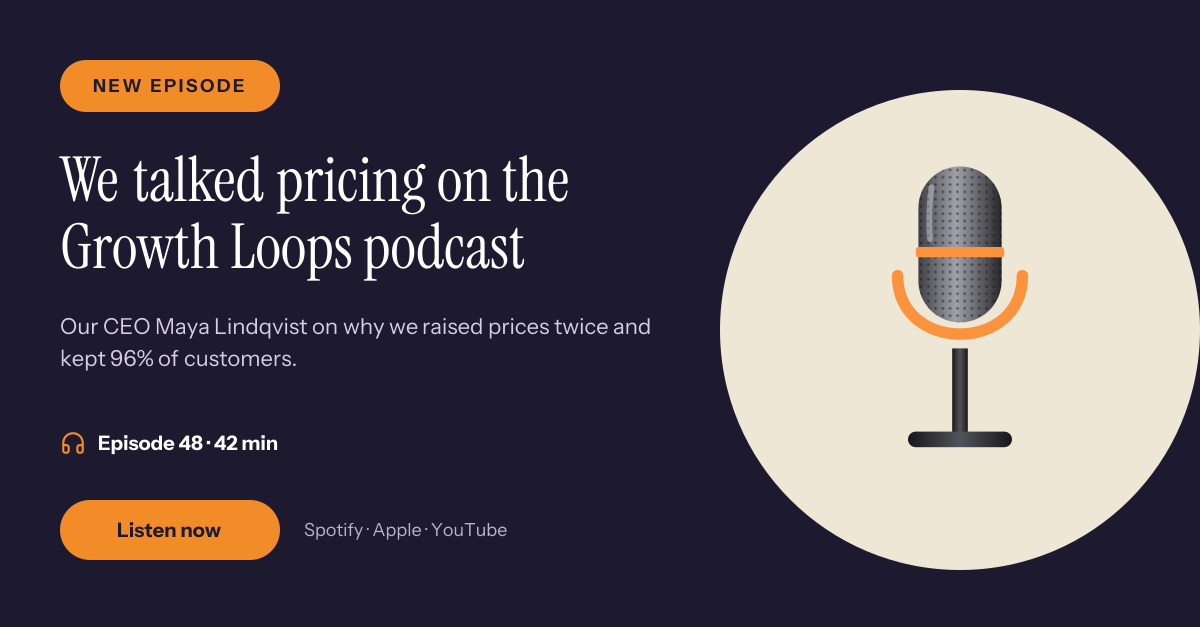
Preview of the Podcast Guest LinkedIn Post template: microphone illustration with a serif headline, episode details and a listen button
Social media

Podcast Guest LinkedIn Post

Microphone illustration with a serif headline, episode details and a listen button.
LinkedIn post · 1200 × 627
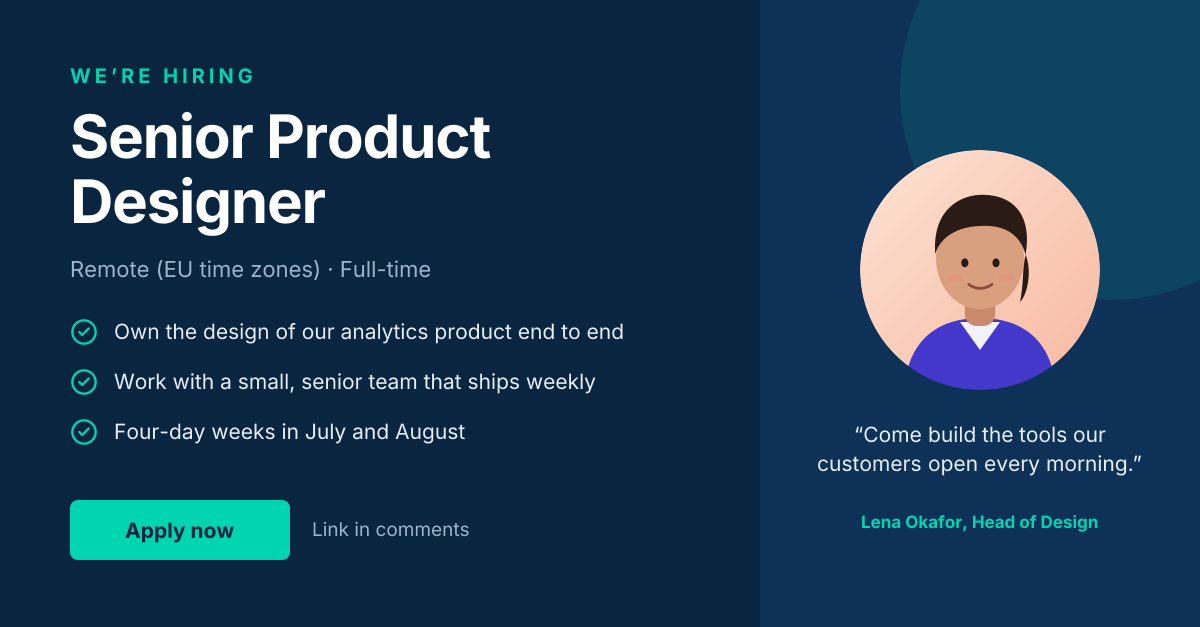
Preview of the LinkedIn Hiring Post template: “we’re hiring” post with role highlights and a hiring-manager quote
Social media

LinkedIn Hiring Post

“We’re hiring” post with role highlights and a hiring-manager quote.
LinkedIn post · 1200 × 627
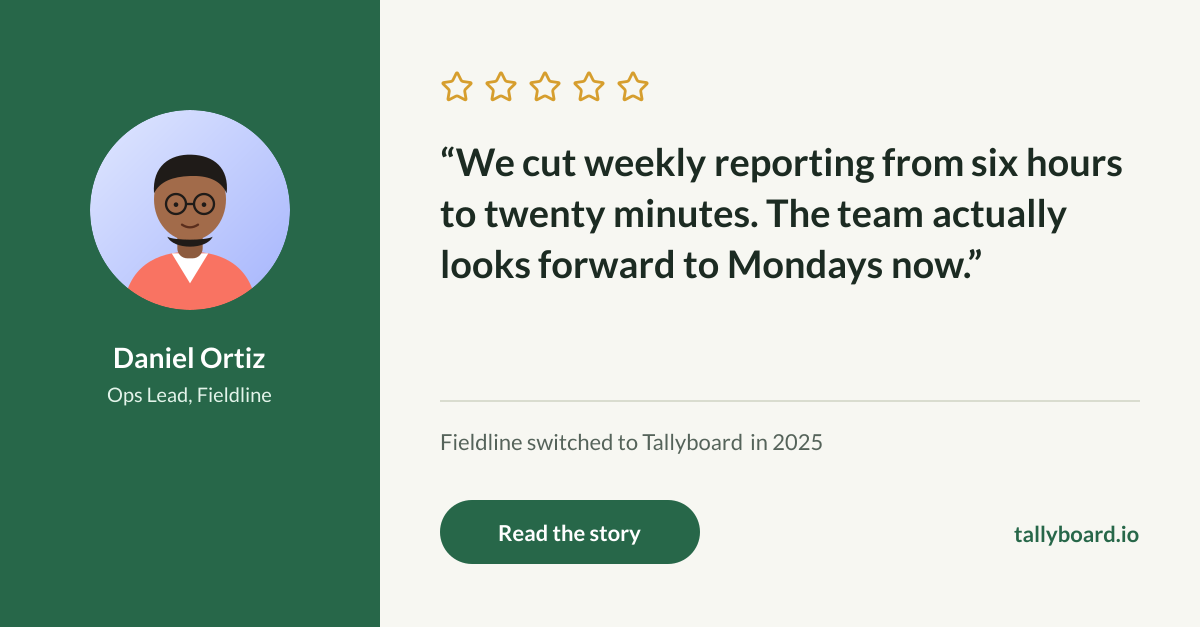
Preview of the Customer Testimonial Post template: five-star review card with a customer portrait, pull quote and story link
Social media

Customer Testimonial Post

Five-star review card with a customer portrait, pull quote and story link.

LinkedIn post · 1200 × 627

Start with the company milestone post template

Your copy opens in the editor in seconds.

Use this template