Social media
LinkedIn Hiring Post
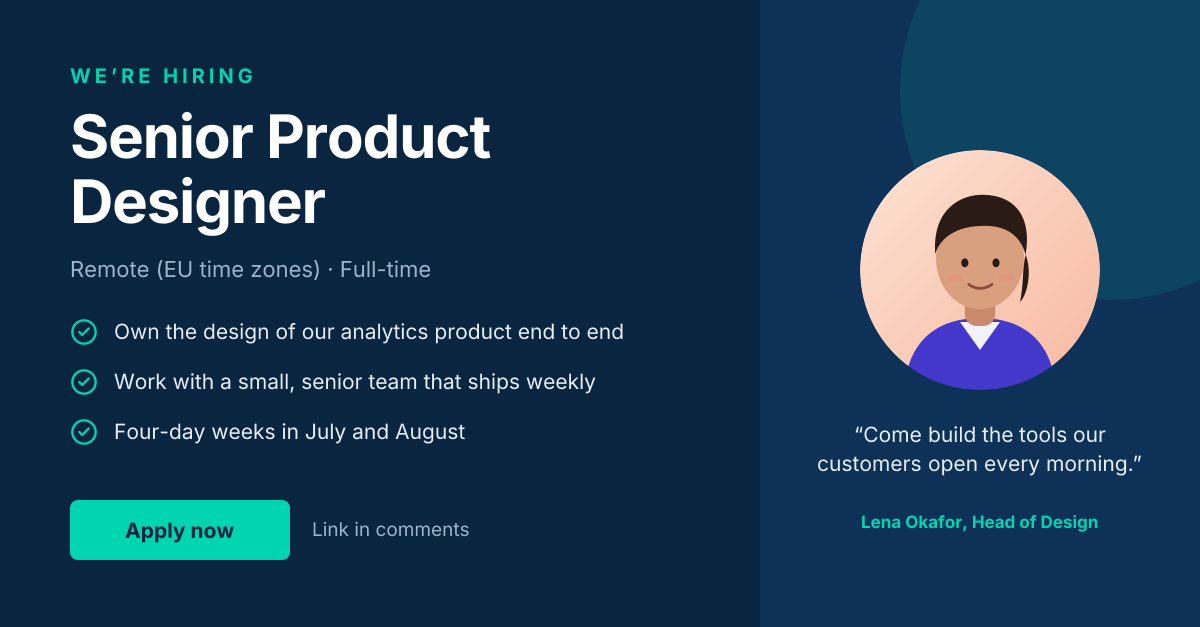
“We’re hiring” post with role highlights and a hiring-manager quote.
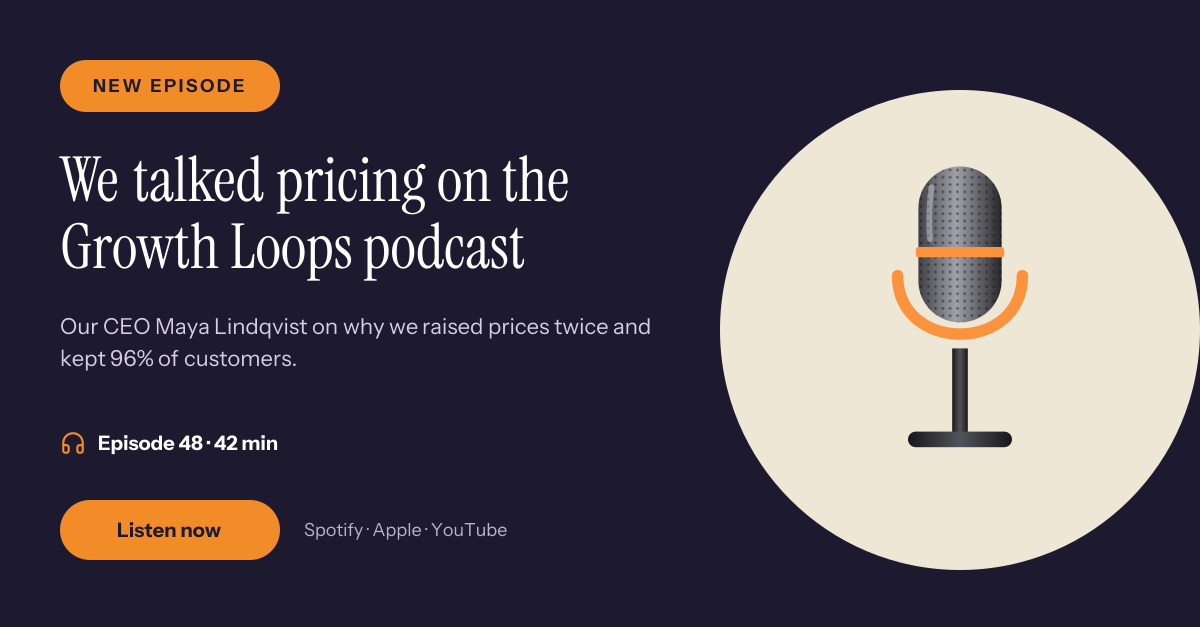
A LinkedIn post for founders, teams and consultants sharing a podcast they appeared on. An orange New episode tag sits above a serif headline about the topic, a short line says who spoke and why it matters, and the episode length, platforms and a listen button sit underneath.
Opens your own copy in the Liena editor — the original stays untouched. Free with a Liena account; downloads on the free plan include a small watermark.
Instrument Serif gives the headline an editorial, magazine feel, and Instrument Sans from the same family keeps the details tidy. The orange matches the ring on the microphone and stands out on the dark indigo.
This isn’t a flat image. The design opens as 11 separate layers you can select and change individually.
Double-click to rewrite. Change font (Instrument Sans, Instrument Serif by default), size, weight, line height, letter spacing, alignment, case, colour and shadow.
Replace with your own upload, then crop, zoom, pan, flip, round the corners and adjust brightness, contrast, saturation or blur.
Recolour fills with any hex or brand colour, change opacity and corner radius, or resize and rotate decorative elements.
Recolour, resize or delete icons, and add new ones from the built-in Iconify icon search.
Drag to move, resize from any handle, rotate, nudge with arrow keys, reorder or hide layers, duplicate and delete — with undo and redo.
Change the background colour or add a background image, and recolour any shape or text to match your style.
“We’re hiring” post with role highlights and a hiring-manager quote.
Boardroom photo with a big anniversary headline, thank-you note and story button.
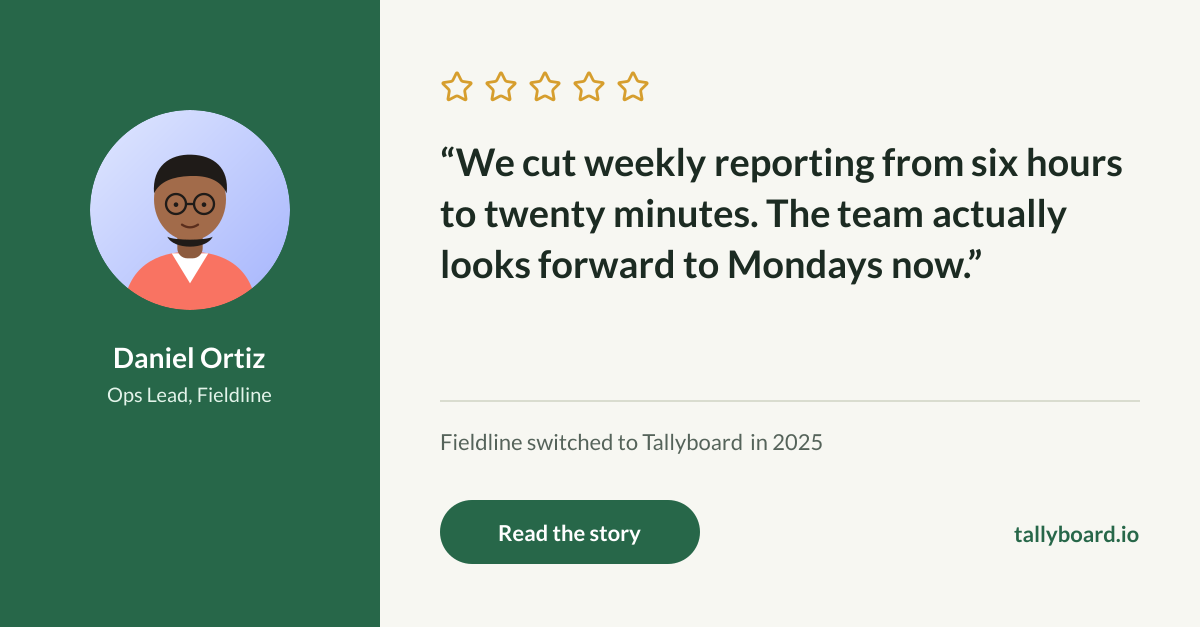
Five-star review card with a customer portrait, pull quote and story link.
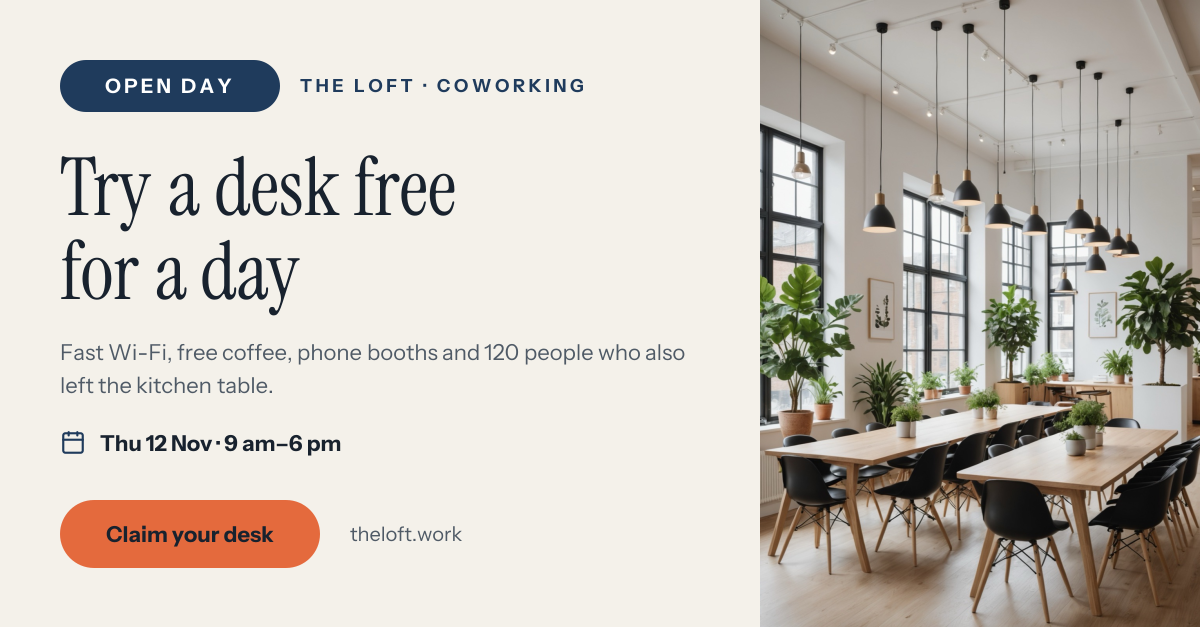
Bright coworking photo with an Open Day pill, serif headline, date and desk button.
Your copy opens in the editor in seconds.
Use this template