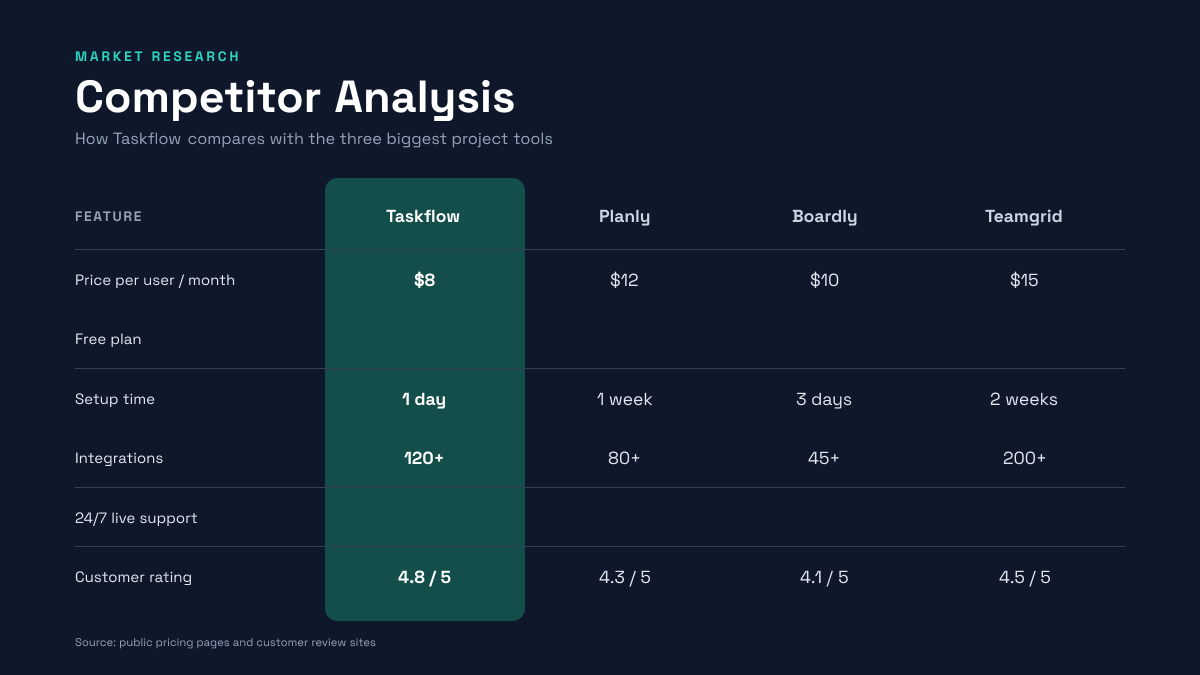
Preview of the Competitor Analysis Slide template: dark 16:9 slide with a comparison table of four products and a highlighted column for your own
Business & branding

Competitor Analysis Slide Template

A competitor analysis slide for founders, marketers and product teams comparing their product with the competition. The dark navy slide holds a Competitor Analysis title and a short subtitle above a table of four products, with your product's column highlighted in teal, six rows covering price, free plan, setup time, integrations, live support and rating, ticks and crosses for yes-or-no rows, and a source line.

Opens your own copy in the Liena editor — the original stays untouched. Free with a Liena account; downloads on the free plan include a small watermark.

Format
Presentation slide (16:9)
Size
1920 × 1080 px (16:9)
Fonts
Space Grotesk
Colours
Editable layers
46
Export
PNG, full resolution

Design details

Space Grotesk feels modern and technical, which suits a data slide, and stays readable from the back of a room. The teal column makes your product stand out at a glance.

Best for

  • Competitor analysis and comparison slides
  • Pitch deck competition slides
  • Market research and strategy decks
  • Sales battlecards and product comparisons

How to customise it

  • Rename the four products.
  • Change the six rows to the features that matter.
  • Swap ticks and crosses as needed.
  • Edit the source line.

Everything in this template is editable

This isn’t a flat image. The design opens as 46 separate layers you can select and change individually.

31 text layers

Double-click to rewrite. Change font (Space Grotesk by default), size, weight, line height, letter spacing, alignment, case, colour and shadow.

7 shapes

Recolour fills with any hex or brand colour, change opacity and corner radius, or resize and rotate decorative elements.

8 icons

Recolour, resize or delete icons, and add new ones from the built-in Iconify icon search.

Layers & layout

Drag to move, resize from any handle, rotate, nudge with arrow keys, reorder or hide layers, duplicate and delete — with undo and redo.

Background & brand

Change the background colour or add a background image, and recolour any shape or text to match your style.

How to use this template

  1. Click “Use this template”. If you’re new to Liena, create a free account first — you’ll come straight back to this design.
  2. Edit the text, replace images and adjust colours. Changes save automatically every 30 seconds, or press Save at any time.
  3. Export a PNG at 1920 × 1080 px. Your design stays in your dashboard to edit again later.
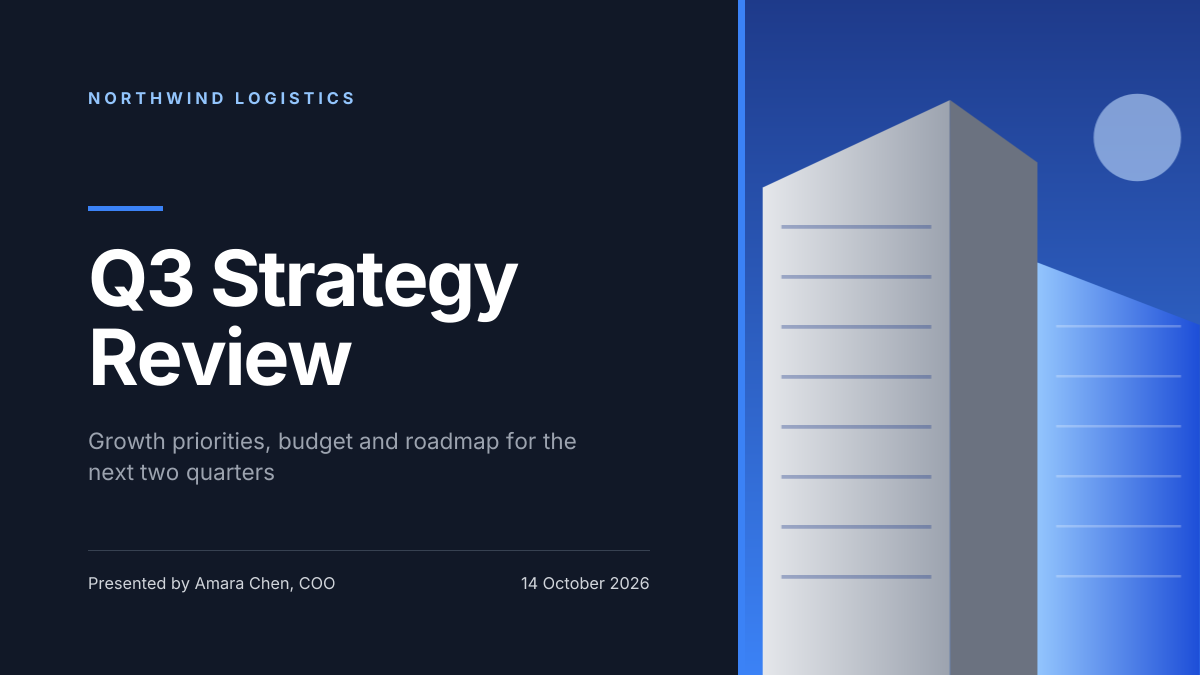
Preview of the Corporate Presentation Cover template: dark 16:9 title slide with an architectural image panel
Business & branding

Corporate Presentation Cover

Dark 16:9 title slide with an architectural image panel.
Presentation slide (16:9) · 1920 × 1080
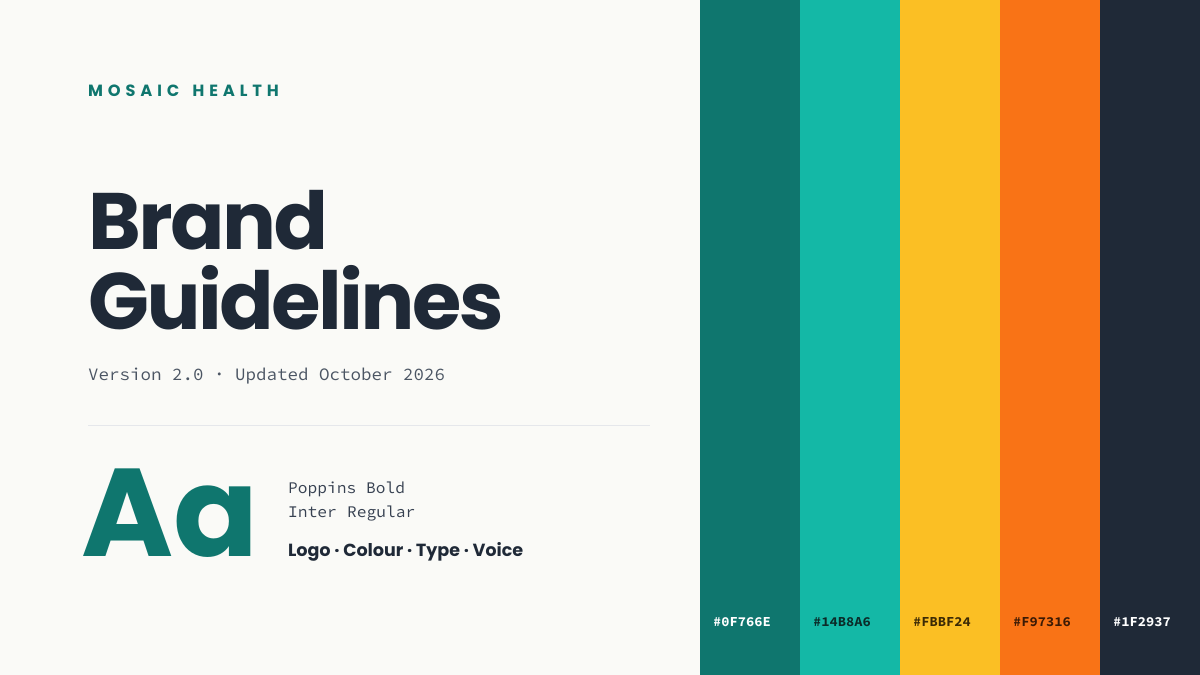
Preview of the Brand Guidelines Cover template: brand book opener with colour swatches, hex codes and a type specimen
Business & branding

Brand Guidelines Cover

Brand book opener with colour swatches, hex codes and a type specimen.
Presentation slide (16:9) · 1920 × 1080
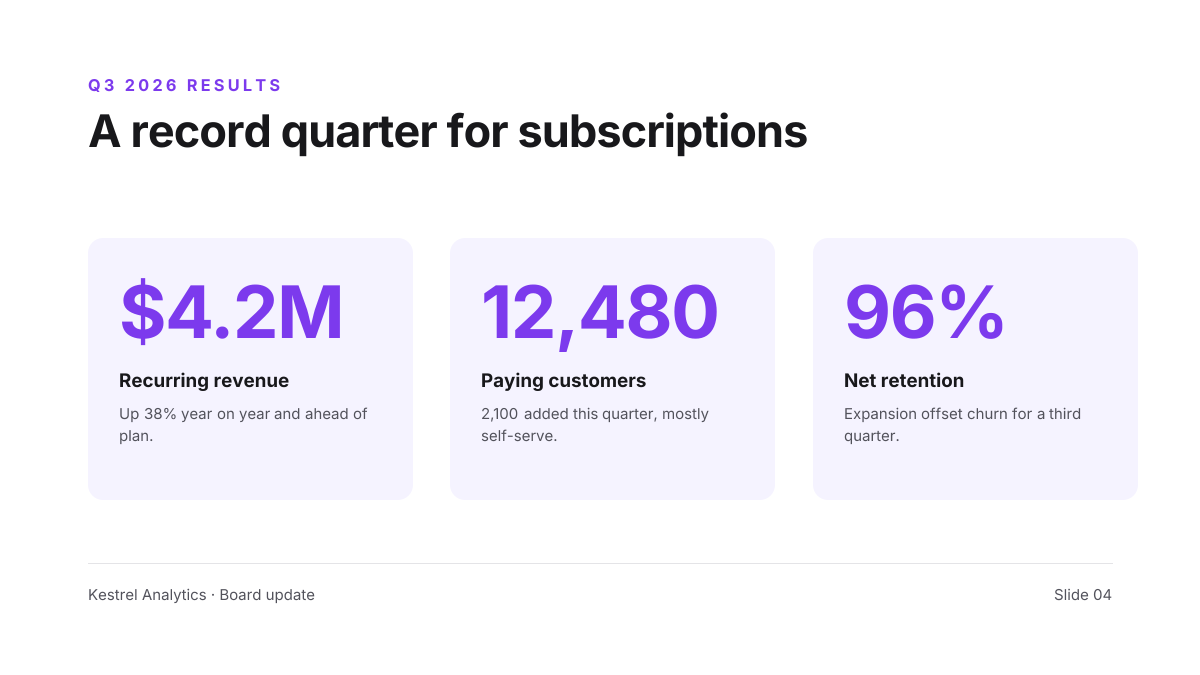
Preview of the Quarterly Results Slide template: three big-number kpi cards under a one-line takeaway headline
Business & branding

Quarterly Results Slide

Three big-number KPI cards under a one-line takeaway headline.

Presentation slide (16:9) · 1920 × 1080
Preview of the Company Overview Slide template: clean white slide with three key stats beside a city skyline photo
Business & branding

Company Overview Slide

Clean white slide with three key stats beside a city skyline photo.

Presentation slide (16:9) · 1920 × 1080

Start with the competitor analysis slide template

Your copy opens in the editor in seconds.

Use this template