Preview of the Conference Speaker Announcement template: cut-out speaker portrait on a blue circle with name, talk title and event date
Business & branding

Conference Speaker Announcement Template

A LinkedIn post for conferences, summits and meetups announcing their speakers. The speaker is a background-free cut-out on a bold blue circle, and the left side lists their name, role, talk title, the date and a ticket button.

Opens your own copy in the Liena editor — the original stays untouched. Free with a Liena account; downloads on the free plan include a small watermark.

Format
LinkedIn post
Size
1200 × 627 px (1.91:1)
Fonts
Space Grotesk, Fraunces
Colours
Editable layers
11
Export
PNG, full resolution

Design details

Because the portrait has no background, one layout can serve every speaker in a line-up: just swap the photo and name. Space Grotesk gives a modern tech-event feel, and the talk title is set in Fraunces italic so it reads like a quote.

Best for

  • Keynote and speaker line-up announcements
  • Panel and fireside chat promotions
  • Webinar host introductions
  • Speakers sharing their own talk with their network

How to customise it

  • Upload each speaker's headshot and remove its background.
  • Edit the name, role, company and talk title.
  • Change the date, city and event name.
  • Recolour the circle for each event track.

Everything in this template is editable

This isn’t a flat image. The design opens as 11 separate layers you can select and change individually.

7 text layers

Double-click to rewrite. Change font (Space Grotesk, Fraunces by default), size, weight, line height, letter spacing, alignment, case, colour and shadow.

1 image

Replace with your own upload, then crop, zoom, pan, flip, round the corners and adjust brightness, contrast, saturation or blur.

2 shapes

Recolour fills with any hex or brand colour, change opacity and corner radius, or resize and rotate decorative elements.

1 icon

Recolour, resize or delete icons, and add new ones from the built-in Iconify icon search.

Layers & layout

Drag to move, resize from any handle, rotate, nudge with arrow keys, reorder or hide layers, duplicate and delete — with undo and redo.

Background & brand

Change the background colour or add a background image, and recolour any shape or text to match your style.

How to use this template

  1. Click “Use this template”. If you’re new to Liena, create a free account first — you’ll come straight back to this design.
  2. Edit the text, replace images and adjust colours. Changes save automatically every 30 seconds, or press Save at any time.
  3. Export a PNG at 1200 × 627 px. Your design stays in your dashboard to edit again later.
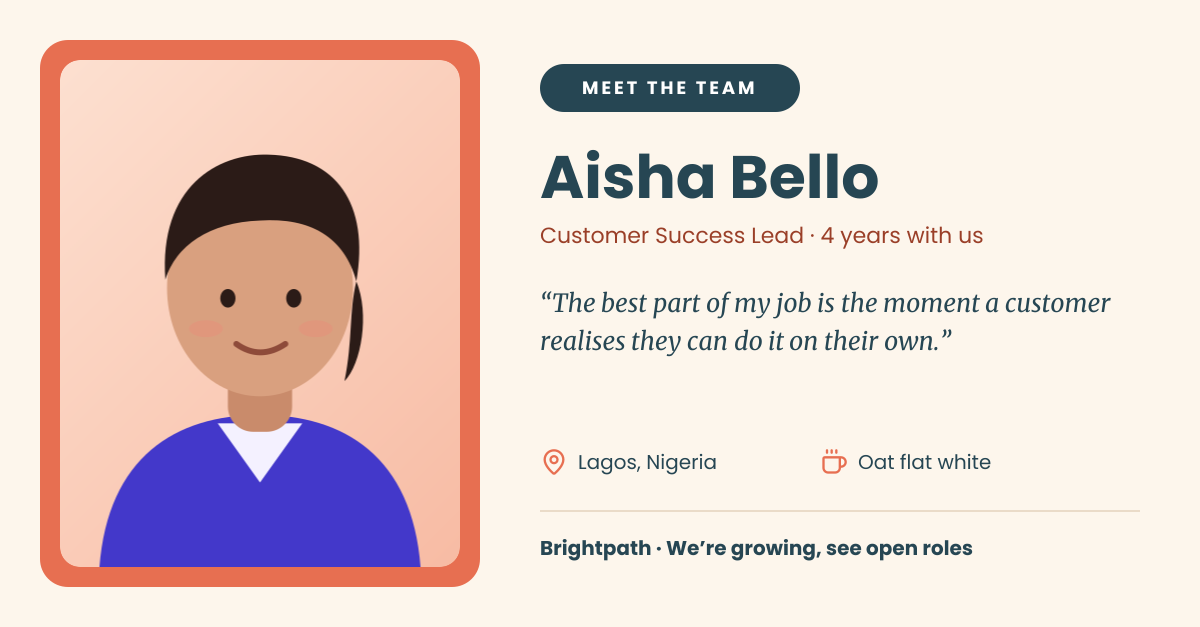
Preview of the Team Member Spotlight template: “meet the team” post with a framed portrait, quote and fun facts
Business & branding

Team Member Spotlight

“Meet the team” post with a framed portrait, quote and fun facts.

LinkedIn post · 1200 × 627
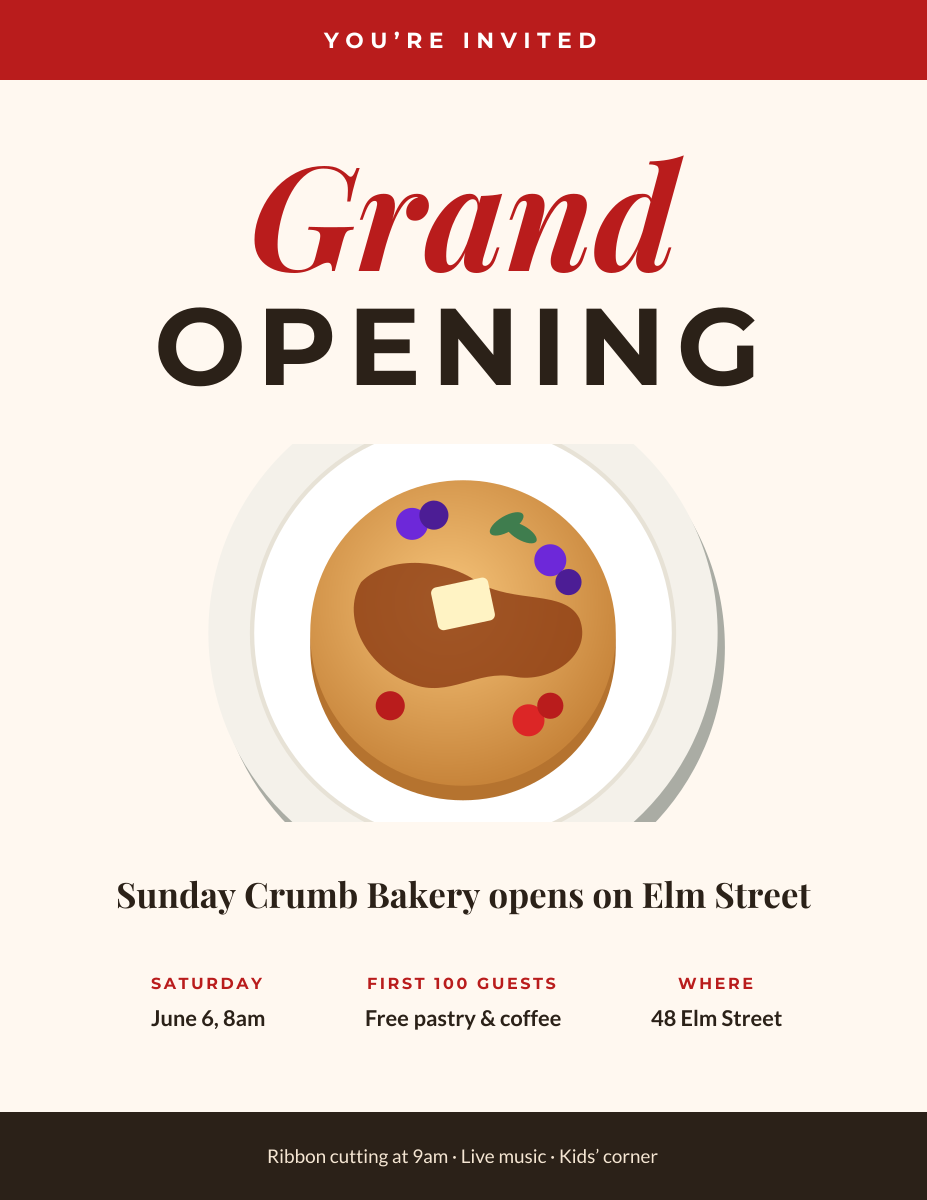
Preview of the Grand Opening Flyer template: printable opening-day flyer with a hero image, date, offer and address
Business & branding

Grand Opening Flyer

Printable opening-day flyer with a hero image, date, offer and address.

US Letter flyer · 1275 × 1650
Preview of the Pitch Deck Cover template: abstract glass spheres behind a bold mission headline for an investor deck
Business & branding

Pitch Deck Cover

Abstract glass spheres behind a bold mission headline for an investor deck.
Presentation slide (16:9) · 1920 × 1080
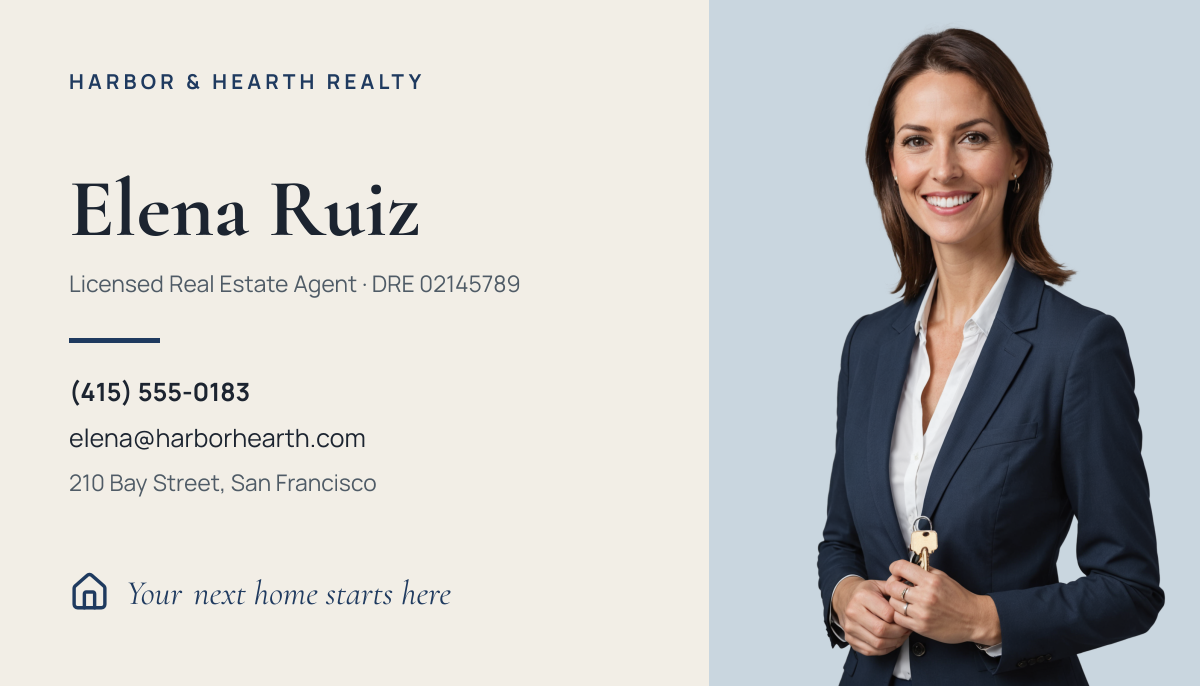
Preview of the Real Estate Agent Business Card template: agent portrait on a soft blue panel beside a navy-and-cream contact layout
Business & branding

Real Estate Agent Business Card

Agent portrait on a soft blue panel beside a navy-and-cream contact layout.

Business card (3.5 × 2 in) · 1050 × 600

Start with the conference speaker announcement template

Your copy opens in the editor in seconds.

Use this template