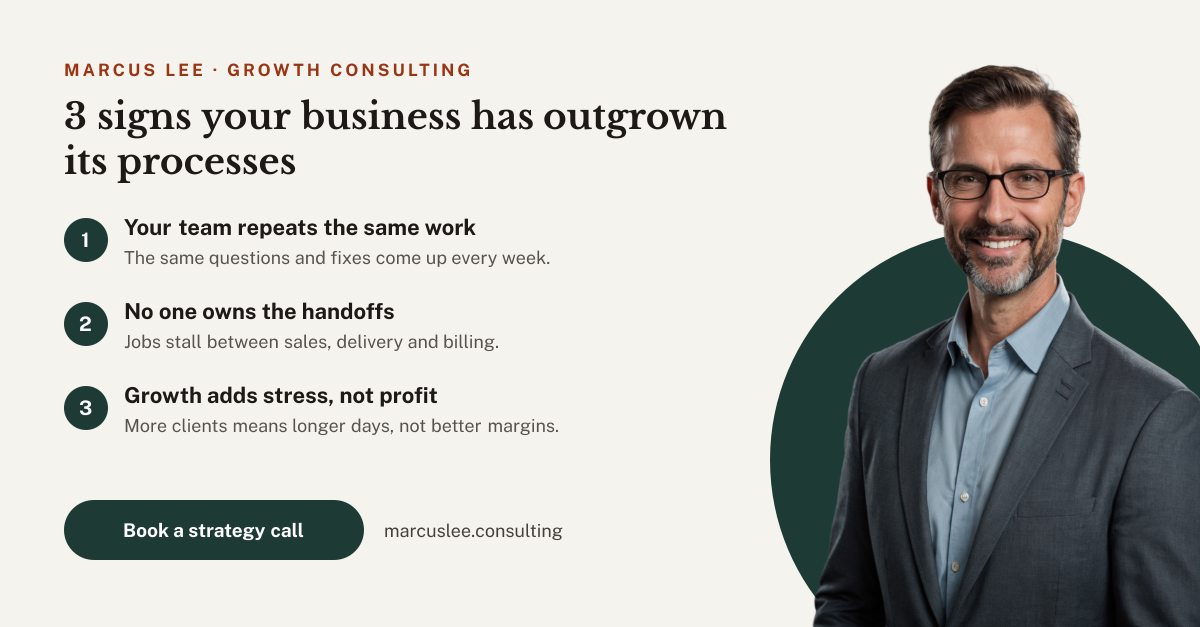
Preview of the Consultant LinkedIn Post template: cream post with a serif headline and three numbered points beside a consultant's portrait on a green circle
Social media

Consultant LinkedIn Post Template

A consultant LinkedIn post for business consultants, coaches and advisors who share advice to win new clients. The cream side holds the consultant's name, a 3 signs your business has outgrown its processes headline, three numbered points with a short line each, a Book a strategy call button and the website, beside a cutout portrait on a deep green circle.

Opens your own copy in the Liena editor — the original stays untouched. Free with a Liena account; downloads on the free plan include a small watermark.

Format
LinkedIn post
Size
1200 × 627 px (1.91:1)
Fonts
Public Sans, Libre Baskerville
Colours
Editable layers
19
Export
PNG, full resolution

Design details

Libre Baskerville makes the headline feel considered and expert, and Public Sans keeps the points clear. Forest green and rust on cream look professional without the usual corporate blue.

Best for

  • Business consultant LinkedIn posts
  • Thought leadership and tips posts
  • Strategy call and discovery call promotions
  • Coach and advisor personal branding

How to customise it

  • Write your own headline and three points.
  • Swap the portrait for your own photo.
  • Change the name, company and website.
  • Edit the button to Download the guide or Join the workshop.

Everything in this template is editable

This isn’t a flat image. The design opens as 19 separate layers you can select and change individually.

13 text layers

Double-click to rewrite. Change font (Public Sans, Libre Baskerville by default), size, weight, line height, letter spacing, alignment, case, colour and shadow.

1 image

Replace with your own upload, then crop, zoom, pan, flip, round the corners and adjust brightness, contrast, saturation or blur.

5 shapes

Recolour fills with any hex or brand colour, change opacity and corner radius, or resize and rotate decorative elements.

Layers & layout

Drag to move, resize from any handle, rotate, nudge with arrow keys, reorder or hide layers, duplicate and delete — with undo and redo.

Background & brand

Change the background colour or add a background image, and recolour any shape or text to match your style.

How to use this template

  1. Click “Use this template”. If you’re new to Liena, create a free account first — you’ll come straight back to this design.
  2. Edit the text, replace images and adjust colours. Changes save automatically every 30 seconds, or press Save at any time.
  3. Export a PNG at 1200 × 627 px. Your design stays in your dashboard to edit again later.
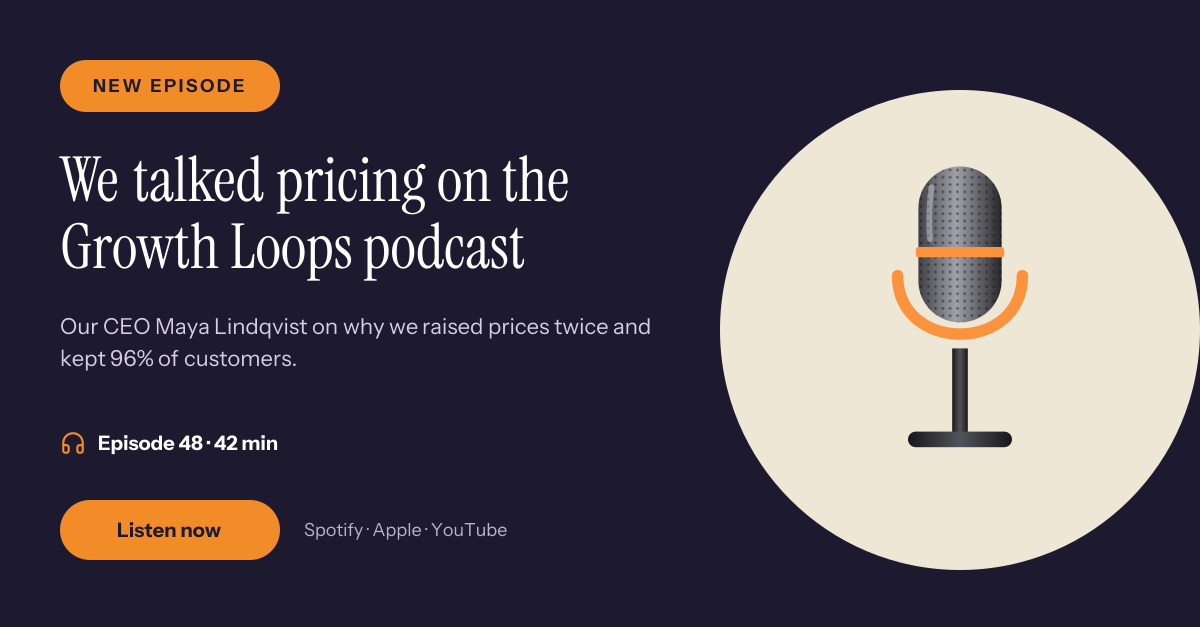
Preview of the Podcast Guest LinkedIn Post template: microphone illustration with a serif headline, episode details and a listen button
Social media

Podcast Guest LinkedIn Post

Microphone illustration with a serif headline, episode details and a listen button.
LinkedIn post · 1200 × 627
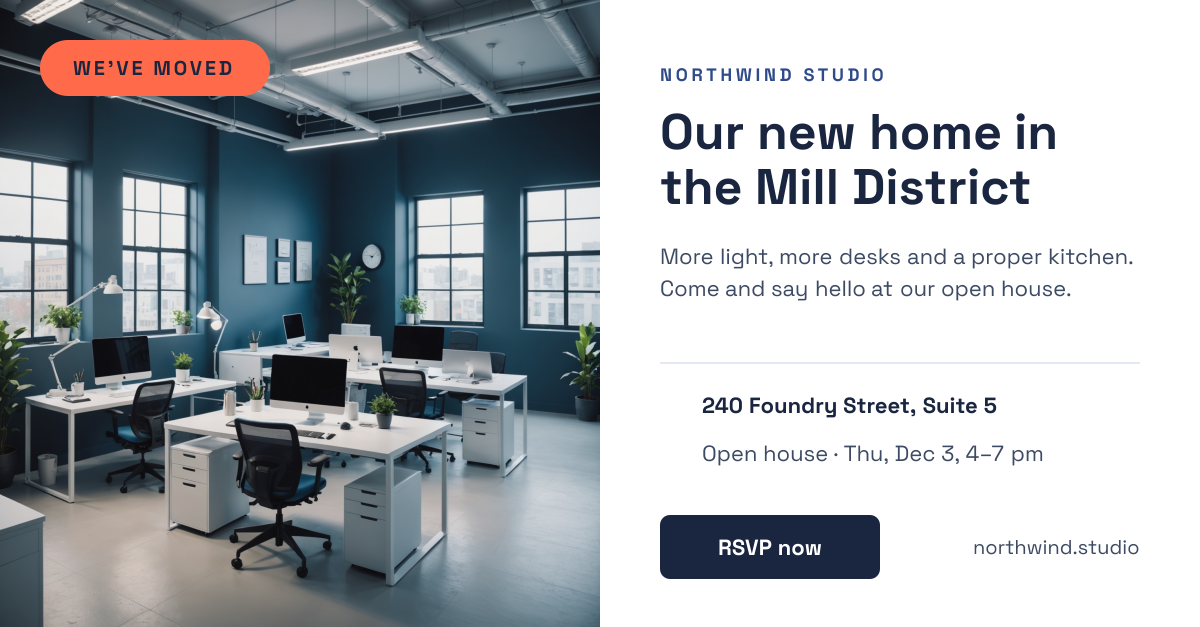
Preview of the Office Move LinkedIn Post template: office photo with a we've moved badge beside the new address, open house date and rsvp button
Social media

Office Move LinkedIn Post

Office photo with a We've moved badge beside the new address, open house date and RSVP button.
LinkedIn post · 1200 × 627
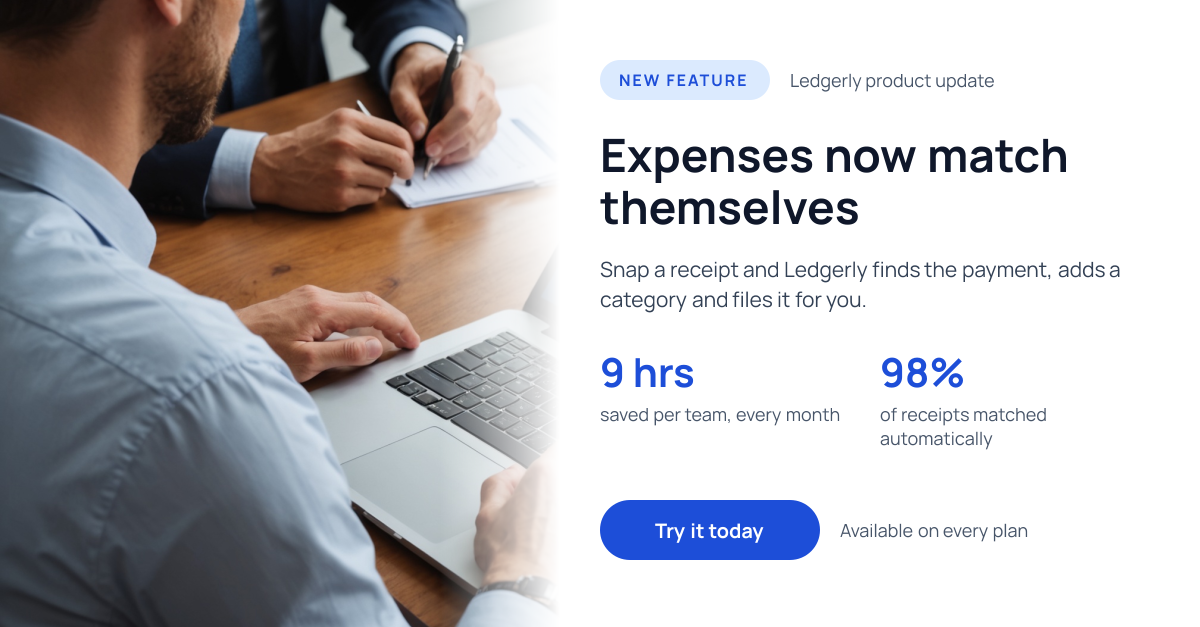
Preview of the Product Update LinkedIn Post template: laptop photo fading into white, with a new feature pill, headline, two stats and a blue button
Social media

Product Update LinkedIn Post

Laptop photo fading into white, with a New feature pill, headline, two stats and a blue button.
LinkedIn post · 1200 × 627
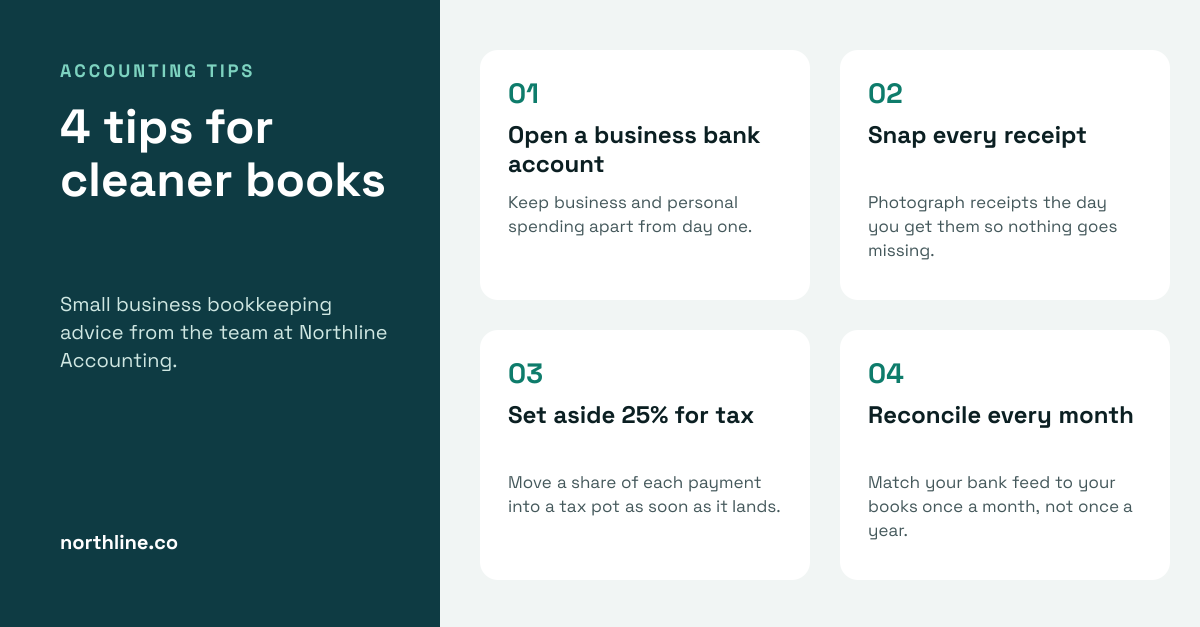
Preview of the Accounting Tips LinkedIn Post template: dark teal title panel beside four numbered bookkeeping tip cards on a pale background
Social media

Accounting Tips LinkedIn Post

Dark teal title panel beside four numbered bookkeeping tip cards on a pale background.

LinkedIn post · 1200 × 627

Start with the consultant linkedin post template

Your copy opens in the editor in seconds.

Use this template