Social media
Hair Salon Offer Story Template
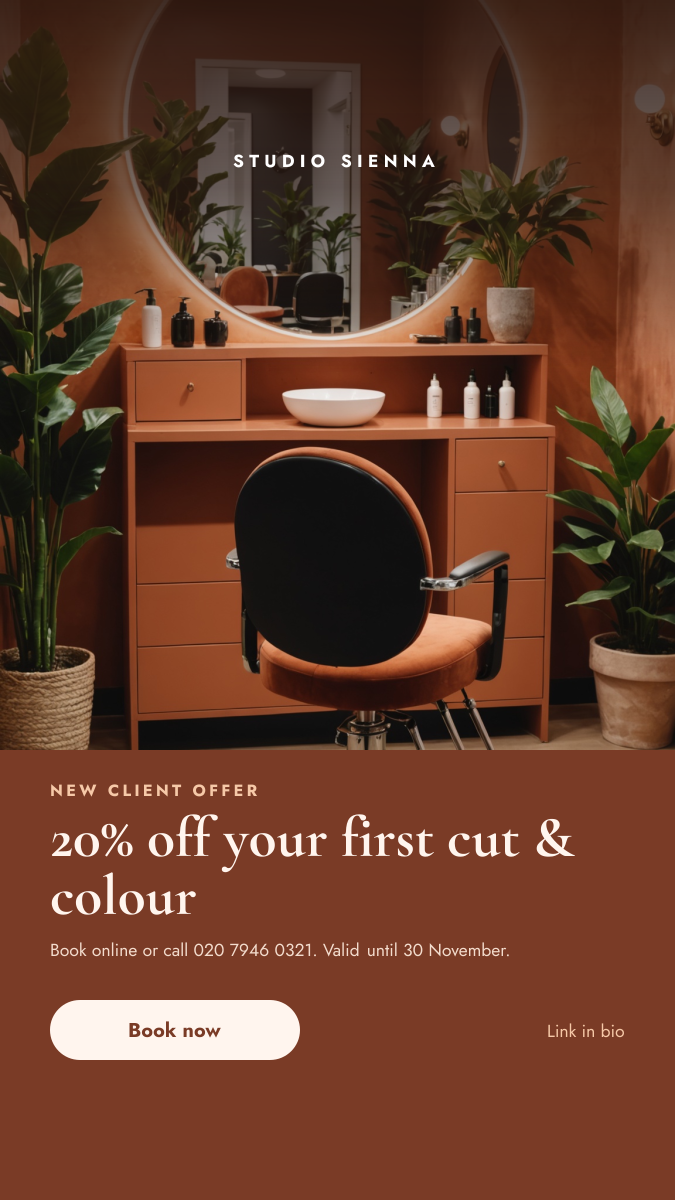
A vertical Story for hair salons, barbers and beauty studios. The top two thirds show a warm salon interior with your name across the top, and a solid terracotta panel below carries the new client offer, how to book and a large button that sits just above the reply bar.
Opens your own copy in the Liena editor — the original stays untouched. Free with a Liena account; downloads on the free plan include a small watermark.
- Format
- Instagram Story
- Size
- 1080 × 1920 px (9:16)
- Fonts
- Jost, Cormorant Garamond
- Colours
- Editable layers
- 9
- Export
- PNG, full resolution
Design details
The panel colour is sampled from the salon walls, so the photo flows straight into the text area. Cormorant Garamond brings an editorial, fashion-magazine feel to the offer, balanced by geometric Jost for the details. The cream button is the lightest thing on the panel, so it is the first place the eye lands.
Best for
- New client discounts and first-visit offers
- Seasonal colour and cut promotions
- Announcing open appointment slots
- Launching a new stylist or treatment
How to customise it
- Replace the interior with a photo of your own chair or a recent client look.
- Change the offer, phone number and closing date.
- Update the salon name at the top.
- Add a link sticker over the button when you post.
Everything in this template is editable
This isn’t a flat image. The design opens as 9 separate layers you can select and change individually.
6 text layers
Double-click to rewrite. Change font (Jost, Cormorant Garamond by default), size, weight, line height, letter spacing, alignment, case, colour and shadow.
1 image
Replace with your own upload, then crop, zoom, pan, flip, round the corners and adjust brightness, contrast, saturation or blur.
2 shapes
Recolour fills with any hex or brand colour, change opacity and corner radius, or resize and rotate decorative elements.
Layers & layout
Drag to move, resize from any handle, rotate, nudge with arrow keys, reorder or hide layers, duplicate and delete — with undo and redo.
Background & brand
Change the background colour or add a background image, and recolour any shape or text to match your style.
How to use this template
- Click “Use this template”. If you’re new to Liena, create a free account first — you’ll come straight back to this design.
- Edit the text, replace images and adjust colours. Changes save automatically every 30 seconds, or press Save at any time.
- Export a PNG at 1080 × 1920 px. Your design stays in your dashboard to edit again later.
Related templates
Social media
Product Launch Countdown Story
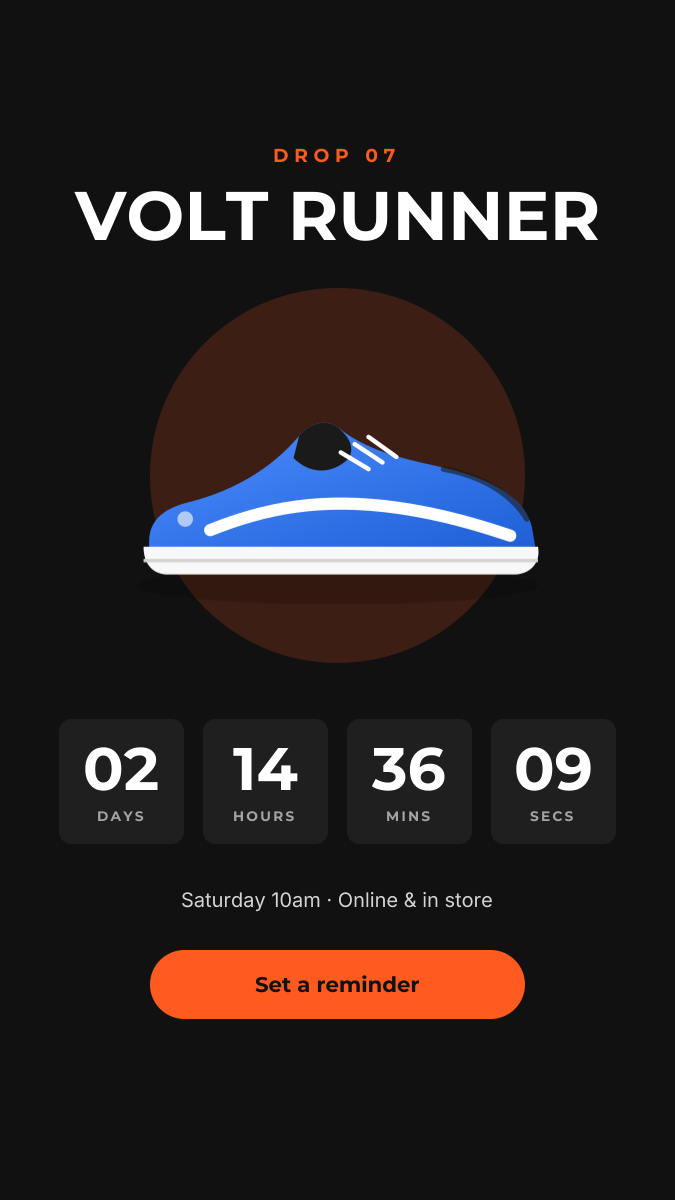
Dark product-drop Story with a glowing hero shot and countdown tiles.
Social media
Yoga Class Story
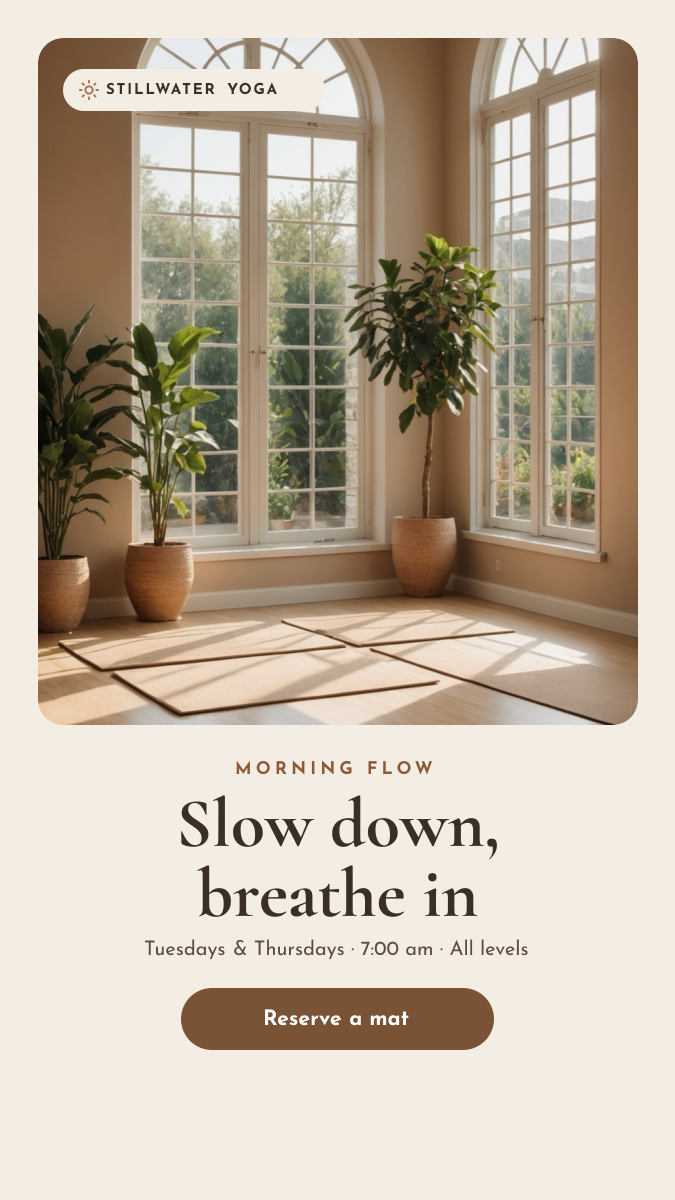
Framed studio photo with a calm serif headline, class times and a reserve button.
Social media
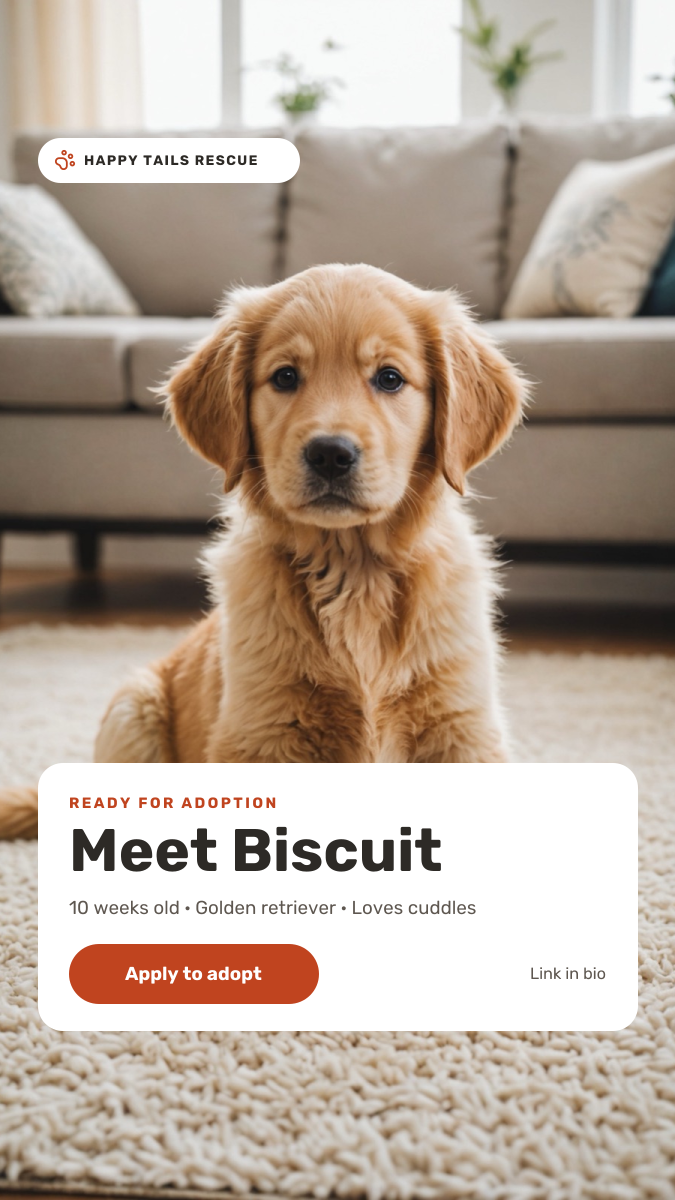
Pet Adoption Story
Full-screen puppy photo with a white profile card and apply-to-adopt button.
Start with the hair salon offer story template
Your copy opens in the editor in seconds.
Use this template