Social media
Pet Adoption Story Template
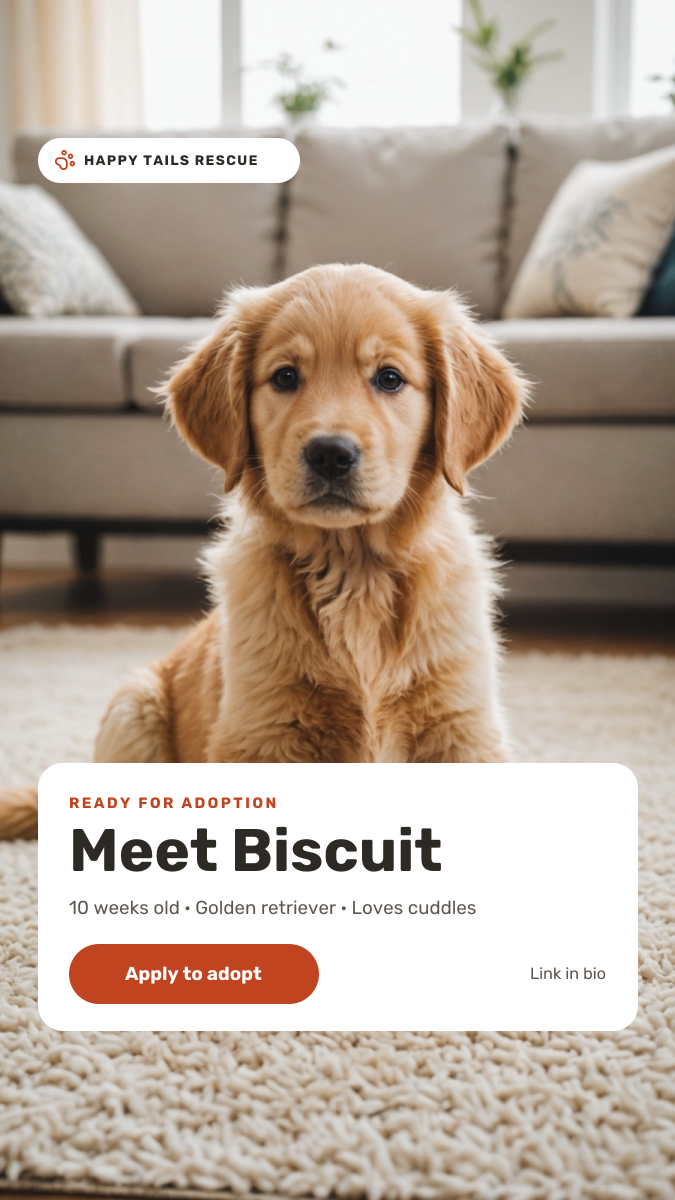
A vertical Story for animal shelters, rescues and foster networks. A full-screen pet photo does the emotional work, a small badge at the top names your rescue, and a rounded white card at the bottom introduces the animal: their name, age, breed, temperament and a button to apply.
Opens your own copy in the Liena editor — the original stays untouched. Free with a Liena account; downloads on the free plan include a small watermark.
- Format
- Instagram Story
- Size
- 1080 × 1920 px (9:16)
- Fonts
- Rubik
- Colours
- Editable layers
- 11
- Export
- PNG, full resolution
Design details
The white card covers only the lower part of the photo, leaving the pet's face fully visible. Rubik's rounded letters feel warm and approachable, with a large weight for the name. A single deep orange is used for the badge icon, eyebrow and button, so the call to action is easy to spot.
Best for
- Introducing dogs and cats ready for adoption
- Foster appeals and urgent rehoming posts
- Adoption day and open shelter events
- Fundraising Stories for animal charities
How to customise it
- Replace the puppy with a photo of the animal you are rehoming, with their face in the top half.
- Change the name, age, breed and personality line.
- Edit the rescue name in the top badge.
- Add a link sticker over the button area when you post the Story.
Everything in this template is editable
This isn’t a flat image. The design opens as 11 separate layers you can select and change individually.
6 text layers
Double-click to rewrite. Change font (Rubik by default), size, weight, line height, letter spacing, alignment, case, colour and shadow.
1 image
Replace with your own upload, then crop, zoom, pan, flip, round the corners and adjust brightness, contrast, saturation or blur.
3 shapes
Recolour fills with any hex or brand colour, change opacity and corner radius, or resize and rotate decorative elements.
1 icon
Recolour, resize or delete icons, and add new ones from the built-in Iconify icon search.
Layers & layout
Drag to move, resize from any handle, rotate, nudge with arrow keys, reorder or hide layers, duplicate and delete — with undo and redo.
Background & brand
Change the background colour or add a background image, and recolour any shape or text to match your style.
How to use this template
- Click “Use this template”. If you’re new to Liena, create a free account first — you’ll come straight back to this design.
- Edit the text, replace images and adjust colours. Changes save automatically every 30 seconds, or press Save at any time.
- Export a PNG at 1080 × 1920 px. Your design stays in your dashboard to edit again later.
Related templates
Social media
Product Launch Countdown Story
Dark product-drop Story with a glowing hero shot and countdown tiles.
Social media
Yoga Class Story
Framed studio photo with a calm serif headline, class times and a reserve button.
Social media
Instagram Promotional Post
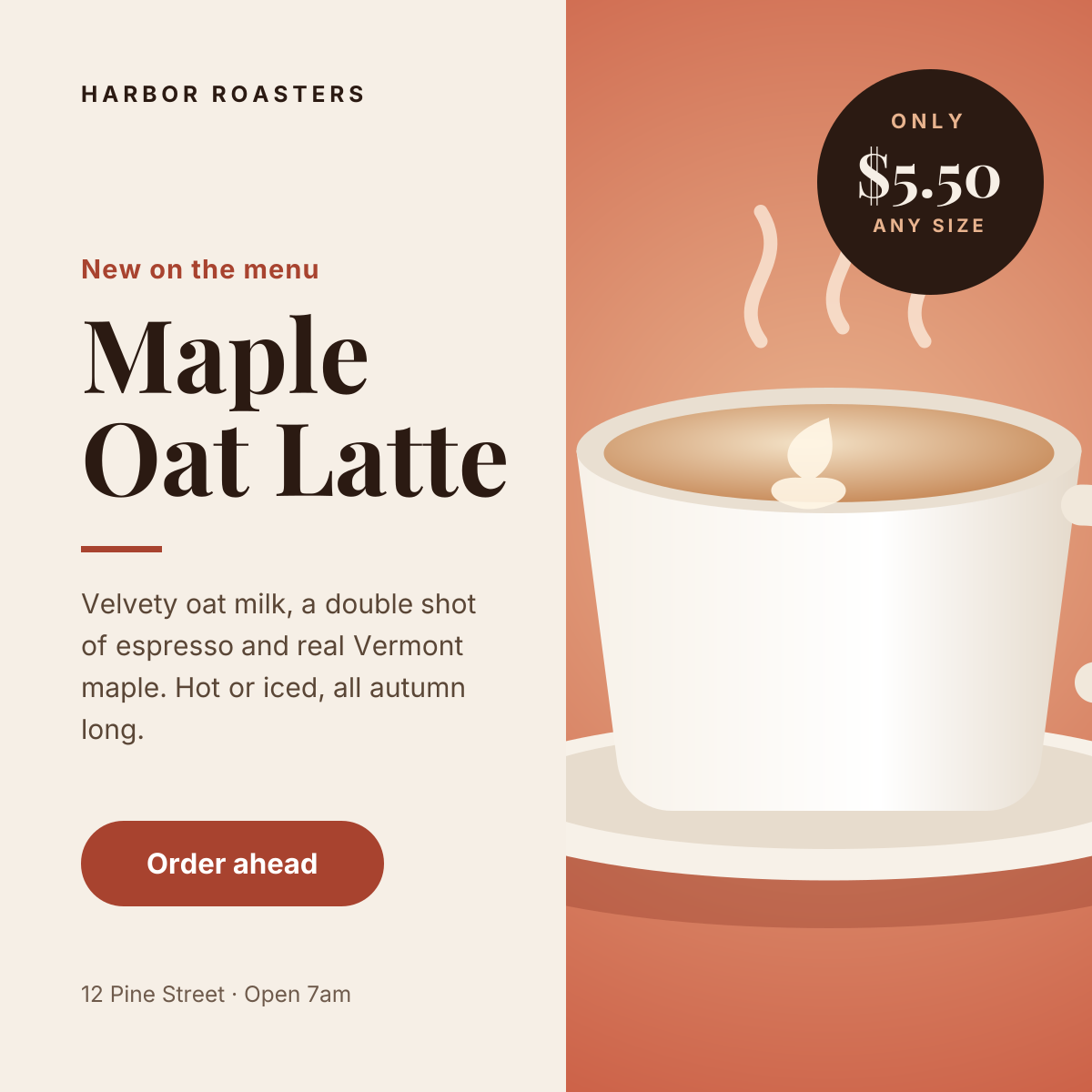
Split layout with a product photo, price badge and a clear order button.
Start with the pet adoption story template
Your copy opens in the editor in seconds.
Use this template