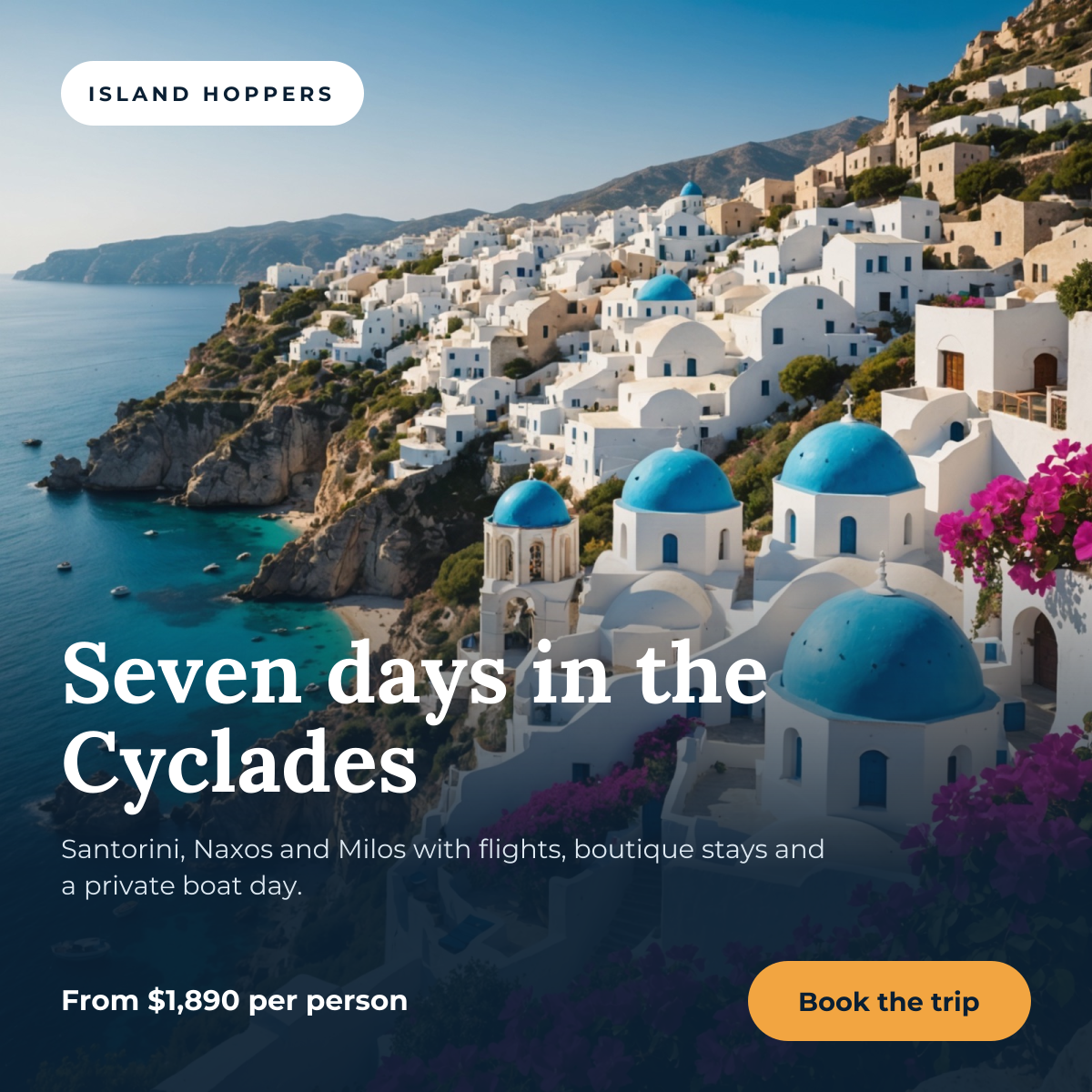
Preview of the Instagram Travel Post template: full-bleed destination photo with a trip headline, price and booking button
Social media

Instagram Travel Post Template

A square post for selling trips, tours and holiday packages. A full-bleed destination photo does the selling; a deep navy fade at the bottom holds the trip name, a one-line itinerary, the starting price and a booking button, so the details stay legible on top of any landscape you drop in.

Opens your own copy in the Liena editor — the original stays untouched. Free with a Liena account; downloads on the free plan include a small watermark.

Format
Instagram post
Size
1080 × 1080 px (1:1)
Fonts
Montserrat, Lora
Colours
Editable layers
9
Export
PNG, full resolution

Design details

The photo runs edge to edge and the gradient only darkens the lower half, so the sky and coastline stay bright. Lora's warm serif gives the headline an editorial travel-magazine feel, while Montserrat keeps the itinerary and price crisp. The amber button is the only warm colour in the lower panel, so it is the obvious next step.

Best for

  • Tour operators and travel agencies promoting a package
  • Boutique hotels and villas advertising a getaway
  • Travel creators announcing a group trip
  • Last-minute deals and early-booking offers

How to customise it

  • Replace the village photo with your own destination; keep the bright part of the image near the top.
  • Change the brand name inside the white pill, or delete the pill for a cleaner look.
  • Update the itinerary and price so the offer is specific and accurate.
  • If your photo is very light at the bottom, make the gradient layer more opaque.

Everything in this template is editable

This isn’t a flat image. The design opens as 9 separate layers you can select and change individually.

5 text layers

Double-click to rewrite. Change font (Montserrat, Lora by default), size, weight, line height, letter spacing, alignment, case, colour and shadow.

1 image

Replace with your own upload, then crop, zoom, pan, flip, round the corners and adjust brightness, contrast, saturation or blur.

3 shapes

Recolour fills with any hex or brand colour, change opacity and corner radius, or resize and rotate decorative elements.

Layers & layout

Drag to move, resize from any handle, rotate, nudge with arrow keys, reorder or hide layers, duplicate and delete — with undo and redo.

Background & brand

Change the background colour or add a background image, and apply colours and logos from your Liena brand kit.

How to use this template

  1. Click “Use this template”. If you’re new to Liena, create a free account first — you’ll come straight back to this design.
  2. Edit the text, replace images and adjust colours. Changes save automatically every 30 seconds, or press Save at any time.
  3. Export a PNG at 1080 × 1080 px. Your design stays in your dashboard to edit again later.
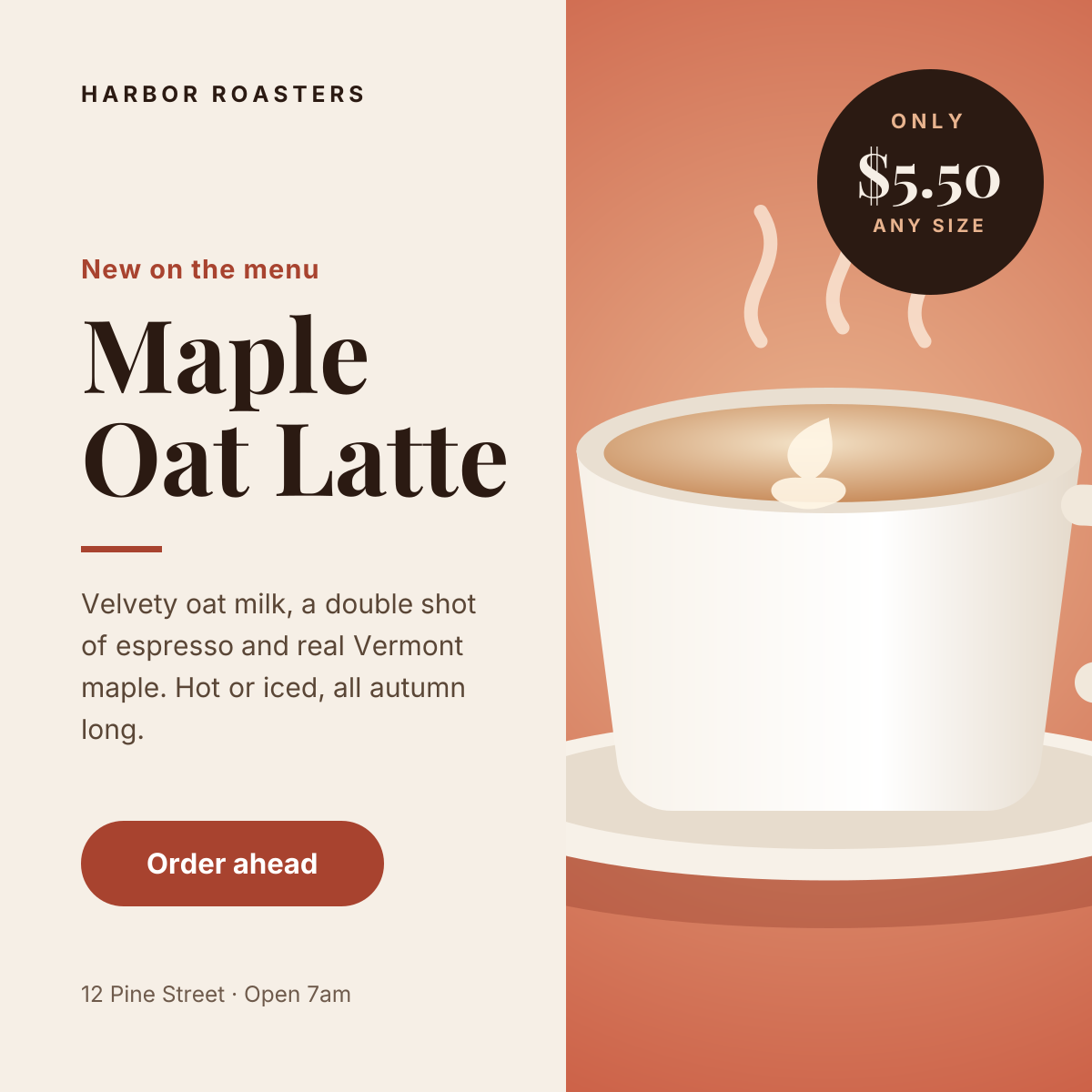
Preview of the Instagram Promotional Post template: split layout with a product photo, price badge and a clear order button
Social media

Instagram Promotional Post

Split layout with a product photo, price badge and a clear order button.
Instagram post · 1080 × 1080
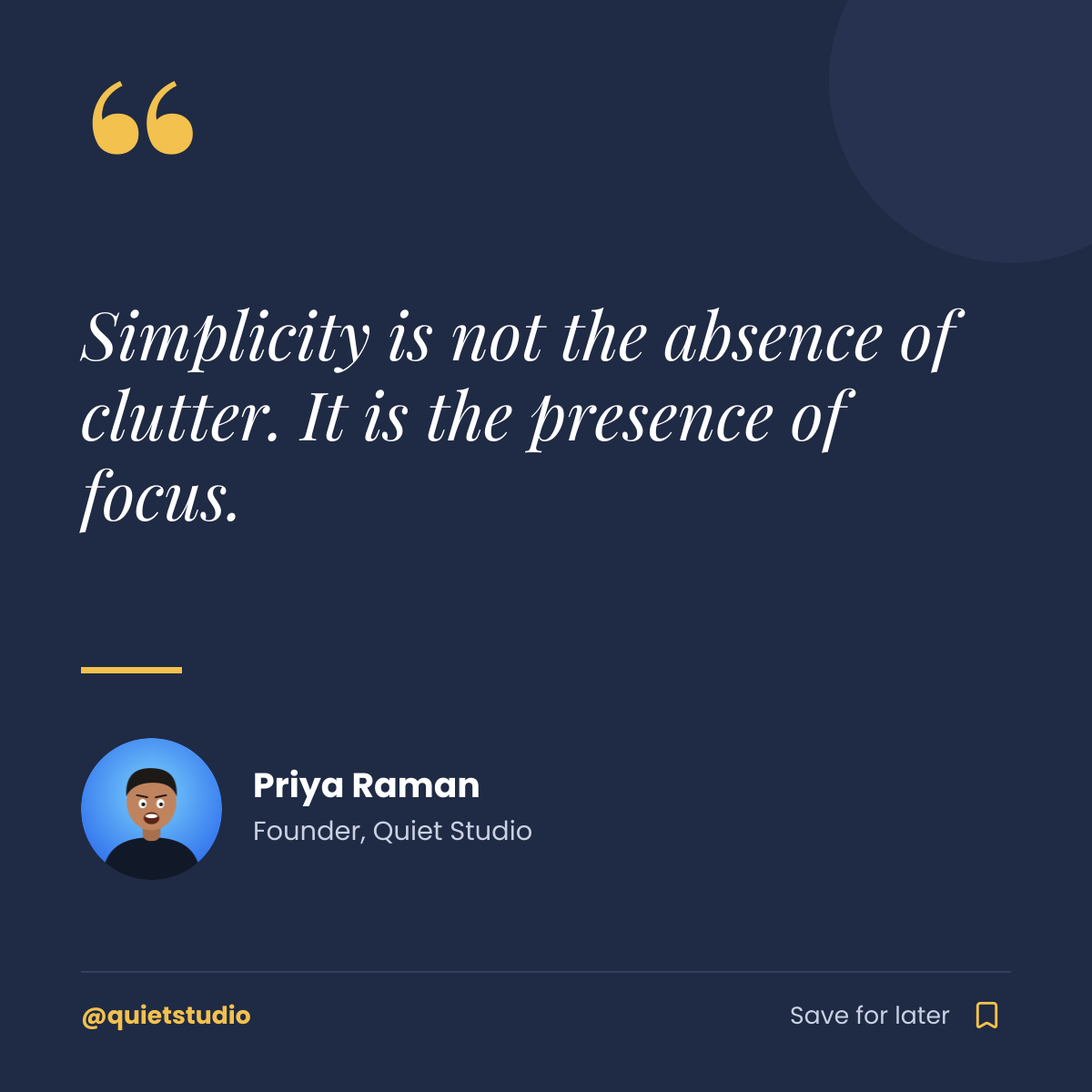
Preview of the Instagram Quote Post template: navy quote card with a gold quote mark, author portrait and save prompt
Social media

Instagram Quote Post

Navy quote card with a gold quote mark, author portrait and save prompt.
Instagram post · 1080 × 1080
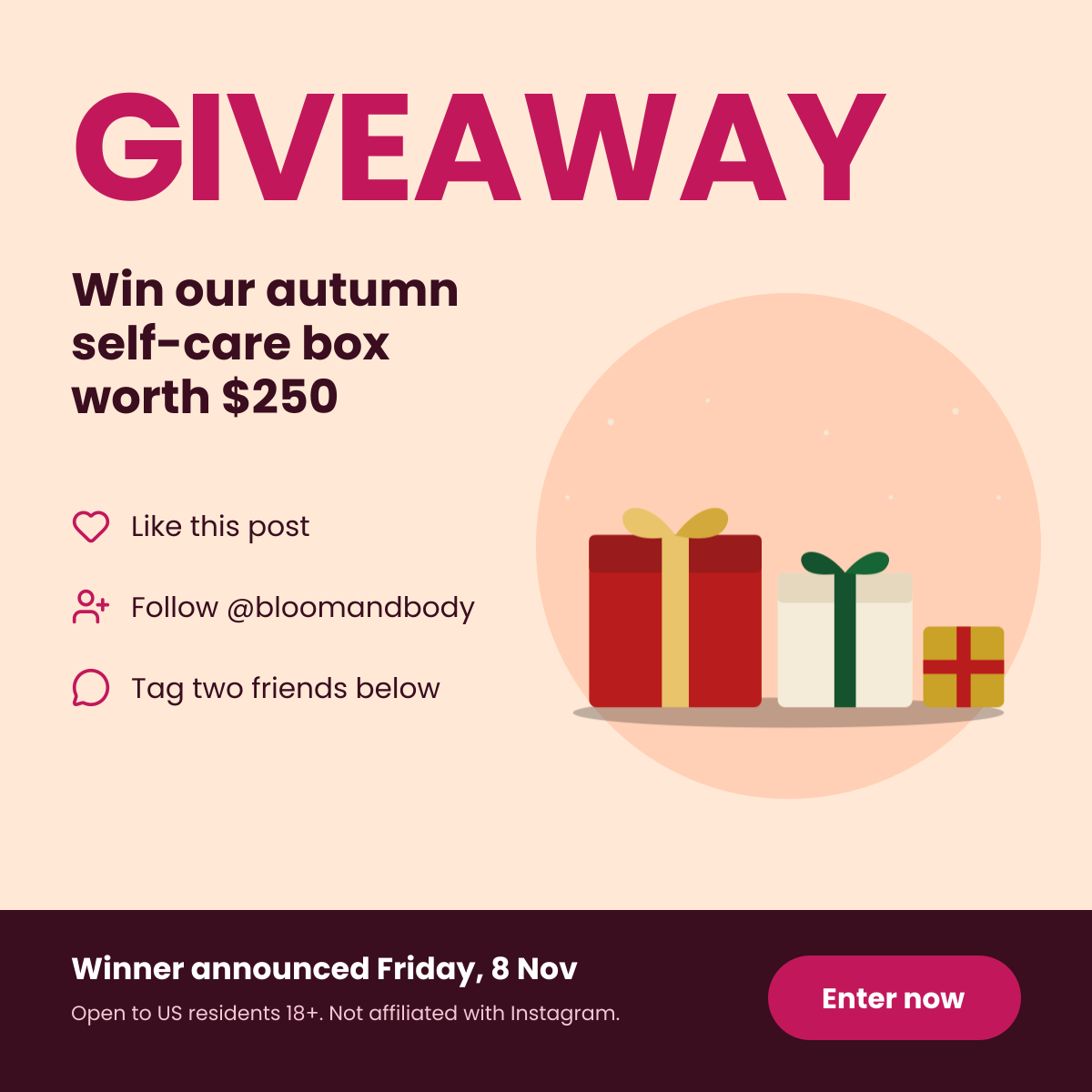
Preview of the Instagram Giveaway Post template: bold giveaway headline with the prize, three entry steps and terms
Social media

Instagram Giveaway Post

Bold giveaway headline with the prize, three entry steps and terms.
Instagram post · 1080 × 1080
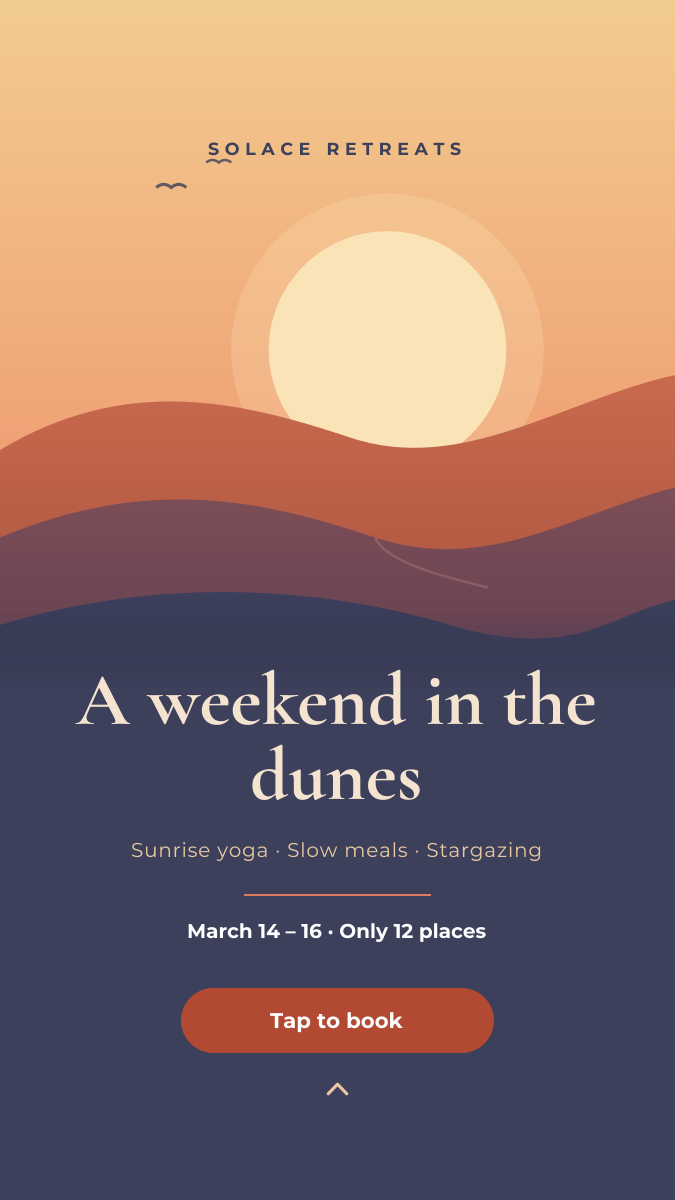
Preview of the Instagram Story template: full-bleed sunset image with event details and a tap-to-book button
Social media

Instagram Story

Full-bleed sunset image with event details and a tap-to-book button.

Instagram Story · 1080 × 1920

Start with the instagram travel post template

Your copy opens in the editor in seconds.

Use this template