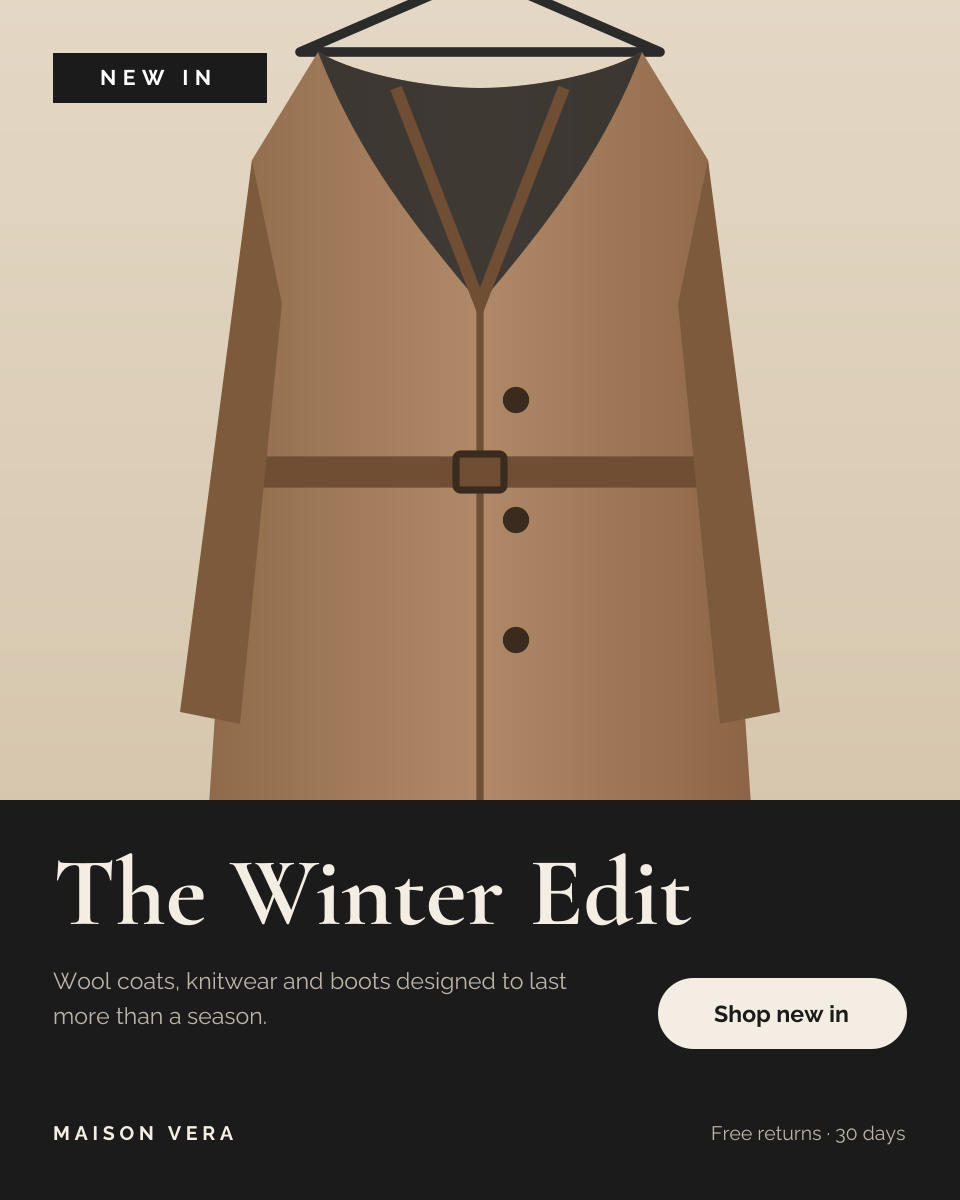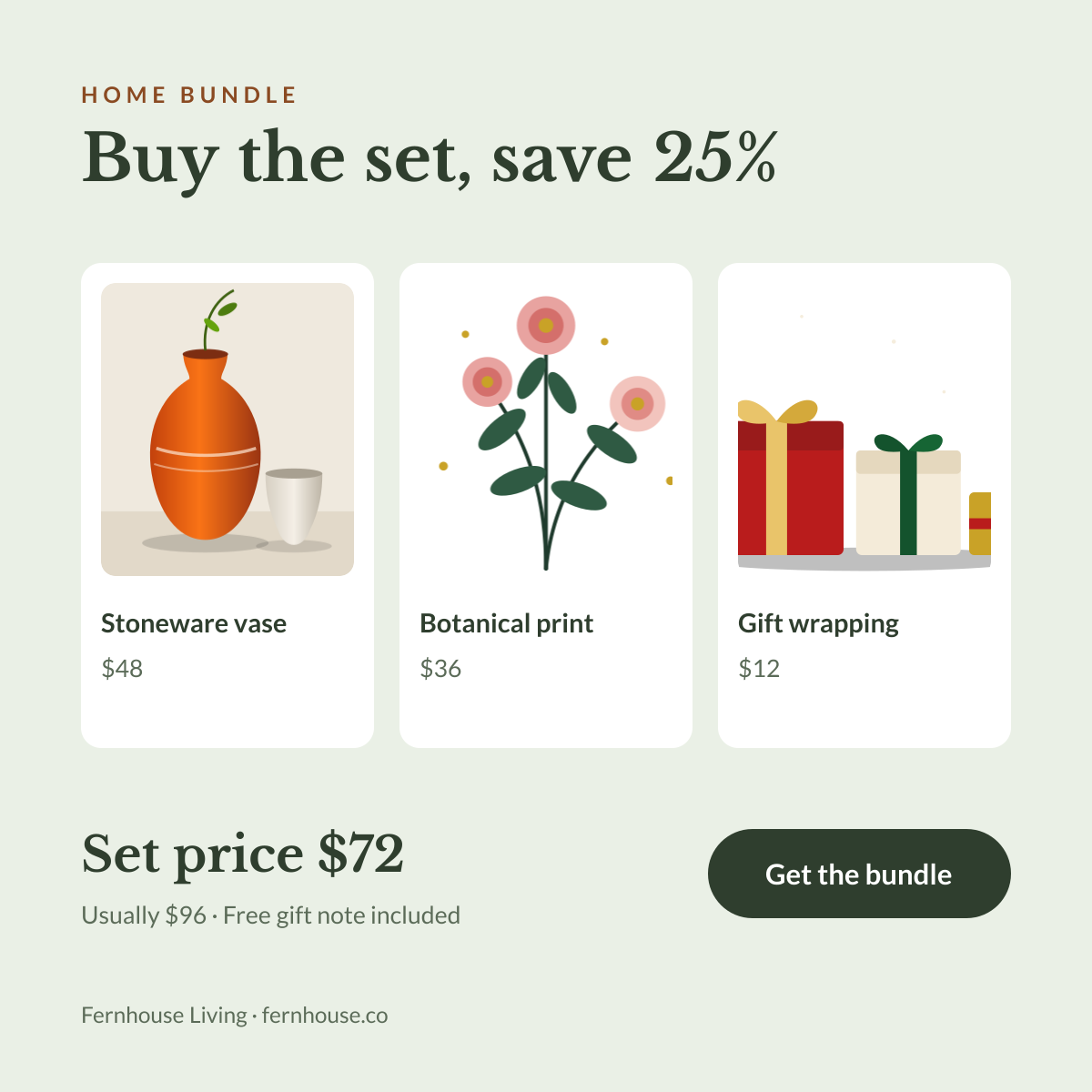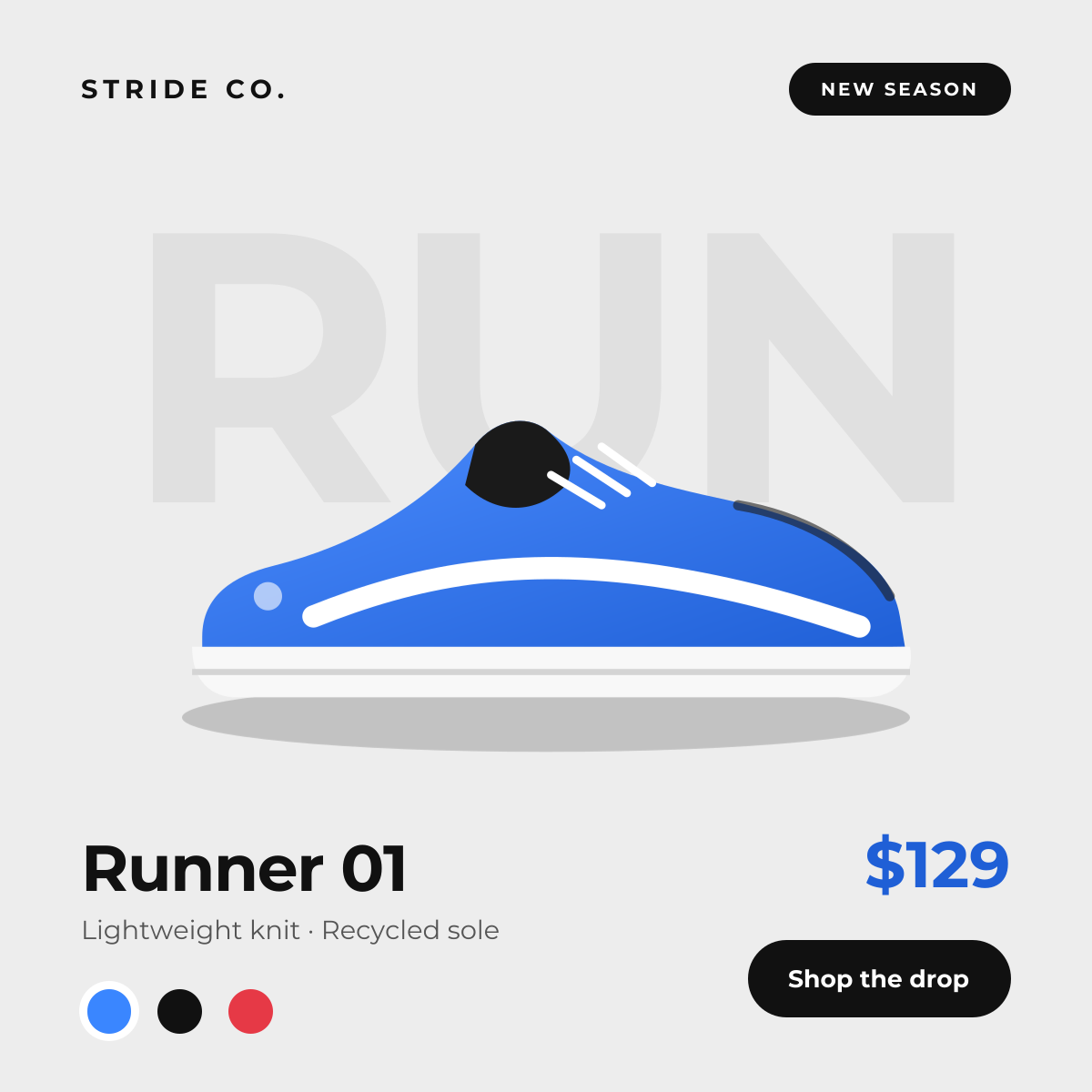
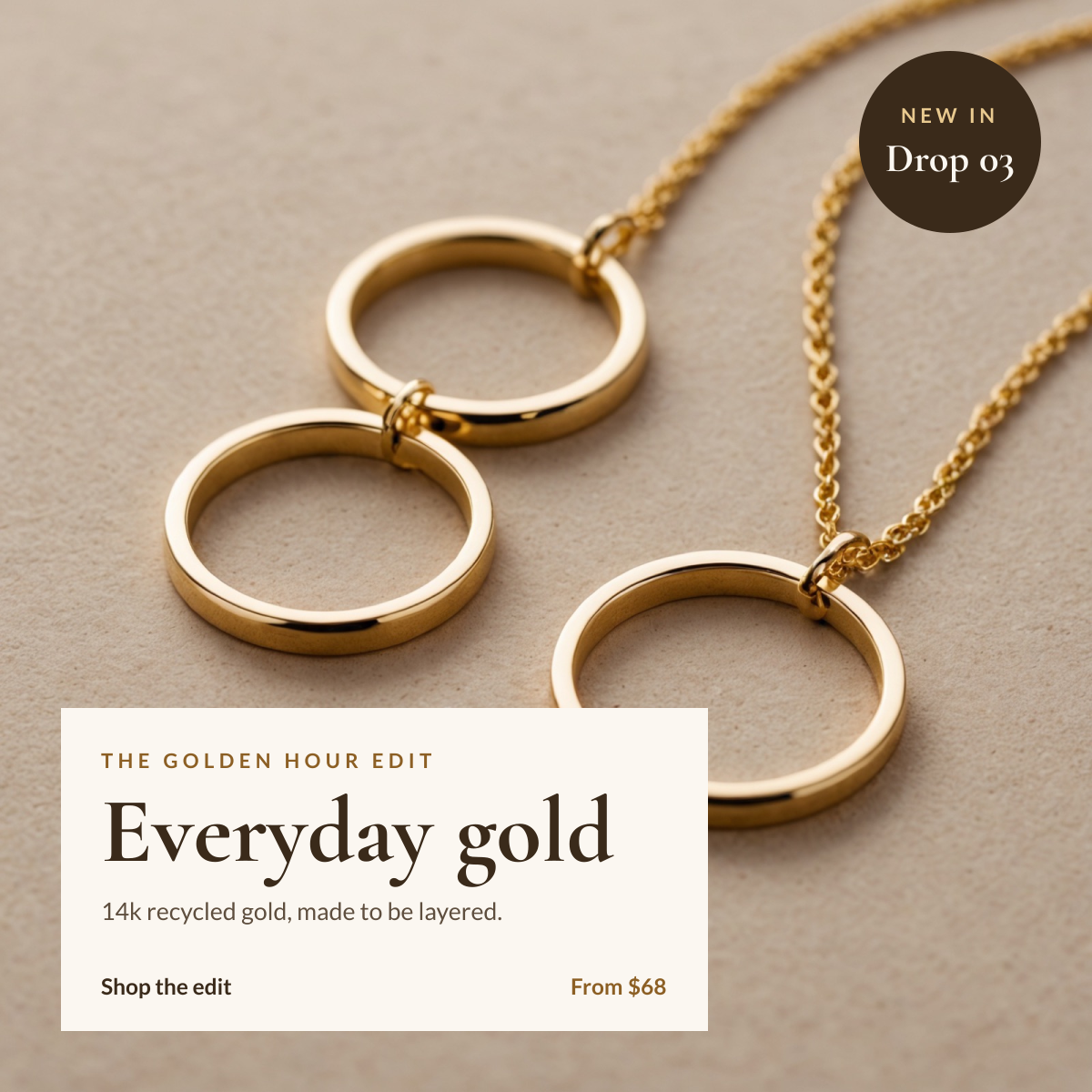
Preview of the Jewelry Collection Post template: gold jewelry product photo with a cream caption panel and a new-in badge
E-commerce & retail

Jewelry Collection Post Template

A square post for jewellery and accessory brands launching a collection. The product photo fills the canvas, a cream caption panel in the bottom-left holds the collection name, materials and starting price, and a dark circular badge in the top corner announces the drop.

Opens your own copy in the Liena editor — the original stays untouched. Free with a Liena account; downloads on the free plan include a small watermark.

Format
Instagram post
Size
1080 × 1080 px (1:1)
Fonts
Lato, Cormorant Garamond
Colours
Editable layers
10
Export
PNG, full resolution

Design details

The caption panel sits on the quietest part of the photo so the jewellery stays the hero. Cormorant Garamond's fine serifs suit fine jewellery, and Lato keeps the details and price readable at feed size. The palette is taken from the photo: warm stone, deep brown and a muted gold.

Best for

  • Launching a new jewellery collection or drop
  • Highlighting a best-selling piece
  • Gift guides and seasonal edits
  • Product posts for Etsy, Shopify and Instagram shops

How to customise it

  • Replace the photo with your own flat lay or model shot.
  • Rename the collection and update the materials line.
  • Change the starting price and the drop number in the badge.
  • Move the caption panel to another corner if it covers your product.

Everything in this template is editable

This isn’t a flat image. The design opens as 10 separate layers you can select and change individually.

7 text layers

Double-click to rewrite. Change font (Lato, Cormorant Garamond by default), size, weight, line height, letter spacing, alignment, case, colour and shadow.

1 image

Replace with your own upload, then crop, zoom, pan, flip, round the corners and adjust brightness, contrast, saturation or blur.

2 shapes

Recolour fills with any hex or brand colour, change opacity and corner radius, or resize and rotate decorative elements.

Layers & layout

Drag to move, resize from any handle, rotate, nudge with arrow keys, reorder or hide layers, duplicate and delete — with undo and redo.

Background & brand

Change the background colour or add a background image, and apply colours and logos from your Liena brand kit.

How to use this template

  1. Click “Use this template”. If you’re new to Liena, create a free account first — you’ll come straight back to this design.
  2. Edit the text, replace images and adjust colours. Changes save automatically every 30 seconds, or press Save at any time.
  3. Export a PNG at 1080 × 1080 px. Your design stays in your dashboard to edit again later.
Preview of the Product Showcase template: studio-style product drop with background type and colour swatches
E-commerce & retail

Product Showcase

Studio-style product drop with background type and colour swatches.
Instagram post · 1080 × 1080
Preview of the New Arrivals Post template: editorial “new in” post with a large photo and a dark caption panel
E-commerce & retail

New Arrivals Post

Editorial “New in” post with a large photo and a dark caption panel.
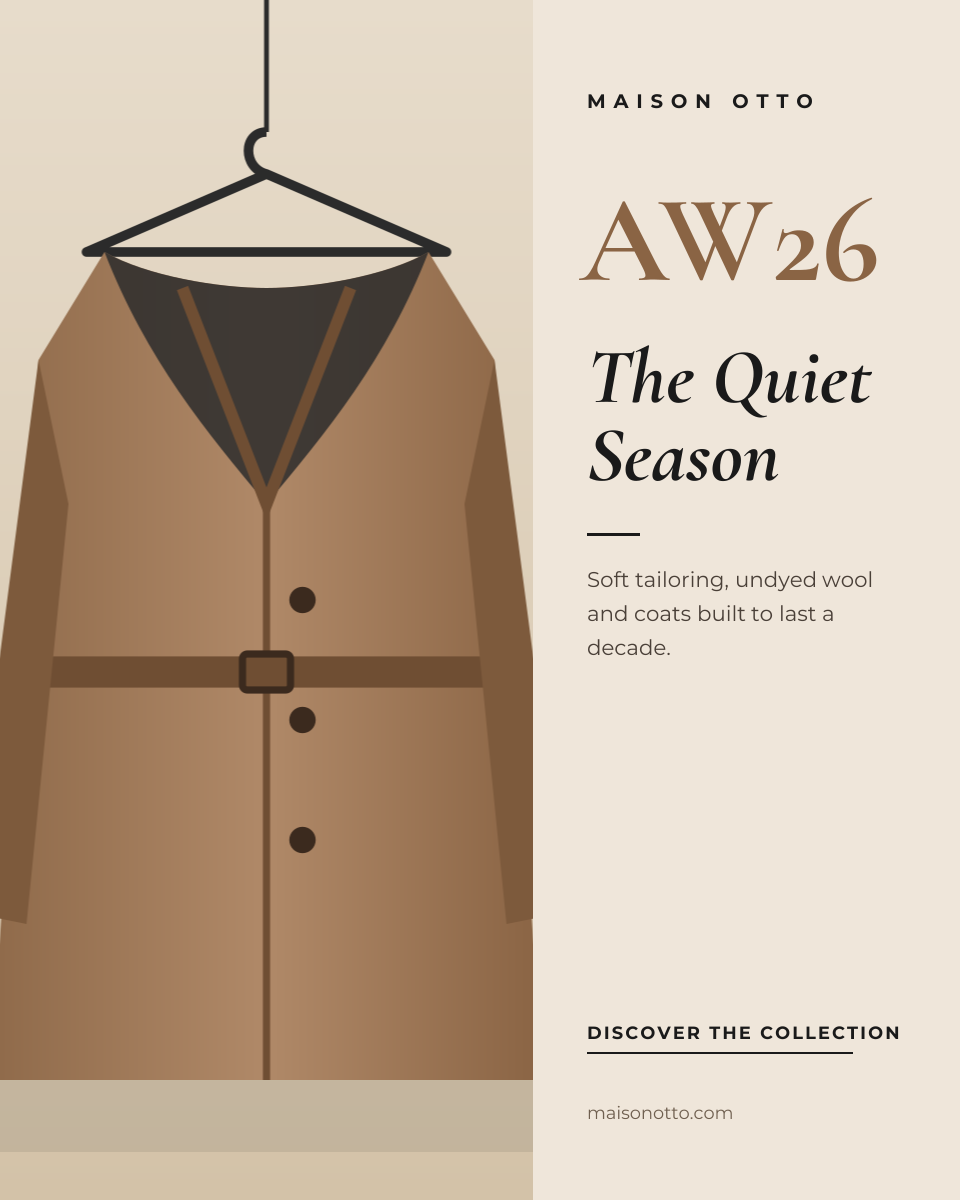
Portrait post (4:5) · 1080 × 1350
Preview of the Fashion Campaign template: quiet, editorial collection launch with a tall campaign image
E-commerce & retail

Fashion Campaign

Quiet, editorial collection launch with a tall campaign image.

Portrait post (4:5) · 1080 × 1350
Preview of the Product Bundle Deal template: three product cards with prices and a bundle price that shows the saving
E-commerce & retail

Product Bundle Deal

Three product cards with prices and a bundle price that shows the saving.

Instagram post · 1080 × 1080

Start with the jewelry collection post template

Your copy opens in the editor in seconds.

Use this template