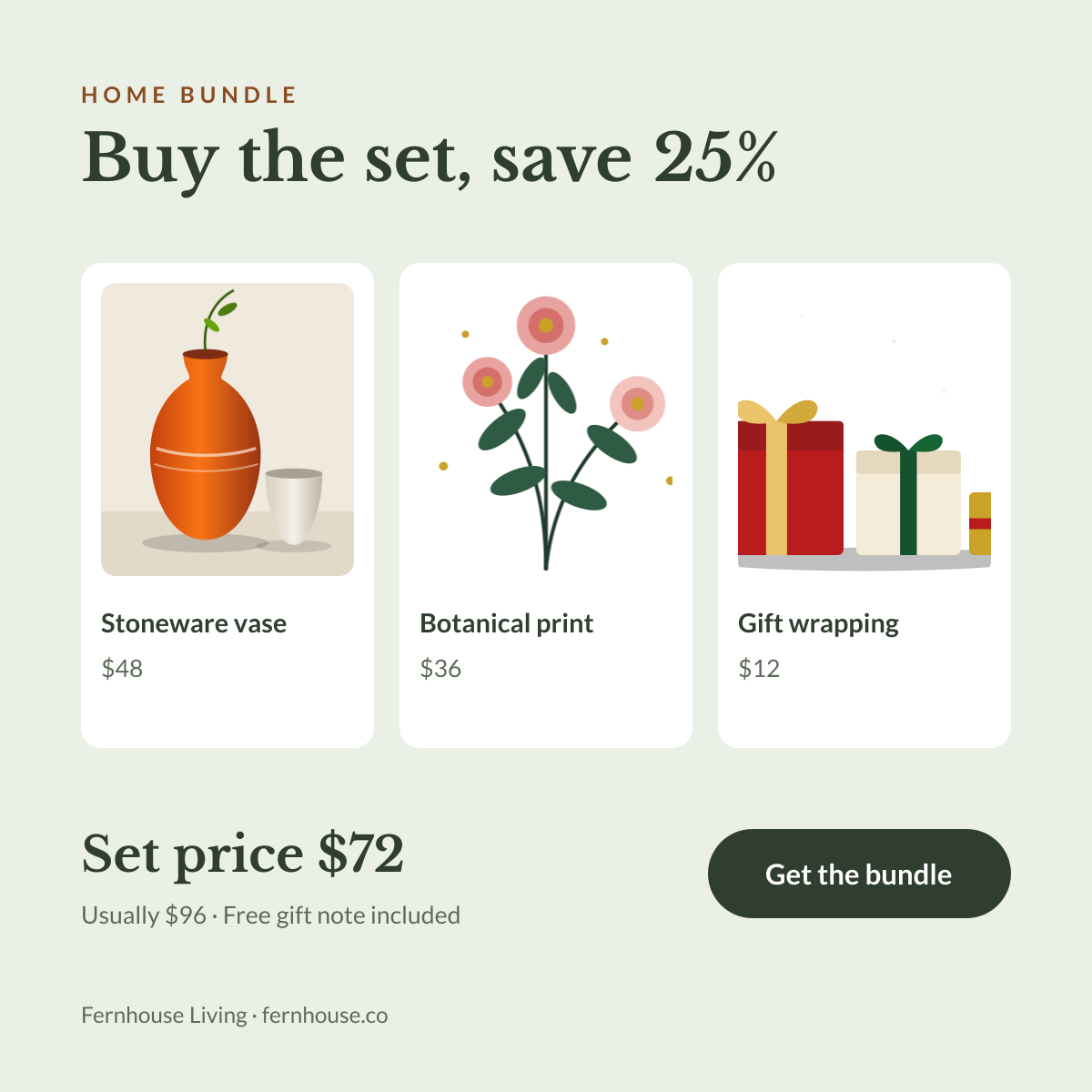
Preview of the Product Bundle Deal template: three product cards with prices and a bundle price that shows the saving
E-commerce & retail

Product Bundle Deal Template

Bundles sell better when people can see what is inside and how much they save. This square post lines up three product cards with their own photos and prices, then shows the bundle price alongside the usual total. A clear “Get the bundle” button finishes the post.

Opens your own copy in the Liena editor — the original stays untouched. Free with a Liena account; downloads on the free plan include a small watermark.

Format
Instagram post
Size
1080 × 1080 px (1:1)
Fonts
Lato, Libre Baskerville
Colours
Editable layers
19
Export
PNG, full resolution

Design details

Sage, white and deep forest green feel natural and calm, which suits homeware and lifestyle brands. Libre Baskerville brings a boutique feel to the headline and bundle price, while Lato keeps product names and prices clear. The white cards keep product photos consistent even when they are shot on different backgrounds.

Best for

  • Home decor and gift sets
  • “Complete the look” and starter kits
  • Holiday gift bundles and hampers
  • Upselling slow-moving items alongside bestsellers

How to customise it

  • Replace each card’s illustration with a product photo and update its name and price.
  • Make sure the set price and “Usually” total add up — shoppers check.
  • Change the headline saving to match your discount.
  • Delete a card and widen the others if your bundle has two items.

Everything in this template is editable

This isn’t a flat image. The design opens as 19 separate layers you can select and change individually.

12 text layers

Double-click to rewrite. Change font (Lato, Libre Baskerville by default), size, weight, line height, letter spacing, alignment, case, colour and shadow.

3 images

Replace with your own upload, then crop, zoom, pan, flip, round the corners and adjust brightness, contrast, saturation or blur.

4 shapes

Recolour fills with any hex or brand colour, change opacity and corner radius, or resize and rotate decorative elements.

Layers & layout

Drag to move, resize from any handle, rotate, nudge with arrow keys, reorder or hide layers, duplicate and delete — with undo and redo.

Background & brand

Change the background colour or add a background image, and apply colours and logos from your Liena brand kit.

How to use this template

  1. Click “Use this template”. If you’re new to Liena, create a free account first — you’ll come straight back to this design.
  2. Edit the text, replace images and adjust colours. Changes save automatically every 30 seconds, or press Save at any time.
  3. Export a PNG at 1080 × 1080 px. Your design stays in your dashboard to edit again later.
Preview of the Product Showcase template: studio-style product drop with background type and colour swatches
E-commerce & retail

Product Showcase

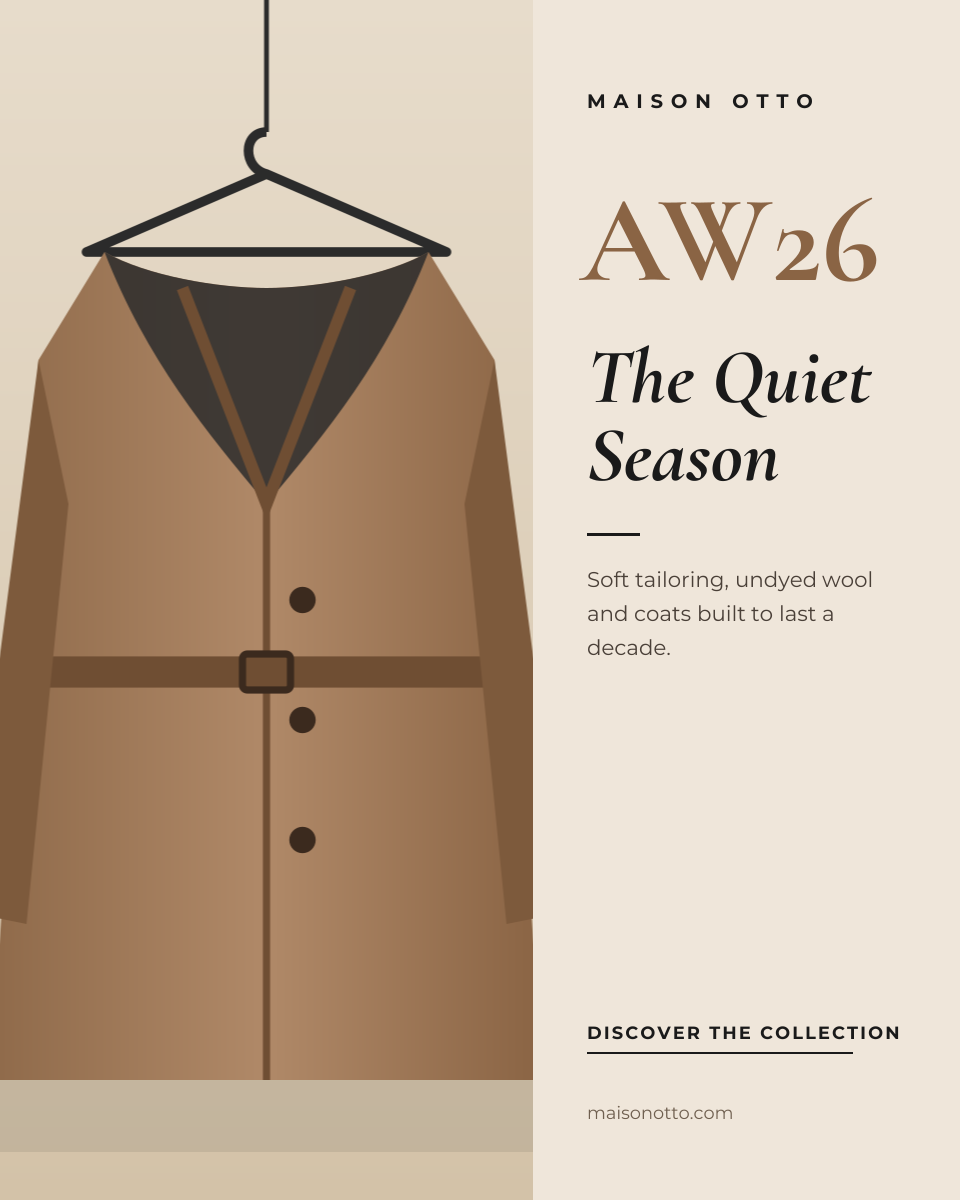
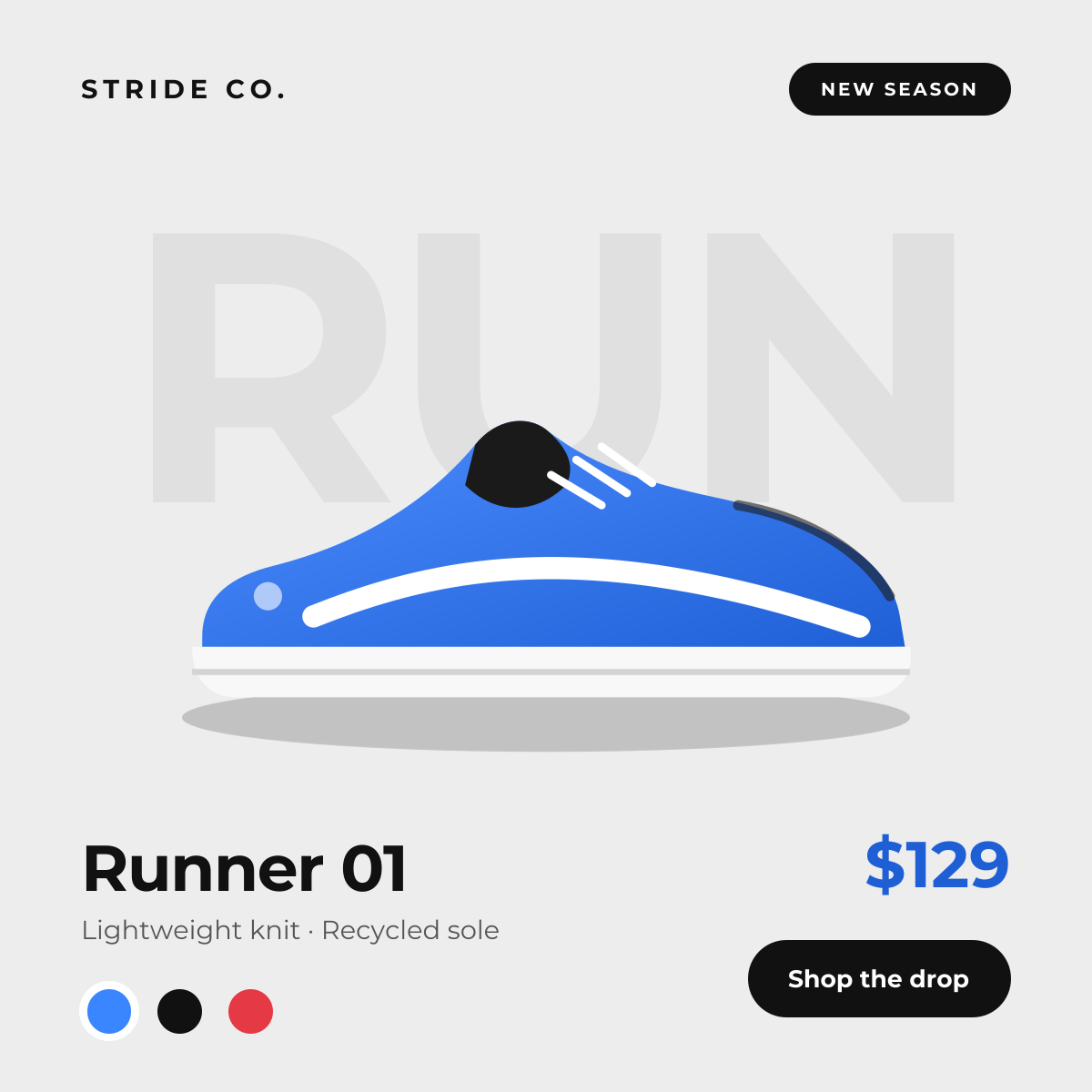
Studio-style product drop with background type and colour swatches.
Instagram post · 1080 × 1080
Preview of the Fashion Campaign template: quiet, editorial collection launch with a tall campaign image
E-commerce & retail

Fashion Campaign

Quiet, editorial collection launch with a tall campaign image.

Portrait post (4:5) · 1080 × 1350
Preview of the Beauty & Skincare Promotion template: soft peach story with a product hero, ingredient chips and discount
E-commerce & retail

Beauty & Skincare Promotion

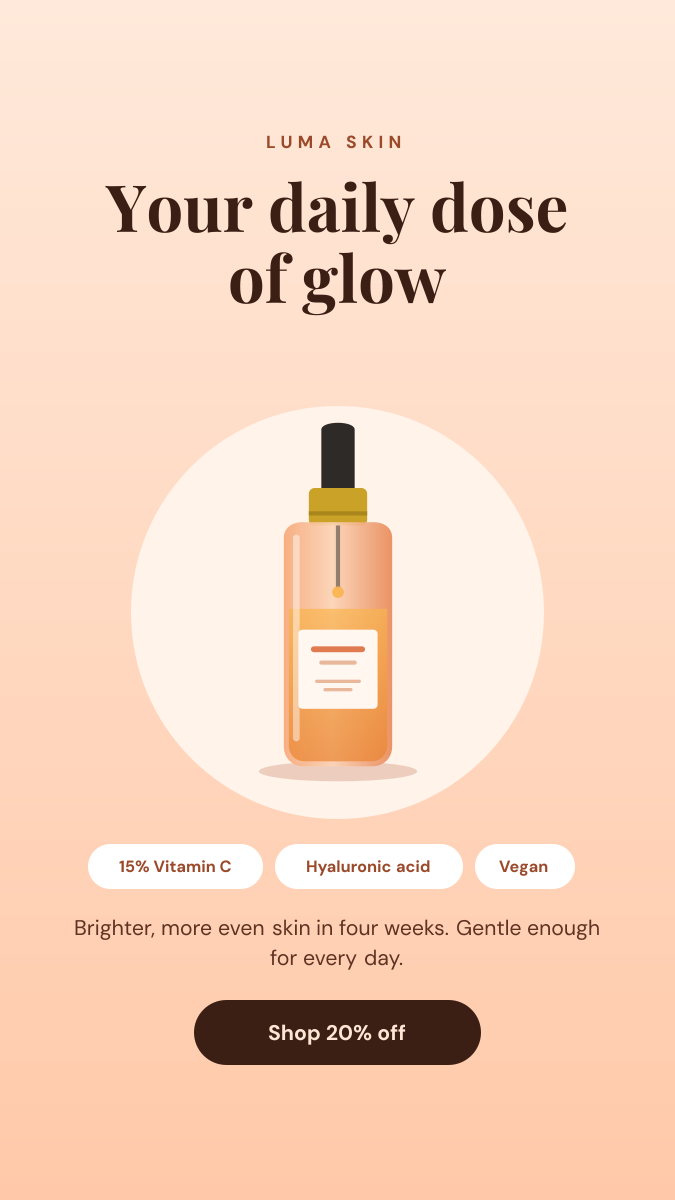
Soft peach Story with a product hero, ingredient chips and discount.
Instagram Story · 1080 × 1920
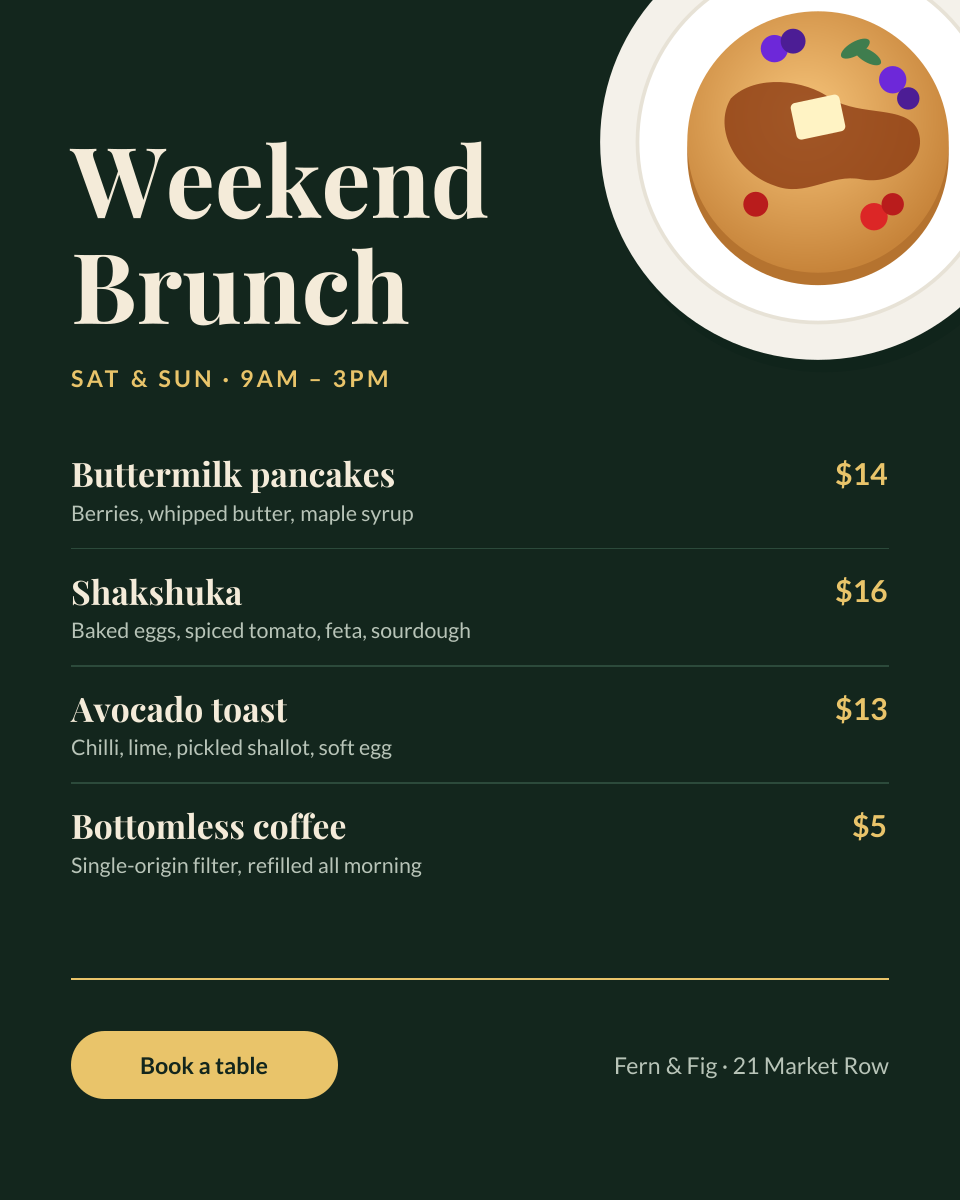
Preview of the Restaurant Menu Promotion template: chalkboard-style brunch menu with dishes, prices and a booking button
E-commerce & retail

Restaurant Menu Promotion

Chalkboard-style brunch menu with dishes, prices and a booking button.

Portrait post (4:5) · 1080 × 1350

Start with the product bundle deal template

Your copy opens in the editor in seconds.

Use this template