Preview of the Livestream Thumbnail template: dark stream thumbnail with a live badge, schedule and channel avatar
Creators & events

Livestream Thumbnail Template

Upcoming streams need to say “live” and “when” at a glance. This 1280×720 thumbnail puts a red LIVE badge and the start time at the top, a big three-line title on the left and your setup on the right, blended into the dark background with a gradient. The channel avatar and a reminder prompt sit in the bottom corner.

Opens your own copy in the Liena editor — the original stays untouched. Free with a Liena account; downloads on the free plan include a small watermark.

Format
YouTube thumbnail
Size
1280 × 720 px (16:9)
Fonts
Poppins, Inter
Colours
Editable layers
11
Export
PNG, full resolution

Design details

Midnight navy with a rose-red badge and a cyan accent reads like a streaming UI. Poppins Bold at 84px keeps the title readable even in the small thumbnails YouTube shows on phones. The gradient layer fades the setup image into the background so the title never sits on a busy photo.

Best for

  • Scheduled YouTube livestreams and premieres
  • Twitch and LinkedIn Live announcements
  • Live coding, Q&A and workshop streams
  • Replay thumbnails after the stream

How to customise it

  • Replace the setup image with a screenshot or photo of your stream.
  • Edit the title — three short lines work better than two long ones.
  • Update the day and time with your time zone.
  • Swap the avatar and channel name for your own.

Everything in this template is editable

This isn’t a flat image. The design opens as 11 separate layers you can select and change individually.

6 text layers

Double-click to rewrite. Change font (Poppins, Inter by default), size, weight, line height, letter spacing, alignment, case, colour and shadow.

2 images

Replace with your own upload, then crop, zoom, pan, flip, round the corners and adjust brightness, contrast, saturation or blur.

3 shapes

Recolour fills with any hex or brand colour, change opacity and corner radius, or resize and rotate decorative elements.

Layers & layout

Drag to move, resize from any handle, rotate, nudge with arrow keys, reorder or hide layers, duplicate and delete — with undo and redo.

Background & brand

Change the background colour or add a background image, and apply colours and logos from your Liena brand kit.

How to use this template

  1. Click “Use this template”. If you’re new to Liena, create a free account first — you’ll come straight back to this design.
  2. Edit the text, replace images and adjust colours. Changes save automatically every 30 seconds, or press Save at any time.
  3. Export a PNG at 1280 × 720 px. Your design stays in your dashboard to edit again later.
Preview of the YouTube Thumbnail template: high-contrast challenge thumbnail with a highlight banner and arrow
Creators & events

YouTube Thumbnail

High-contrast challenge thumbnail with a highlight banner and arrow.

YouTube thumbnail · 1280 × 720
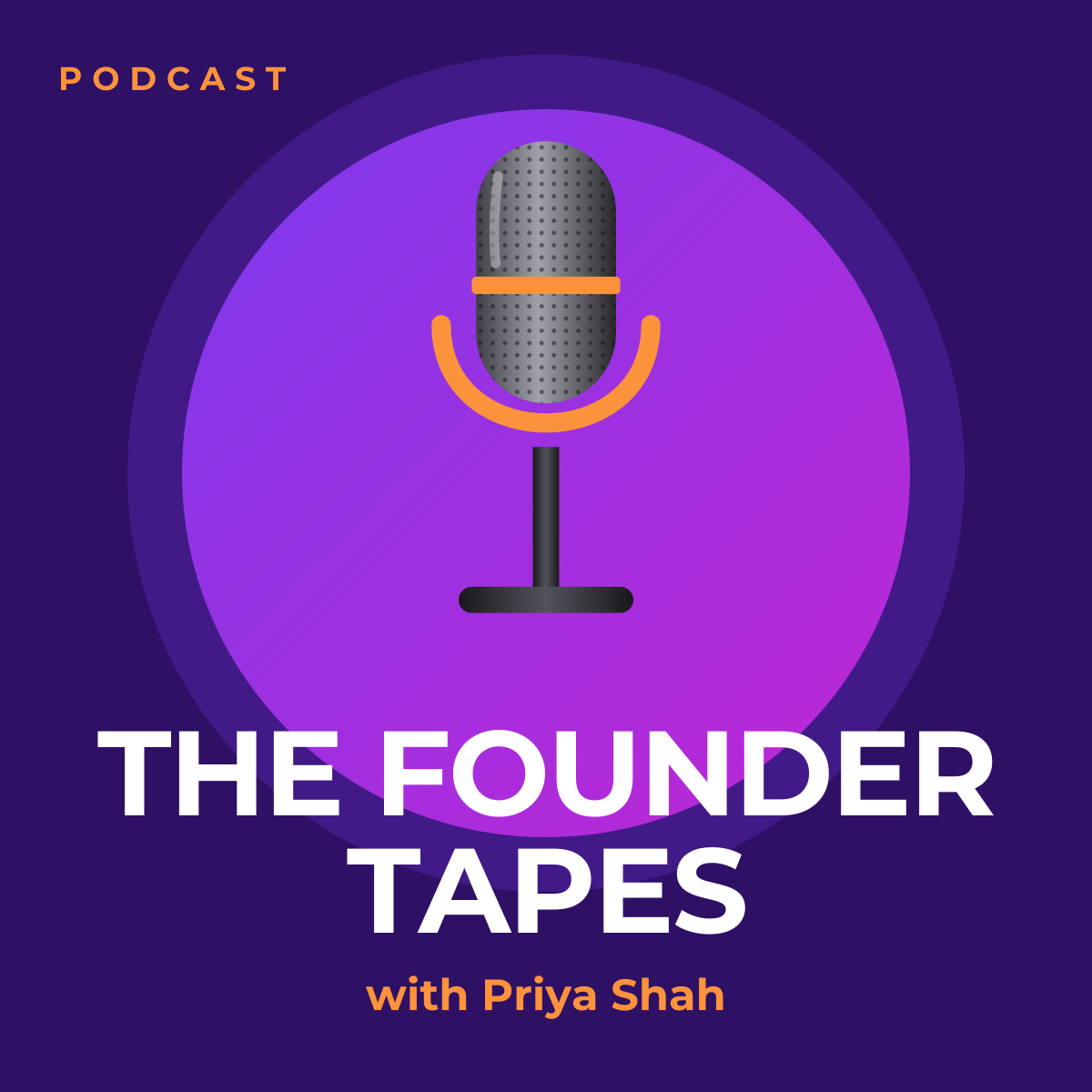
Preview of the Podcast Cover Art template: 3000 × 3000 show artwork with a microphone and bold title
Creators & events

Podcast Cover Art

3000 × 3000 show artwork with a microphone and bold title.

Podcast cover art · 3000 × 3000
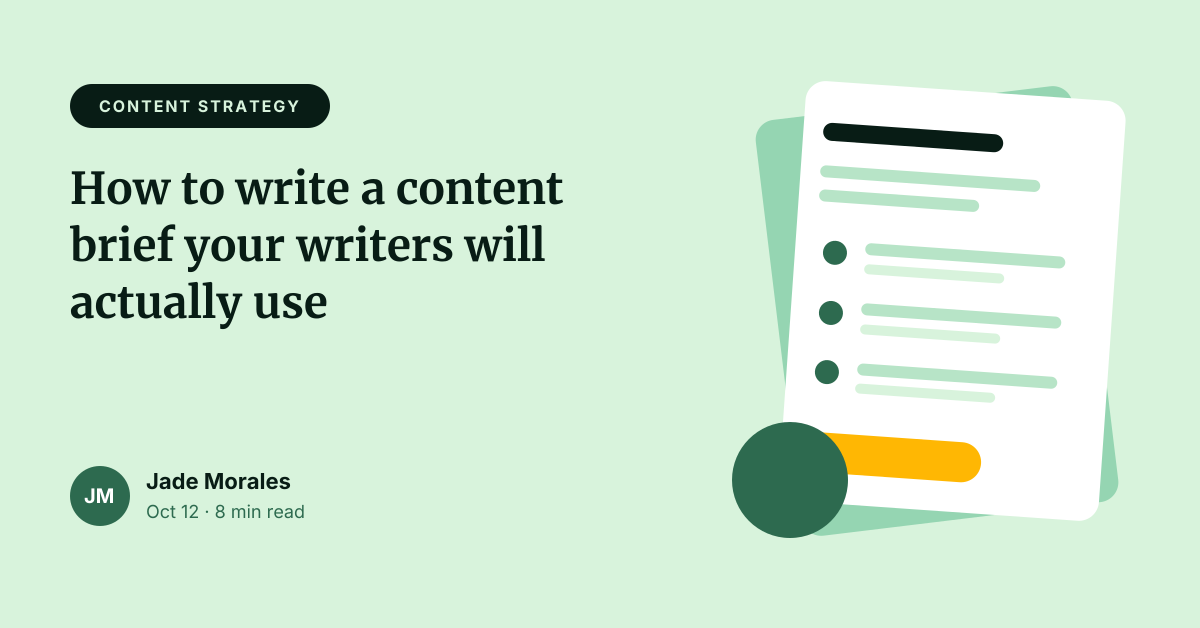
Preview of the Blog Featured Image template: article header with category tag, title, byline and illustration
Creators & events

Blog Featured Image

Article header with category tag, title, byline and illustration.
Web banner · 1200 × 628
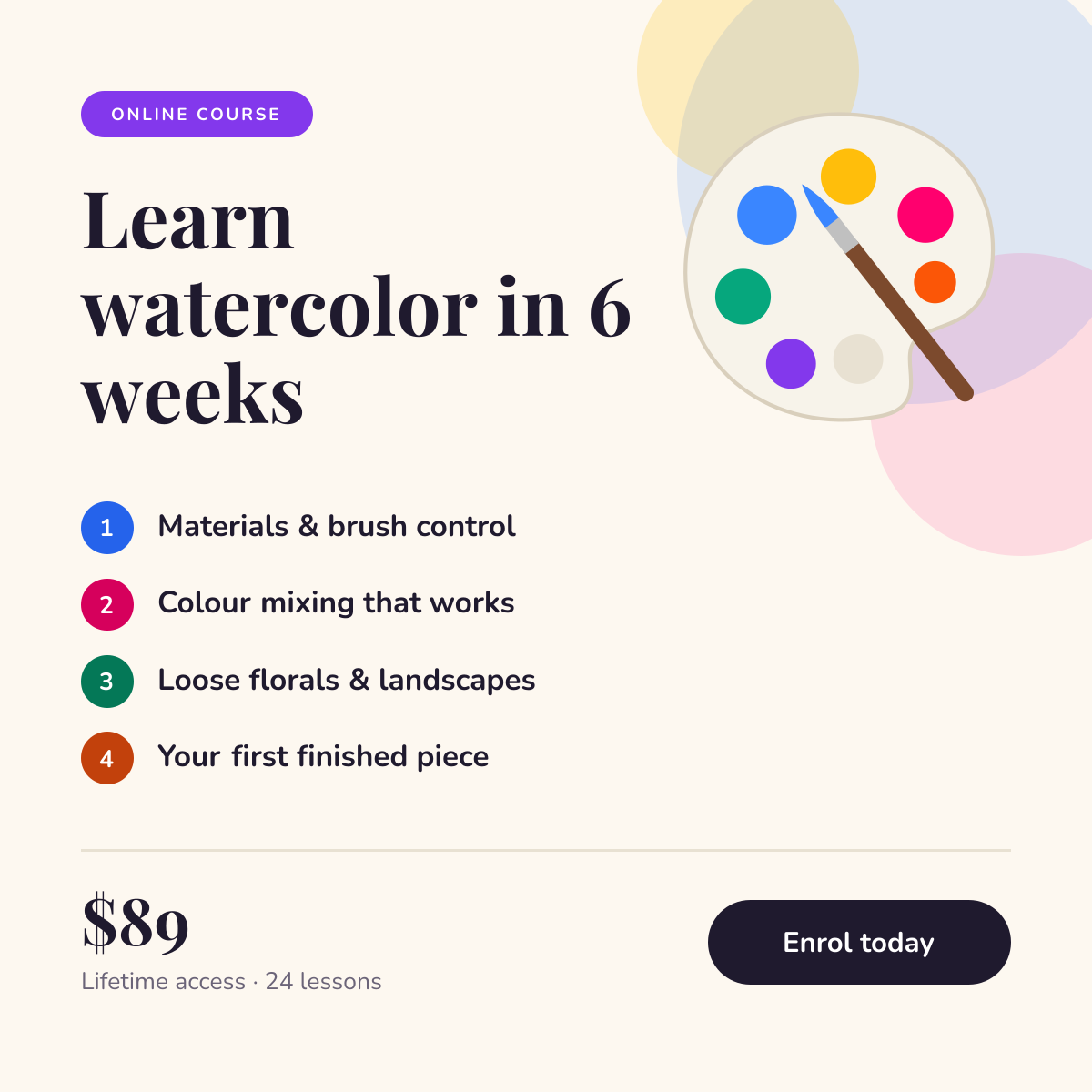
Preview of the Online Course Promotion template: course launch post with a numbered curriculum, price and enrol button
Creators & events

Online Course Promotion

Course launch post with a numbered curriculum, price and enrol button.

Instagram post · 1080 × 1080

Start with the livestream thumbnail template

Your copy opens in the editor in seconds.

Use this template