Preview of the Meet the Team Slide template: cream slide with three team member cards in peach, blue and lime and a dark hiring card
Business & branding

Meet the Team Slide Template

A meet the team slide for start-ups, agencies and small companies introducing their people in a pitch deck or company presentation. Three team members stand on peach, blue and lime cards with their names and roles below, and a fourth dark card asks You? with a line about open roles and a See open roles button.

Opens your own copy in the Liena editor — the original stays untouched. Free with a Liena account; downloads on the free plan include a small watermark.

Format
Presentation slide (16:9)
Size
1920 × 1080 px (16:9)
Fonts
Bricolage Grotesque
Colours
Editable layers
23
Export
PNG, full resolution

Design details

Bricolage Grotesque has a friendly, slightly quirky shape that makes a team feel approachable. Soft pastel cards give each person their own colour while the dark hiring card stands out.

Best for

  • Pitch deck team slides
  • Company overview and about us decks
  • Client proposals and agency credentials
  • Recruiting and careers presentations

How to customise it

  • Swap in photos of your own team.
  • Change the names and roles.
  • Edit the hiring card or replace it with a fourth person.
  • Change the card colours to your brand.

Everything in this template is editable

This isn’t a flat image. The design opens as 23 separate layers you can select and change individually.

14 text layers

Double-click to rewrite. Change font (Bricolage Grotesque by default), size, weight, line height, letter spacing, alignment, case, colour and shadow.

3 images

Replace with your own upload, then crop, zoom, pan, flip, round the corners and adjust brightness, contrast, saturation or blur.

5 shapes

Recolour fills with any hex or brand colour, change opacity and corner radius, or resize and rotate decorative elements.

1 icon

Recolour, resize or delete icons, and add new ones from the built-in Iconify icon search.

Layers & layout

Drag to move, resize from any handle, rotate, nudge with arrow keys, reorder or hide layers, duplicate and delete — with undo and redo.

Background & brand

Change the background colour or add a background image, and recolour any shape or text to match your style.

How to use this template

  1. Click “Use this template”. If you’re new to Liena, create a free account first — you’ll come straight back to this design.
  2. Edit the text, replace images and adjust colours. Changes save automatically every 30 seconds, or press Save at any time.
  3. Export a PNG at 1920 × 1080 px. Your design stays in your dashboard to edit again later.
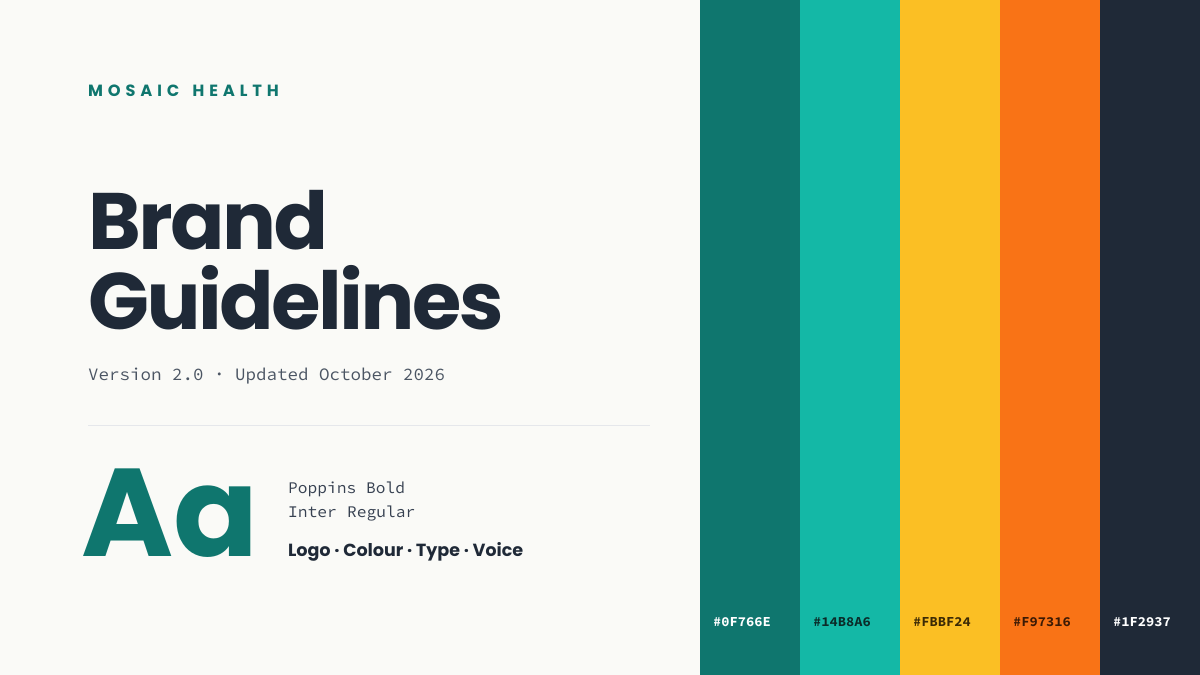
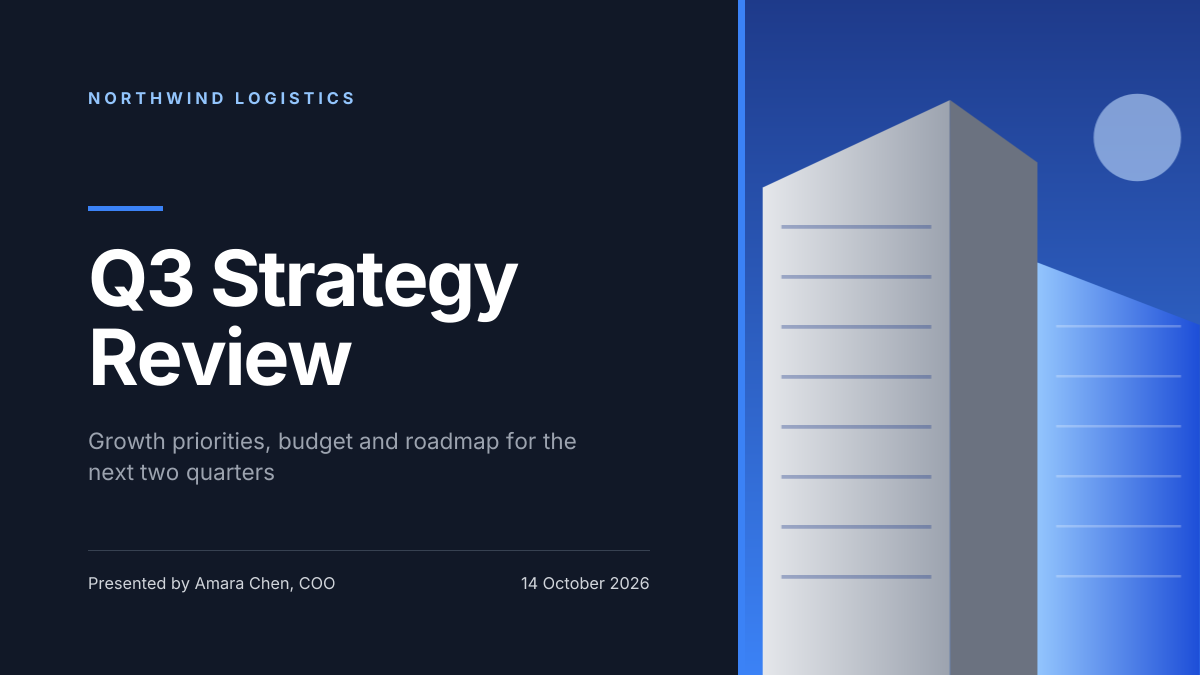
Preview of the Corporate Presentation Cover template: dark 16:9 title slide with an architectural image panel
Business & branding

Corporate Presentation Cover

Dark 16:9 title slide with an architectural image panel.

Presentation slide (16:9) · 1920 × 1080
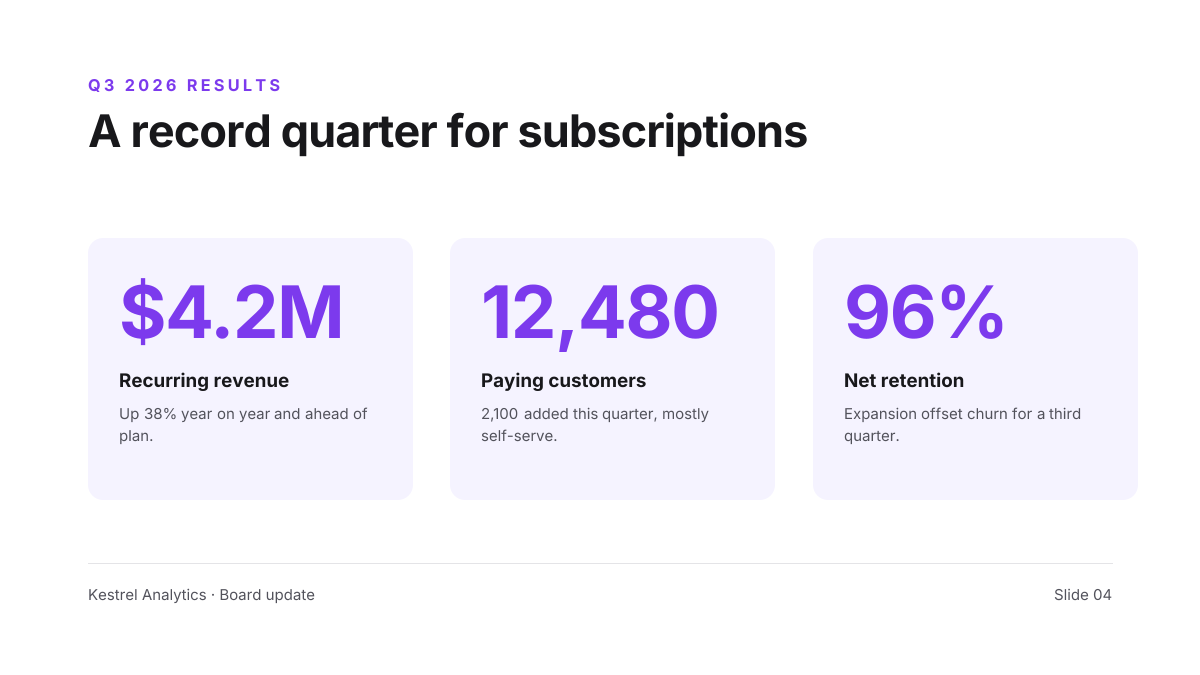
Preview of the Brand Guidelines Cover template: brand book opener with colour swatches, hex codes and a type specimen
Business & branding

Brand Guidelines Cover

Brand book opener with colour swatches, hex codes and a type specimen.
Presentation slide (16:9) · 1920 × 1080
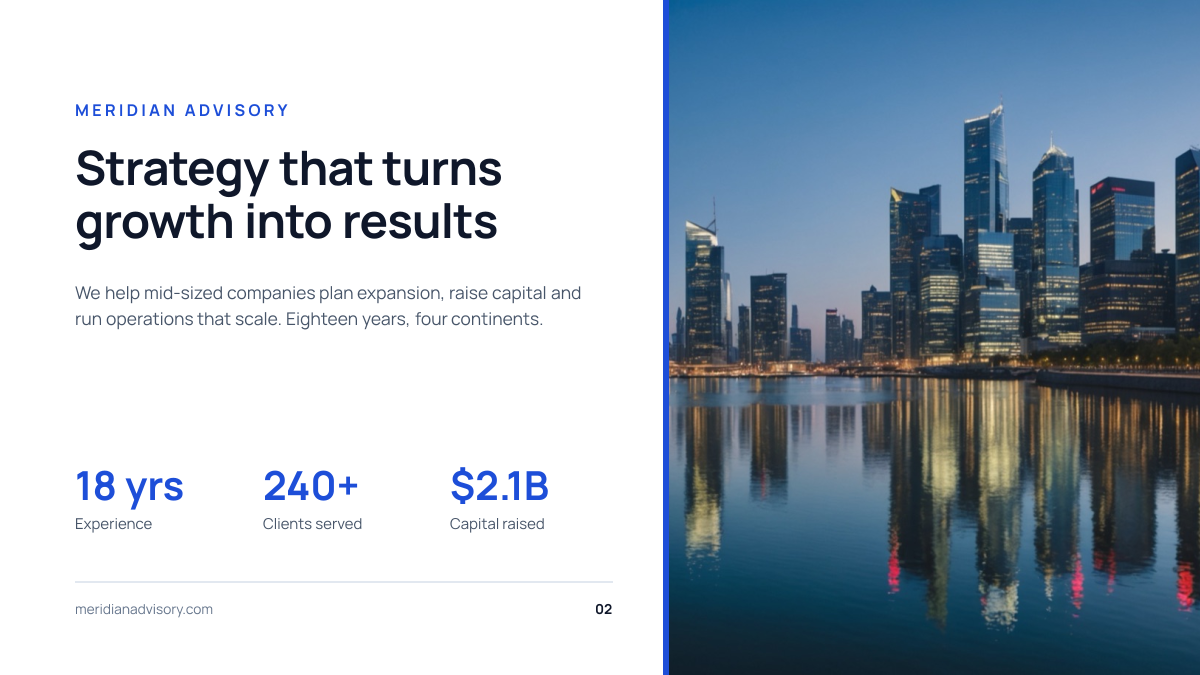
Preview of the Quarterly Results Slide template: three big-number kpi cards under a one-line takeaway headline
Business & branding

Quarterly Results Slide

Three big-number KPI cards under a one-line takeaway headline.
Presentation slide (16:9) · 1920 × 1080
Preview of the Company Overview Slide template: clean white slide with three key stats beside a city skyline photo
Business & branding

Company Overview Slide

Clean white slide with three key stats beside a city skyline photo.

Presentation slide (16:9) · 1920 × 1080

Start with the meet the team slide template

Your copy opens in the editor in seconds.

Use this template