Social media
Hair Salon Offer Story
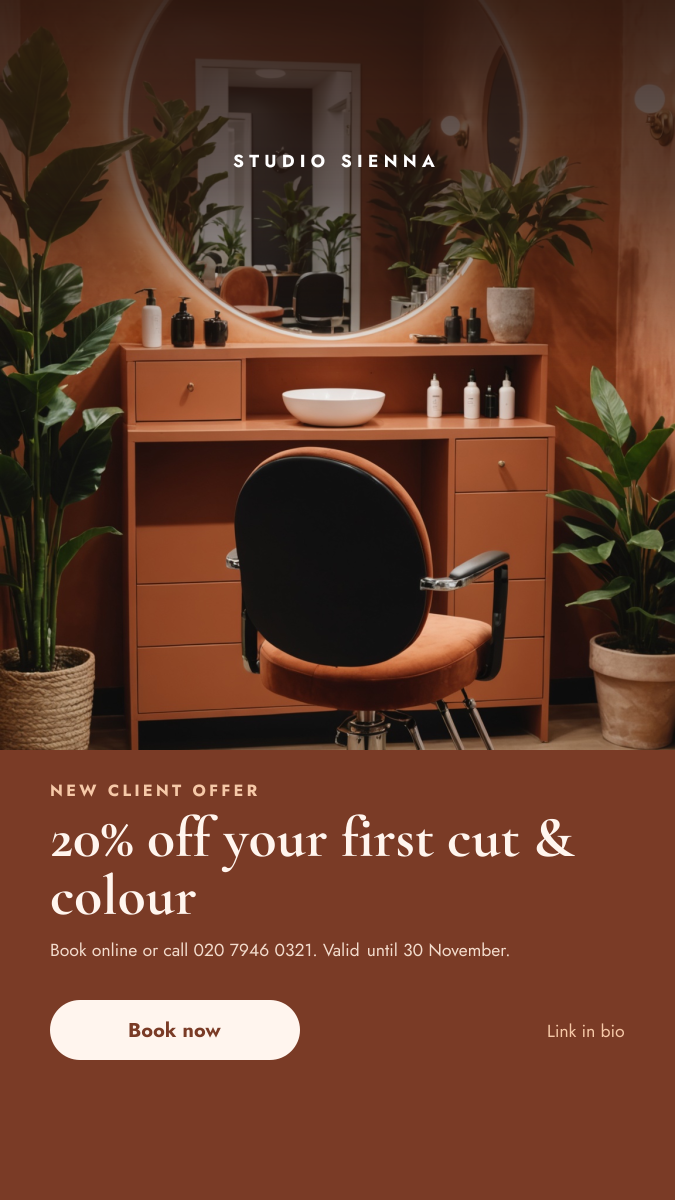
Salon interior photo above a terracotta panel with a new client discount and button.
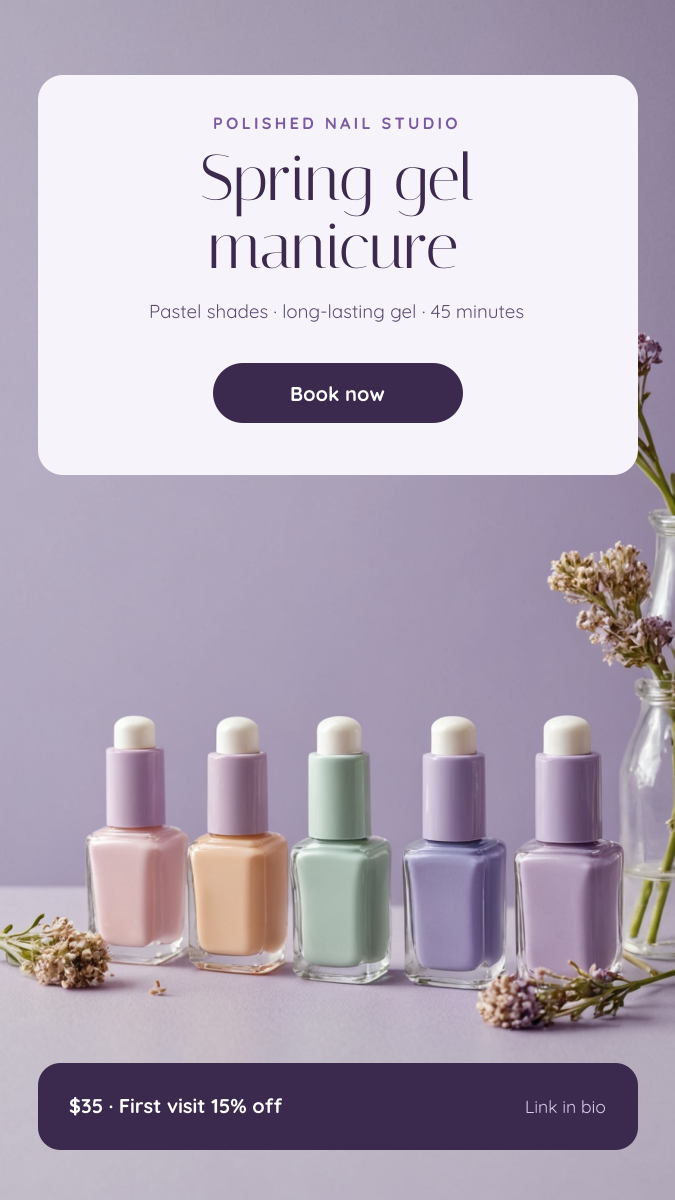
A soft, pastel Story for nail salons, nail artists and beauty studios. A row of lilac, mint and blush polishes sits in the middle of the frame, with a pale card at the top for the service and a deep plum bar at the bottom for the price and offer.
Opens your own copy in the Liena editor — the original stays untouched. Free with a Liena account; downloads on the free plan include a small watermark.
Italiana's tall, fine letters feel light and polished, and Quicksand's rounded shapes keep the small print friendly. The plum text and bars are a darker shade of the lilac backdrop, so the Story looks calm and of a piece. The middle of the frame is left clear for the product.
This isn’t a flat image. The design opens as 10 separate layers you can select and change individually.
Double-click to rewrite. Change font (Quicksand, Italiana by default), size, weight, line height, letter spacing, alignment, case, colour and shadow.
Replace with your own upload, then crop, zoom, pan, flip, round the corners and adjust brightness, contrast, saturation or blur.
Recolour fills with any hex or brand colour, change opacity and corner radius, or resize and rotate decorative elements.
Drag to move, resize from any handle, rotate, nudge with arrow keys, reorder or hide layers, duplicate and delete — with undo and redo.
Change the background colour or add a background image, and recolour any shape or text to match your style.
Salon interior photo above a terracotta panel with a new client discount and button.
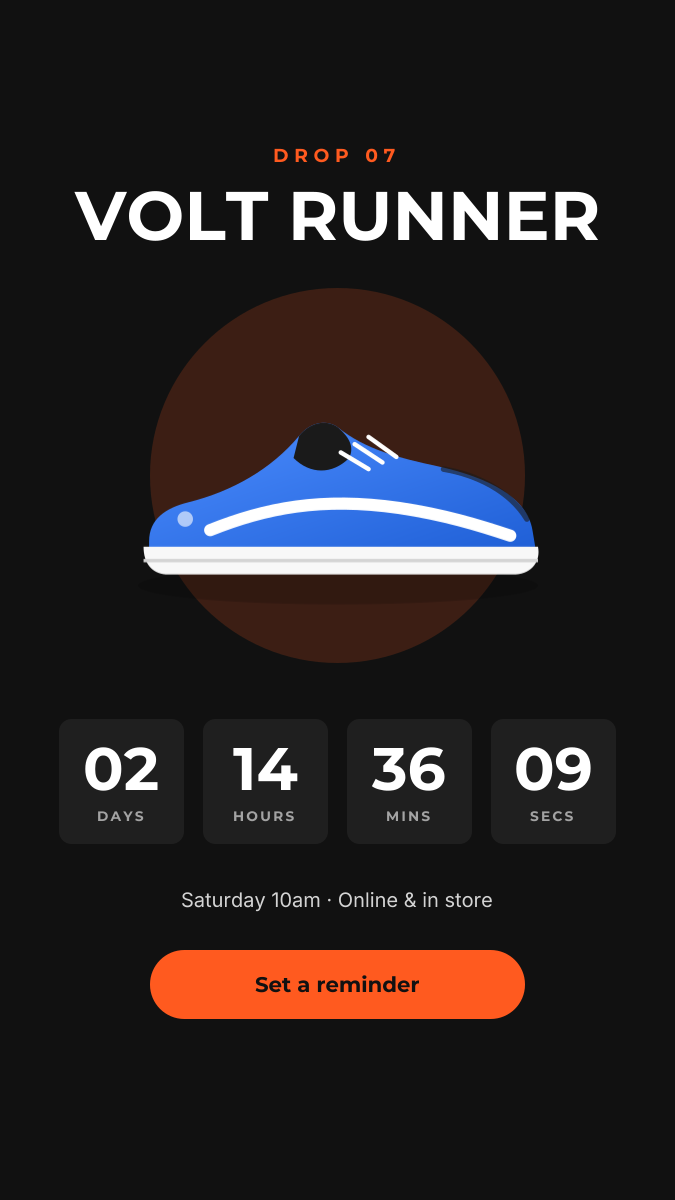
Dark product-drop Story with a glowing hero shot and countdown tiles.
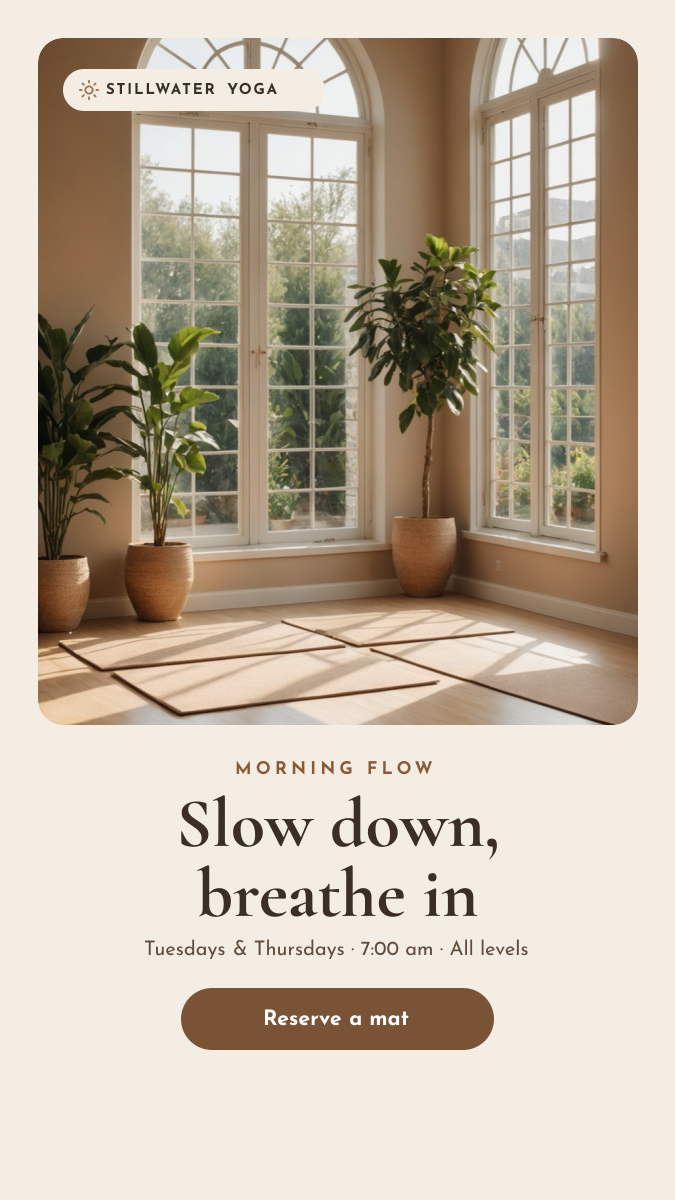
Framed studio photo with a calm serif headline, class times and a reserve button.
Your copy opens in the editor in seconds.
Use this template