E-commerce & retail
Jewelry Collection Post
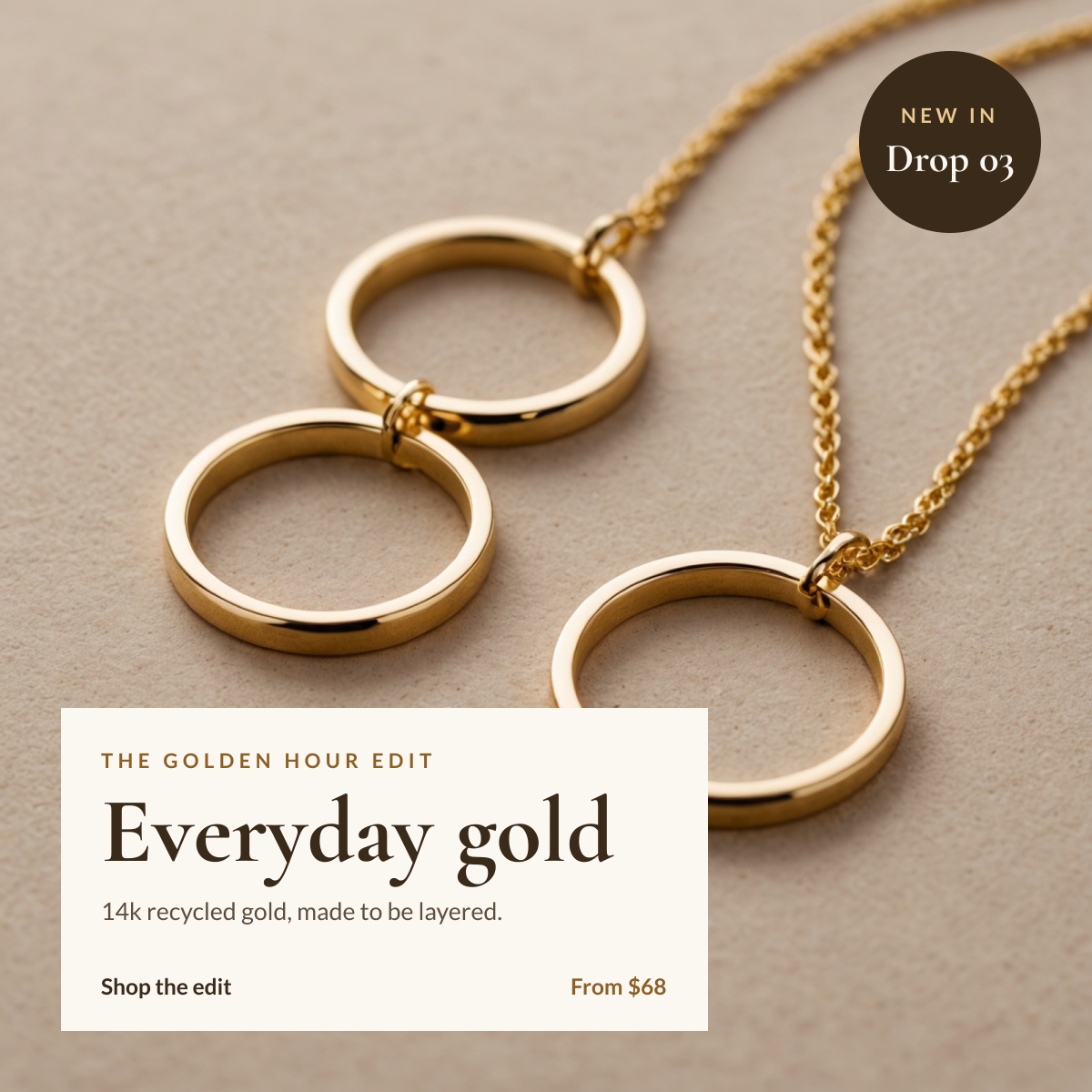
Gold jewelry product photo with a cream caption panel and a new-in badge.
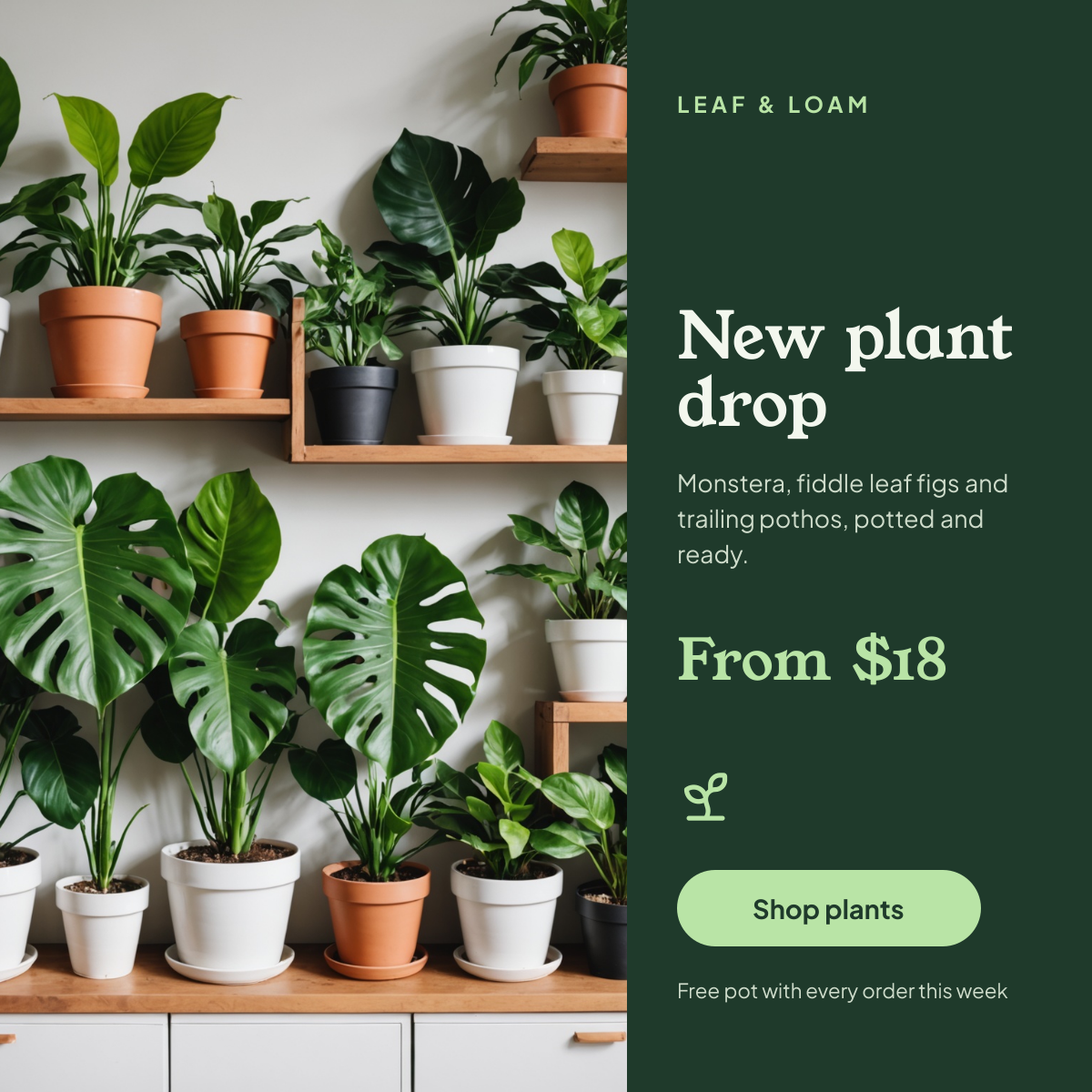
A square post for plant shops, garden centres and florists. A shelf of lush houseplants fills the left side, and a forest green panel on the right carries your shop name, the new drop, a short description, the starting price and a button to shop.
Opens your own copy in the Liena editor — the original stays untouched. Free with a Liena account; downloads on the free plan include a small watermark.
Splitting the canvas keeps the photo untouched and the text perfectly legible. Young Serif's soft, chunky shapes feel friendly and handmade, and Plus Jakarta Sans keeps the details crisp. The pale leaf green is the only accent, used for the name, price, icon and button.
This isn’t a flat image. The design opens as 9 separate layers you can select and change individually.
Double-click to rewrite. Change font (Plus Jakarta Sans, Young Serif by default), size, weight, line height, letter spacing, alignment, case, colour and shadow.
Replace with your own upload, then crop, zoom, pan, flip, round the corners and adjust brightness, contrast, saturation or blur.
Recolour fills with any hex or brand colour, change opacity and corner radius, or resize and rotate decorative elements.
Recolour, resize or delete icons, and add new ones from the built-in Iconify icon search.
Drag to move, resize from any handle, rotate, nudge with arrow keys, reorder or hide layers, duplicate and delete — with undo and redo.
Change the background colour or add a background image, and recolour any shape or text to match your style.
Gold jewelry product photo with a cream caption panel and a new-in badge.
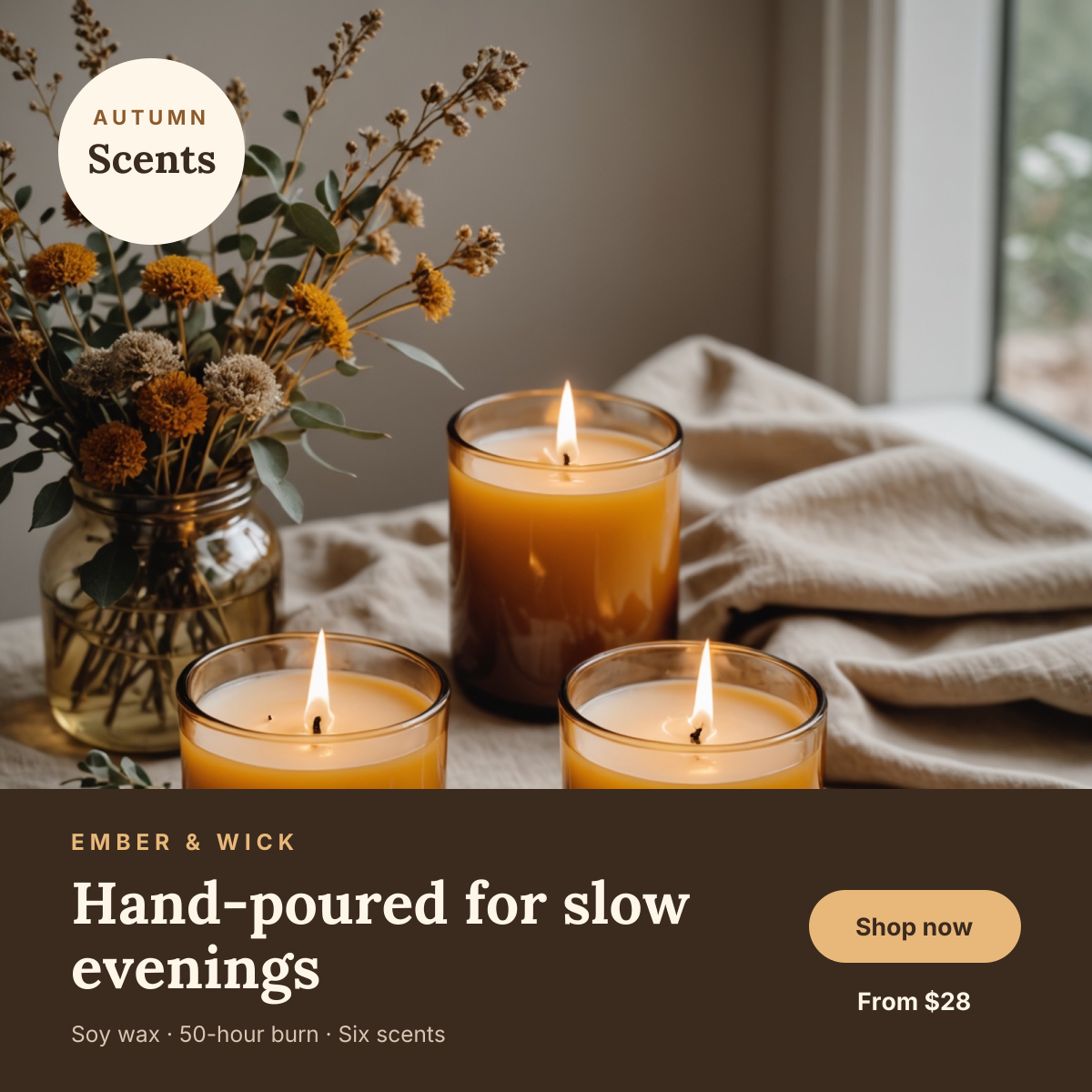
Glowing candle product photo with a dark brown shop band and price.
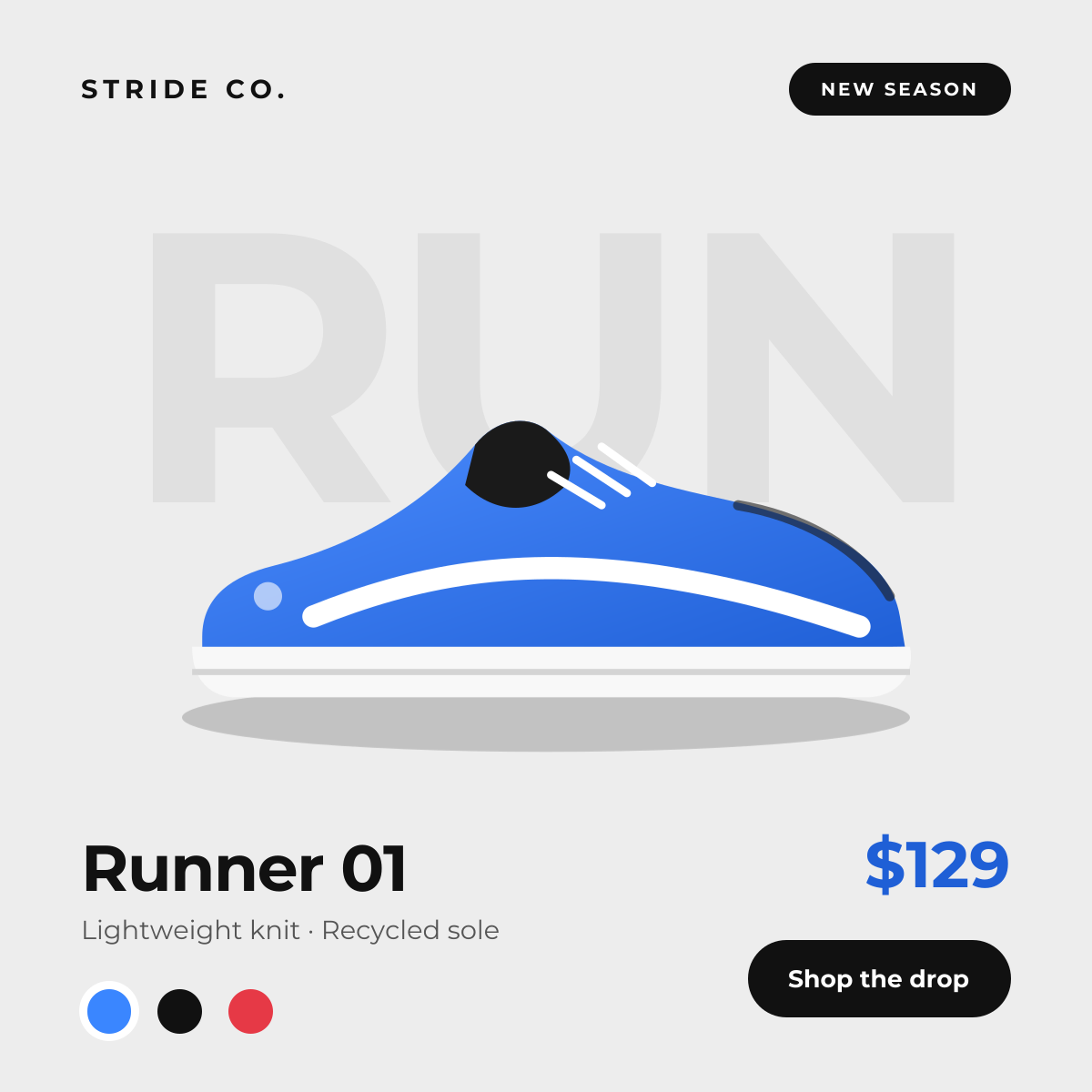
Studio-style product drop with background type and colour swatches.
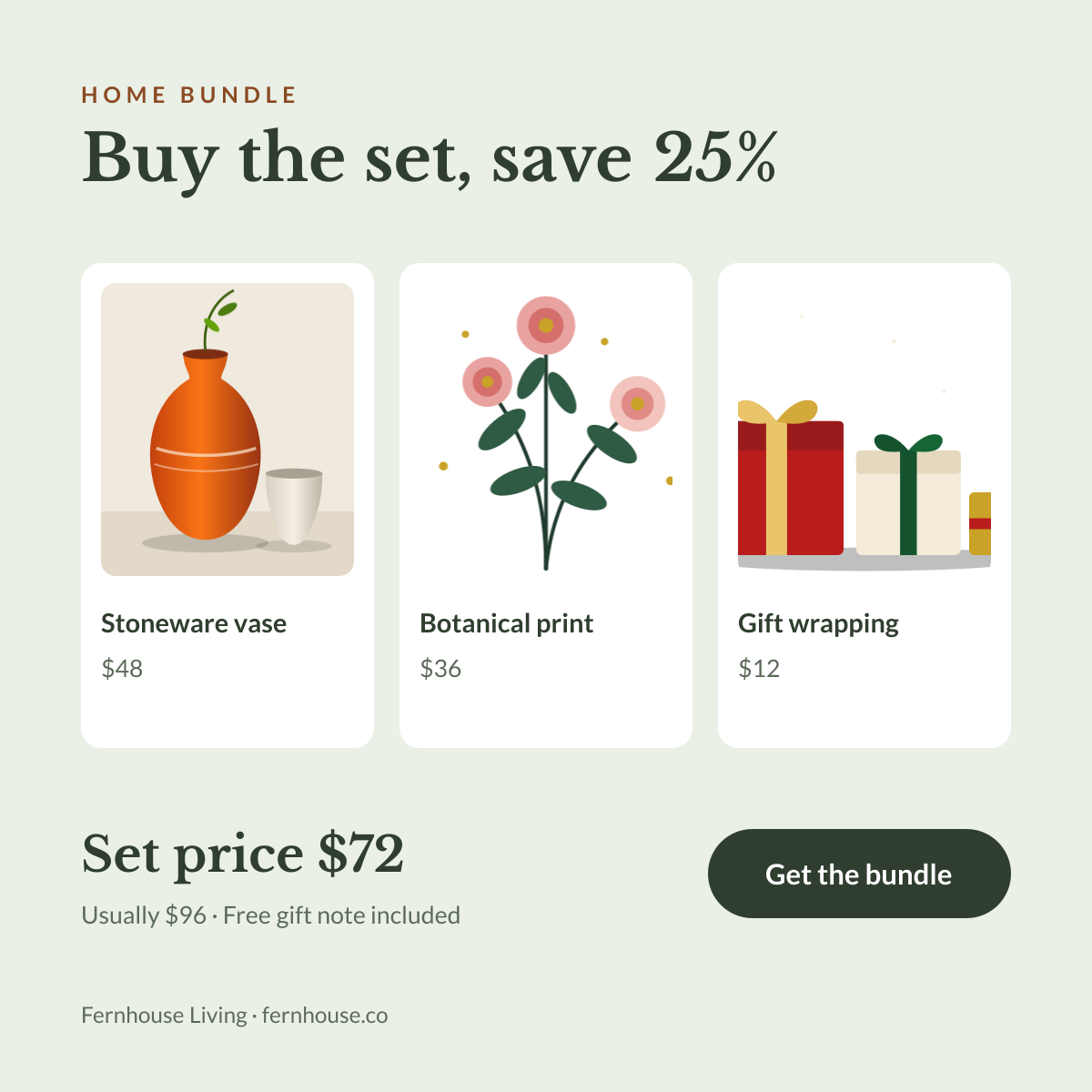
Three product cards with prices and a bundle price that shows the saving.
Your copy opens in the editor in seconds.
Use this template