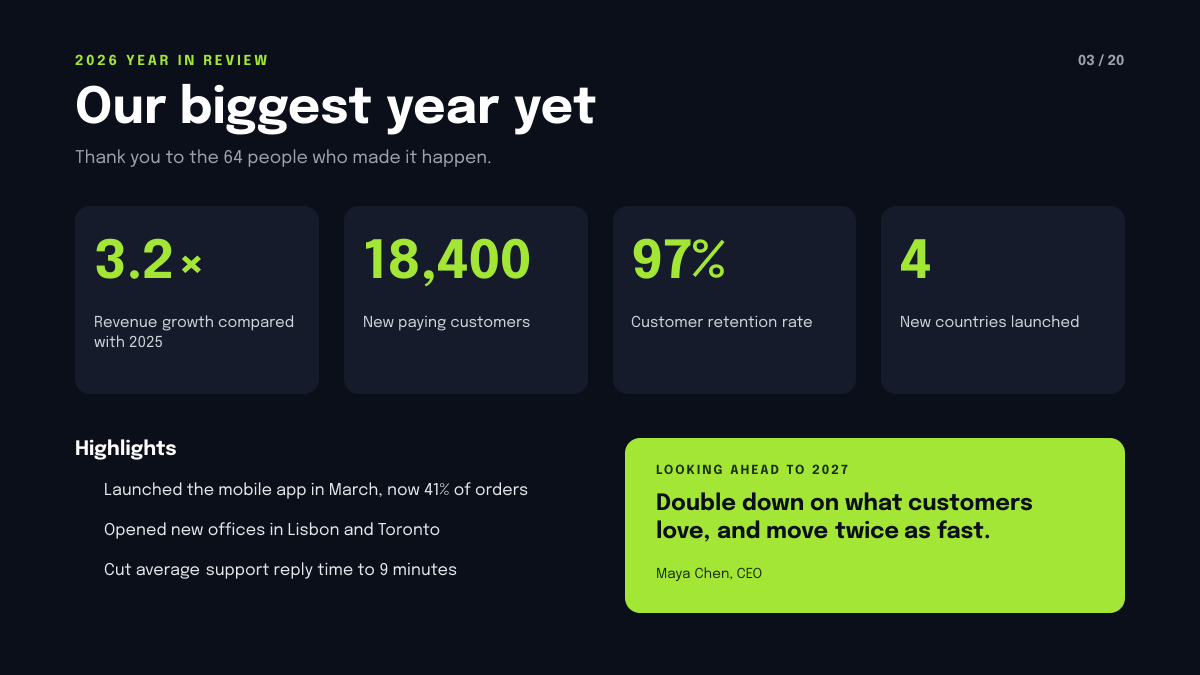
Preview of the Year in Review Slide template: dark slide with four lime kpi tiles, three highlights and a lime card with next year's goal
Business & branding

Year in Review Slide Template

A year in review slide for founders, managers and teams wrapping up the year at an all-hands or board meeting. A near-black slide holds a short title and thank-you, four tiles with big lime numbers for your key results, three highlights with tick icons and a lime card with a quote about next year's focus.

Opens your own copy in the Liena editor — the original stays untouched. Free with a Liena account; downloads on the free plan include a small watermark.

Format
Presentation slide (16:9)
Size
1920 × 1080 px (16:9)
Fonts
Epilogue
Colours
Editable layers
27
Export
PNG, full resolution

Design details

Epilogue has a strong, slightly editorial shape that makes the numbers feel like headlines. Lime on near-black is bright enough to read from the back of the room.

Best for

  • Year in review and annual all-hands decks
  • Board and investor updates
  • End-of-year team celebrations
  • Annual report summary slides

How to customise it

  • Change the four numbers and labels.
  • Edit the highlights to your own wins.
  • Rewrite the goal for next year and who said it.
  • Change the year and slide number.

Everything in this template is editable

This isn’t a flat image. The design opens as 27 separate layers you can select and change individually.

19 text layers

Double-click to rewrite. Change font (Epilogue by default), size, weight, line height, letter spacing, alignment, case, colour and shadow.

5 shapes

Recolour fills with any hex or brand colour, change opacity and corner radius, or resize and rotate decorative elements.

3 icons

Recolour, resize or delete icons, and add new ones from the built-in Iconify icon search.

Layers & layout

Drag to move, resize from any handle, rotate, nudge with arrow keys, reorder or hide layers, duplicate and delete — with undo and redo.

Background & brand

Change the background colour or add a background image, and recolour any shape or text to match your style.

How to use this template

  1. Click “Use this template”. If you’re new to Liena, create a free account first — you’ll come straight back to this design.
  2. Edit the text, replace images and adjust colours. Changes save automatically every 30 seconds, or press Save at any time.
  3. Export a PNG at 1920 × 1080 px. Your design stays in your dashboard to edit again later.
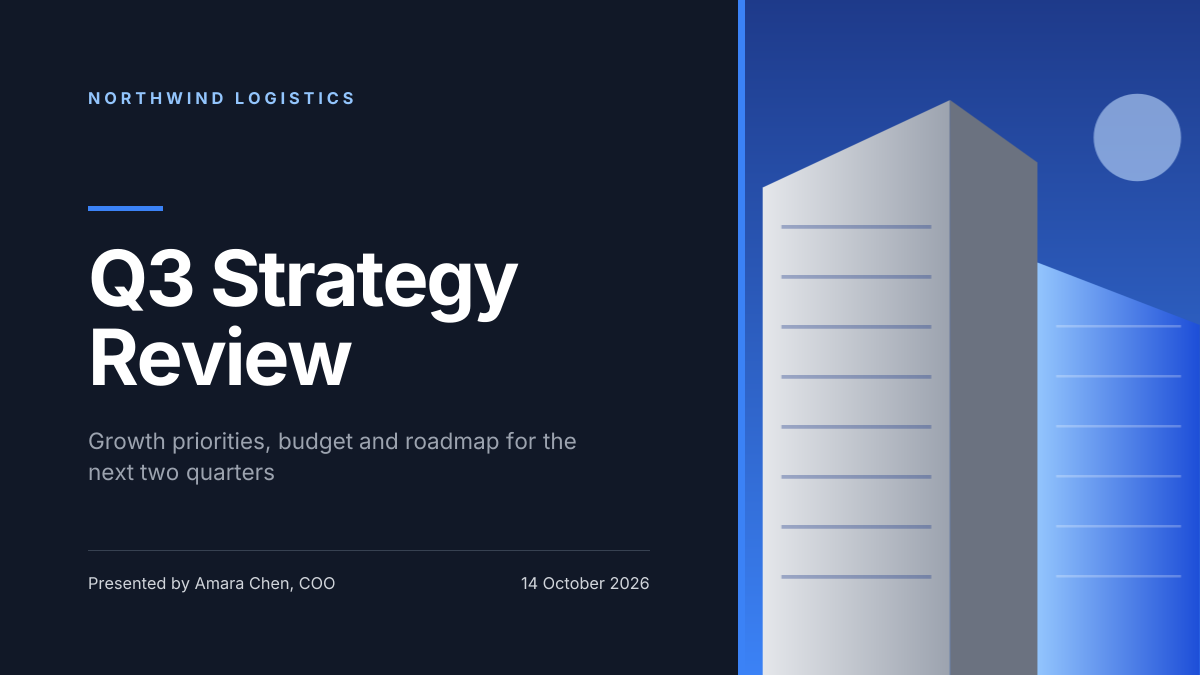
Preview of the Corporate Presentation Cover template: dark 16:9 title slide with an architectural image panel
Business & branding

Corporate Presentation Cover

Dark 16:9 title slide with an architectural image panel.
Presentation slide (16:9) · 1920 × 1080
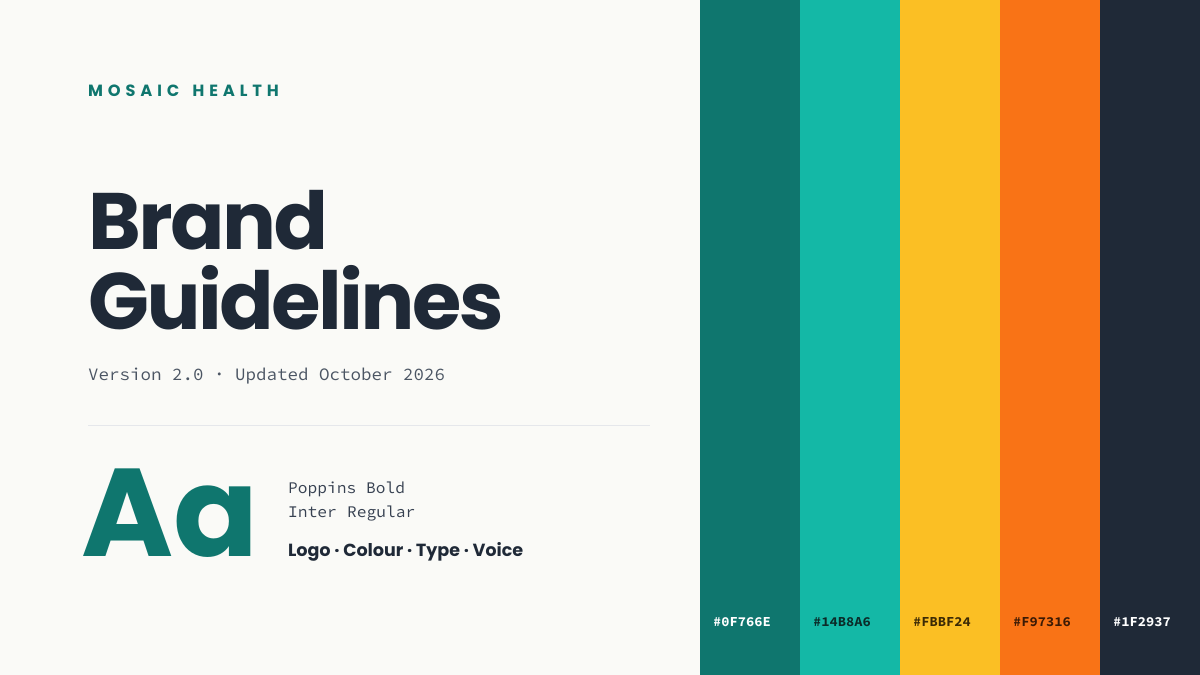
Preview of the Brand Guidelines Cover template: brand book opener with colour swatches, hex codes and a type specimen
Business & branding

Brand Guidelines Cover

Brand book opener with colour swatches, hex codes and a type specimen.
Presentation slide (16:9) · 1920 × 1080
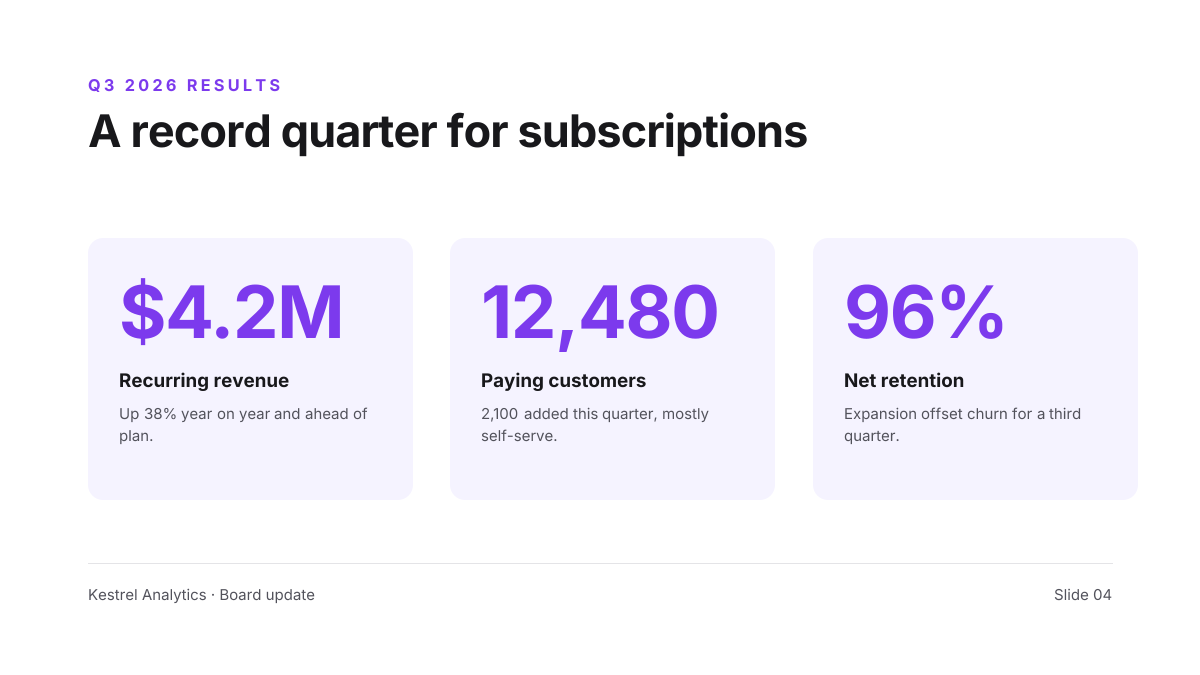
Preview of the Quarterly Results Slide template: three big-number kpi cards under a one-line takeaway headline
Business & branding

Quarterly Results Slide

Three big-number KPI cards under a one-line takeaway headline.
Presentation slide (16:9) · 1920 × 1080
Preview of the Company Overview Slide template: clean white slide with three key stats beside a city skyline photo
Business & branding

Company Overview Slide

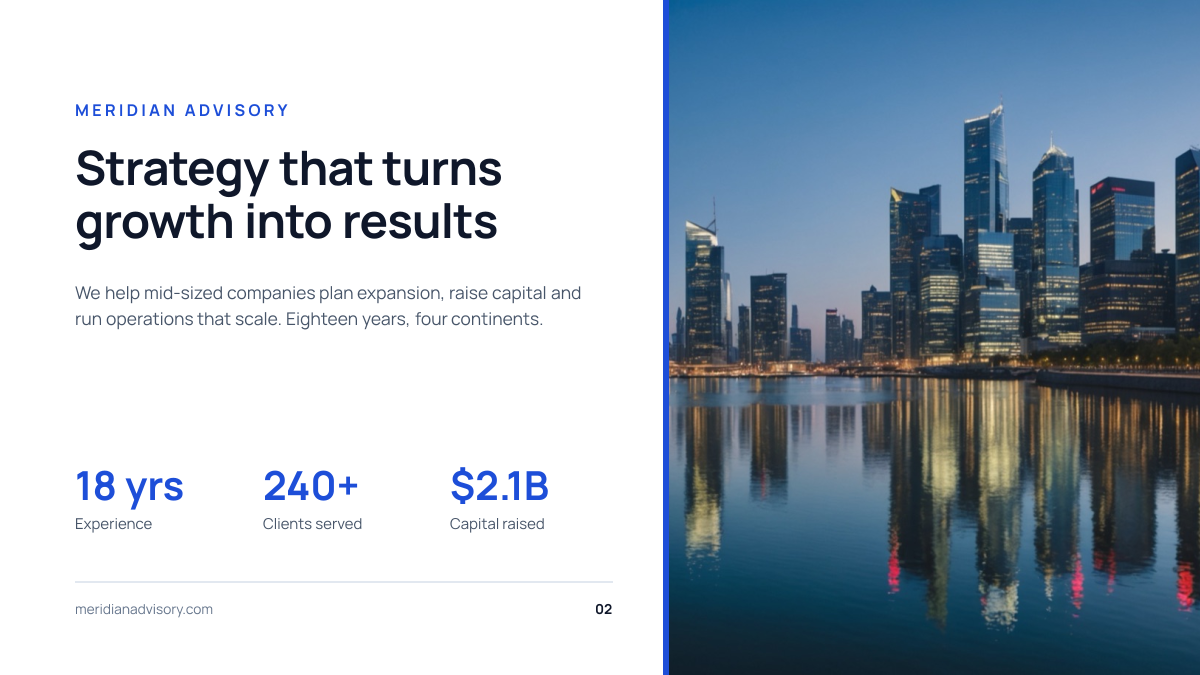
Clean white slide with three key stats beside a city skyline photo.

Presentation slide (16:9) · 1920 × 1080

Start with the year in review slide template

Your copy opens in the editor in seconds.

Use this template