Social media
Instagram Promotional Post
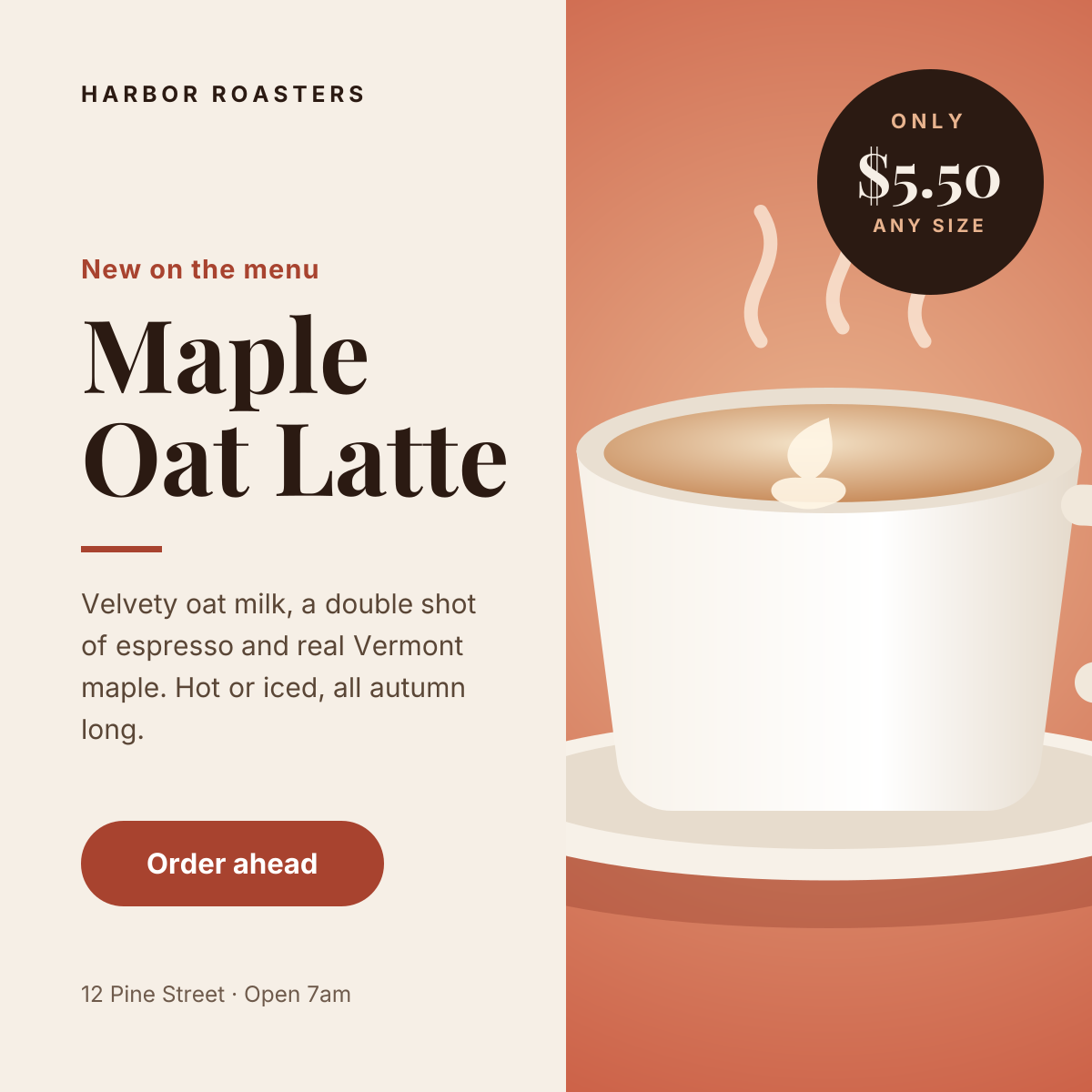
Split layout with a product photo, price badge and a clear order button.

A square post for book clubs, bookshops, libraries and reading groups. A warm reading-nook photo fills the top of the canvas, and a deep brown panel underneath carries the month, the book title, the author, where and when you meet, and an amber date block that makes the day easy to remember.
Opens your own copy in the Liena editor — the original stays untouched. Free with a Liena account; downloads on the free plan include a small watermark.
The photo and the text panel never overlap, so the title stays crisp however busy the image is. Fraunces, a soft old-style serif, gives the book title a literary feel, while Manrope keeps the details clean. The amber date block repeats the lamp light in the photo and is the second thing people notice.
This isn’t a flat image. The design opens as 8 separate layers you can select and change individually.
Double-click to rewrite. Change font (Manrope, Fraunces by default), size, weight, line height, letter spacing, alignment, case, colour and shadow.
Replace with your own upload, then crop, zoom, pan, flip, round the corners and adjust brightness, contrast, saturation or blur.
Recolour fills with any hex or brand colour, change opacity and corner radius, or resize and rotate decorative elements.
Drag to move, resize from any handle, rotate, nudge with arrow keys, reorder or hide layers, duplicate and delete — with undo and redo.
Change the background colour or add a background image, and recolour any shape or text to match your style.
Split layout with a product photo, price badge and a clear order button.
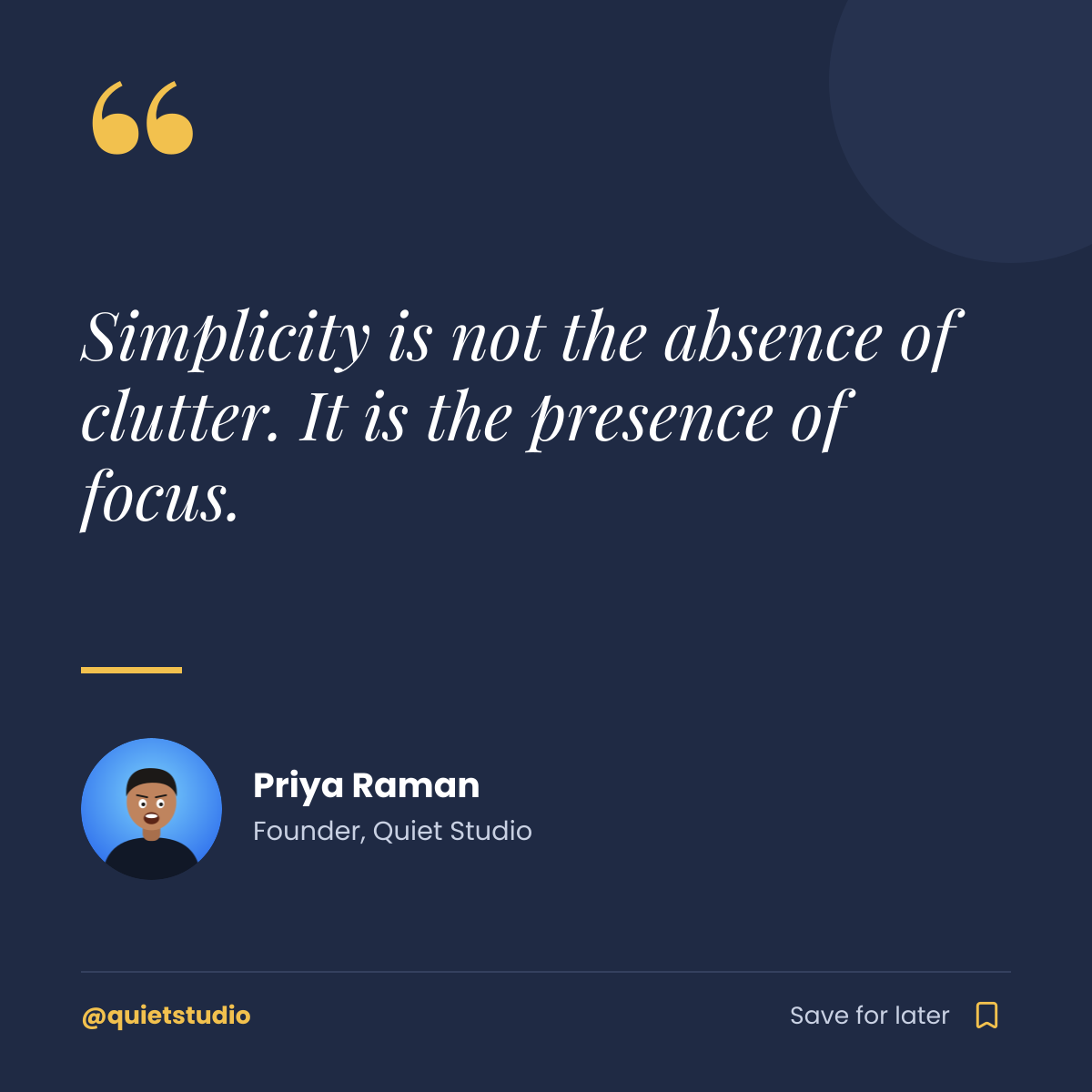
Navy quote card with a gold quote mark, author portrait and save prompt.
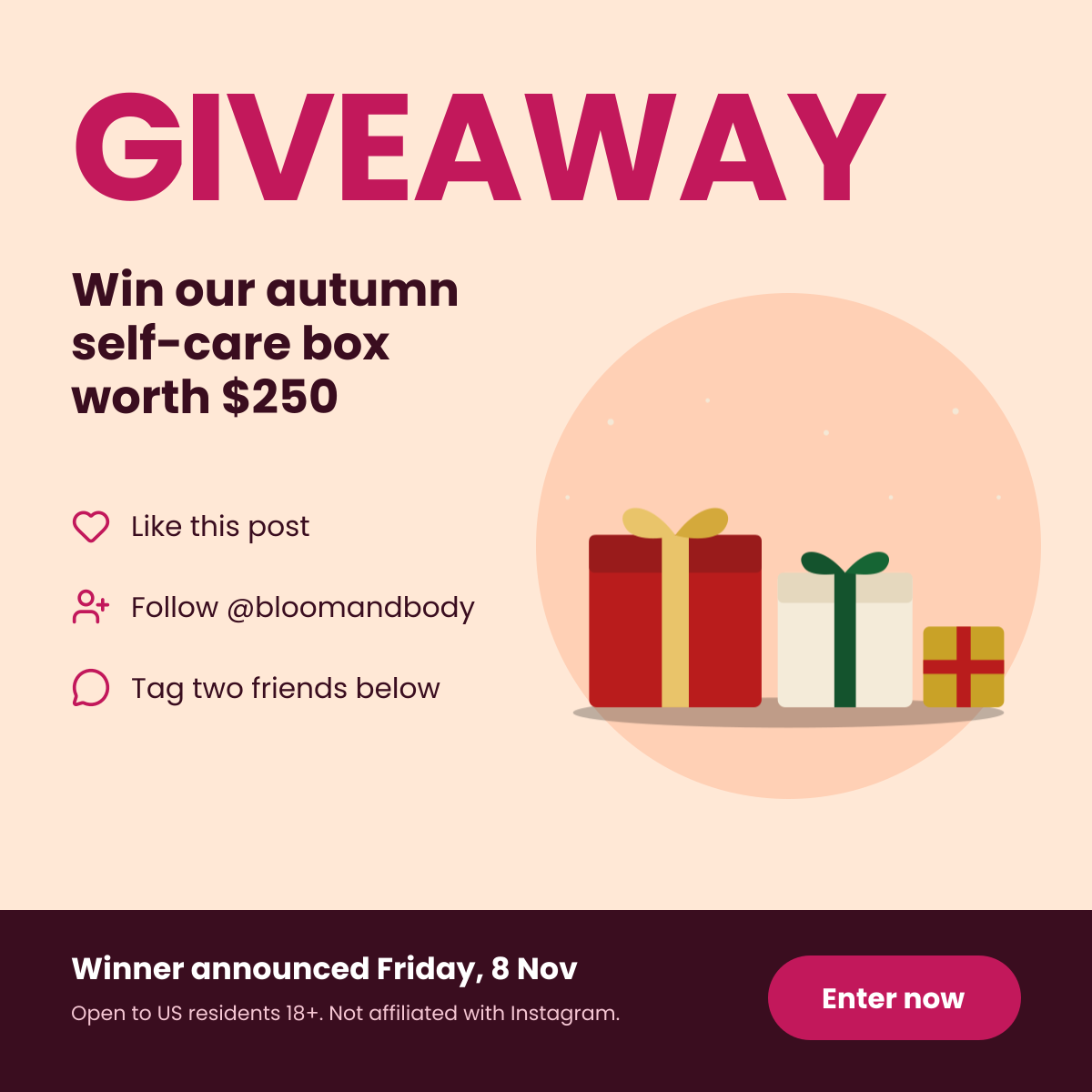
Bold giveaway headline with the prize, three entry steps and terms.
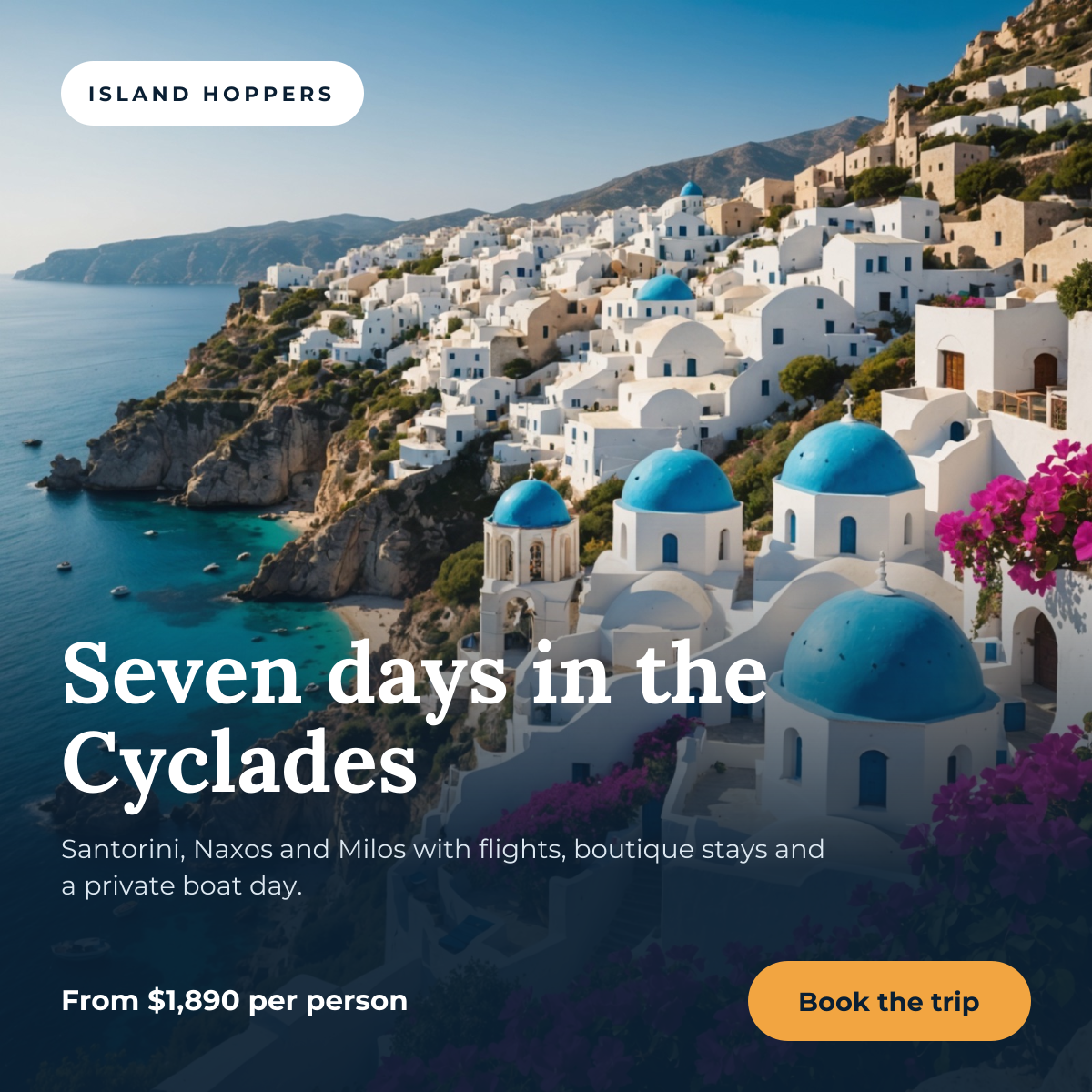
Full-bleed destination photo with a trip headline, price and booking button.
Your copy opens in the editor in seconds.
Use this template