Social media
Chef Recipe Pin Template
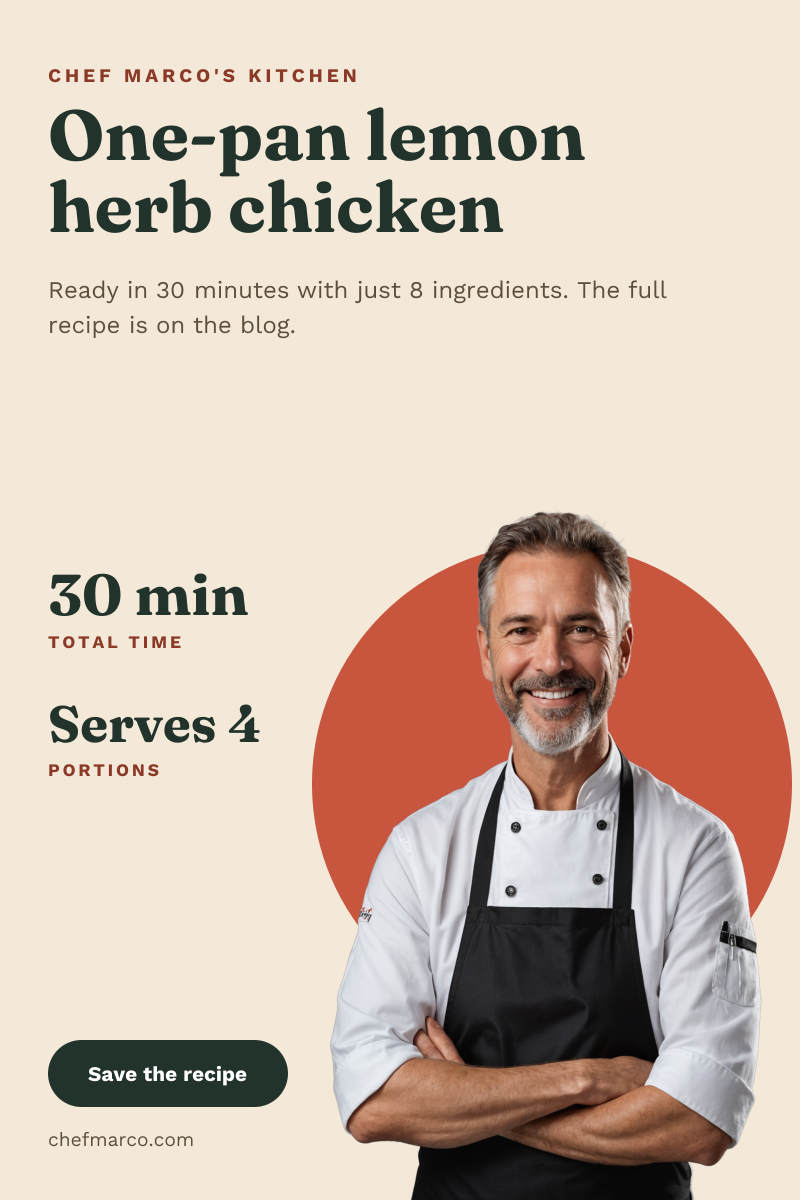
A tall Pinterest pin for chefs, food bloggers and cooking schools. The recipe name sits big at the top, cook time and servings stack down the left, and a smiling chef with no background stands on a terracotta circle in the bottom corner, so the pin feels personal rather than like a stock food photo.
Opens your own copy in the Liena editor — the original stays untouched. Free with a Liena account; downloads on the free plan include a small watermark.
- Format
- Pinterest pin
- Size
- 1000 × 1500 px (2:3)
- Fonts
- Work Sans, Fraunces
- Colours
- Editable layers
- 12
- Export
- PNG, full resolution
Design details
Fraunces gives the recipe name a soft, old-style warmth, and Work Sans keeps the numbers and labels clean. The deep green headline and button balance the terracotta circle, and the cream background matches the chef's white jacket, so the cut-out blends in without a hard edge.
Best for
- Driving traffic to recipes on your food blog
- Promoting a chef's cookbook or newsletter
- Weeknight dinner and meal prep ideas
- Cooking school and recipe video teasers
How to customise it
- Upload your own portrait and remove its background so it sits on the circle.
- Change the recipe name, cook time and servings.
- Swap the terracotta circle for a colour from your dish.
- Replace the website in the footer with your blog link.
Everything in this template is editable
This isn’t a flat image. The design opens as 12 separate layers you can select and change individually.
9 text layers
Double-click to rewrite. Change font (Work Sans, Fraunces by default), size, weight, line height, letter spacing, alignment, case, colour and shadow.
1 image
Replace with your own upload, then crop, zoom, pan, flip, round the corners and adjust brightness, contrast, saturation or blur.
2 shapes
Recolour fills with any hex or brand colour, change opacity and corner radius, or resize and rotate decorative elements.
Layers & layout
Drag to move, resize from any handle, rotate, nudge with arrow keys, reorder or hide layers, duplicate and delete — with undo and redo.
Background & brand
Change the background colour or add a background image, and recolour any shape or text to match your style.
How to use this template
- Click “Use this template”. If you’re new to Liena, create a free account first — you’ll come straight back to this design.
- Edit the text, replace images and adjust colours. Changes save automatically every 30 seconds, or press Save at any time.
- Export a PNG at 1000 × 1500 px. Your design stays in your dashboard to edit again later.
Related templates
Social media
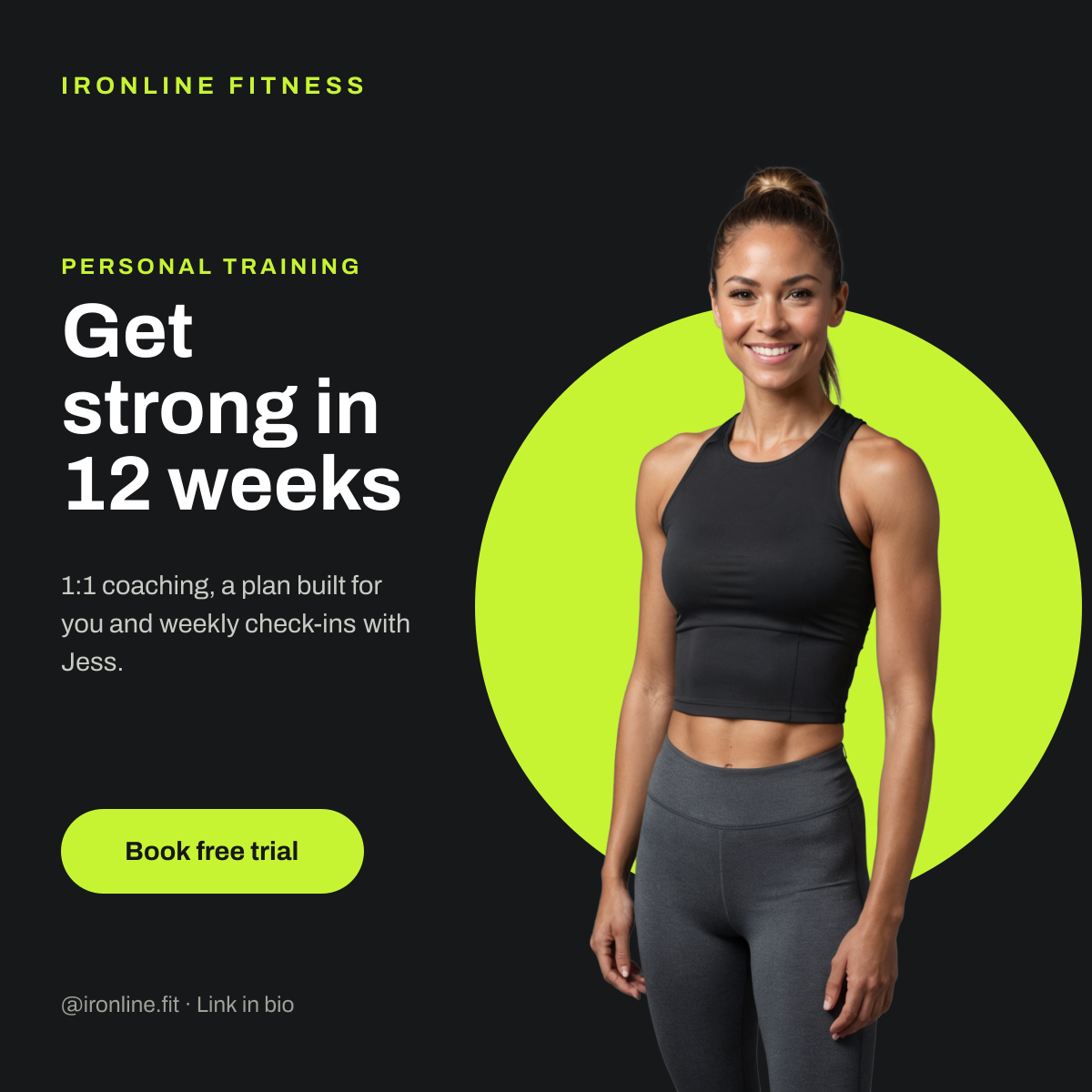
Personal Trainer Post
Cut-out trainer portrait on a lime circle with a bold coaching headline.
Social media
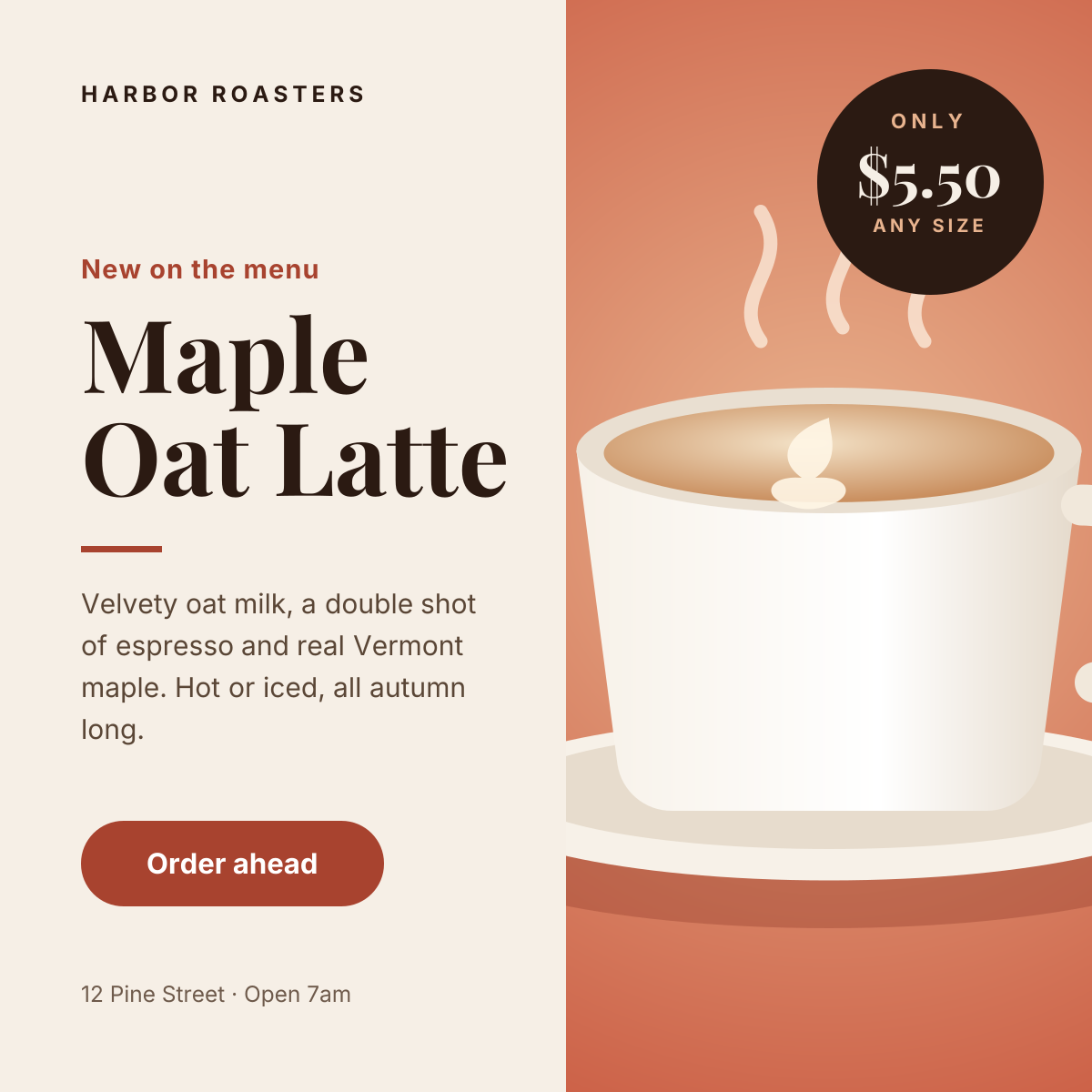
Instagram Promotional Post
Split layout with a product photo, price badge and a clear order button.
Start with the chef recipe pin template
Your copy opens in the editor in seconds.
Use this template