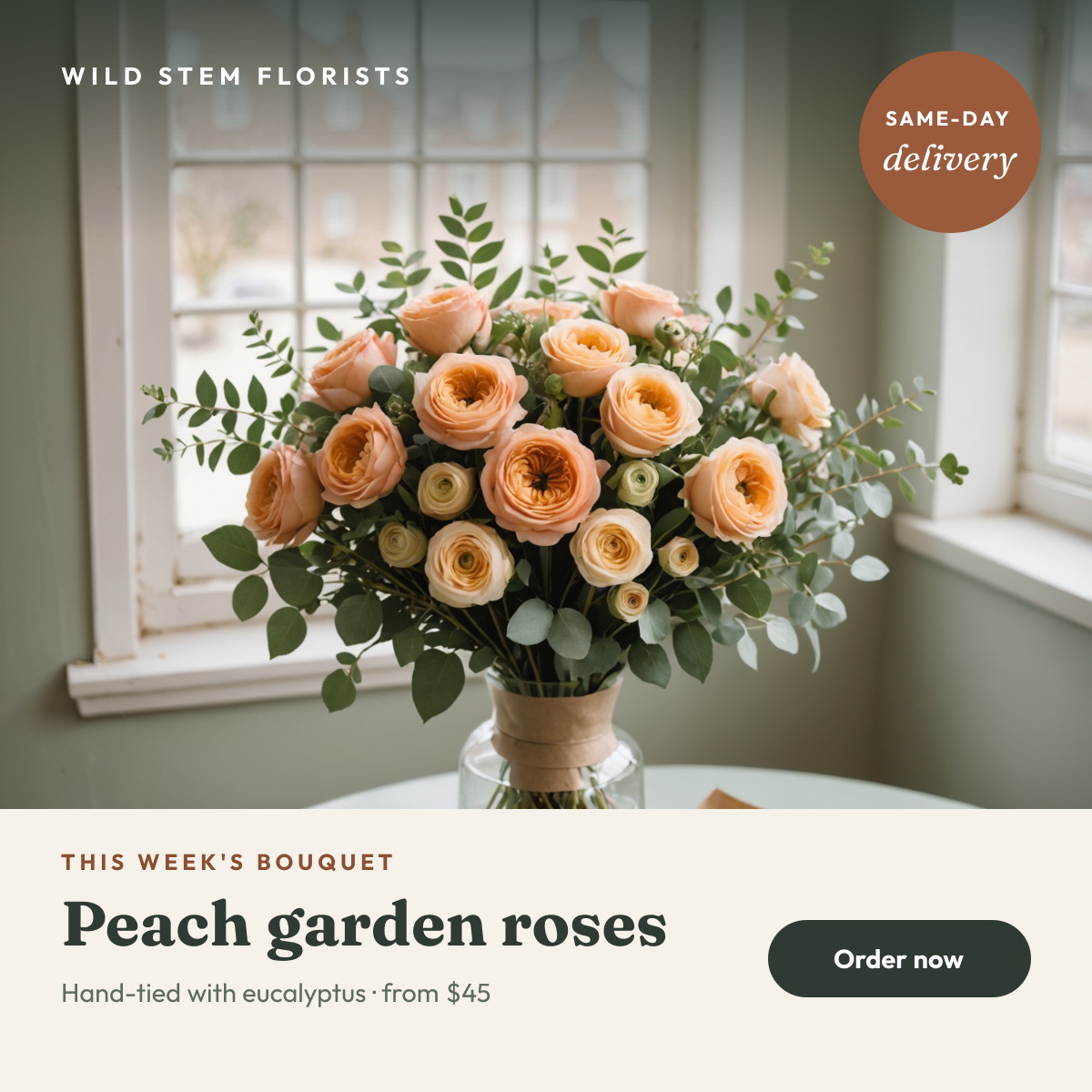
Preview of the Florist Bouquet Post template: rose bouquet photo with a delivery badge, cream text band and order button
Social media

Florist Bouquet Post Template

A square Instagram post for florists and flower delivery shops. A soft, window-lit bouquet photo does most of the selling, a round badge promises same-day delivery, and a cream band along the bottom names the bouquet of the week, its price and how to order.

Opens your own copy in the Liena editor — the original stays untouched. Free with a Liena account; downloads on the free plan include a small watermark.

Format
Instagram post
Size
1080 × 1080 px (1:1)
Fonts
Outfit, Fraunces
Colours
Editable layers
12
Export
PNG, full resolution

Design details

The bottom band is solid cream, so the text stays readable however busy your own photo is, and the bouquet keeps the top two thirds of the post. Fraunces gives the bouquet name a soft, hand-made warmth, while Outfit keeps the price and button crisp. The terracotta badge picks up the colour of the kraft paper in the photo.

Best for

  • Bouquet of the week or seasonal flower posts
  • Mother's Day, Valentine's Day and anniversary pre-orders
  • Same-day delivery and local gifting promotions
  • Wedding and event flower enquiries

How to customise it

  • Swap the photo for your own bouquet, keeping the flowers in the top two thirds.
  • Change the bouquet name and starting price each week.
  • Edit or delete the same-day delivery badge.
  • Replace the shop name in the top-left corner with yours.

Everything in this template is editable

This isn’t a flat image. The design opens as 12 separate layers you can select and change individually.

7 text layers

Double-click to rewrite. Change font (Outfit, Fraunces by default), size, weight, line height, letter spacing, alignment, case, colour and shadow.

1 image

Replace with your own upload, then crop, zoom, pan, flip, round the corners and adjust brightness, contrast, saturation or blur.

4 shapes

Recolour fills with any hex or brand colour, change opacity and corner radius, or resize and rotate decorative elements.

Layers & layout

Drag to move, resize from any handle, rotate, nudge with arrow keys, reorder or hide layers, duplicate and delete — with undo and redo.

Background & brand

Change the background colour or add a background image, and recolour any shape or text to match your style.

How to use this template

  1. Click “Use this template”. If you’re new to Liena, create a free account first — you’ll come straight back to this design.
  2. Edit the text, replace images and adjust colours. Changes save automatically every 30 seconds, or press Save at any time.
  3. Export a PNG at 1080 × 1080 px. Your design stays in your dashboard to edit again later.
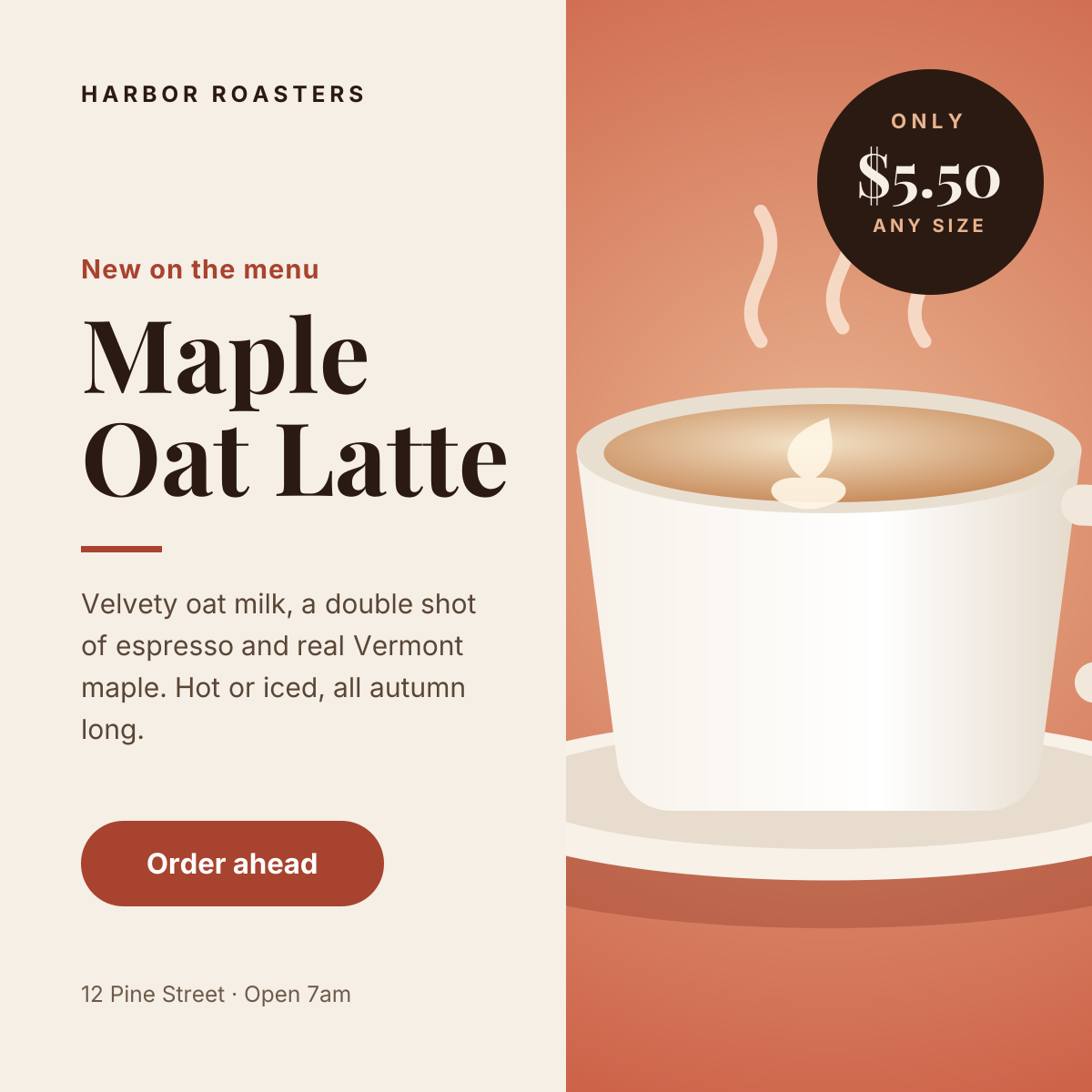
Preview of the Instagram Promotional Post template: split layout with a product photo, price badge and a clear order button
Social media

Instagram Promotional Post

Split layout with a product photo, price badge and a clear order button.
Instagram post · 1080 × 1080
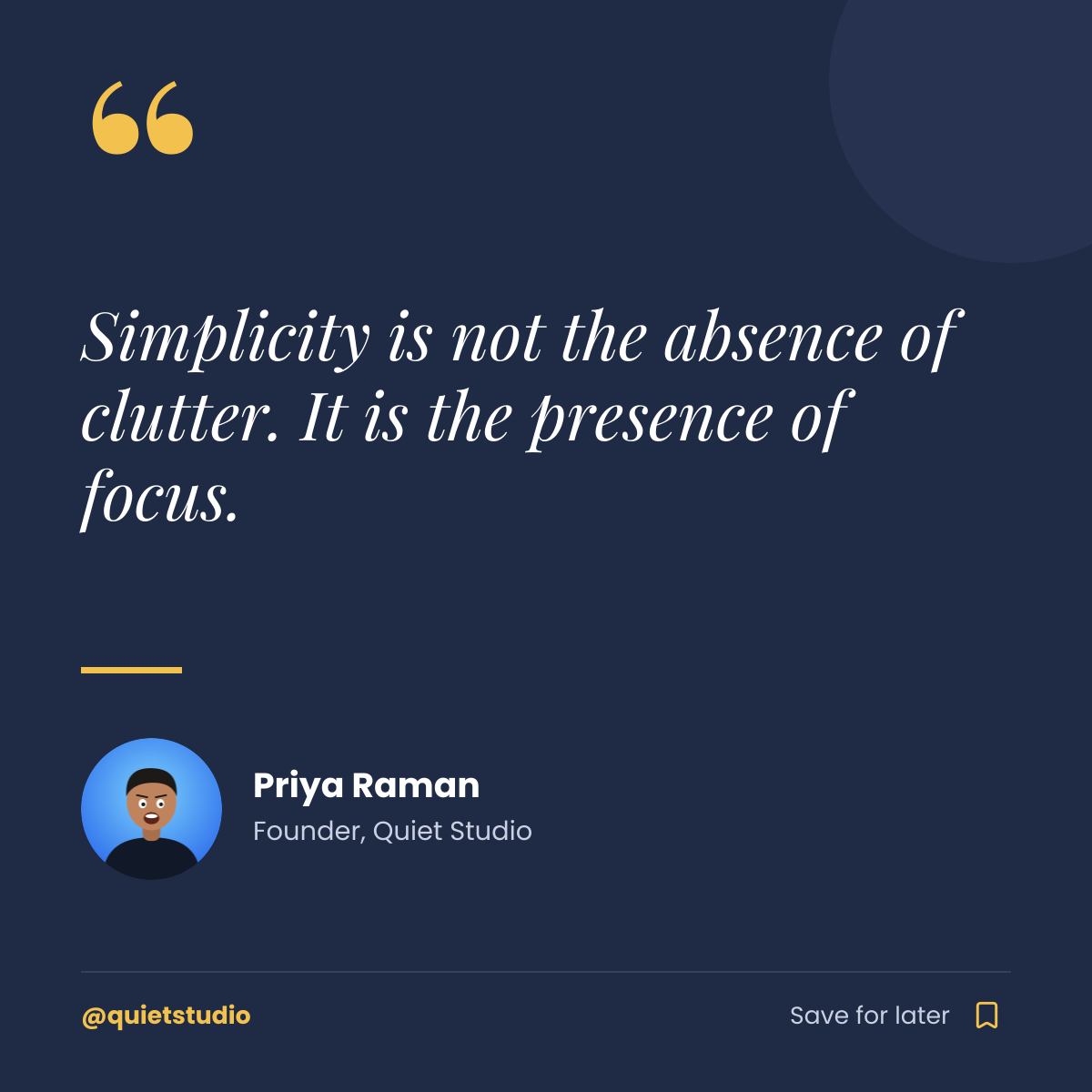
Preview of the Instagram Quote Post template: navy quote card with a gold quote mark, author portrait and save prompt
Social media

Instagram Quote Post

Navy quote card with a gold quote mark, author portrait and save prompt.
Instagram post · 1080 × 1080
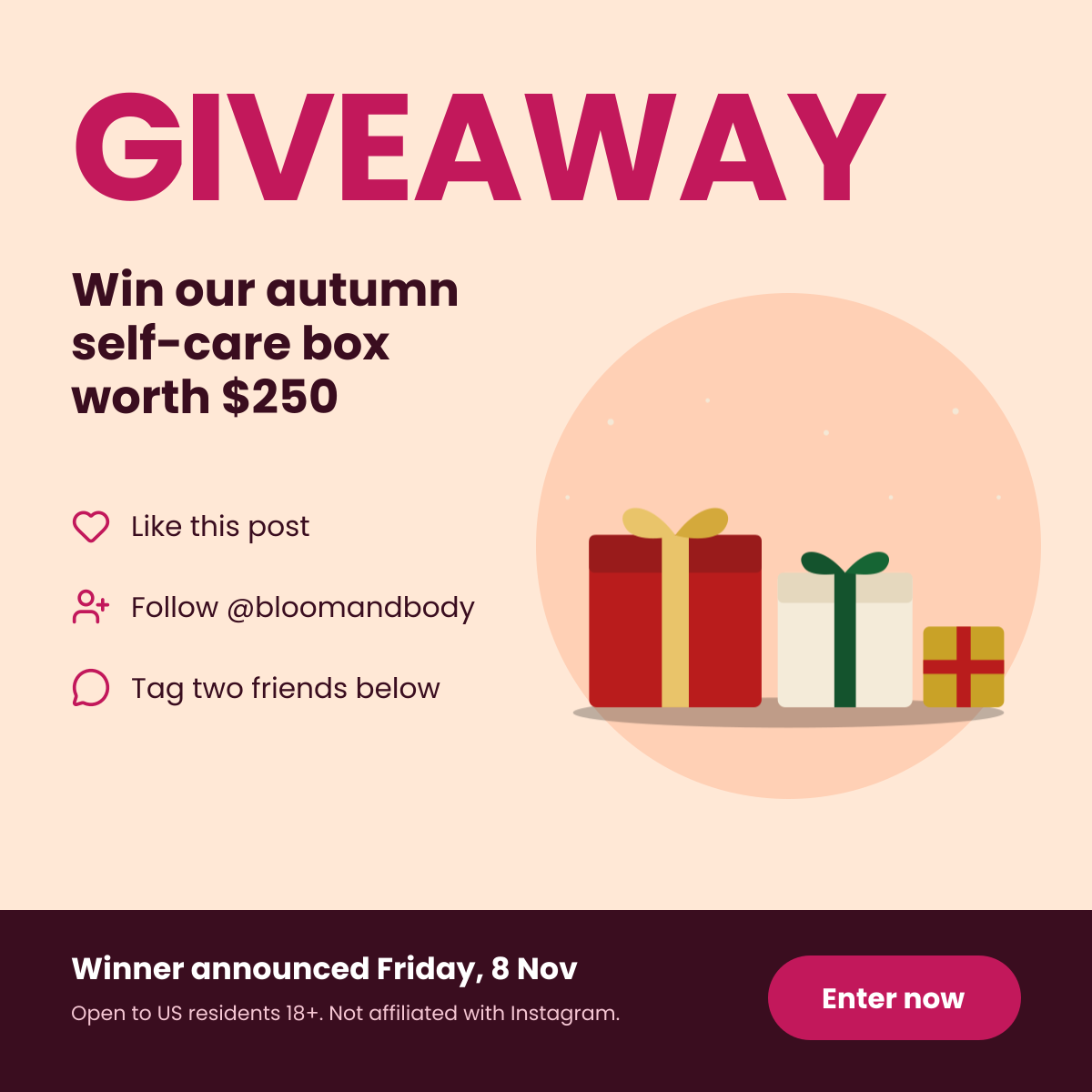
Preview of the Instagram Giveaway Post template: bold giveaway headline with the prize, three entry steps and terms
Social media

Instagram Giveaway Post

Bold giveaway headline with the prize, three entry steps and terms.
Instagram post · 1080 × 1080
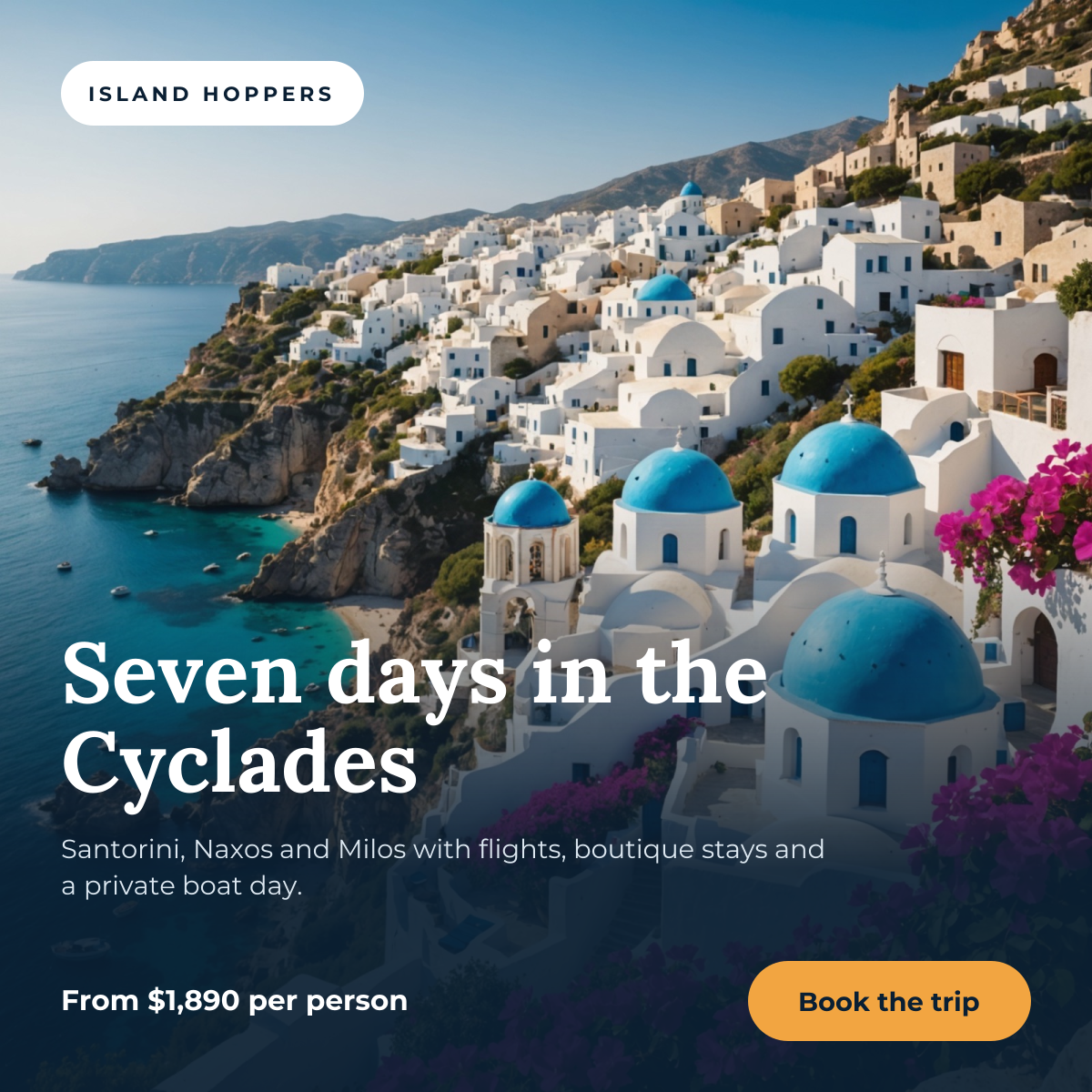
Preview of the Instagram Travel Post template: full-bleed destination photo with a trip headline, price and booking button
Social media

Instagram Travel Post

Full-bleed destination photo with a trip headline, price and booking button.

Instagram post · 1080 × 1080

Start with the florist bouquet post template

Your copy opens in the editor in seconds.

Use this template